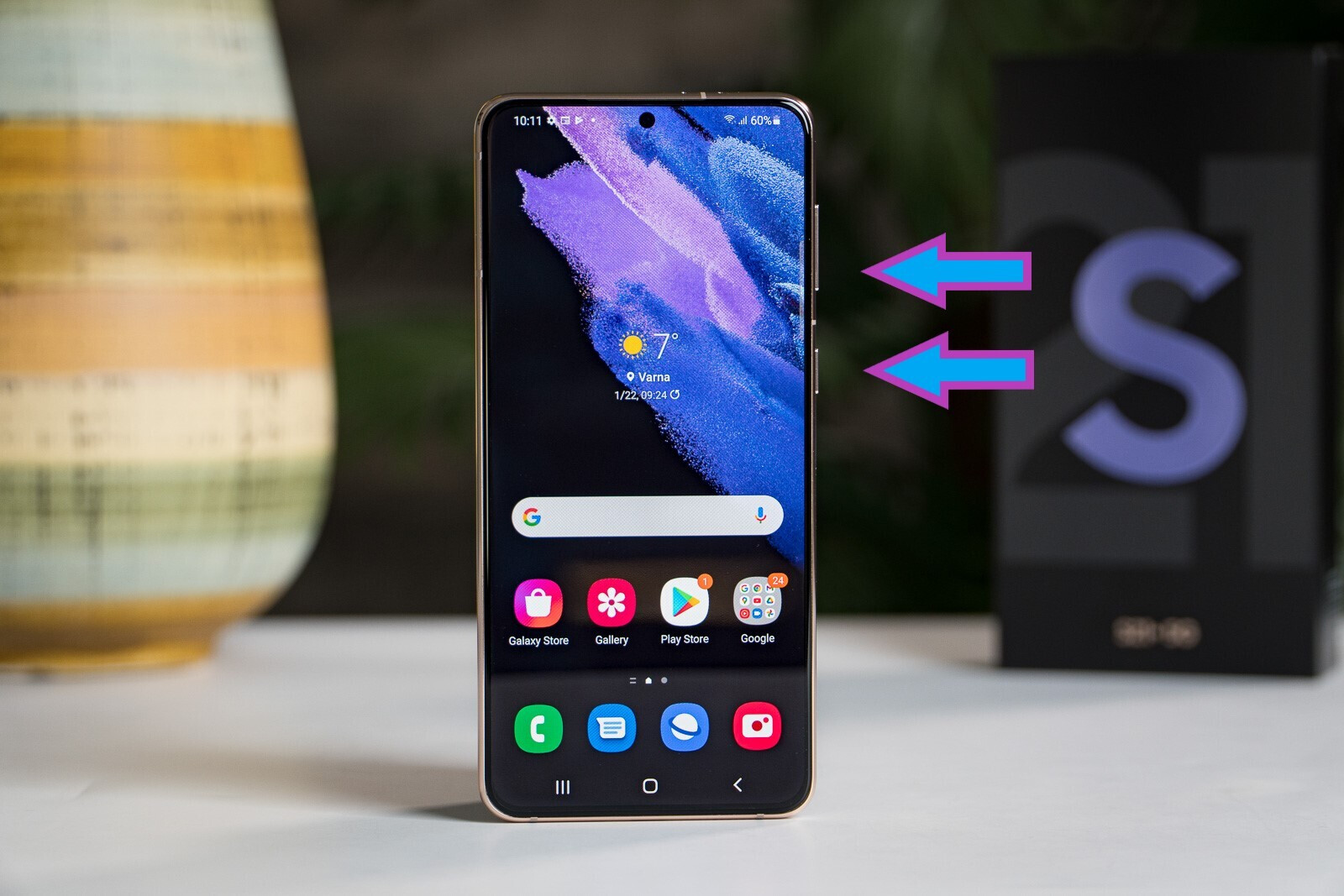
This tag collects all of CellularNews's guides and walkthroughs specifically for the Samsung Galaxy S21 series. It is intended for anyone who owns a Galaxy S21, S21+, or S21 Ultra and needs straightforward, practical help with everyday tasks, common annoyances, and essential phone management.
The articles here solve problems that fall into a few clear categories. Several guides focus on basic control and access, such as how to restart or turn off a Galaxy S21 Ultra, how to open the device, and how to take a screenshot. Another group tackles security and account recovery, with articles explaining how to unlock the phone without a password and how to perform a factory reset without a password. A third set of articles helps with daily settings and storage, including how to turn off read receipts, set up voicemail, block spam calls, and get more storage.
Readers can follow these articles to perform specific actions like checking if their Galaxy S21 is unlocked, locating their downloaded files, or managing their voicemail. Whether the goal is to solve a forgotten password, clear up space, or stop unwanted calls, these guides provide the direct steps needed to get it done.