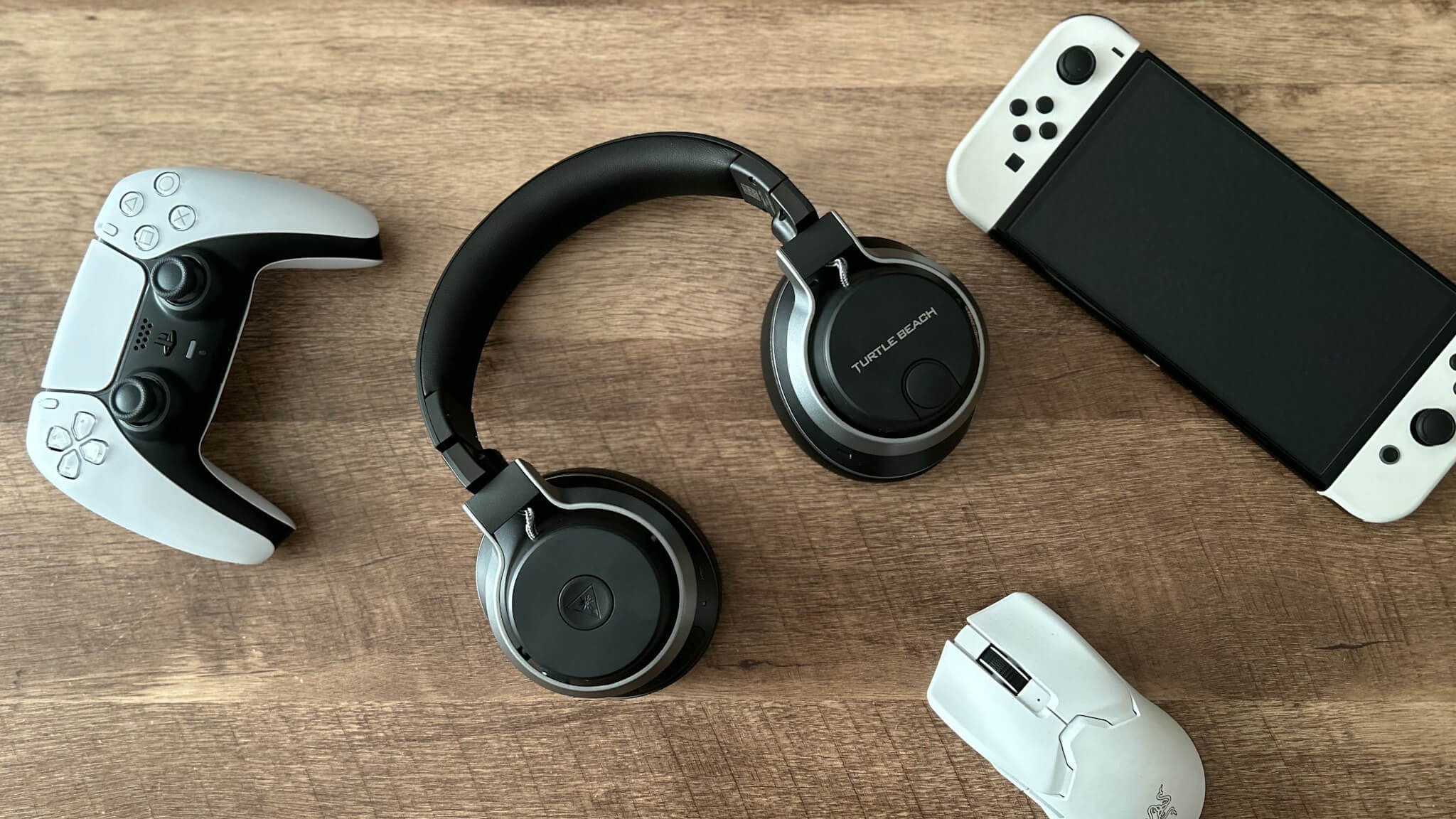
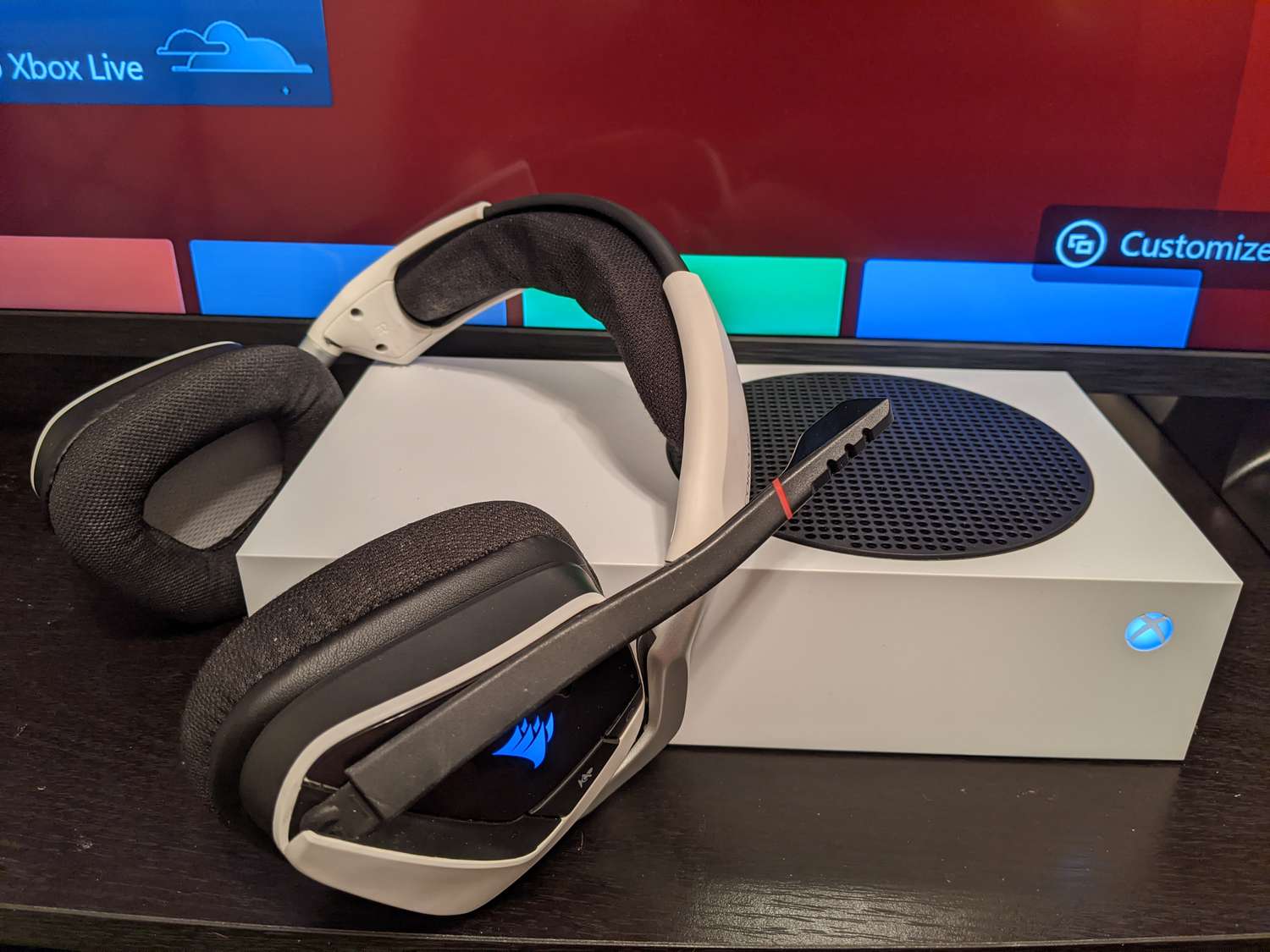
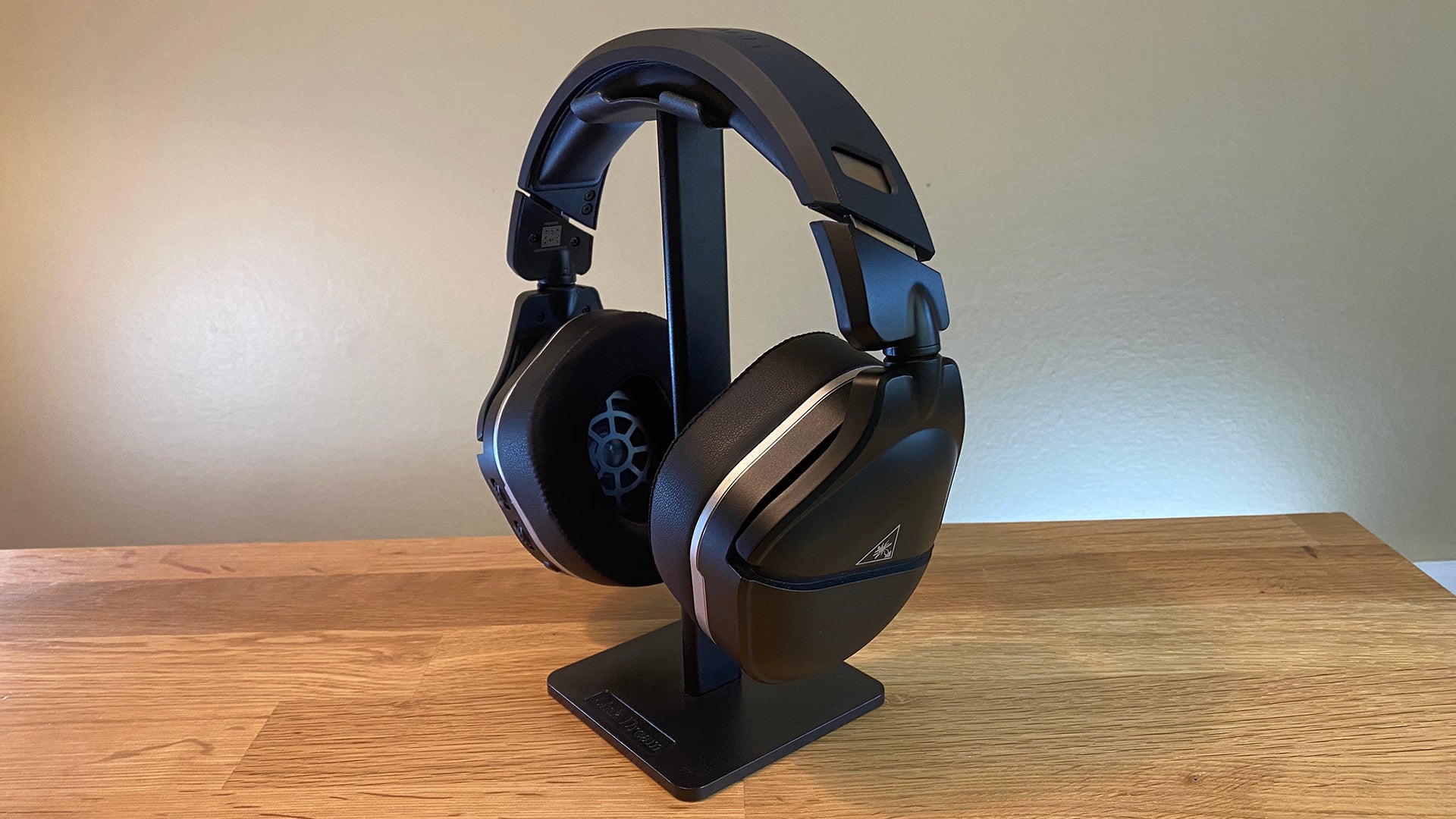
This tag collects all of CellularNews’s guides and explainers focused on gaming headsets, written specifically for mobile and console gamers who use these accessories with their phones, consoles, or carriers’ networks. Whether you are trying to pair a headset to your Xbox or PS4, or just trying to figure out why your Turtle Beach sounds staticky, these articles are built to help you fix the problem yourself.
The articles here fall into two main areas: connection and pairing, and troubleshooting and resets. You will find step-by-step instructions for connecting a HyperX headset to an Xbox, a Corsair wireless headset to an Xbox One, and a Turtle Beach headset to a PS4. On the troubleshooting side, there are dedicated guides for resetting an Xbox Wireless Headset, an Astro A50, and a Turtle Beach headset, plus a general article on how to fix a gaming headset and a specific one explaining why your Turtle Beach headset might be producing static.
Several articles also answer common questions about which headsets the pros use, including what headset Jynxzi uses and what headset pro Call of Duty players prefer, as well as a guide on the best HyperX headset. In short, this collection helps you connect, reset, and diagnose your gaming headset so you can get back to playing without hunting for answers across multiple sites.