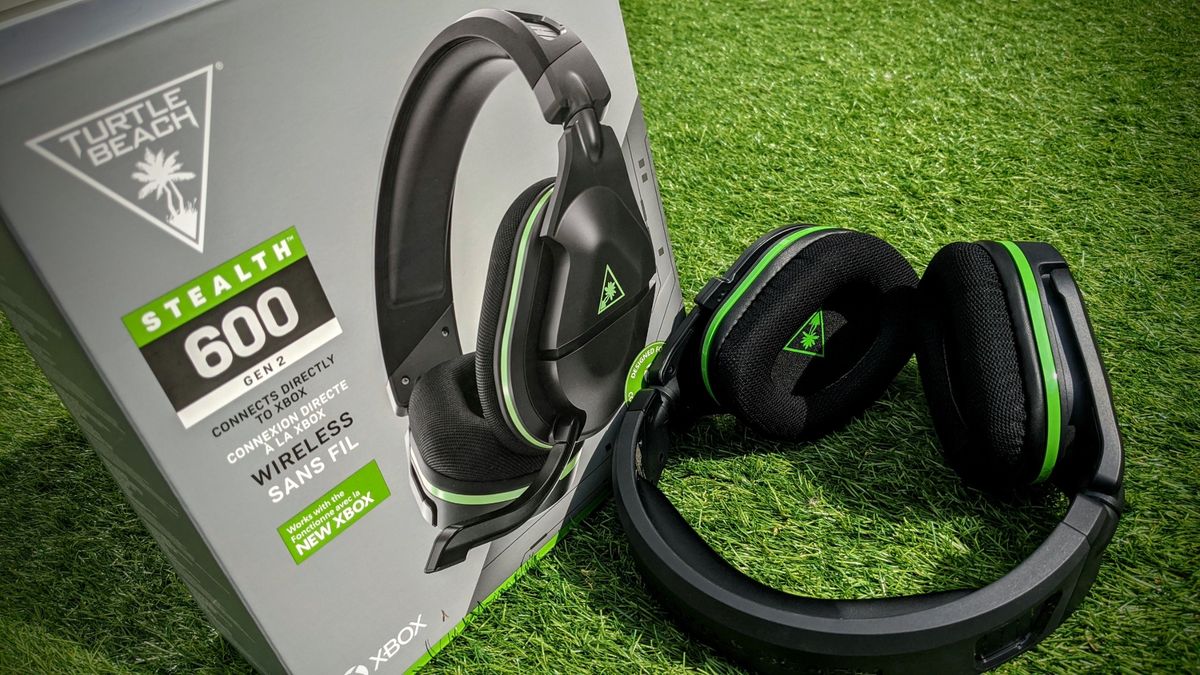
Start here: gaming headset

All topics →

This tag collects all of CellularNews’s guides and explainers focused on gaming headsets, written specifically for mobile and console gamers who use these accessories with their phones, consoles, or carriers’ networks. Whether you are trying to pair a headset to your Xbox or PS4, or just trying to figure out why your Turtle Beach sounds staticky, these articles are built to help you fix the problem yourself.

The articles here fall into two main areas: connection and pairing, and troubleshooting and resets. You will find step-by-step instructions for connecting a HyperX headset to an Xbox, a Corsair wireless headset to an Xbox One, and a Turtle Beach headset to a PS4. On the troubleshooting side, there are dedicated guides for resetting an Xbox Wireless Headset, an Astro A50, and a Turtle Beach headset, plus a general article on how to fix a gaming headset and a specific one explaining why your Turtle Beach headset might be producing static.

Several articles also answer common questions about which headsets the pros use, including what headset Jynxzi uses and what headset pro Call of Duty players prefer, as well as a guide on the best HyperX headset. In short, this collection helps you connect, reset, and diagnose your gaming headset so you can get back to playing without hunting for answers across multiple sites.
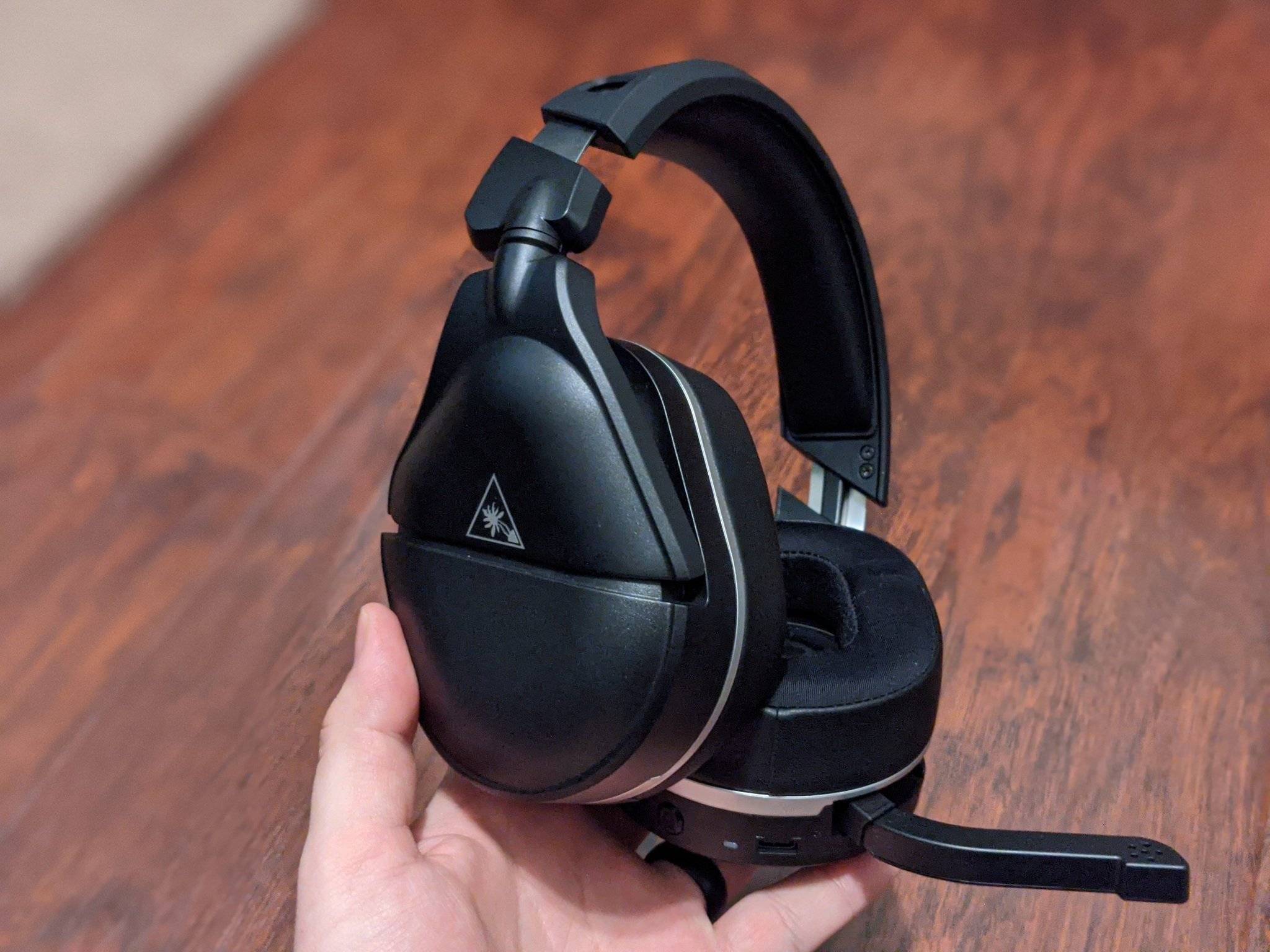
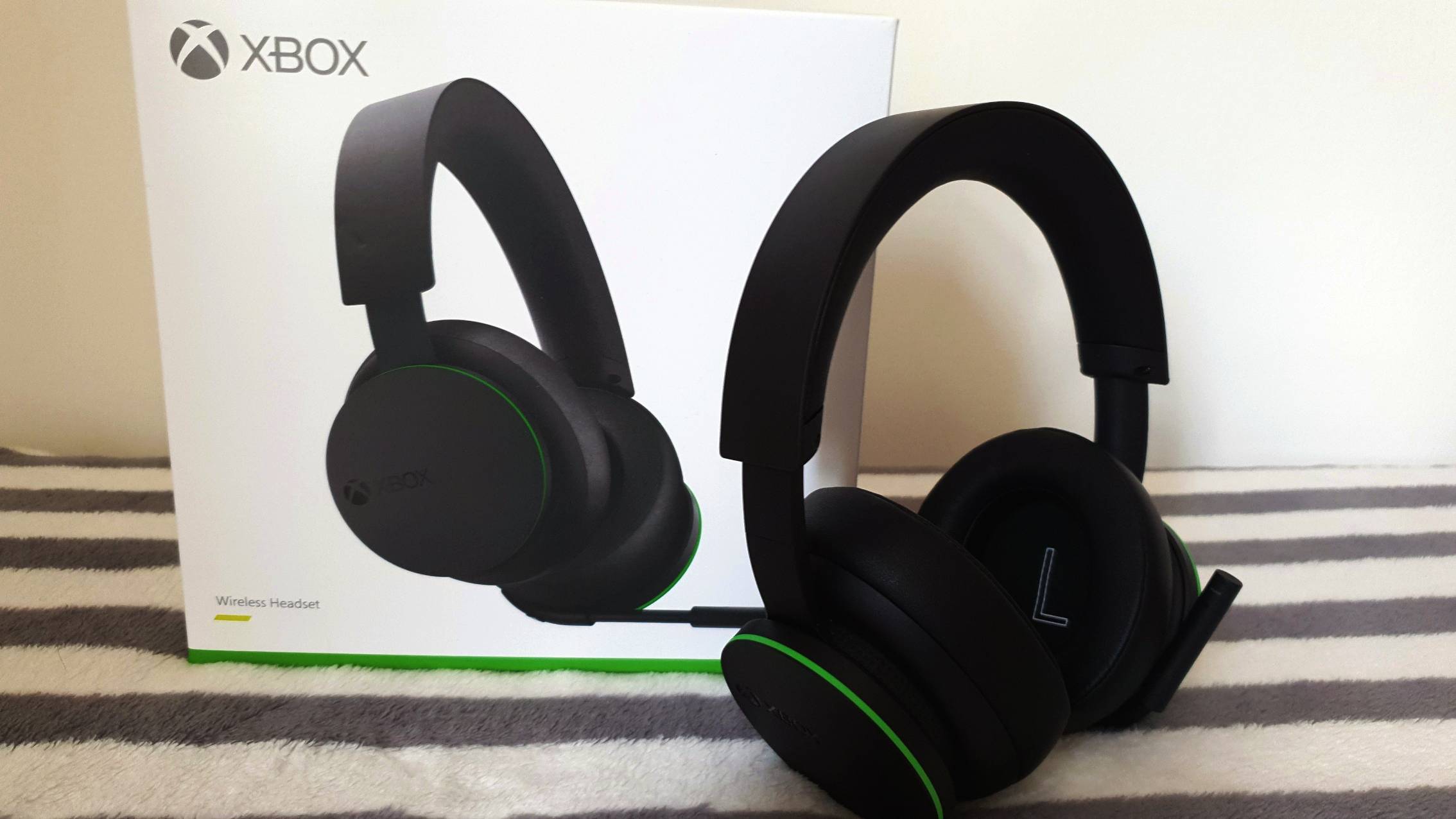
Troubleshooting Your Gaming Headset

Start here for gaming headset troubleshooting When a headset goes completely silent or refuses to power on, the first step in troubleshooting a non-working gaming headset is often the simplest...

How To Reset Xbox Wireless Headset

To reset your Xbox Wireless Headset, start with a power cycle to clear temporary glitches, as the exact factory reset button sequence is not officially documented in a universal way....

How To Fix Gaming Headset

To fix gaming headset no sound on iPhone or Android, first check the Bluetooth connection and set the headset as the audio output. This direct step resolves most mobile audio...

What Gaming Headset Do The Pros Use

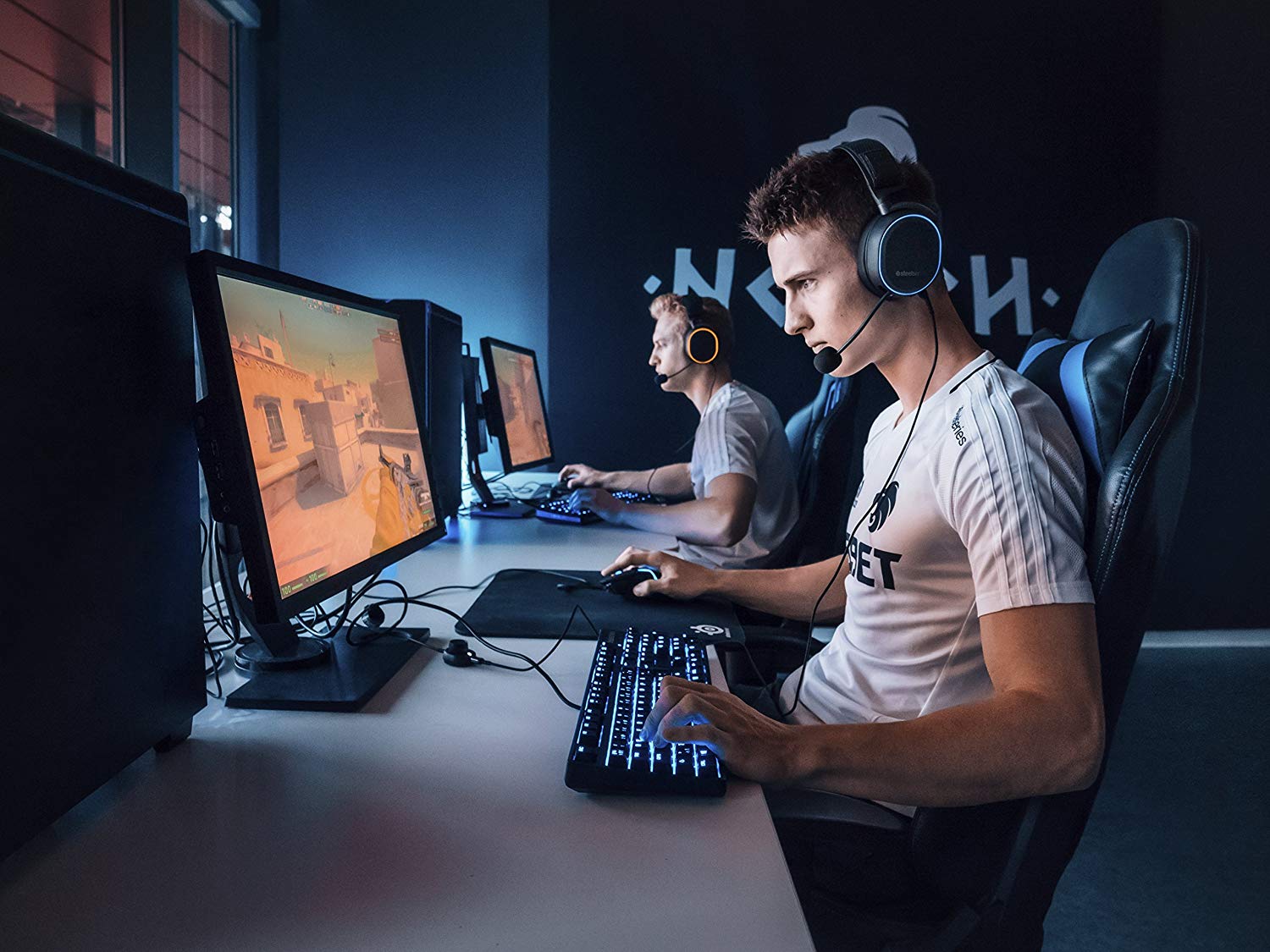
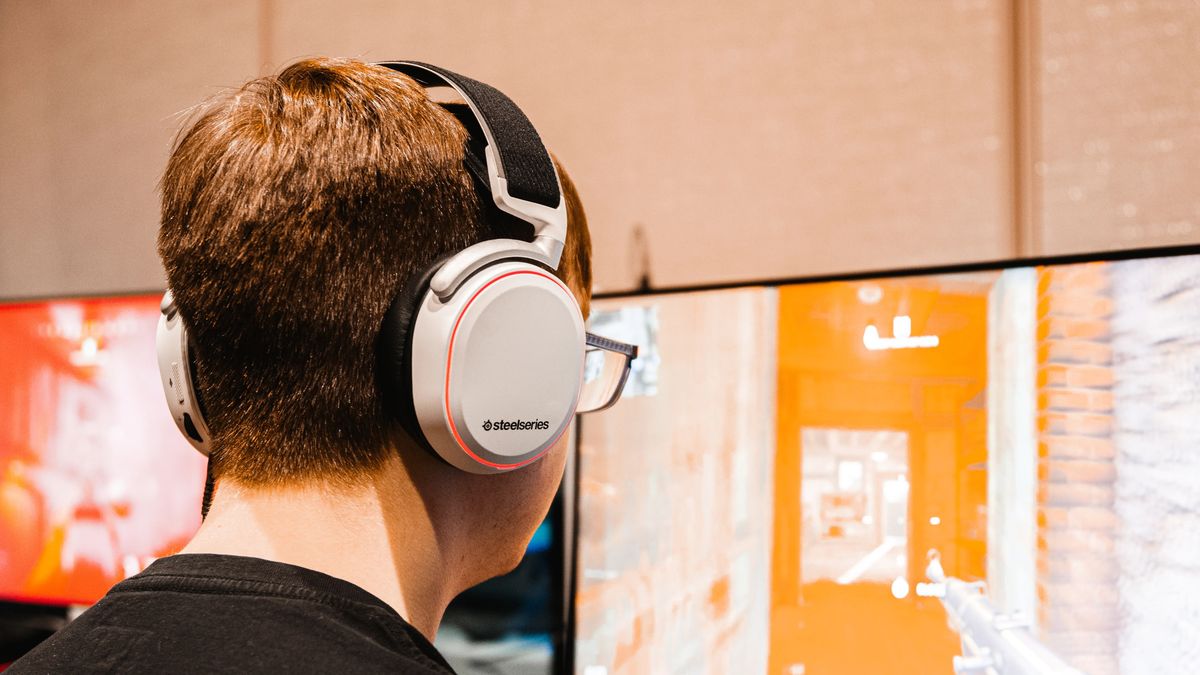
The best gaming headsets used by professional esports players include the HyperX Cloud II, Razer BlackShark V2, SteelSeries Arctis Pro, and Astro A40 TR. These models are chosen for their...

How To Reset My Astro A50 Headset

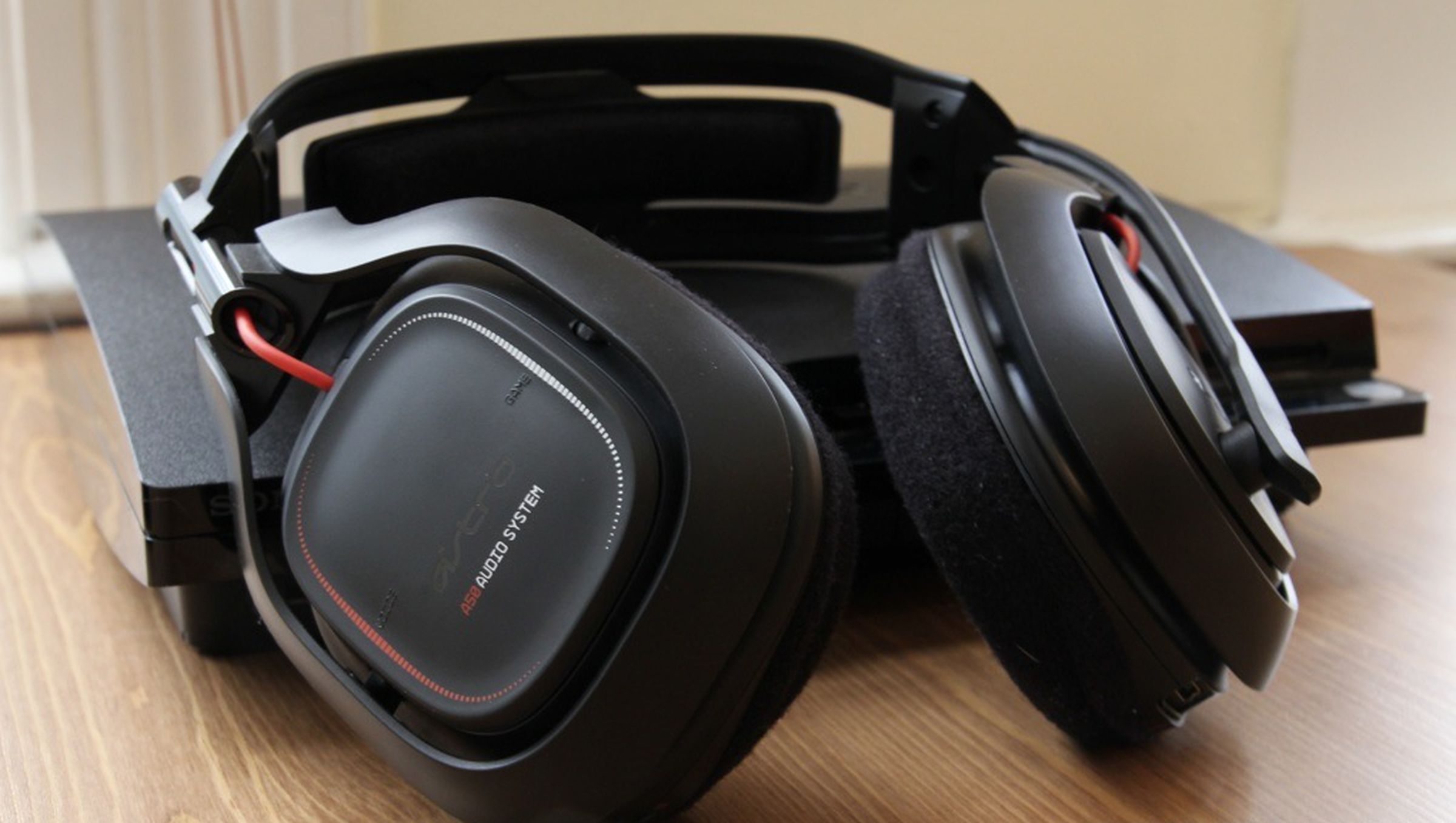
To reset your Astro A50 headset, simultaneously press and hold the Dolby button and the Game button while the headset is turned on. This is the correct button combination to...

What Is The Best Hyper X Headset

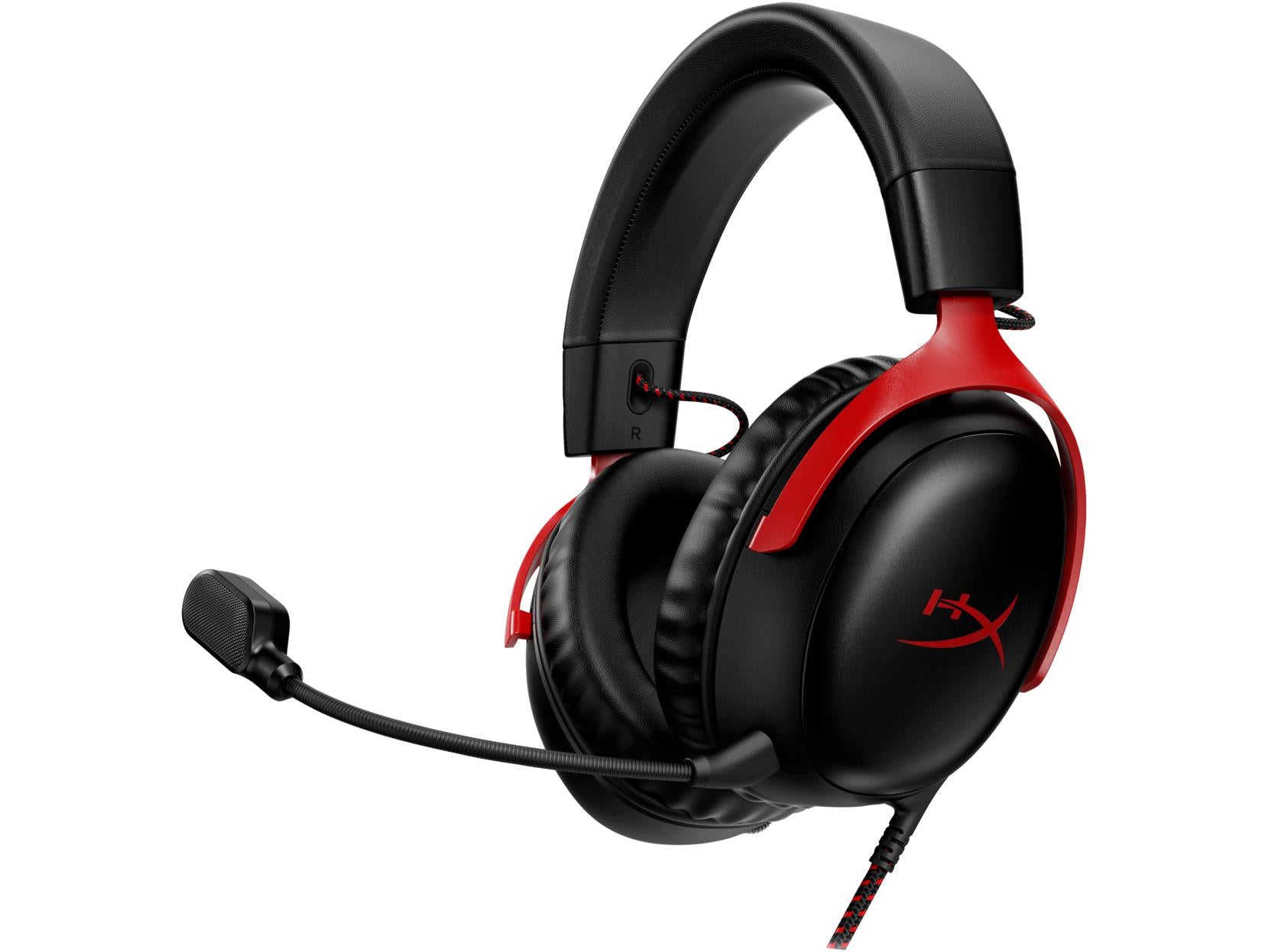
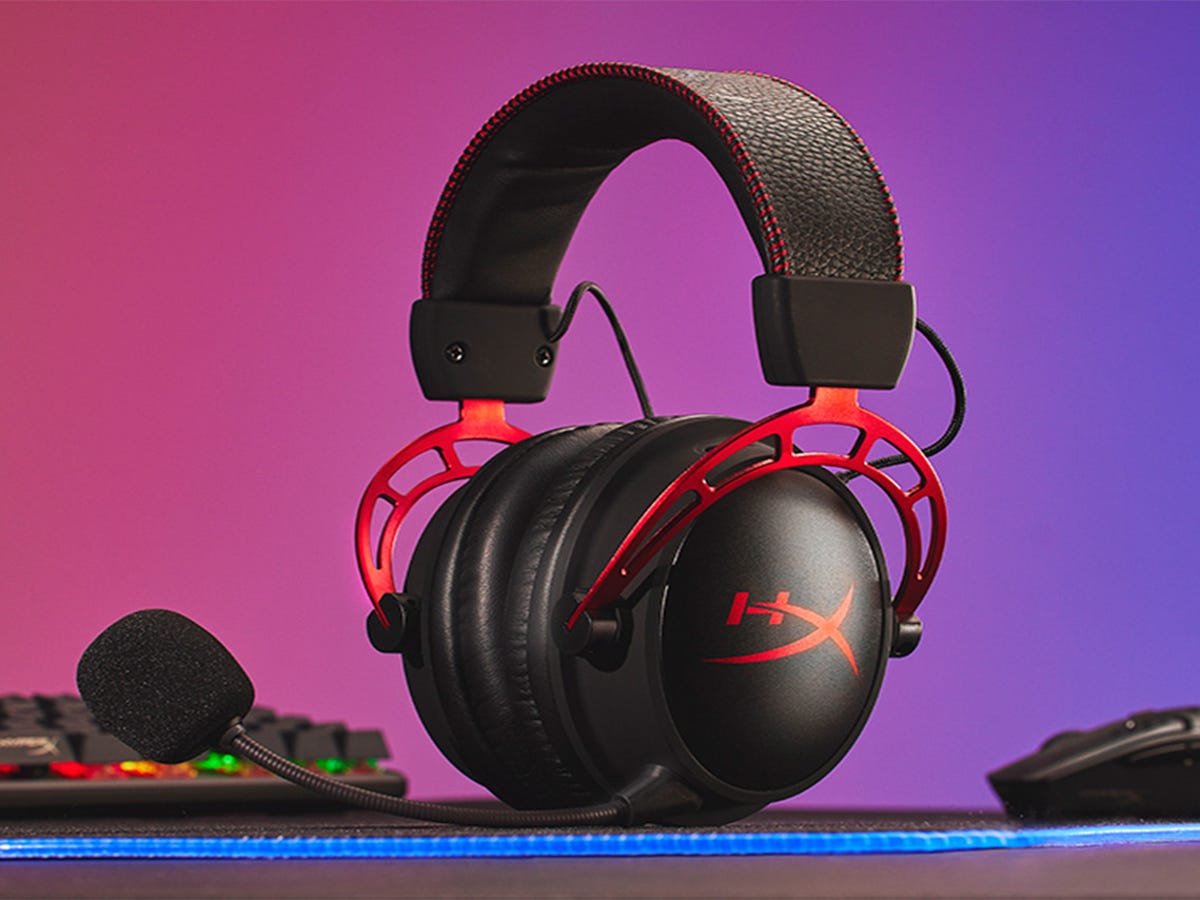
The best HyperX headset is the HyperX Cloud Alpha, based on verified official compatibility and features. It is the only model with confirmed support across PC, PS5, PS4, Xbox Series...

What Headset Does Jynxzi Use

Jynxzi primarily uses the Beyerdynamic MMX 300 headset for competitive gaming, and he also relies on the HyperX Cloud III for longer streaming sessions. This direct answer to what headset...

What Headset Do Pro Cod Players Use

What headset do pro cod players use? The direct answer is that no official, verified list exists from Call of Duty tournament organizers or teams. Any claims you see online...