This tag page collects all of CellularNews’s articles about Life360, the popular family location-sharing app. It is intended for anyone who uses Life360 on their phone and needs practical, step-by-step help with specific app behaviors, account transfers, or notification settings. Whether you are trying to manage how the app reports your device’s status or you are switching to a new handset, these guides offer direct solutions to common frustrations.
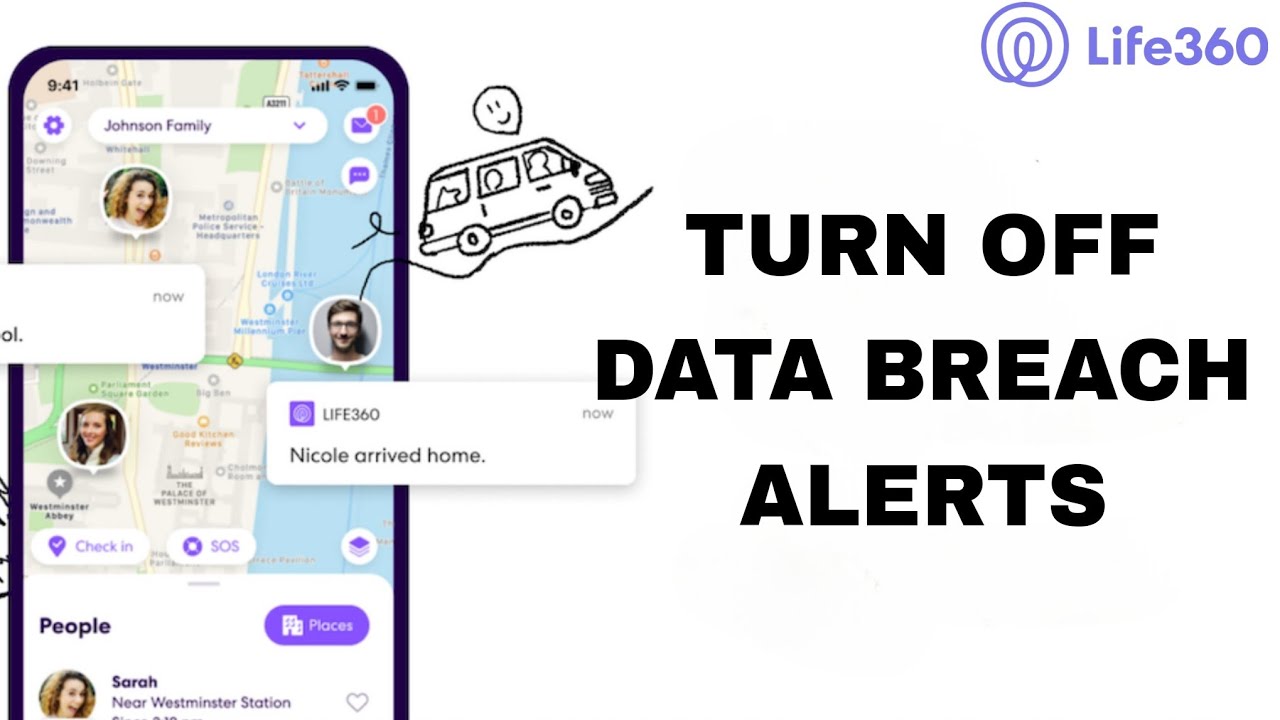
The articles here address two main themes: controlling the app’s status messages and managing its security alerts. For instance, several guides show you exactly how to make Life360 display a "phone out of battery" or "no network or phone off" message, giving you control over your digital availability. Other articles focus on the app’s data breach alerts, walking you through the steps to turn them off if you find them unnecessary or intrusive.
Beyond these tweaks, the collection also covers the essential task of transferring your Life360 account to another phone, as well as the basic setup process for putting the app on a new device. By following these straightforward instructions, readers can fix annoying status glitches, silence unwanted notifications, and ensure their family circle stays connected on the right device.