This tag collects all of CellularNews’s guides and tutorials about using projectors with your phone and other devices. It is for anyone who wants to turn a projector into a practical tool for sharing a screen, whether for a presentation, a movie night, or a creative project. The articles here focus on real-world connection problems and simple solutions, so you can get your gear working without unnecessary complexity.
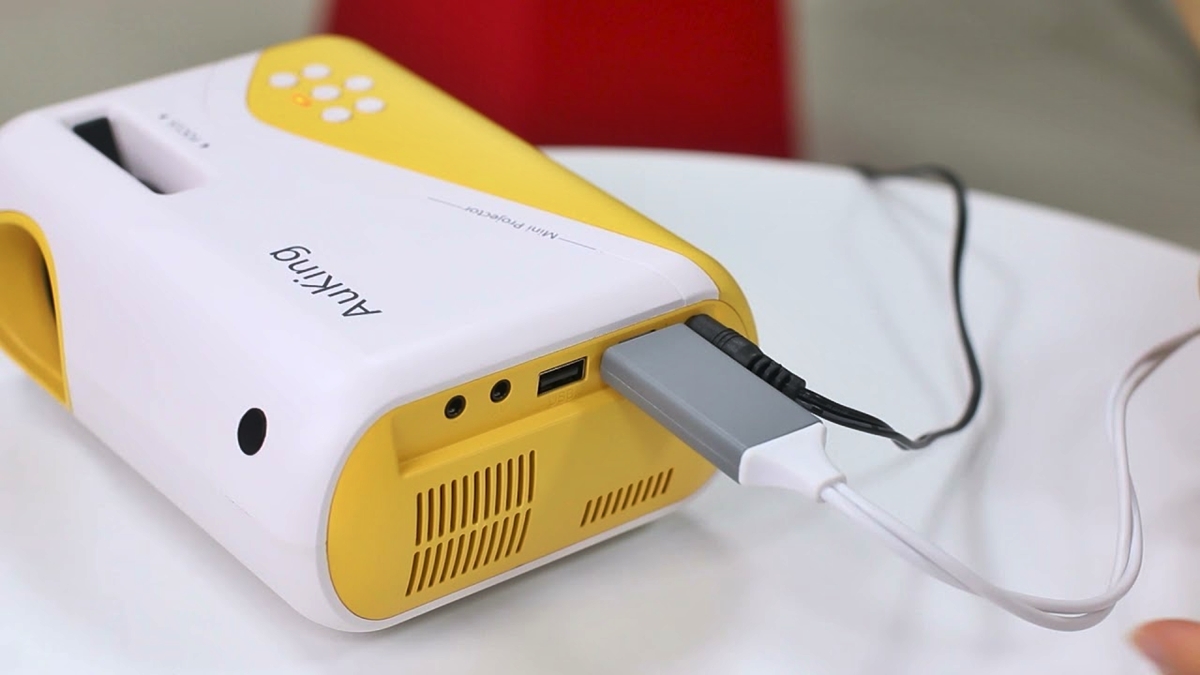
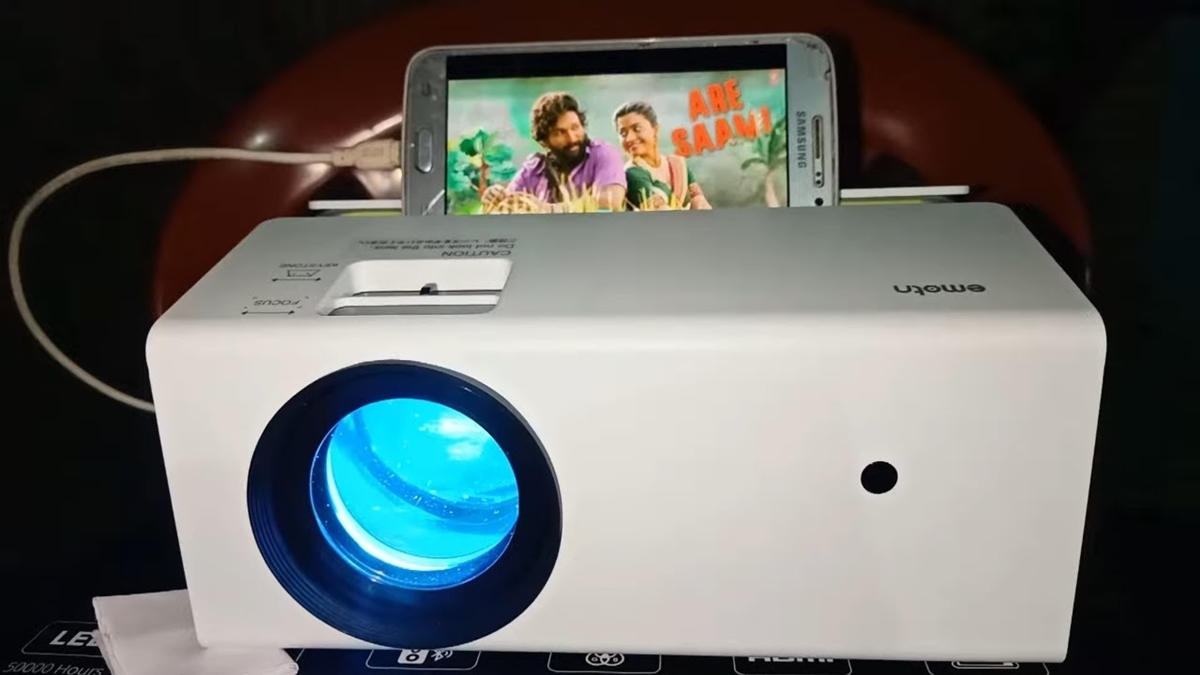
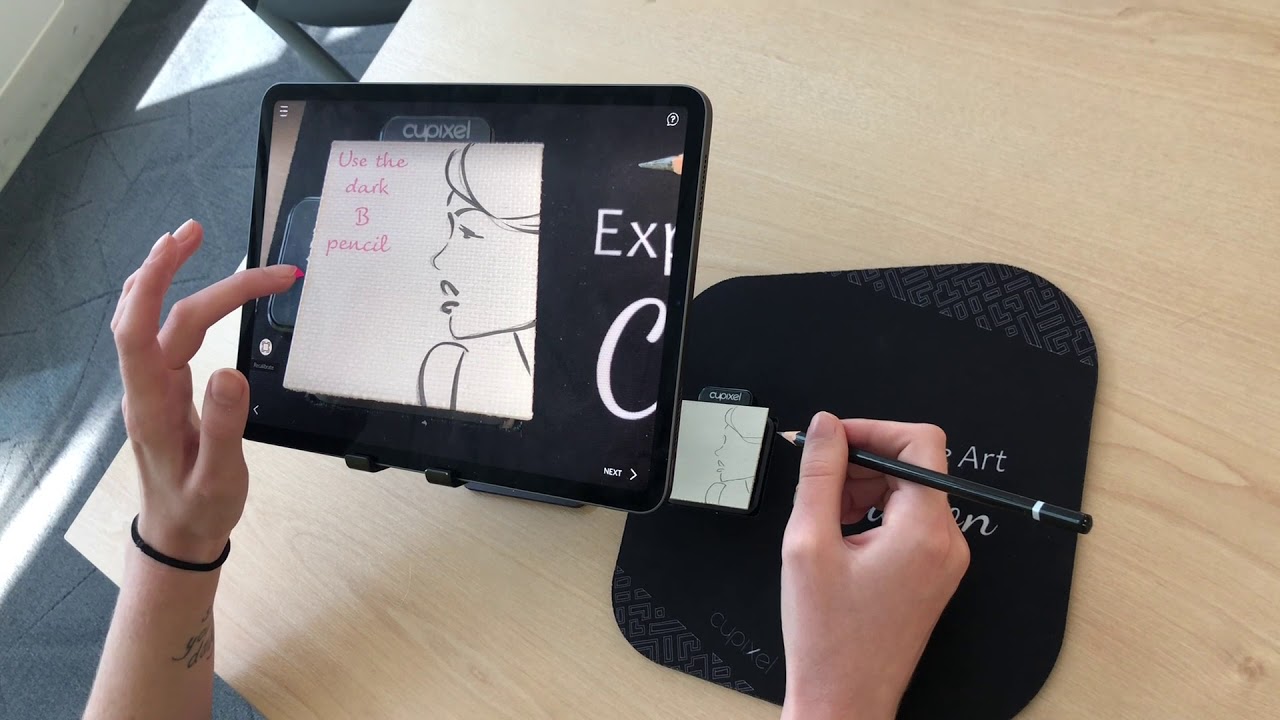
The content breaks down into a few clear themes. The first is wireless connectivity, where you can learn how to connect an Epson projector to a laptop without cables or how to make any standard projector wireless. The second theme is direct phone-to-projector pairing, which covers specific brands like Vankyo and Auking, as well as general methods for mirroring an Android device. Finally, there is a more unusual topic: how to project an image from your phone onto paper, which moves beyond the typical screen-and-wall setup.
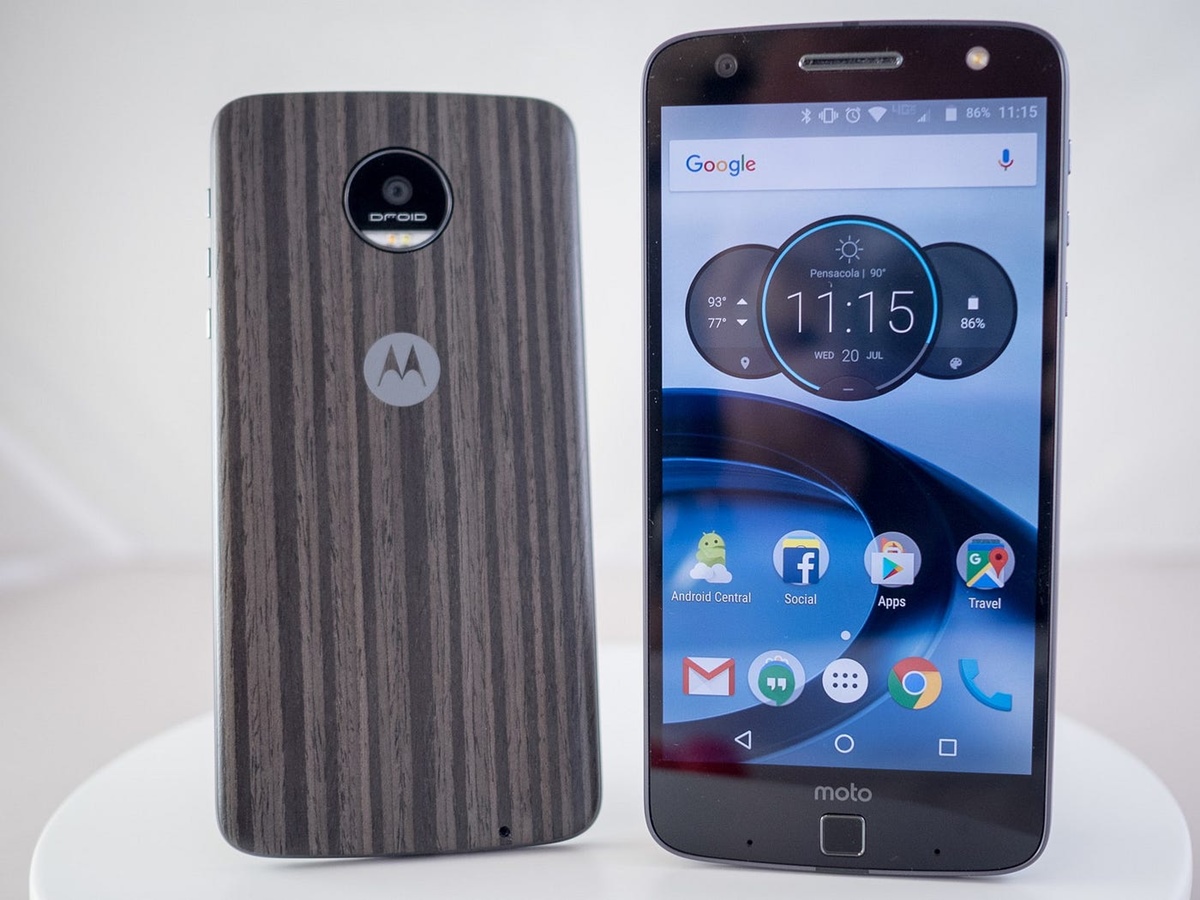
Whether you are trying to mirror your phone for a group viewing or wondering which phones even have built-in projectors, these articles help you perform the specific task at hand. They skip the theory and get straight to the steps, so you can go from reading to projecting as quickly as possible.