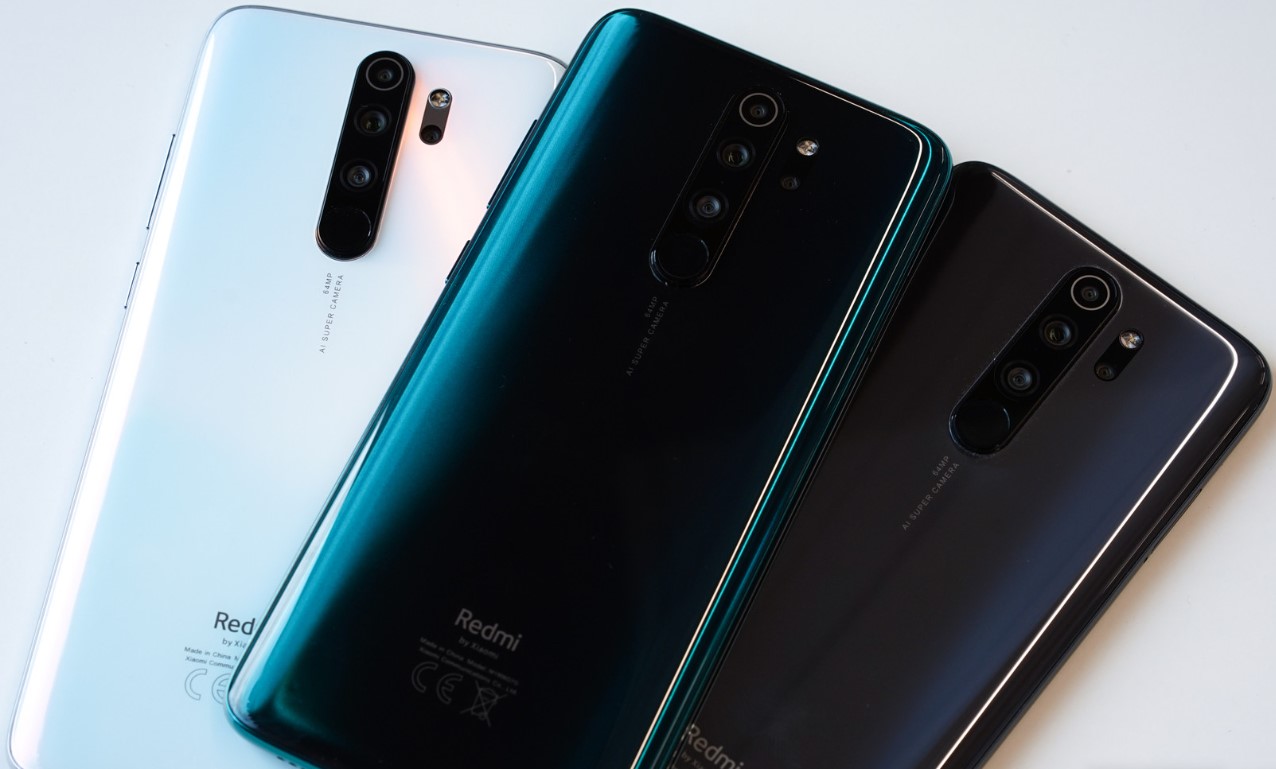
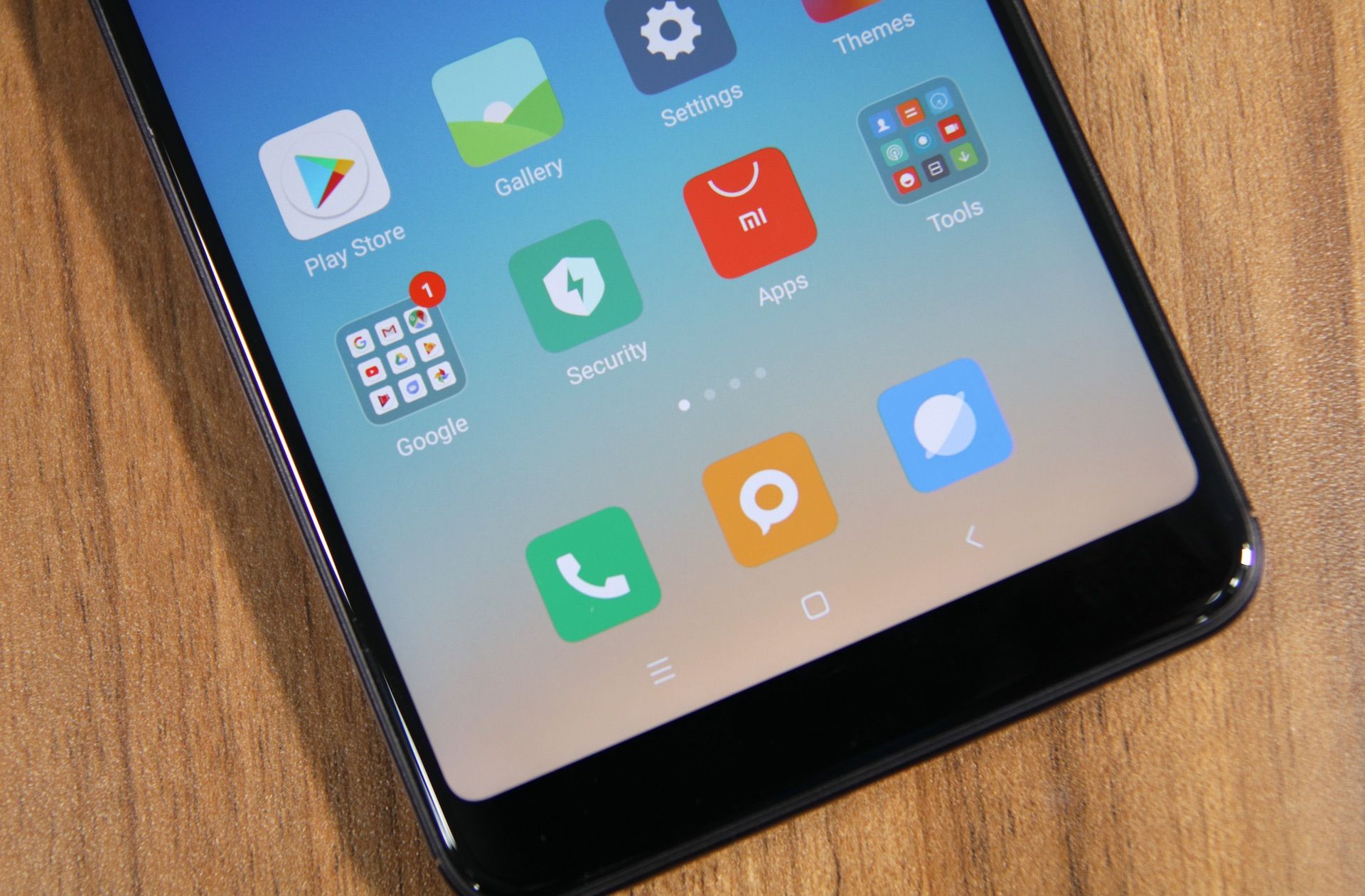
Welcome to the Redmi tag page on CellularNews. This collection is for anyone who owns or is considering a Redmi smartphone, and it focuses squarely on the practical, everyday challenges these devices present. The articles here are built around the real problems users face, from basic device management to recovering access when things go wrong. Whether you are troubleshooting a forgotten password or trying to manage your phone's storage, this tag brings together straightforward guidance for common Redmi scenarios.
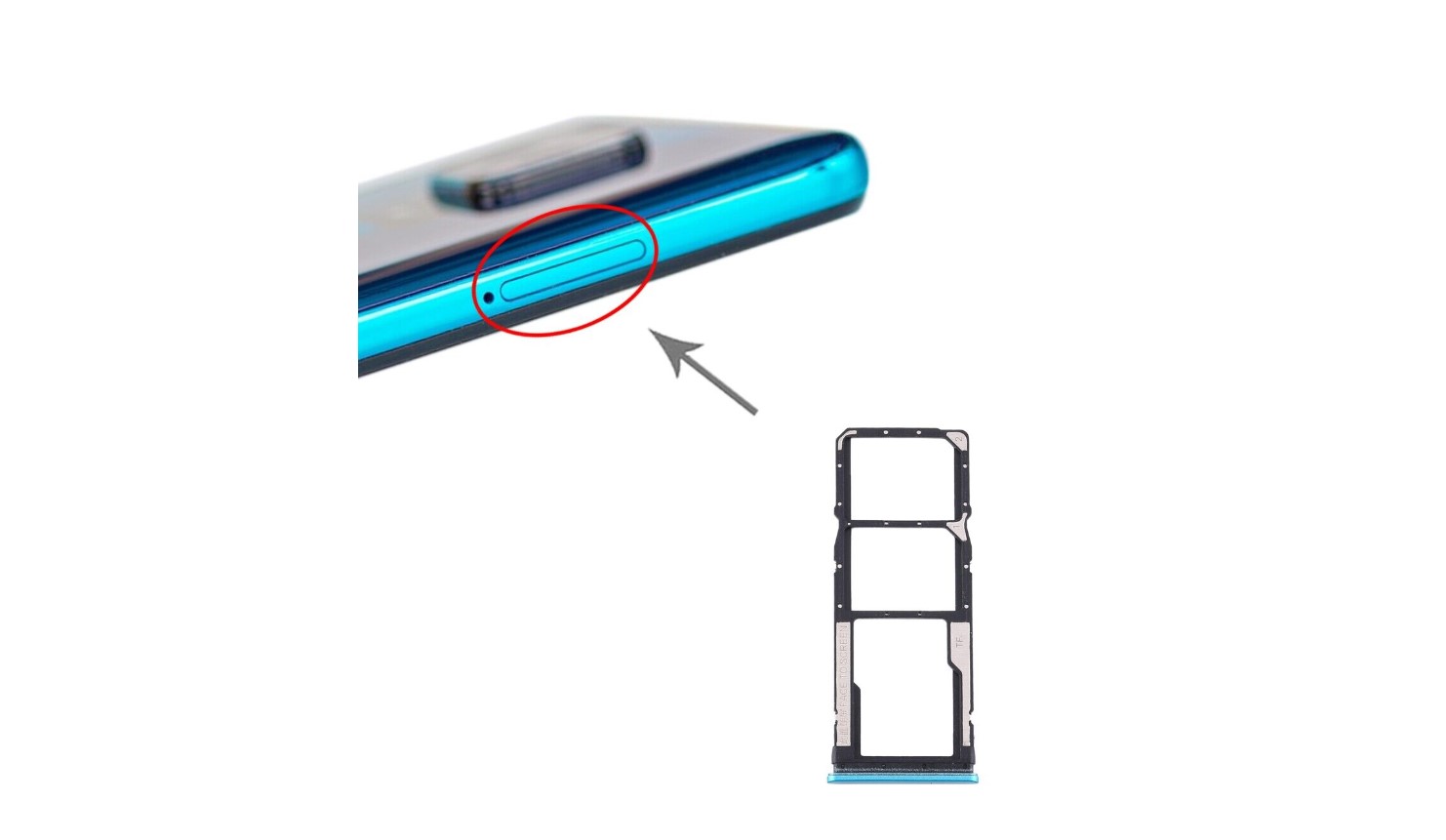
The articles are organized around two main themes. The first is device recovery and reset procedures. You will find step-by-step help for hard resetting a Redmi Note 8 Pro and resetting a Redmi Note 9, as well as a specific guide on how to unlock a Redmi phone when you have forgotten the password. The second theme is system and storage management. This includes instructions on how to access the SD card in a Redmi Note 9, how to see hidden apps in Redmi, and how to turn off MIUI optimization in a Redmi 9. Additionally, one article addresses a practical buying concern by answering the question of how much a Redmi phone costs.
Each article is designed to help you perform a specific action: regain access to a locked device, clear out a forgotten password, locate your external storage, reveal apps that are not visible in your app drawer, or adjust system settings to improve performance. There is no fluff or speculation here, just clear, actionable steps for the Redmi problems that actually come up.