This tag collects articles about the ringer volume and related sound settings on phones, written for anyone who has missed a call or can't figure out why their device has gone silent. Whether you use a modern smartphone or a cordless home phone, these guides address the common frustration of a phone that refuses to ring when you need it to.
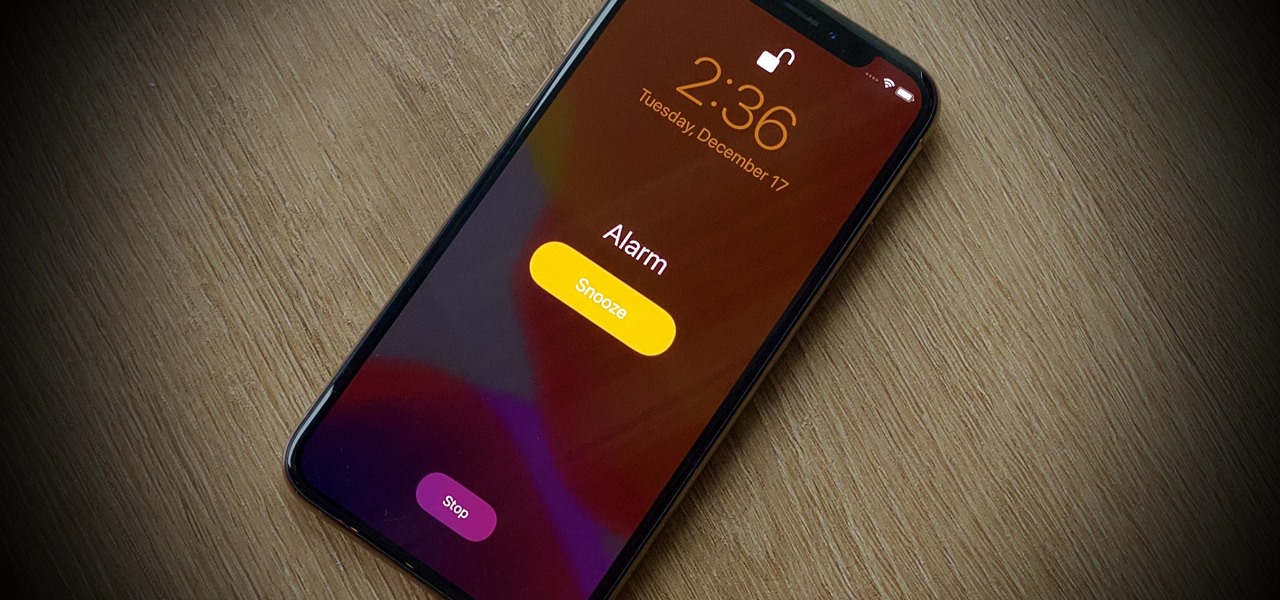
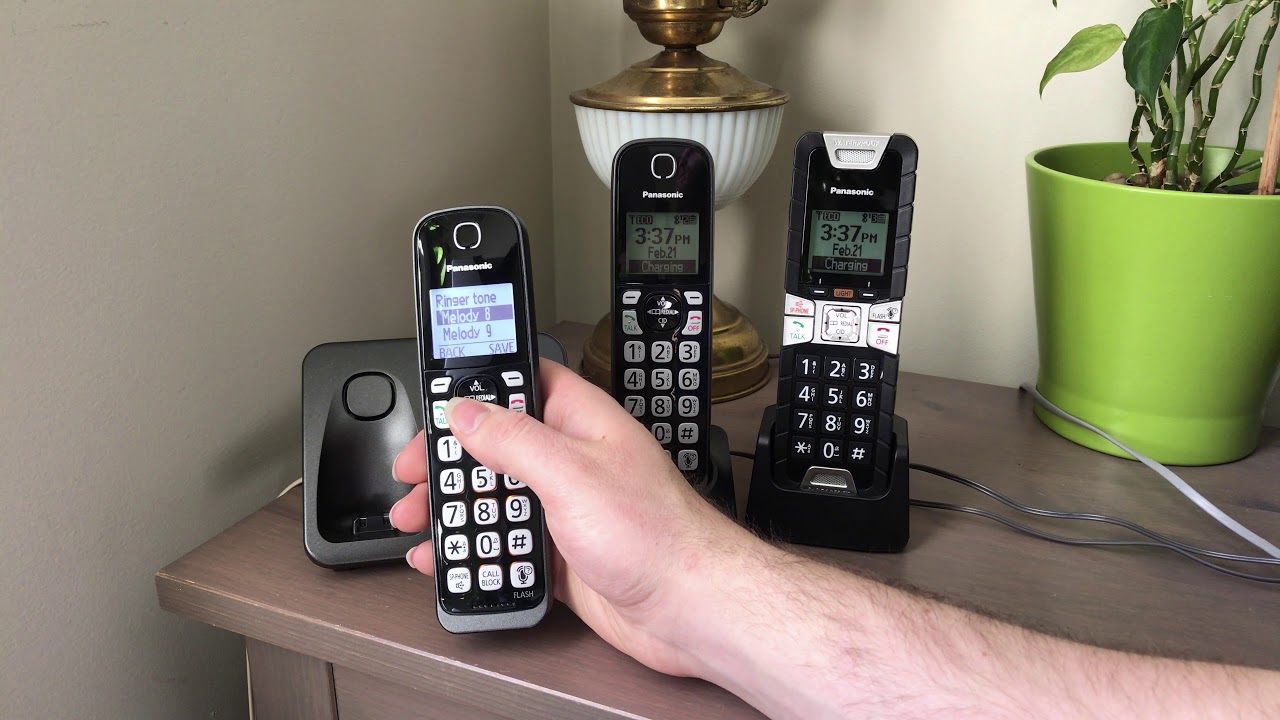
The articles solve two main kinds of problems. First, they help you diagnose why your phone is not ringing at all, covering both iPhone and Android devices. For example, the articles "Why Isn't My Phone Ringing" and "Why Doesn't My Android Phone Ring?" walk you through the settings and potential glitches that cause silent calls. Second, they provide specific, device-focused fixes, such as how to unmute the ringer on a Panasonic cordless phone or what to check when a Motorola phone won't ring. The collection also includes a practical guide for setting an alarm on an iPhone 11, showing you how to adjust sound levels for alerts even when the ringer itself is off.
Ultimately, these articles help you restore your phone's ability to alert you audibly. They guide you through checking mute switches, volume sliders, Do Not Disturb modes, and ringtone assignments, so you can confidently adjust your settings and stop missing important calls.