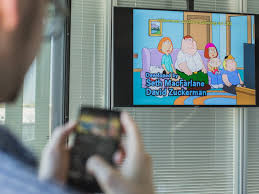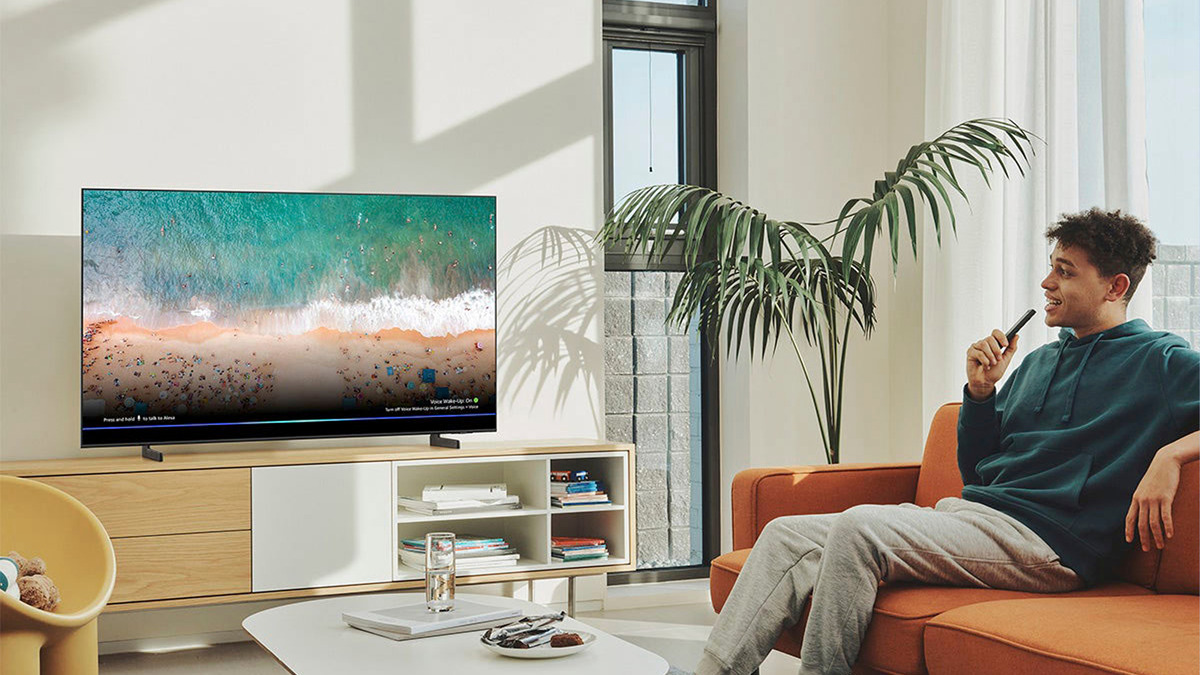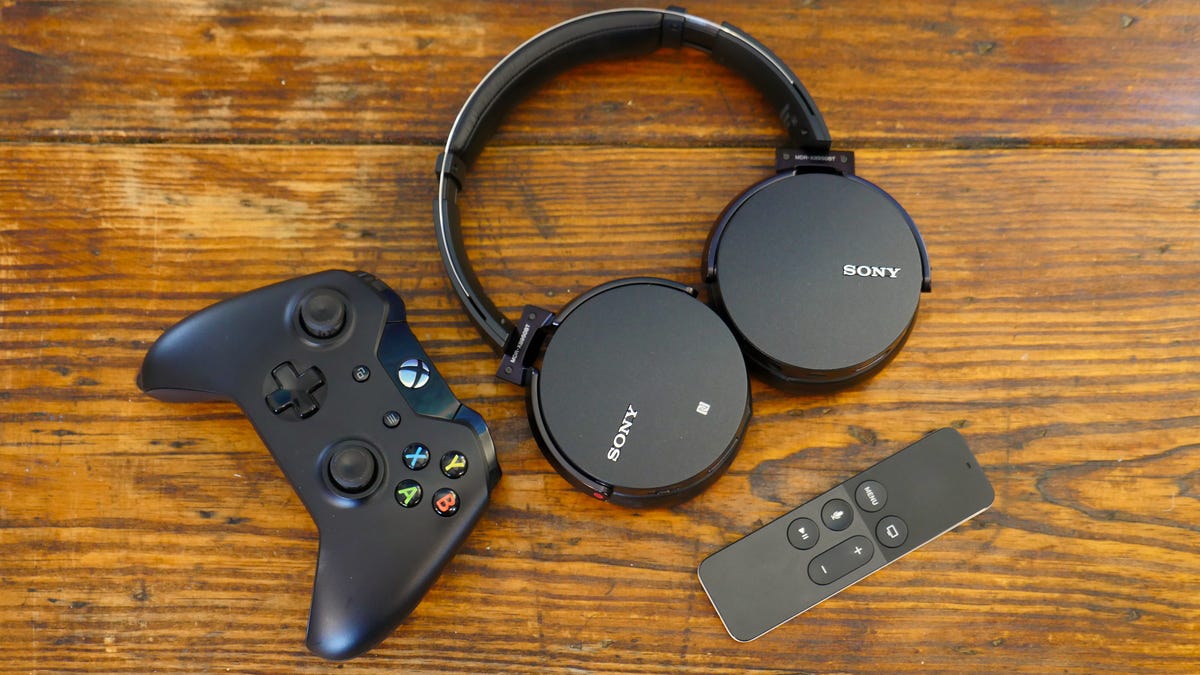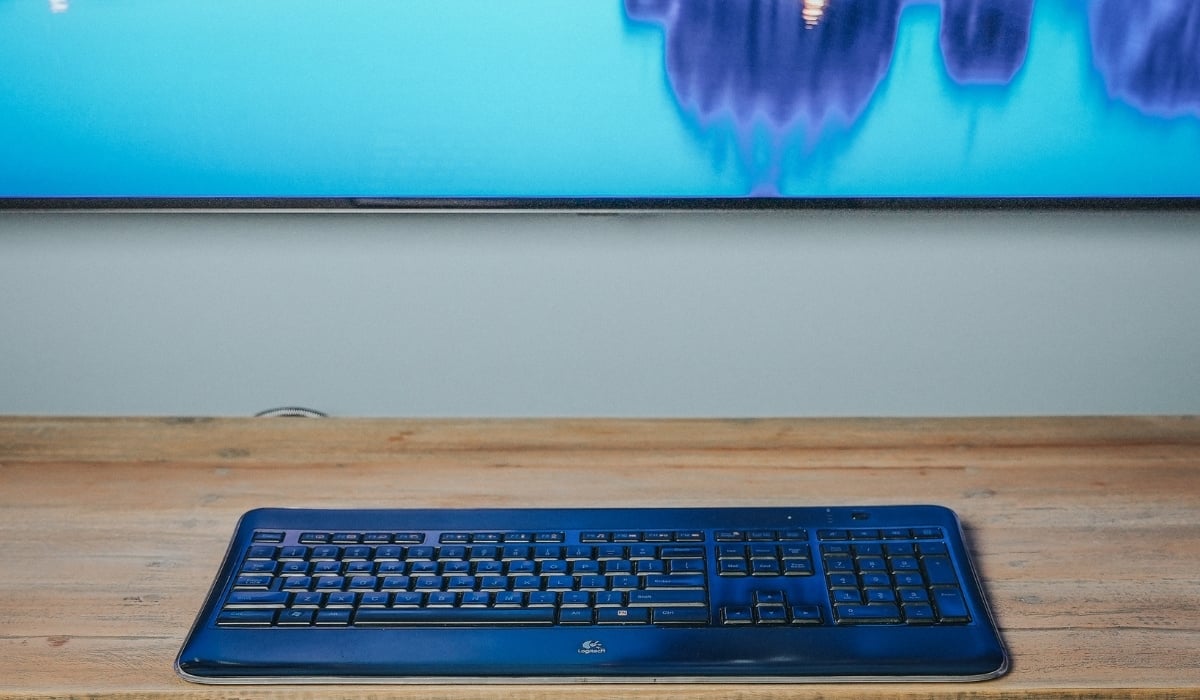
This tag collects all of our articles specifically about connecting external devices and casting content to a Samsung TV. It is intended for Samsung TV owners who want to pair wireless accessories like keyboards or headphones, link external speakers, or stream video from a Google phone. Whether you are setting up a home office, improving your audio for movies, or simply trying to get your phone screen onto the big display, these guides focus on the practical steps to make those connections work.
The articles here solve two main kinds of problems. First, they address audio pairing issues, showing you how to connect Bluetooth headphones, a JBL speaker, or other wireless audio systems to your television. Second, they cover input and casting, including how to pair a wireless keyboard for easier typing and how to cast from a Google phone directly to the TV. Each guide walks you through the specific menus and settings on your Samsung TV to get the device recognized and working.
For example, you will find step-by-step instructions on how to connect a wireless keyboard to your Samsung TV, how to Bluetooth headphones to the set, and how to connect a JBL speaker. There is also a dedicated guide on casting from a Google phone to a Samsung TV, along with a broader article on connecting wireless audio to your TV. These articles help you do exactly what the titles describe, pair, connect, and cast, without extra fluff.