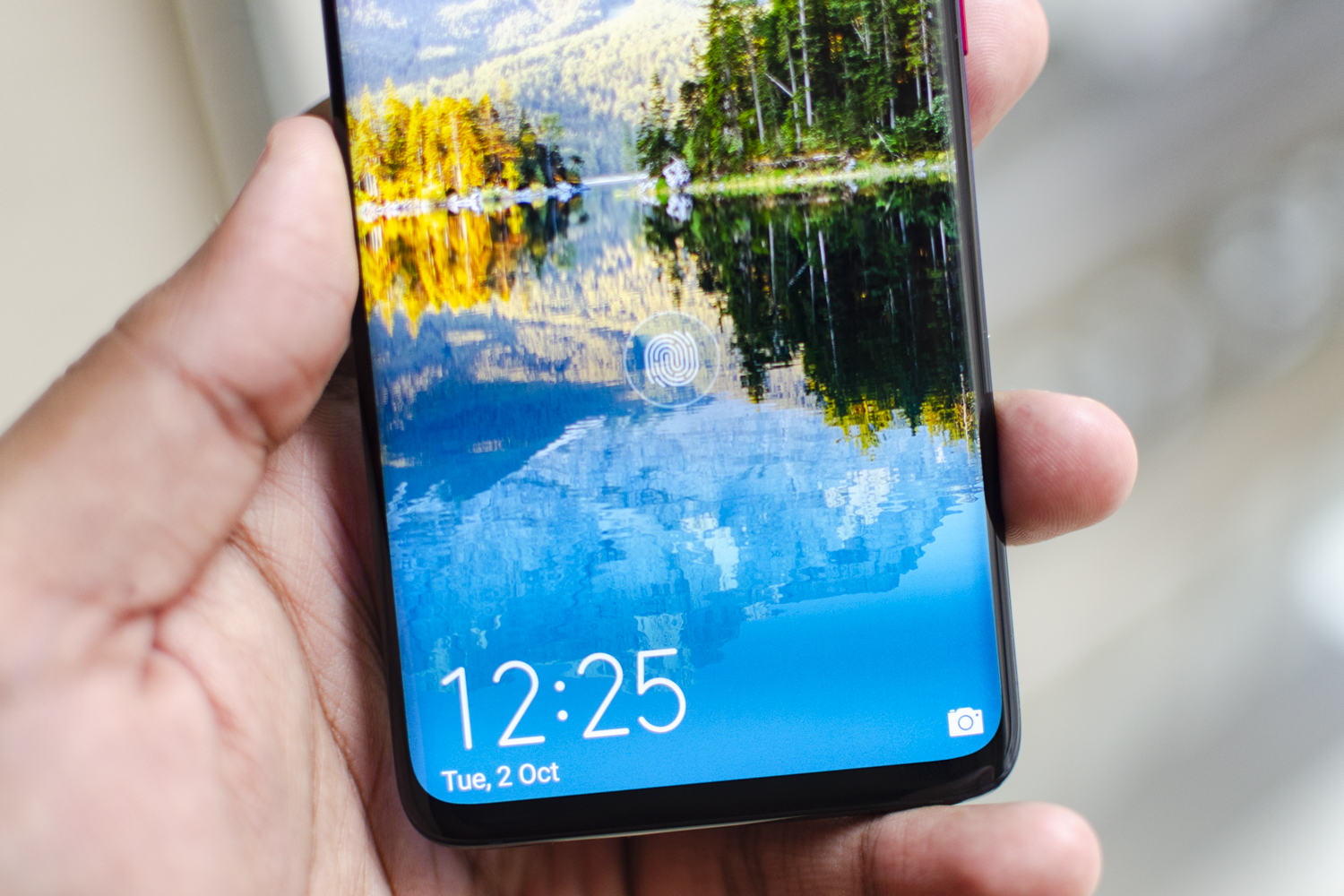
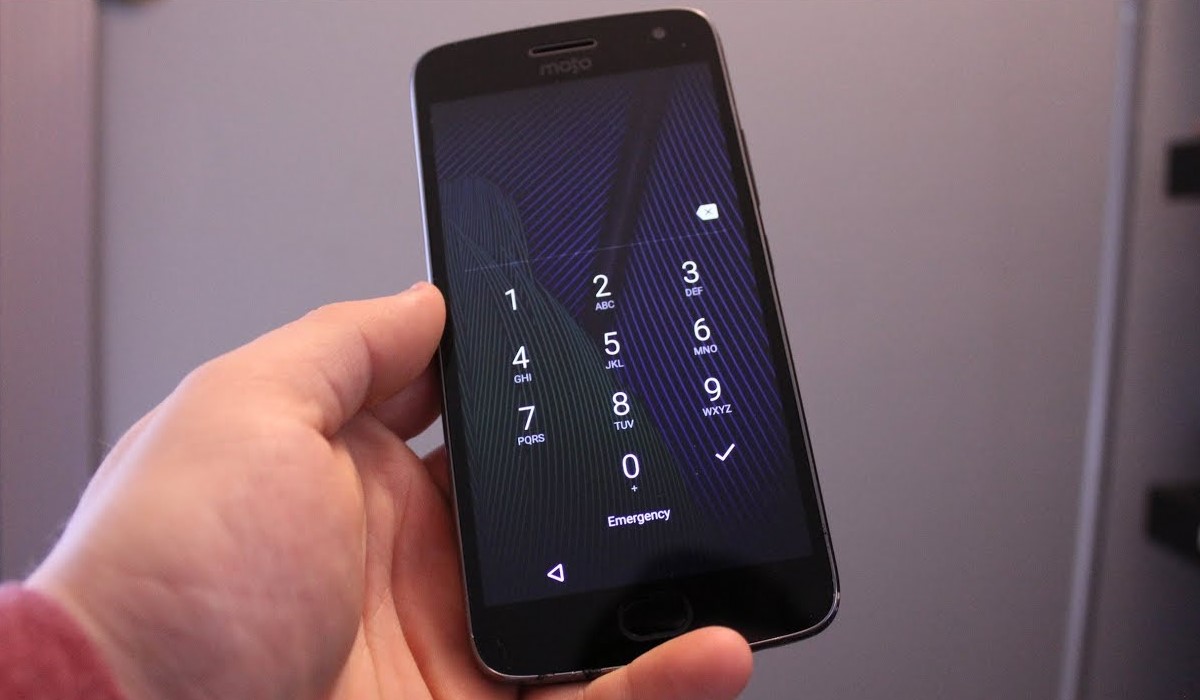
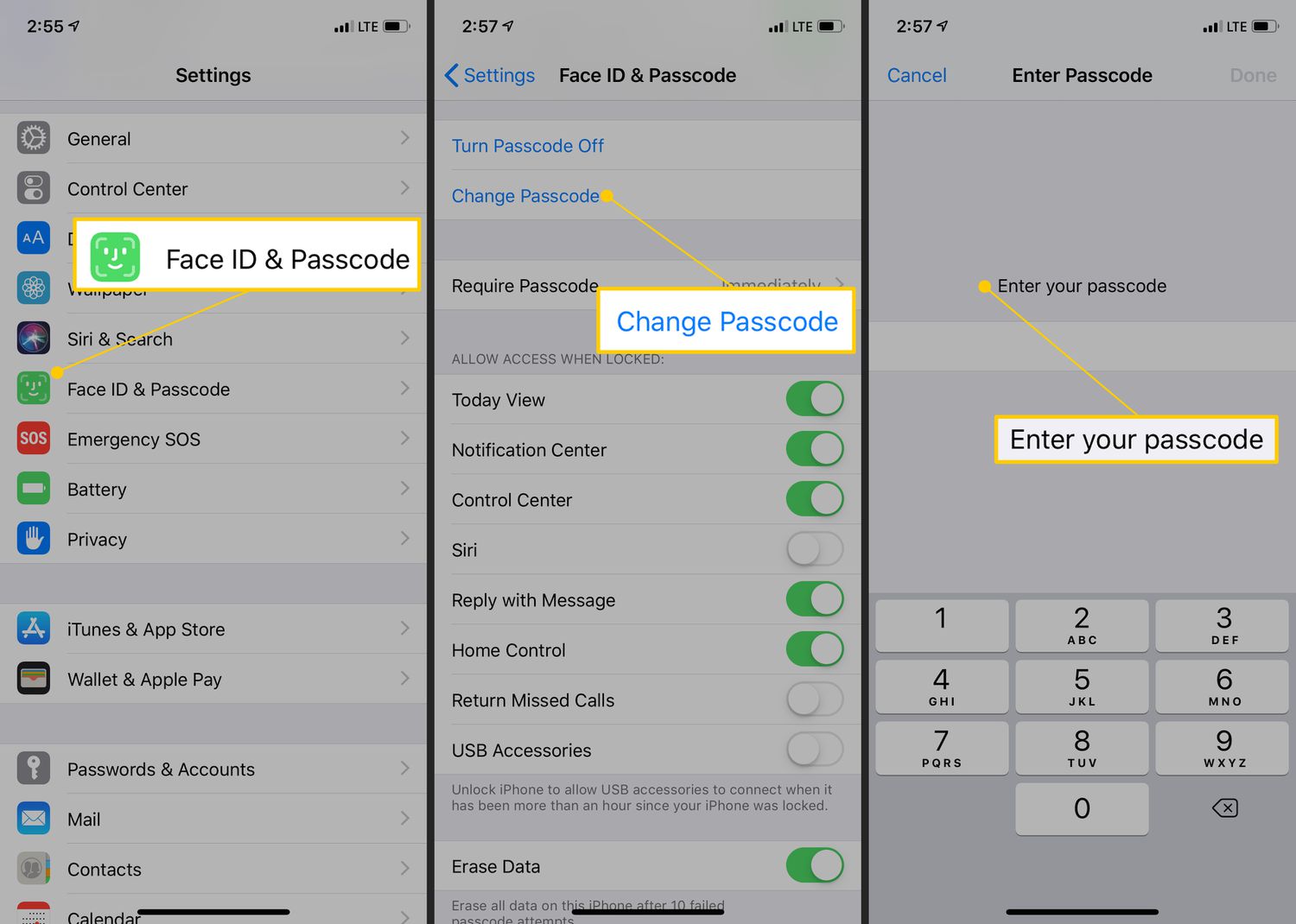
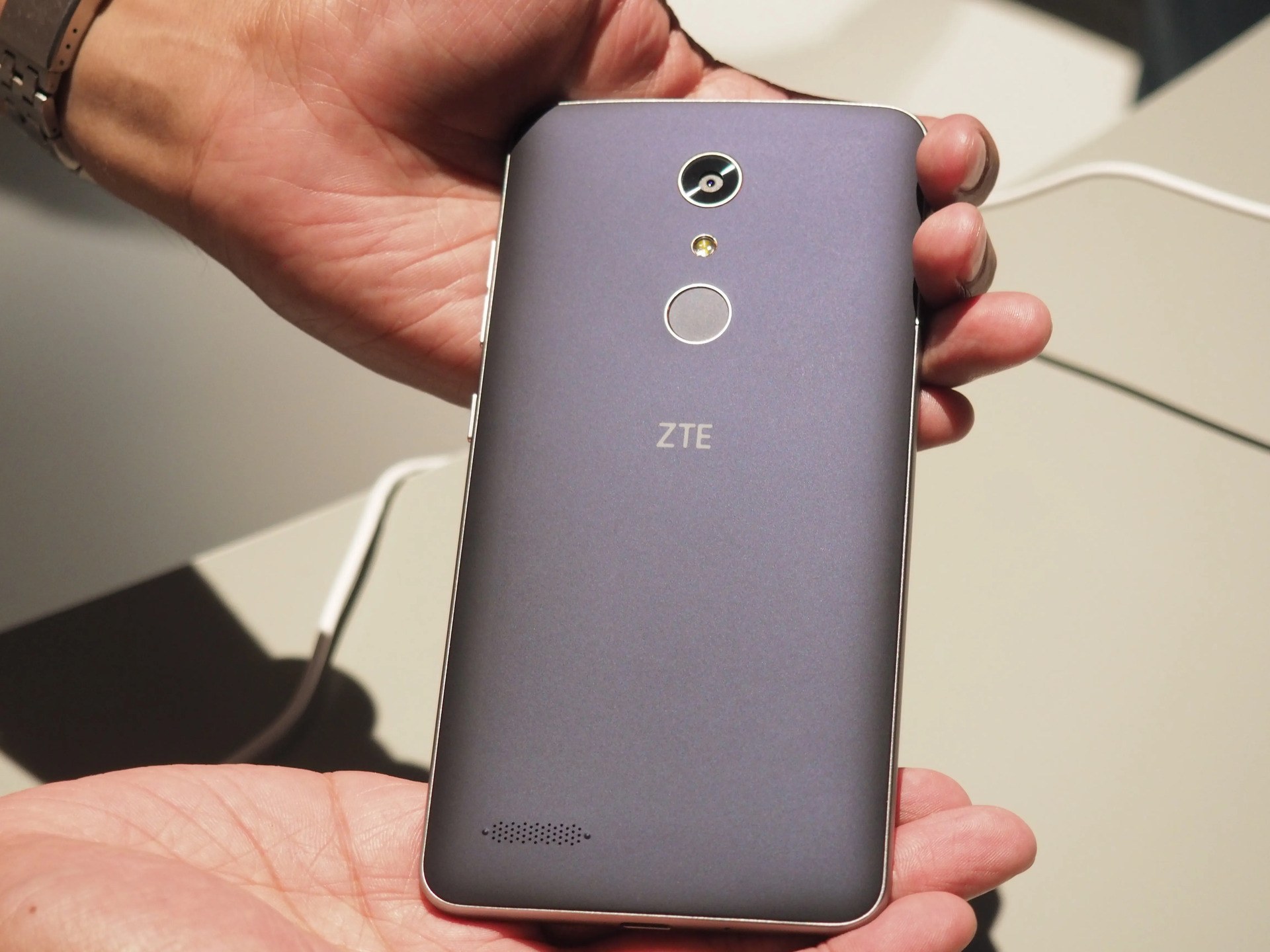
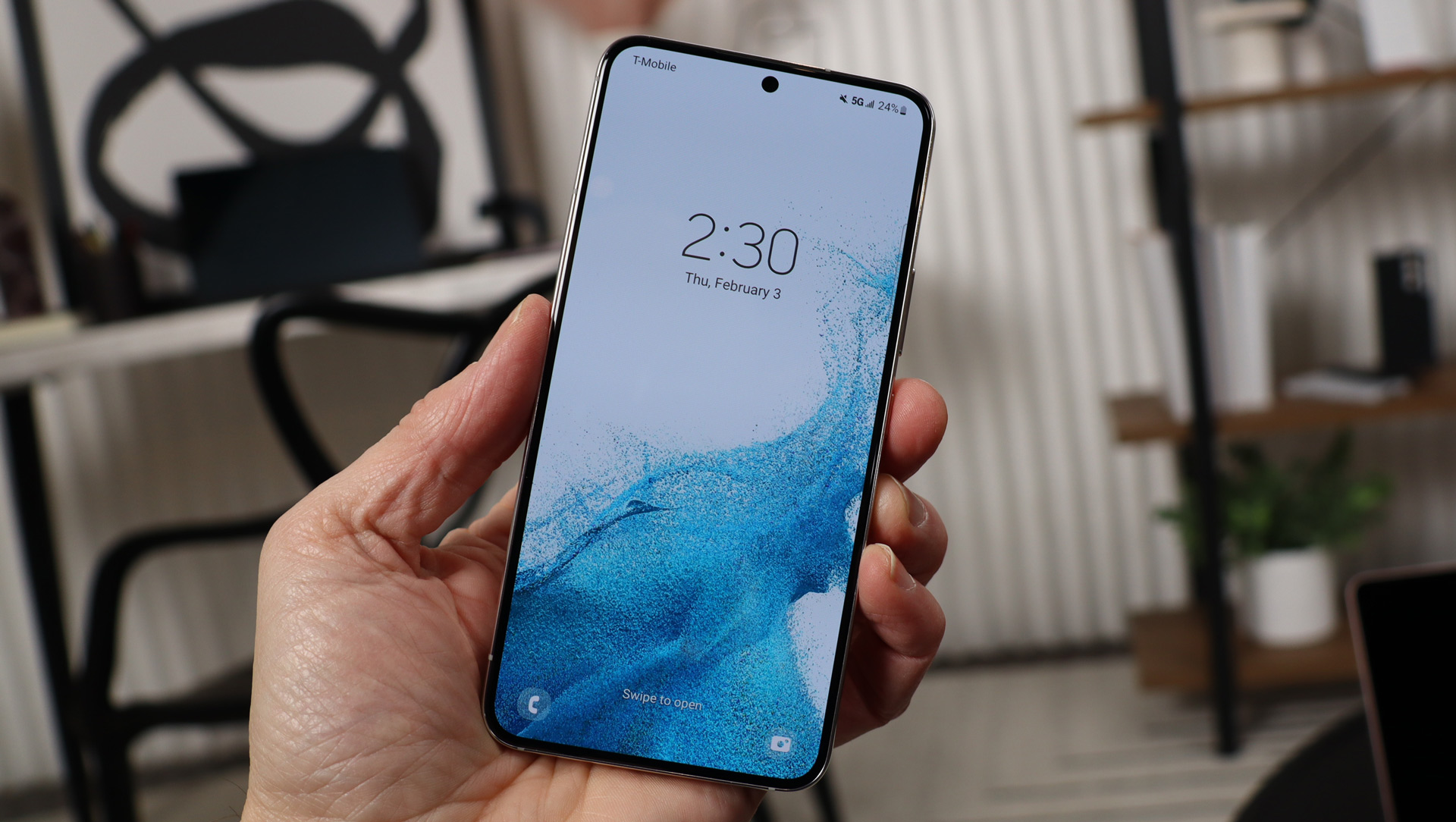
Guides and troubleshooting articles focused on controlling access to your phone. It is written for anyone who needs to set, change, bypass, or manage a lock screen password, PIN, or pattern on their device, whether they own a Samsung, Motorola, Huawei, ZTE, Coolpad, Blu, Google Pixel, or iPhone.
The articles here solve two main kinds of problems. First, they help you recover access when you are locked out of your own phone, with step-by-step instructions for unlocking a Samsung phone, getting past a PIN code lock on a Motorola Moto G, or resetting a Huawei phone that is locked. Second, they help you control how and when your screen locks, including how to set a password on your Android phone, how to lock the screen on a Samsung S20, and even how to keep your phone unlocked at home. A few specific topics include removing a PIN on an Android phone, changing a Samsung phone password if you forgot it, and using privacy screens and screen locking methods.
Overall, these articles help the reader take direct action: unlock a specific model, reset a locked device, change an existing password, or adjust lock screen behavior for convenience or security. They are practical fixes and settings guides, not general overviews.