Start here: screen lock

All topics →

The screen lock tag on CellularNews collects guides and troubleshooting articles focused on controlling access to your phone. It is written for anyone who needs to set, change, bypass, or manage a lock screen password, PIN, or pattern on their device, whether they own a Samsung, Motorola, Huawei, ZTE, Coolpad, Blu, Google Pixel, or iPhone.

The articles here solve two main kinds of problems. First, they help you recover access when you are locked out of your own phone, with step-by-step instructions for unlocking a Samsung phone, getting past a PIN code lock on a Motorola Moto G, or resetting a Huawei phone that is locked. Second, they help you control how and when your screen locks, including how to set a password on your Android phone, how to lock the screen on a Samsung S20, and even how to keep your phone unlocked at home. A few specific topics include removing a PIN on an Android phone, changing a Samsung phone password if you forgot it, and using privacy screens and screen locking methods.

Overall, these articles help the reader take direct action: unlock a specific model, reset a locked device, change an existing password, or adjust lock screen behavior for convenience or security. They are practical fixes and settings guides, not general overviews.
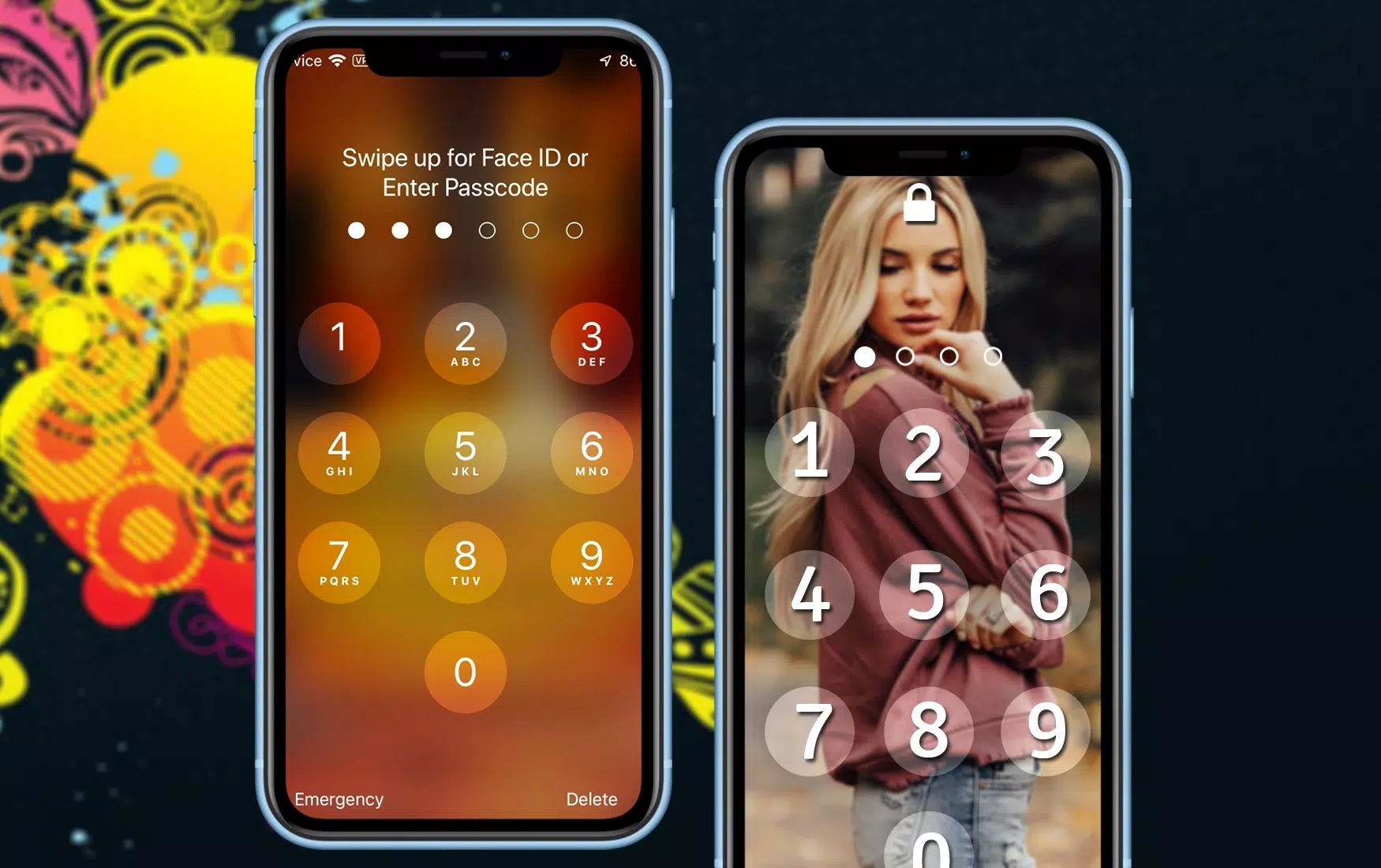
How To Screen Lock On IPhone 11

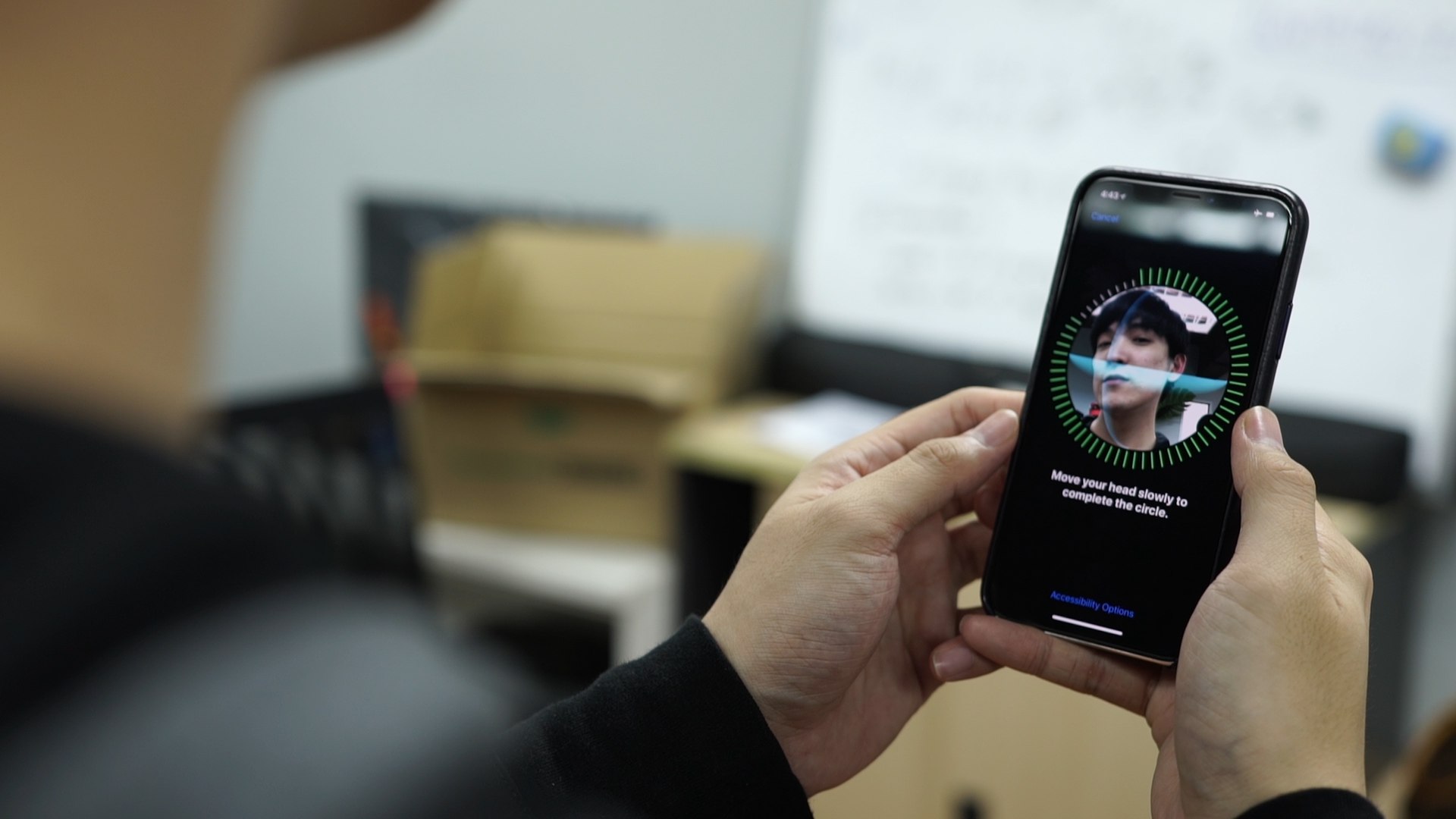
To set up a screen lock on iPhone 11, open Settings > Face ID & Passcode and tap Turn Passcode On. This creates a six-digit passcode by default, which is...

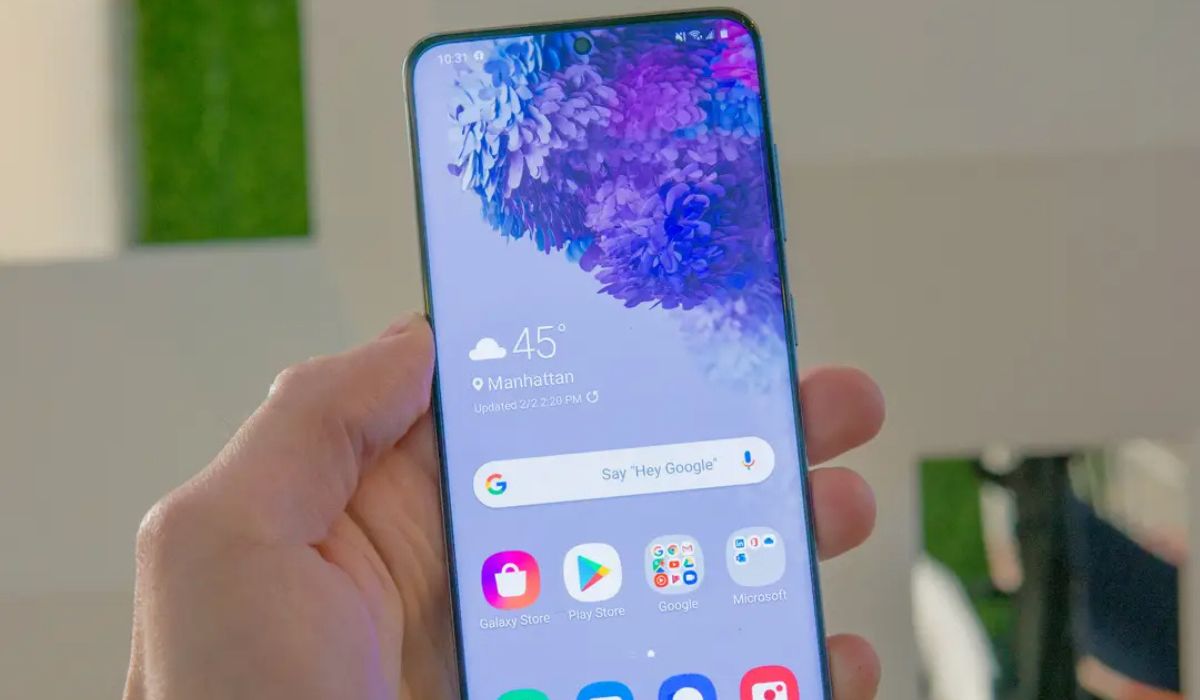
How To Lock Screen On Samsung S20

To lock screen on Samsung S20 immediately, press the Side key (power button) once. This turns off the display and, if you have set a PIN, pattern, password, or biometric...

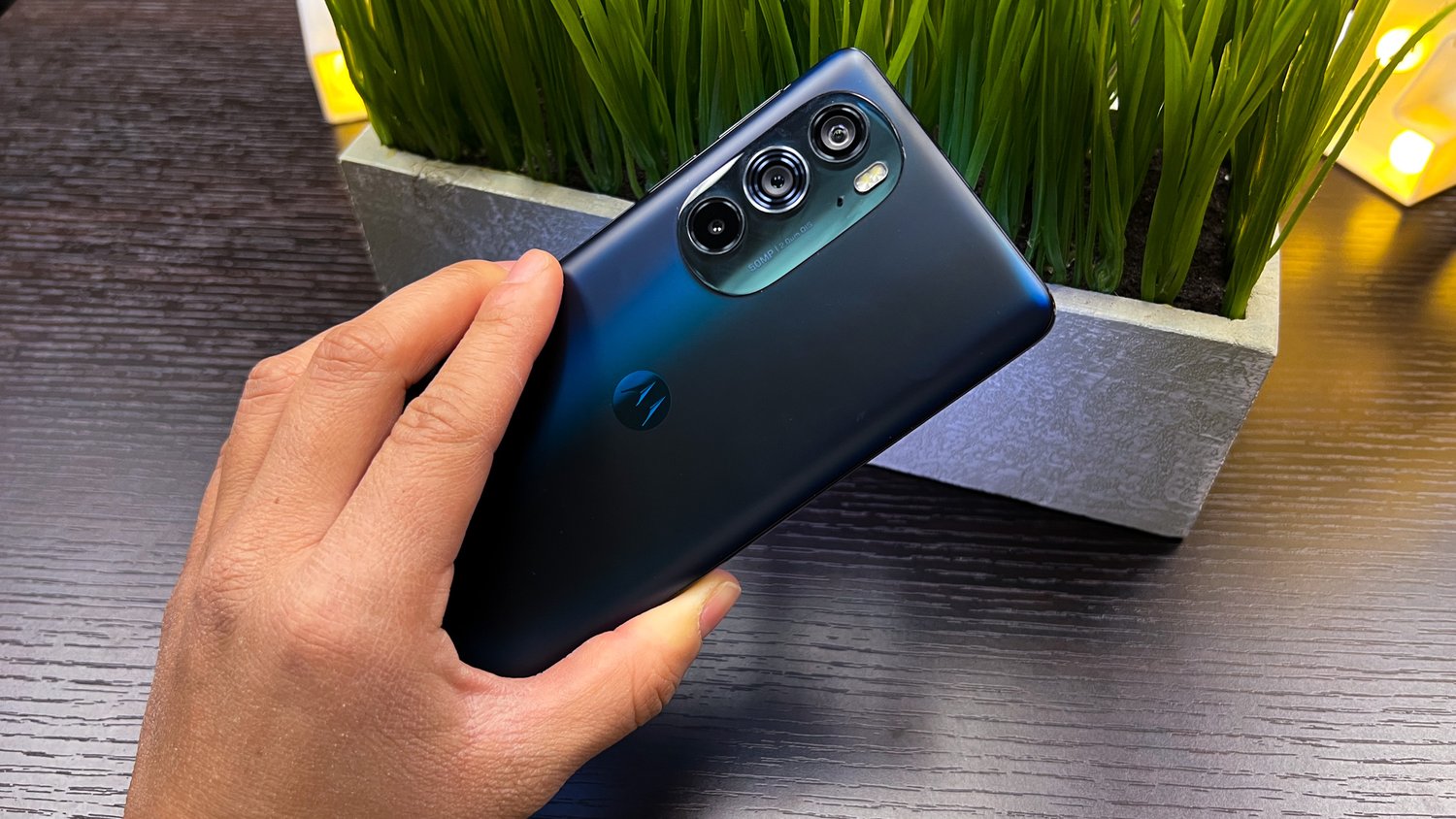
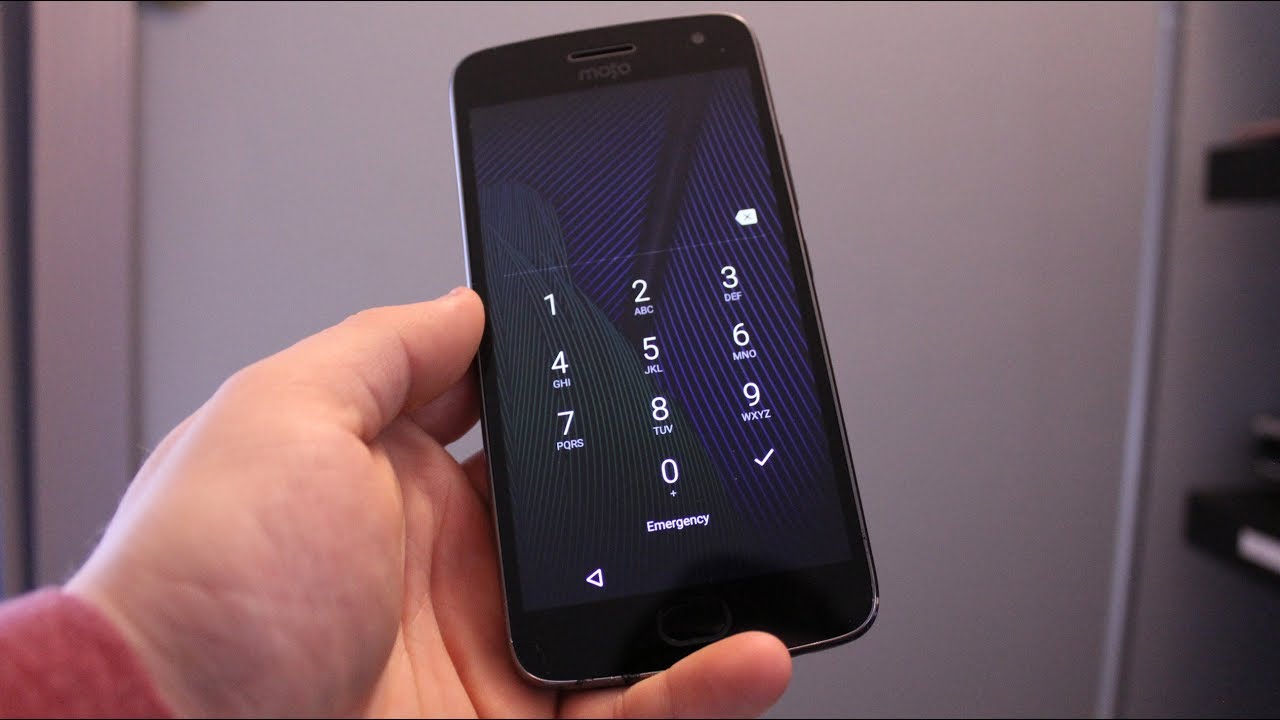
How To Break Into A Motorola Phone

To unlock a Motorola phone you own after forgetting the PIN, password, or pattern, the only documented method that does not erase your data is using Google's Find Hub service....

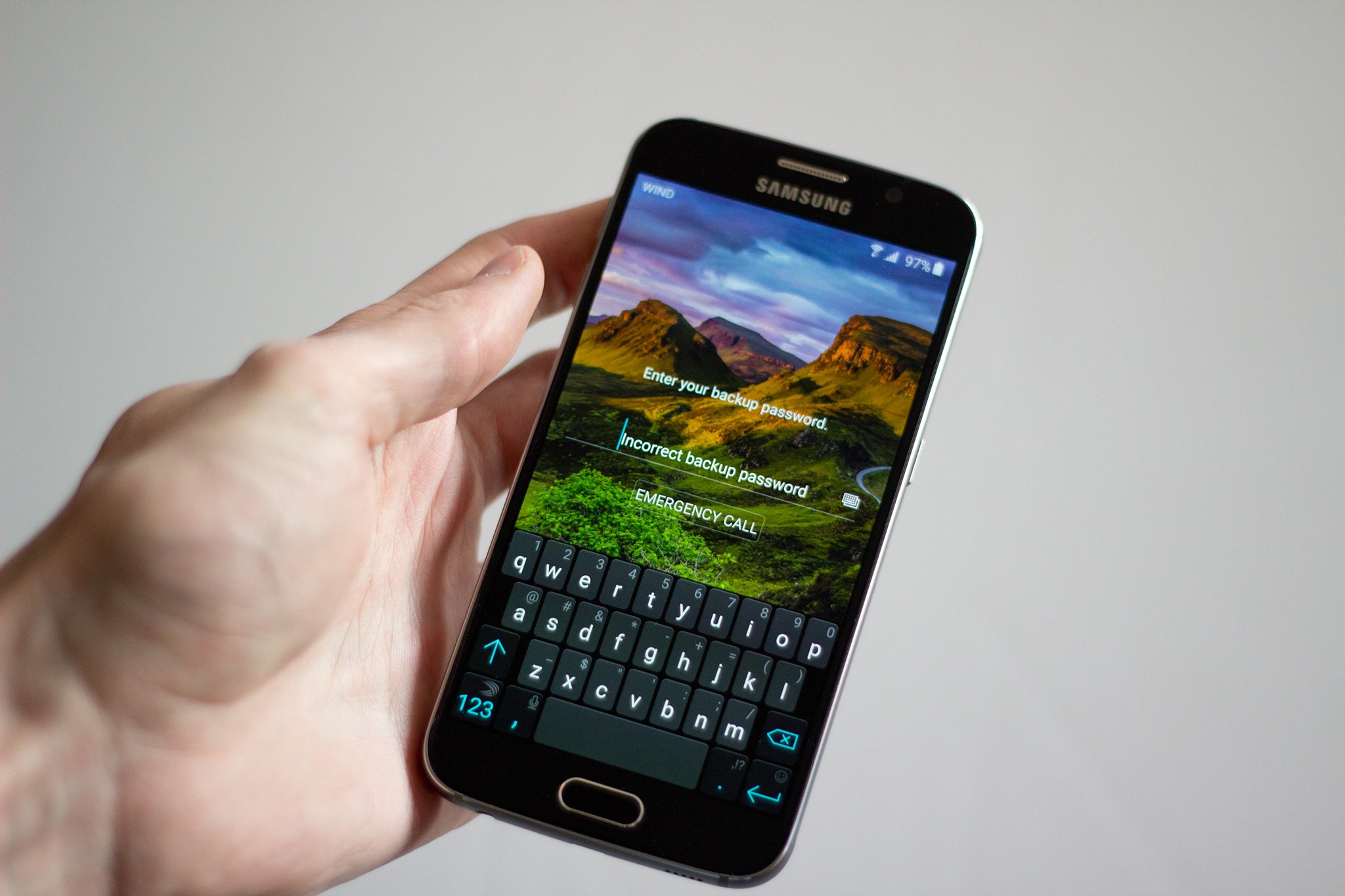
How To Change Password On Android Phone

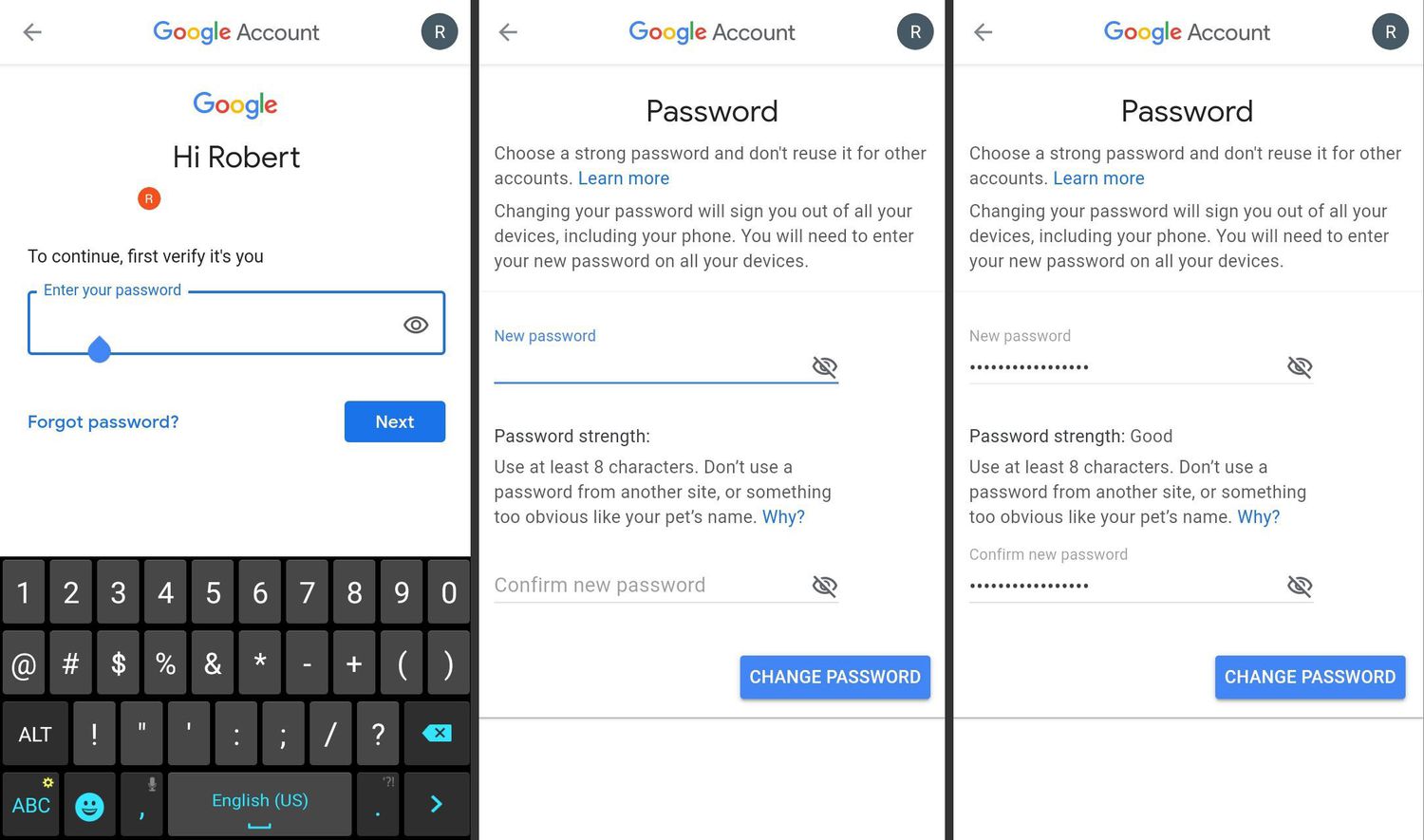
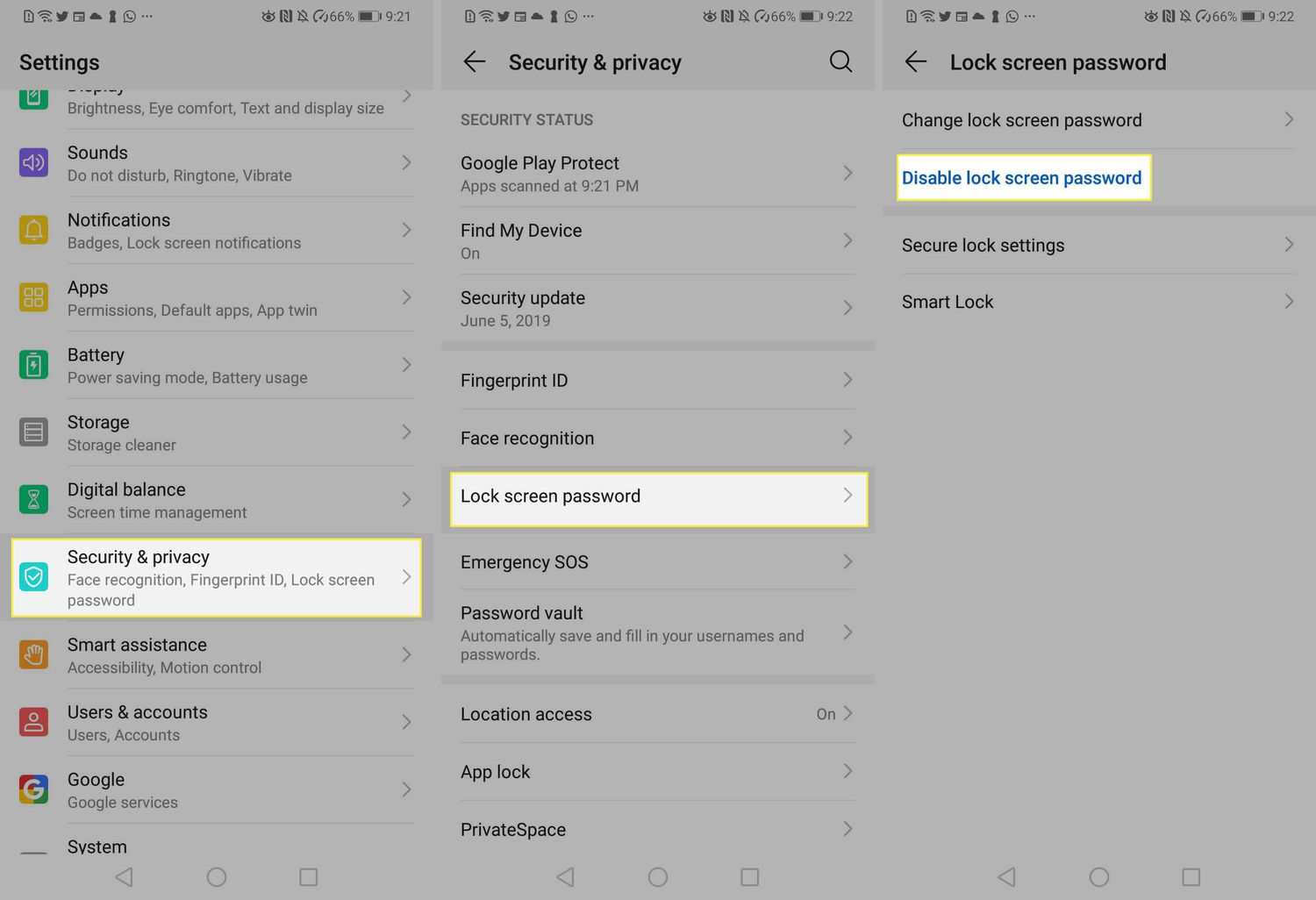
To change password on android phone, open your device's Settings, then tap Security or Security & privacy, followed by Screen lock. You must enter your current PIN, pattern, or password...

How To Unlock Blu Smartphone

To unlock Blu smartphone, you need to first understand what you are actually trying to do: remove a forgotten screen lock (PIN, pattern, or password) or carrier-unlock the device for...

How To Keep Phone Unlocked At Home

To keep phone unlocked at home, Android offers Extend Unlock (formerly Smart Lock) with Trusted places and Trusted devices, while iPhone has no equivalent feature and relies on fast biometric...

How To Lock Phone While On Youtube

To lock your phone while on YouTube, use the YouTube app's built-in lock screen feature, which prevents accidental touches from pausing, skipping, or tapping ads during playback. This is the...

How To Remove Pin On Android Phone

There is no official method to remove a PIN on an Android phone without erasing all data on the device. Google's documented support pages confirm that the only ways to...