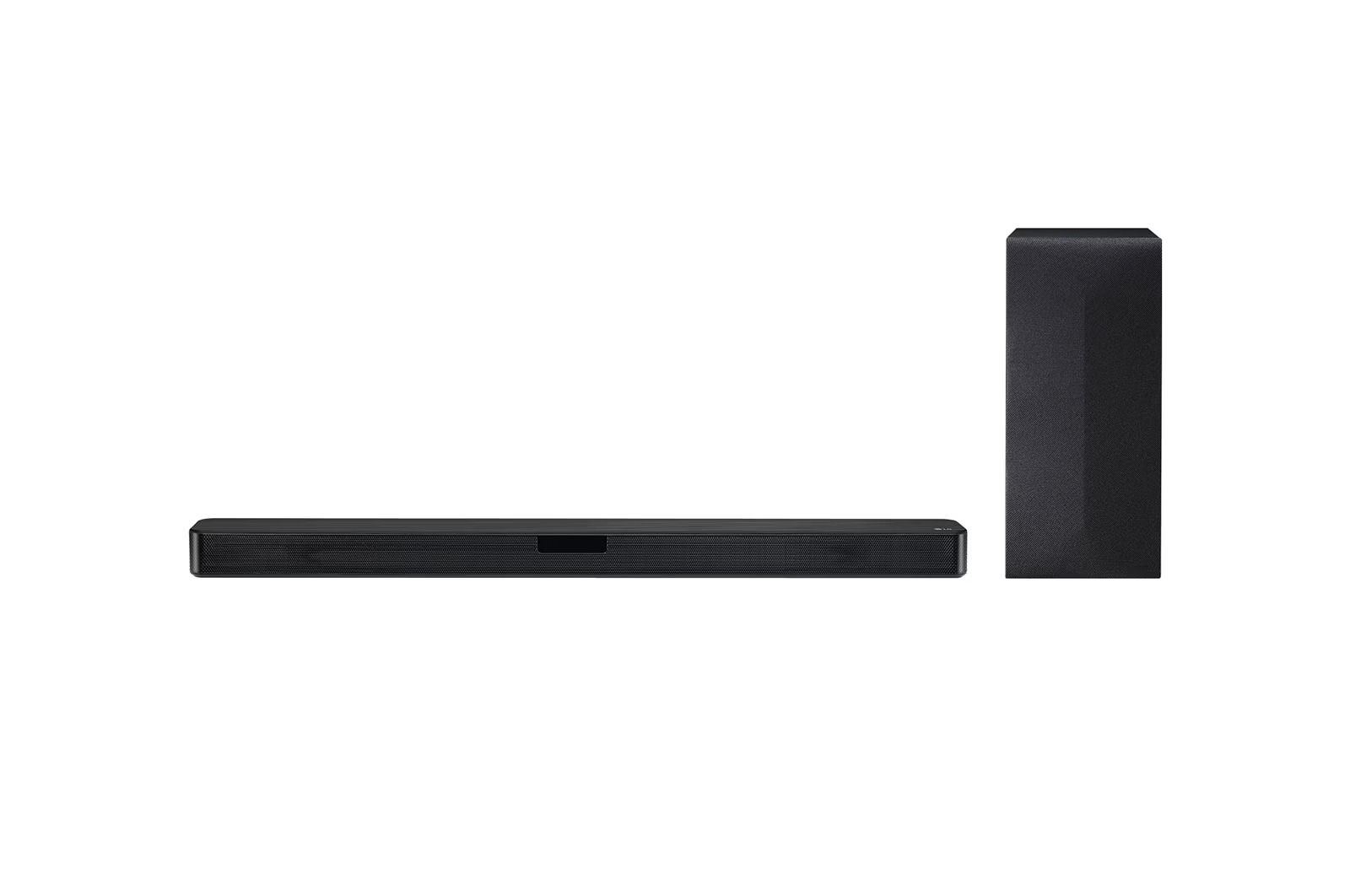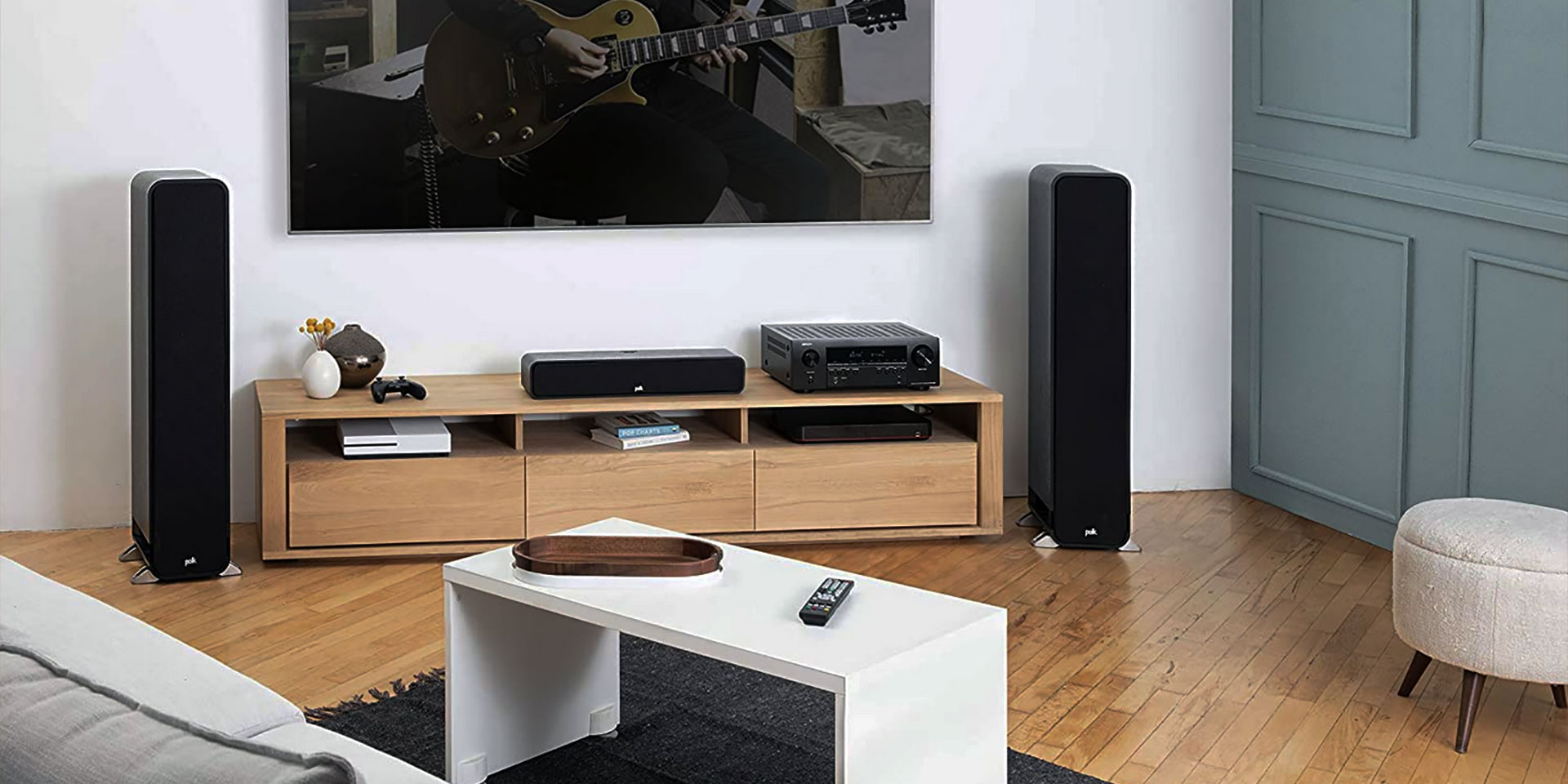
A focused set of guides for anyone who wants to get the most out of their home audio setup, especially when pairing it with a smartphone or smart TV. Whether you are setting up a new system or troubleshooting a connection, these articles are written for the everyday user who needs clear, step-by-step instructions without unnecessary technical jargon.
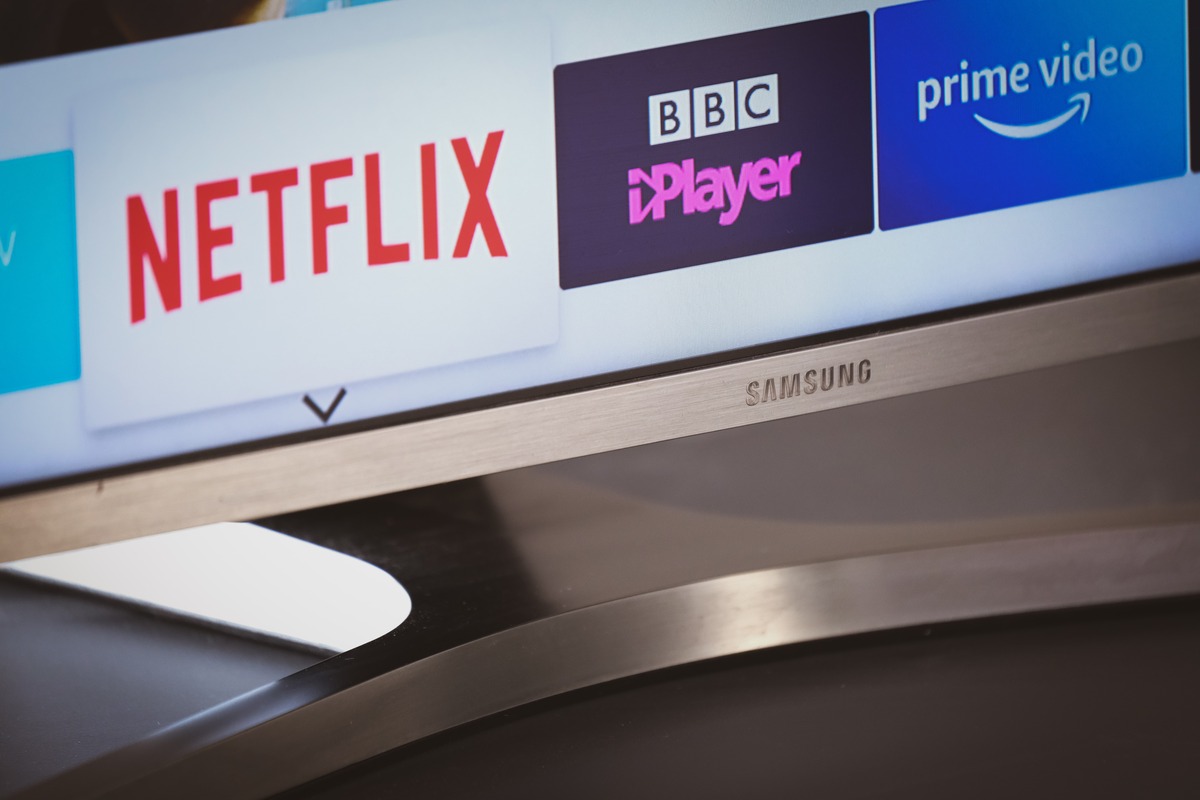
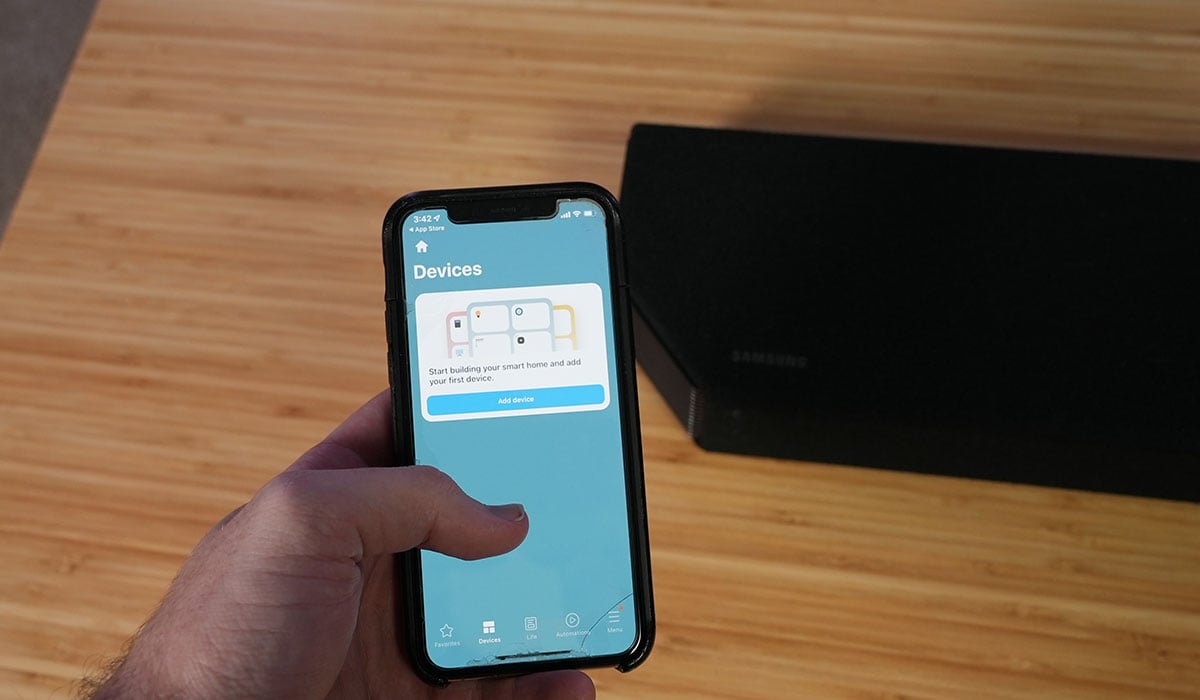
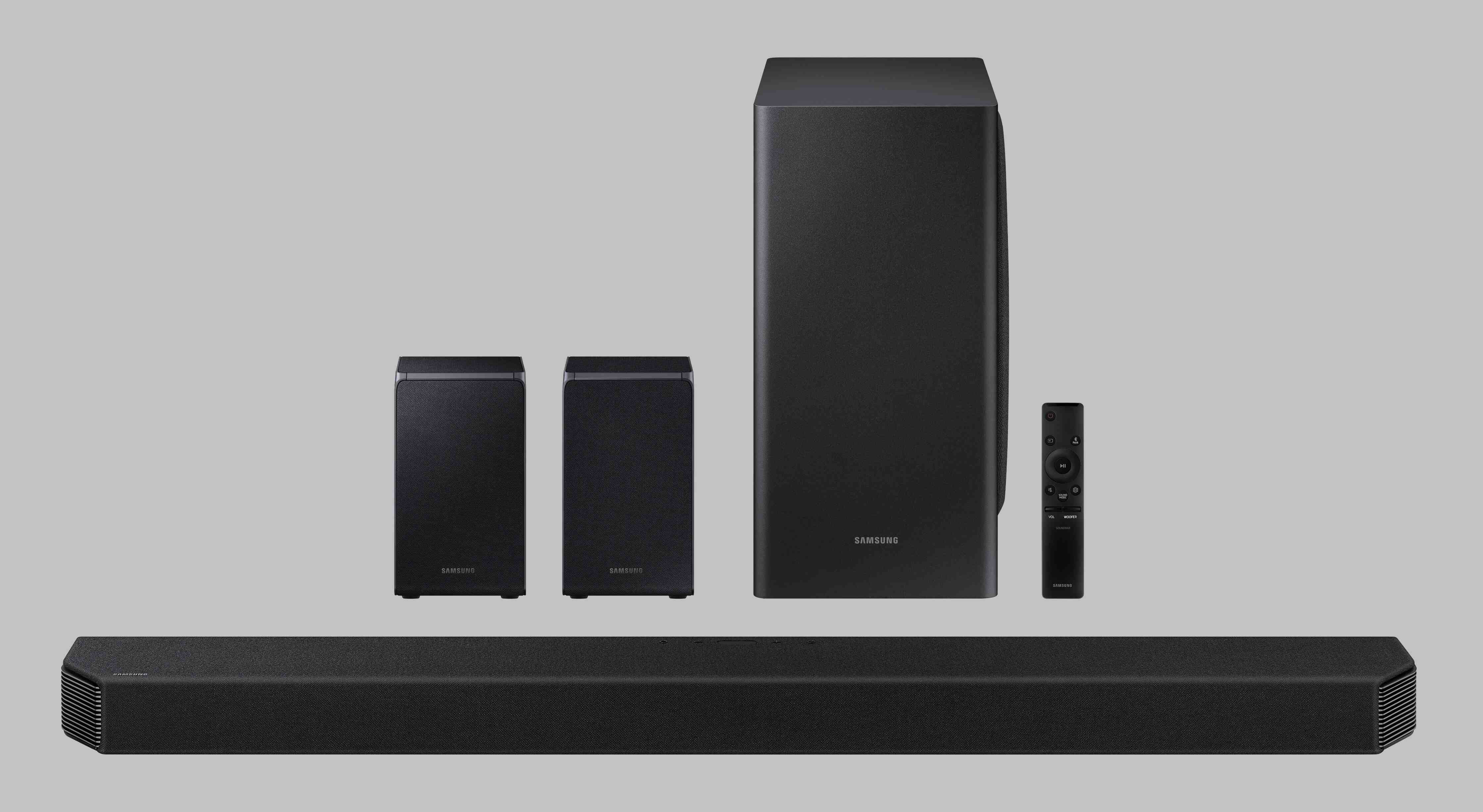
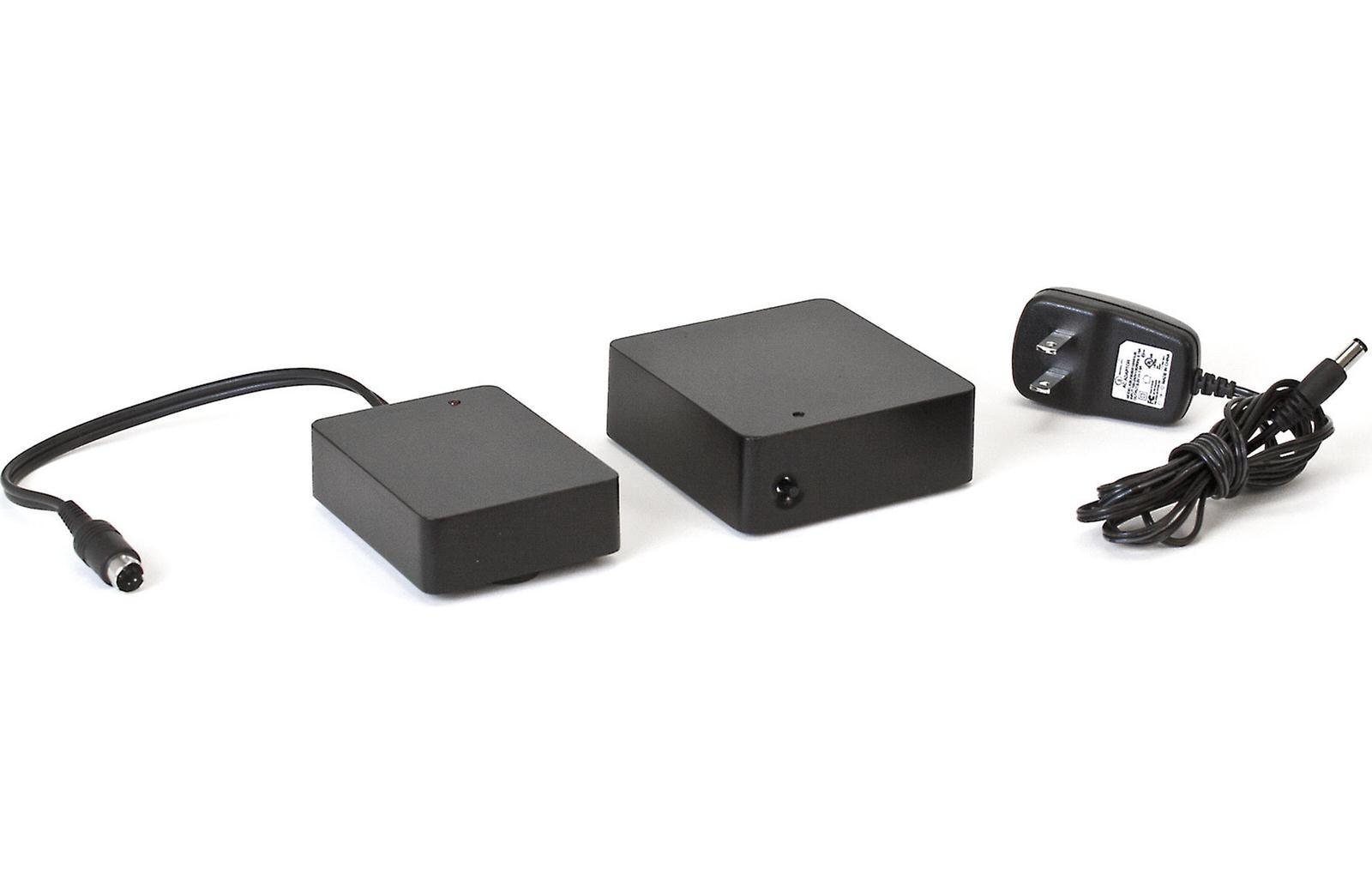
The articles here solve two main kinds of problems: connecting wireless subwoofers to your soundbar and managing audio output between your TV and external speakers. For the first group, you will find specific help for popular brands, including how to connect an LG wireless subwoofer, how to sync a Klipsch wireless subwoofer, and how to link a Samsung wireless subwoofer. The second group focuses on getting your phone to play through your soundbar, with a guide on how to connect my phone to my soundbar, as well as how to mute the TV speaker on a Samsung Smart TV. You will also find a general article on connecting wireless audio to your TV, which ties these themes together.
Ultimately, these articles help you do one thing: get your soundbar, subwoofer, phone, and TV working together as a seamless audio system. They walk you through the pairing process, explain how to switch audio sources, and show you how to silence built-in TV speakers so your soundbar takes over. If you have a specific brand of subwoofer or a Samsung TV, the targeted guides will save you time by addressing the exact steps and settings you need.