One of the most common challenges users face with the app: managing the link between your Telegram account and your personal phone number. This collection is for anyone who values their privacy, needs to recover an account without a SIM card, or wants to use the messaging service more discreetly.
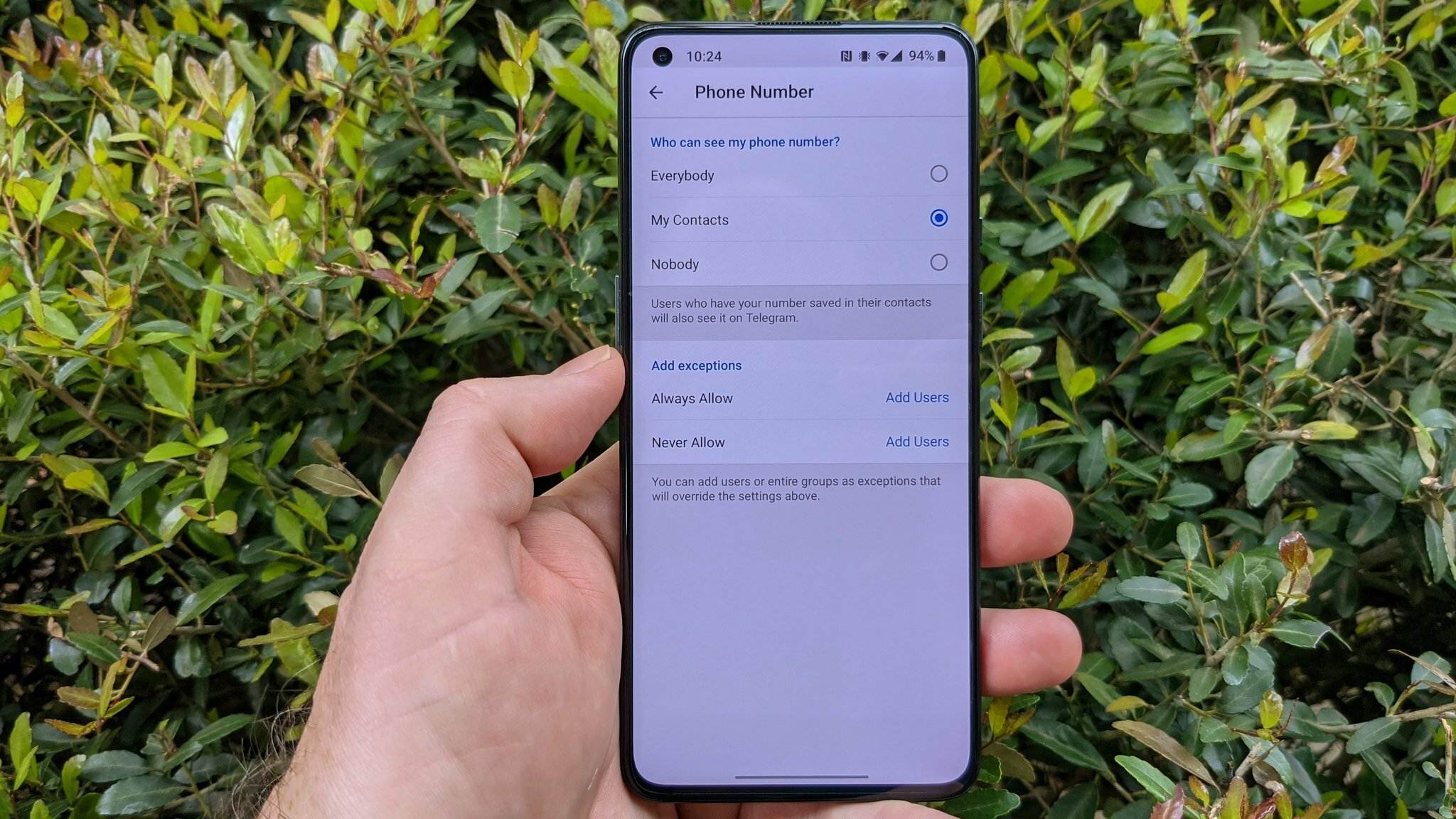
The articles here solve practical problems that fall into two main themes. The first group helps you bypass or hide your phone number. You can learn how to make a Telegram account without a phone number at all, and how to hide your number from other users once you have an account. The second theme deals with discovery and recovery. If someone has hidden their number, you can find out how to find a hidden mobile number in Telegram. Similarly, if you have lost access to your old SIM, the guides explain how to get an old Telegram account without a phone number and how to use Telegram without a phone number going forward.
Whether you are setting up a secondary account for work, trying to keep your personal number private from group chat members, or trying to regain access to a lost profile, these articles provide the specific steps to get it done.