This tag collects all of CellularNews's articles about US Cellular, the regional wireless carrier. It is intended for anyone who currently has a US Cellular account, is considering one, or needs to troubleshoot a device locked to that network. The articles here focus on practical, step-by-step instructions for managing your service and device.
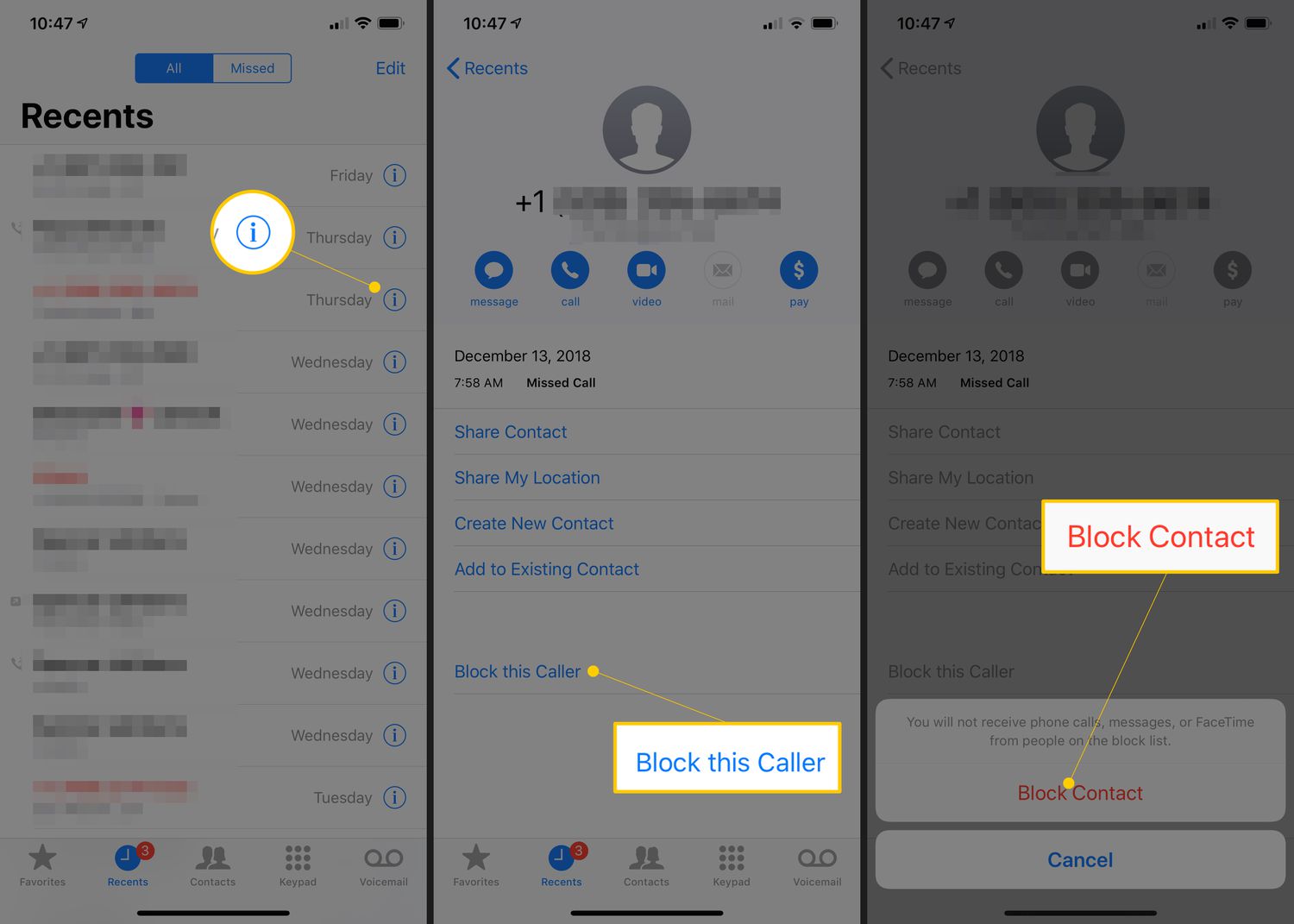
The content addresses two main themes. The first is account and device management: you can learn how to block unwanted numbers, pay your bill directly from your phone, and generate a transfer PIN if you need to move your number to another carrier. The second theme revolves around device unlocking and compatibility. For example, the guides explain how to unlock a US Cellular phone so it can be used elsewhere, and also how to set up a US Cellular phone to work on a prepaid service like Straight Talk.
Specific topics covered include calling US Cellular customer service from your cell phone, retrieving your transfer PIN, and navigating the phone unlock process. Each article is designed to help you complete a specific task without unnecessary jargon, whether you are troubleshooting a blocked call or preparing to switch providers.