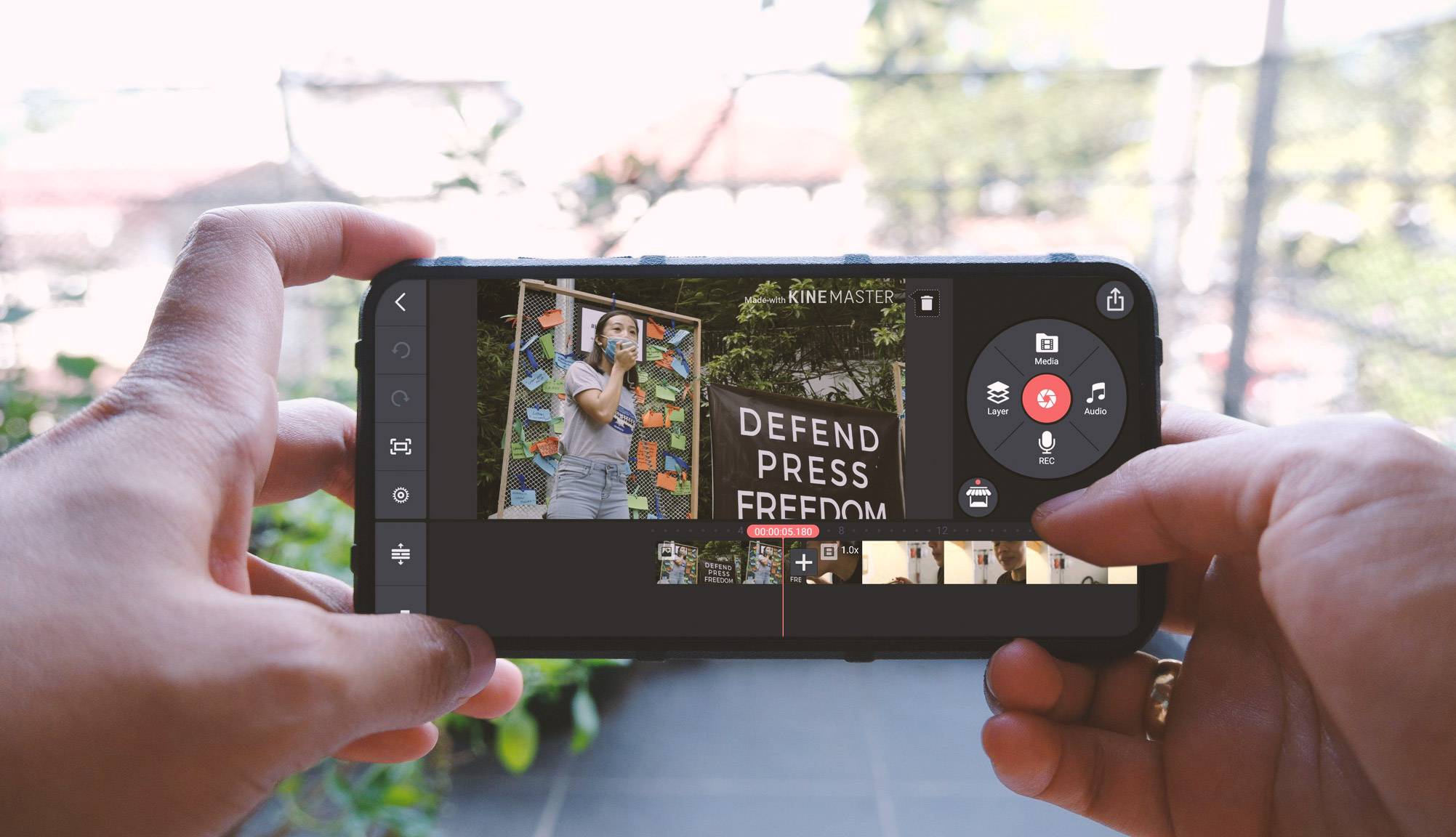
This tag collects our guides on mobile video editing, tailored for anyone who wants to create, polish, and share videos directly from their phone. Whether you are a social media user, a beginner content creator, or just someone looking to improve casual clips, these articles focus on practical, step-by-step solutions using apps you already have or can easily download.
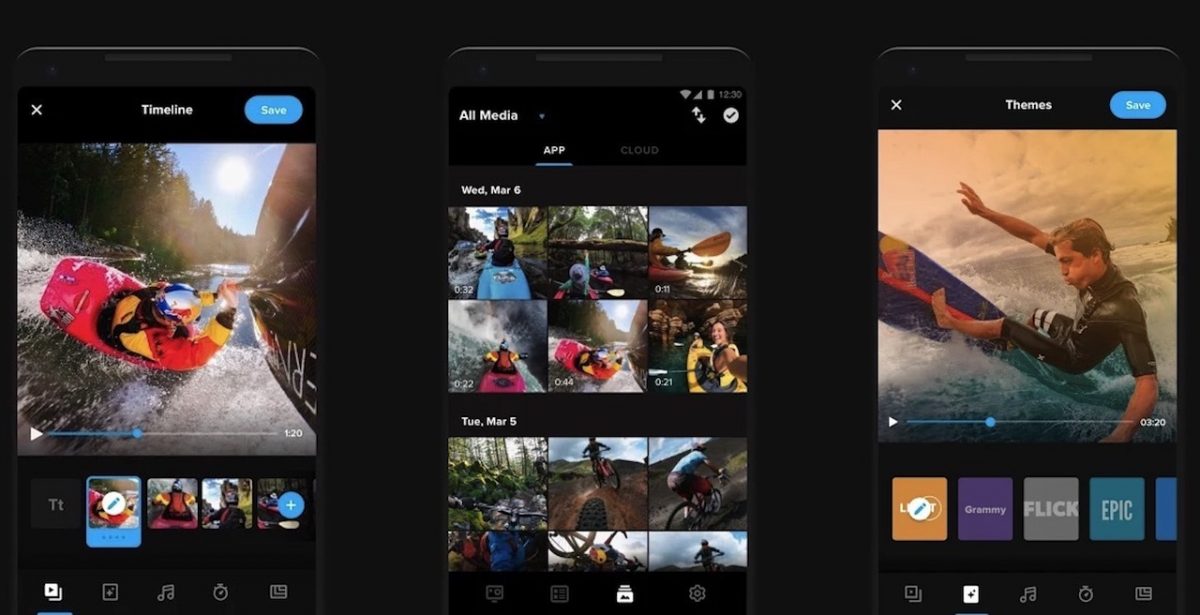
The articles here solve two main kinds of problems. First, they help you handle the core mechanics of editing, such as trimming clips, adding music, and adjusting audio. For example, the guide on using the InShot app walks you through the full editing process, while separate articles explain how to add music to any video on your phone and specifically to a YouTube video on mobile. Second, several guides tackle platform-specific tricks, like changing your voice on Snapchat using two straightforward methods, or getting started with the GoPro app to transfer and edit footage from your action camera.
Beyond basic edits, these articles also help you assemble finished projects. The guide on making a YouTube video on mobile covers the entire pipeline from recording to upload, ensuring your final product is ready to publish. By following these straightforward instructions, you can learn to edit mobile videos, add soundtracks, and prepare content for sharing without needing a computer.