Welcome to the Video tag page on CellularNews. This collection is for anyone who uses their phone as a primary tool for capturing, managing, and sharing video content. Whether you are a social media creator, a student preparing a presentation, or simply someone trying to organize your personal clips, these articles address the practical, everyday tasks that often cause frustration.
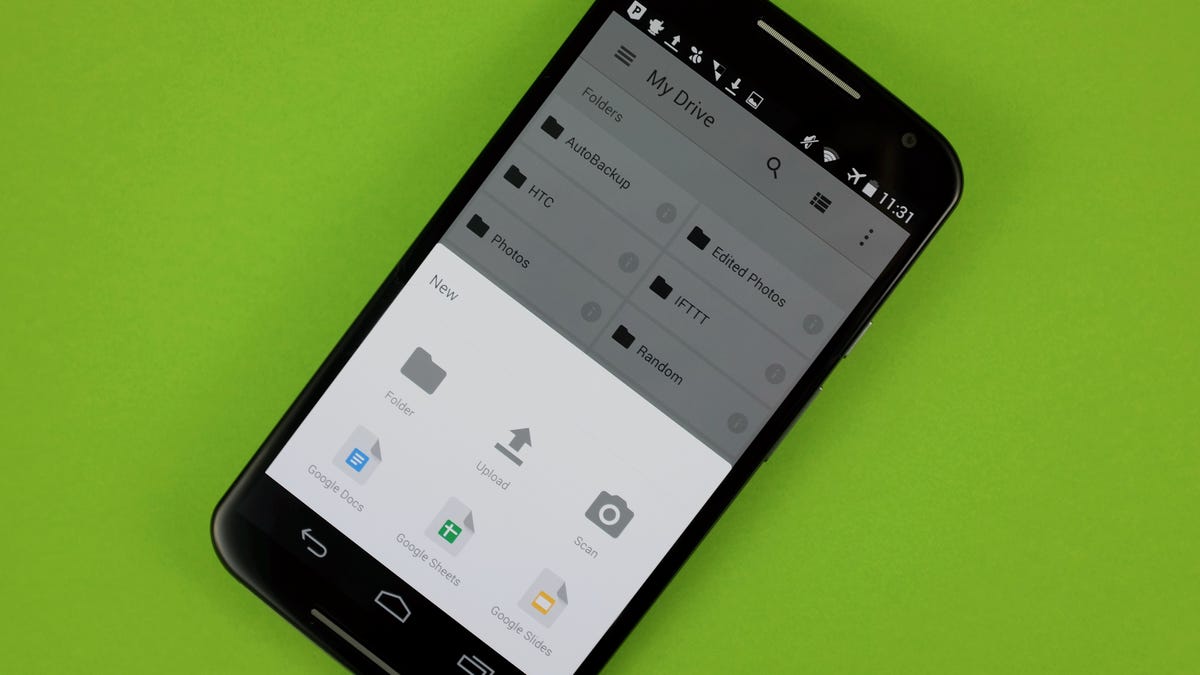
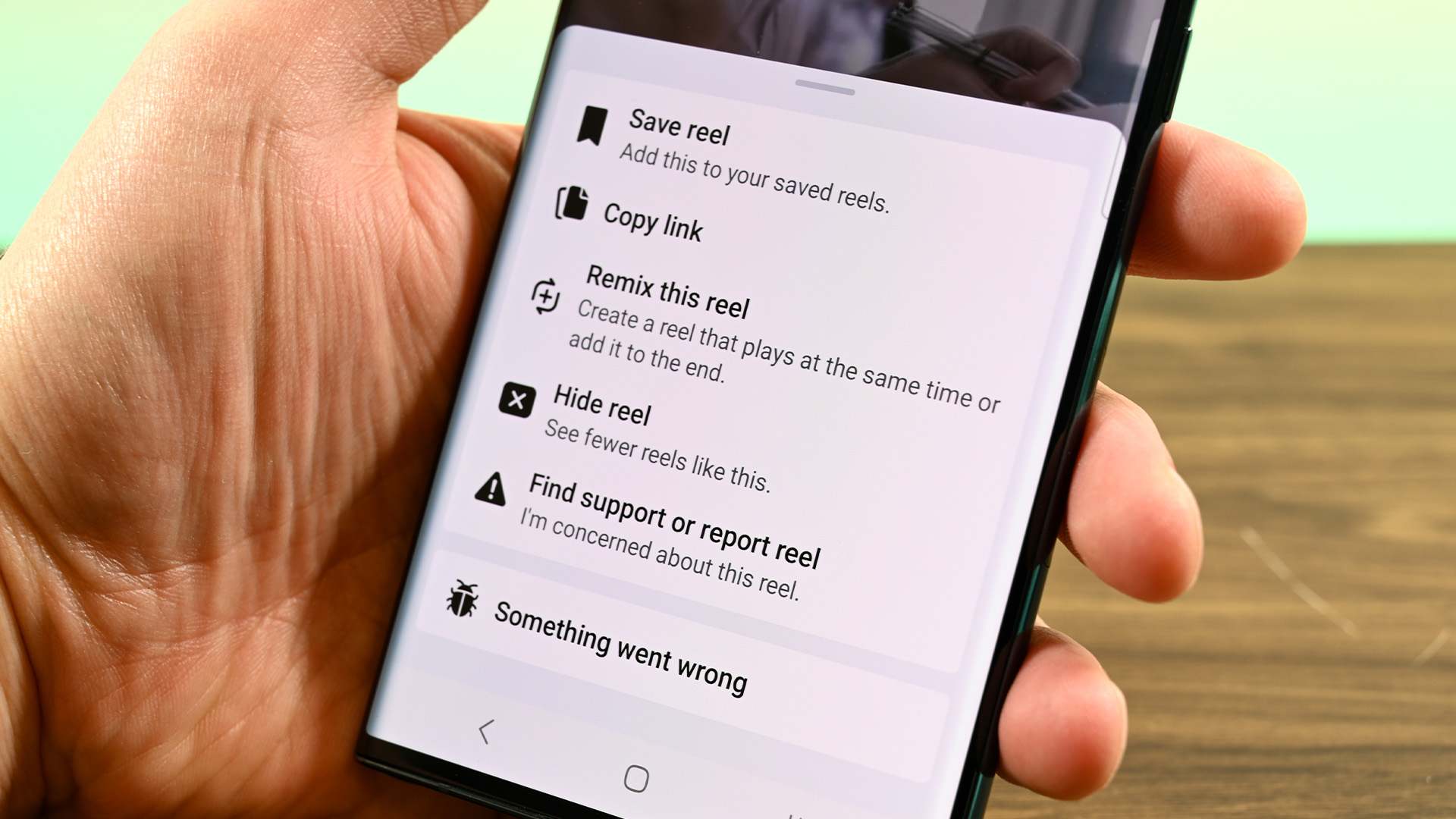
The articles here solve two main groups of problems. First, they help you capture and move videos from popular platforms and cloud services directly onto your device. You will find straightforward guides on saving Reels from Instagram and TikTok drafts to your phone’s local storage, as well as instructions for downloading videos from Google Drive. Second, the collection covers basic video editing and file management tasks. These include how to add a video from your camera roll into a Google Slides presentation, how to rename a video on an iPhone 11, and even how to use split screen on an iPhone 11 to watch a video while doing something else.
Each article focuses on a single, clear action. They help you take a video that exists in one place, like an app, a cloud folder, or your camera roll, and put it where you actually need it, or make a simple change to its name or viewing setup. No advanced editing, no complex software, just the essential moves for getting your video content under control.