This tag collects articles for anyone who has accidentally gotten their phone wet, whether from a drop in the sink, a splash of rain, or a full dunking. The content is aimed at everyday smartphone users looking for practical, step-by-step fixes to common water exposure problems, covering both iPhone and Android devices.
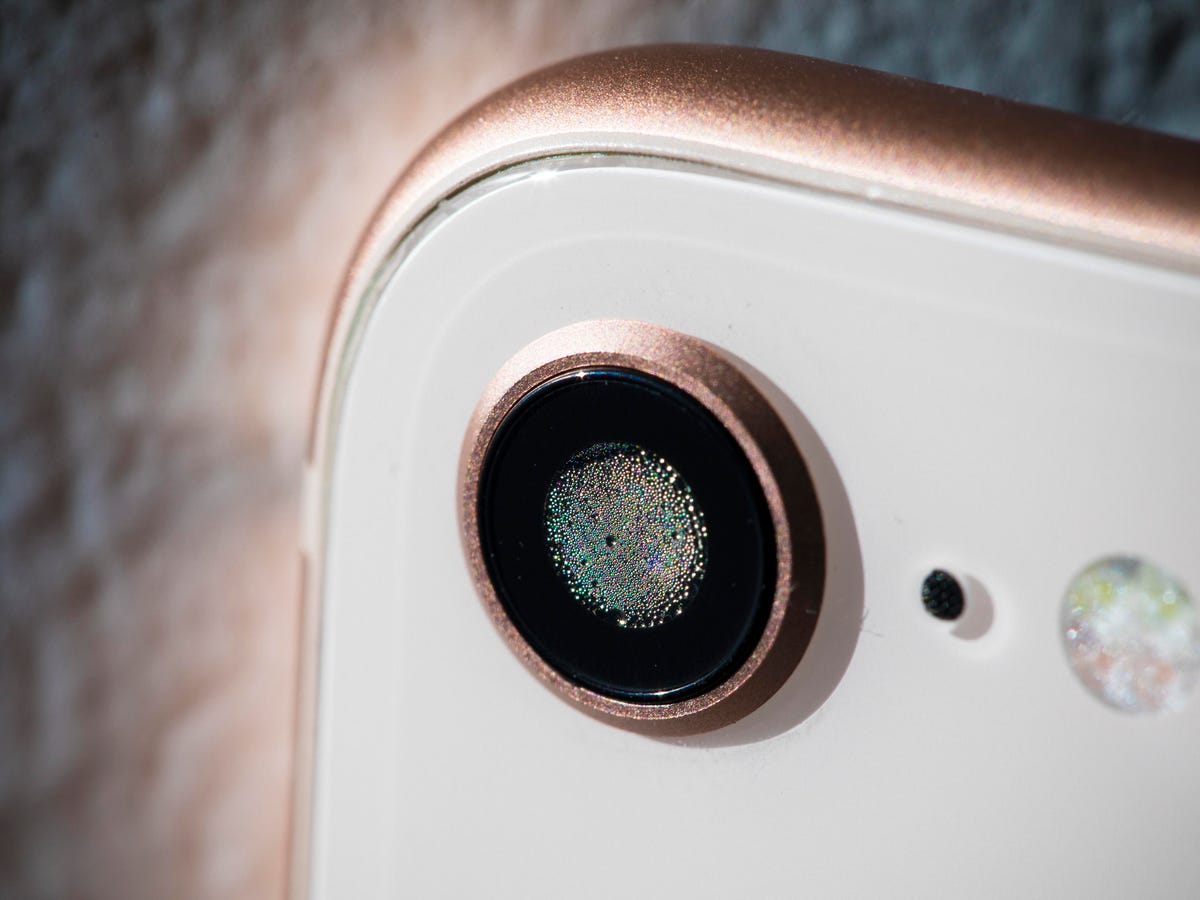
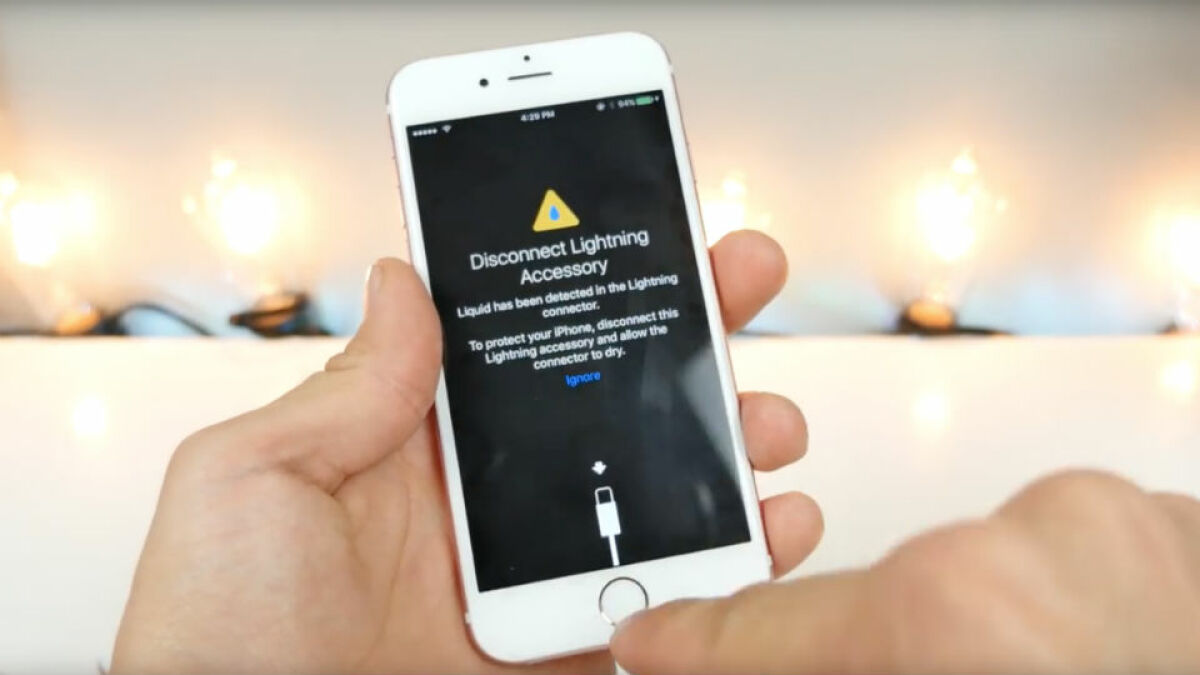
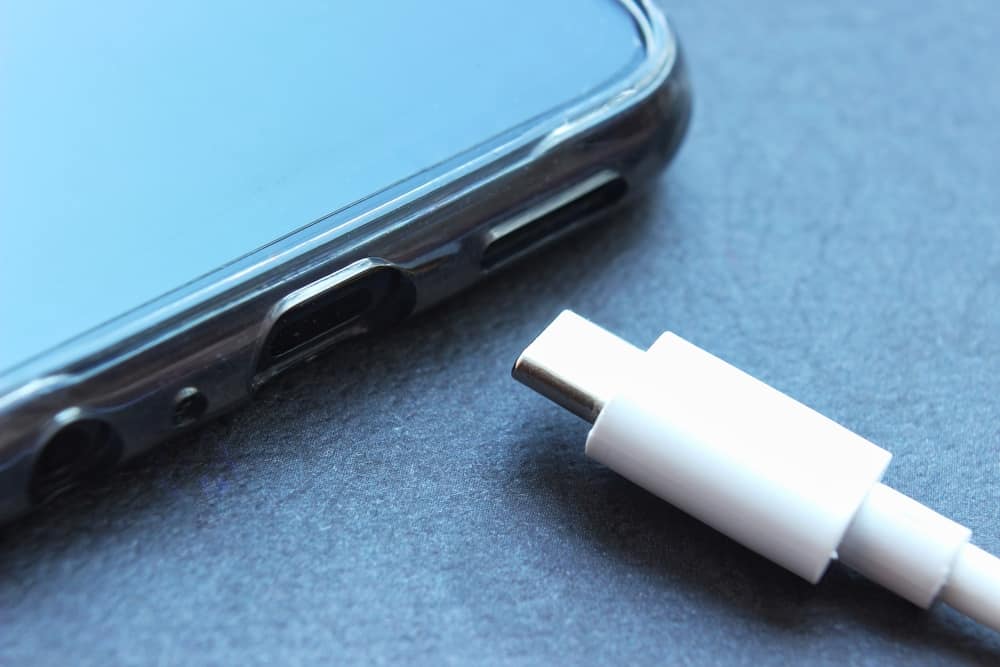
The articles here tackle three main types of liquid damage. First, they address how to dry out charging ports and connectors, with specific guides for Lightning connectors and Android charger ports. Second, they focus on clearing water from phone speakers, microphones, and camera lenses to restore sound and image quality. Third, they provide general recovery steps for wet phones, including what to do if a specific model like the iPhone 14 falls in water. Titles like “How To Dry iPhone Lightning Connector” and “How To Get Water Out Of Camera Lens On Phone” show the practical, device-specific help available.
These guides help readers take immediate action, such as using a hidden Water Eject shortcut on an iPhone, cleaning iPhone speakers to remove liquid, and safely drying a charging connector. The goal is to give clear, actionable steps to minimize damage and get a phone working again after exposure to moisture.