Managing your mobile account and navigating essential online services tied to your phone. This section is for anyone who needs clear, practical steps for handling carrier-specific tasks, adjusting account settings, or using web-based tools that interact with your device and subscriptions.
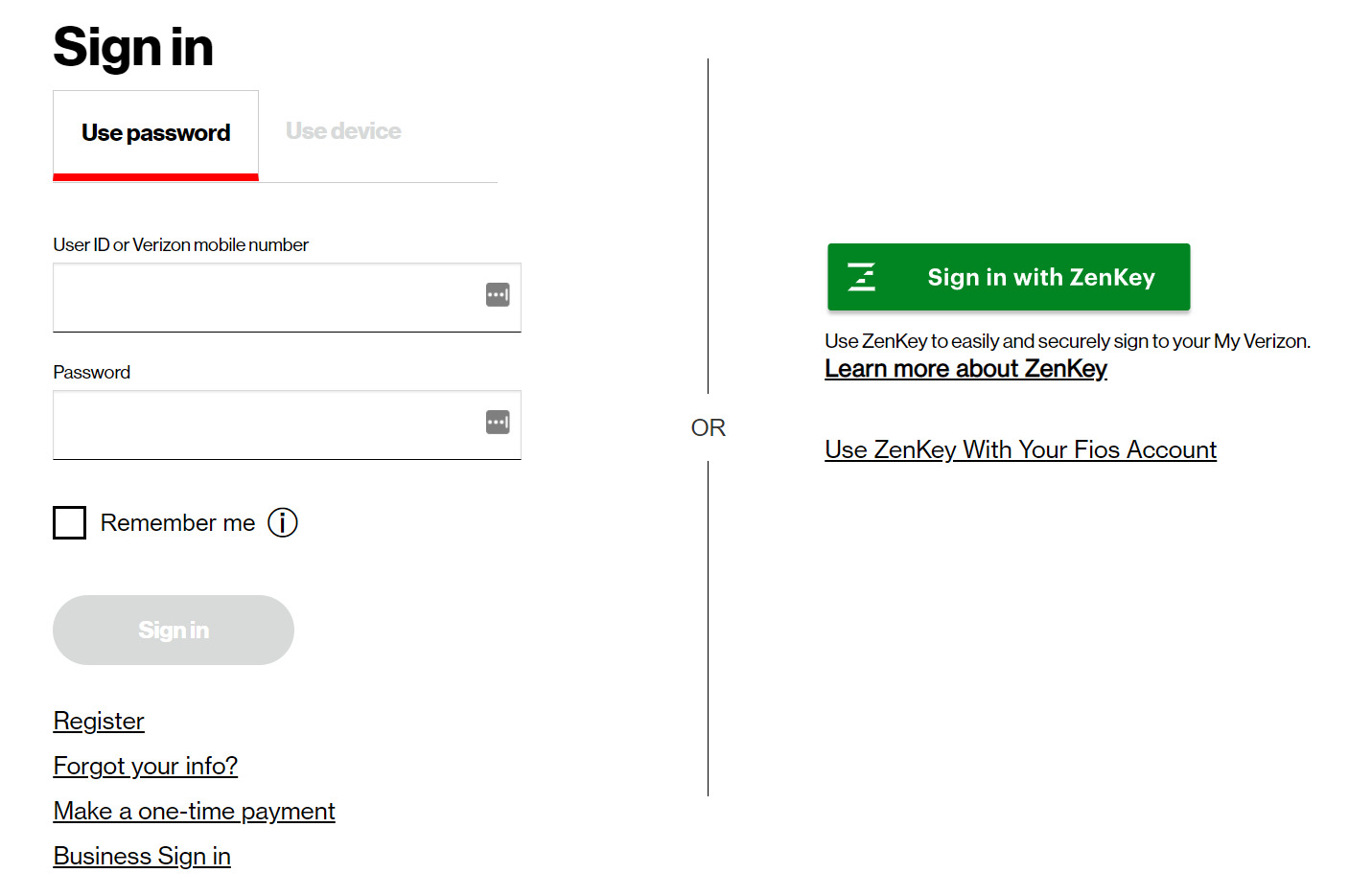
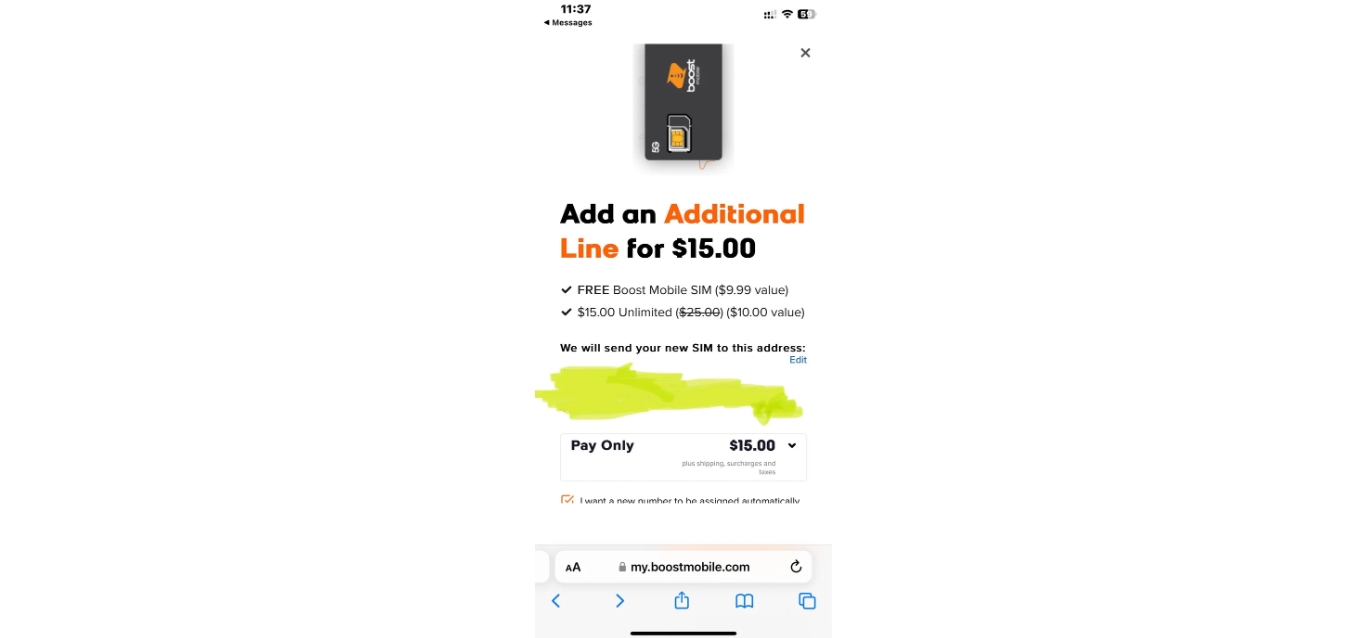
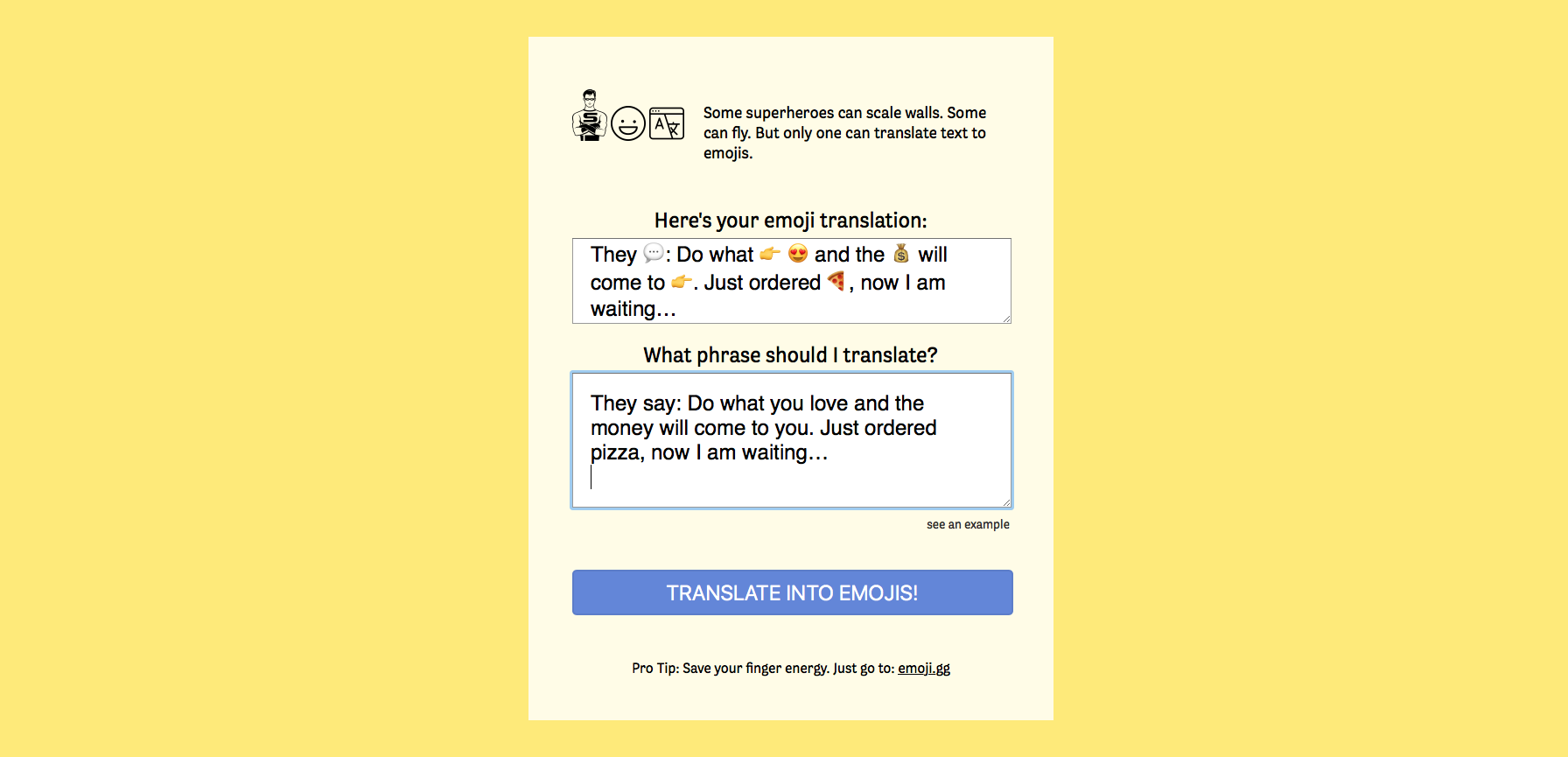
The articles here solve three main types of problems. First, they guide you through carrier account management: you can learn how to add a line to Boost Mobile, how to sign in to Verizon Wireless, and how to see phone calls on Verizon. Second, they address account and privacy adjustments, such as how to remove your phone number from PayPal. Third, they help with online purchasing and communication tools, including how to buy from an online T-Mobile store and how to find the best emoji translator websites and mobile apps.
Each article provides direct instructions to help you complete a specific action, whether that’s updating your carrier plan, securing your financial accounts, or finding a fun new app. The focus stays on getting the task done without extra fluff.