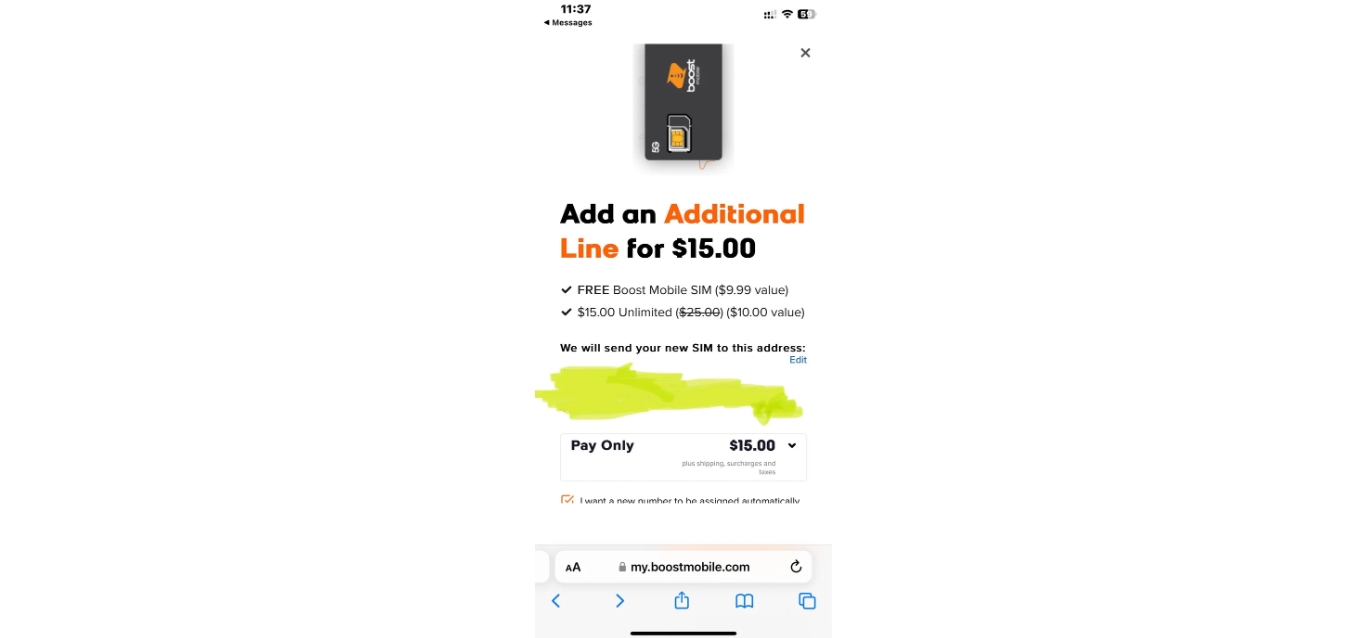
To add a line to Boost Mobile, sign in to your account on the Boost Mobile website and select Add A Line, or open the Boost Mobile app, sign in, tap Add New Lines to My Account, and swipe left on the home screen until you see the option. This is the fastest way to add a line to Boost Mobile and get a second line for a family member, a business partner, or yourself.
How to add a line to Boost Mobile: The core self-service steps
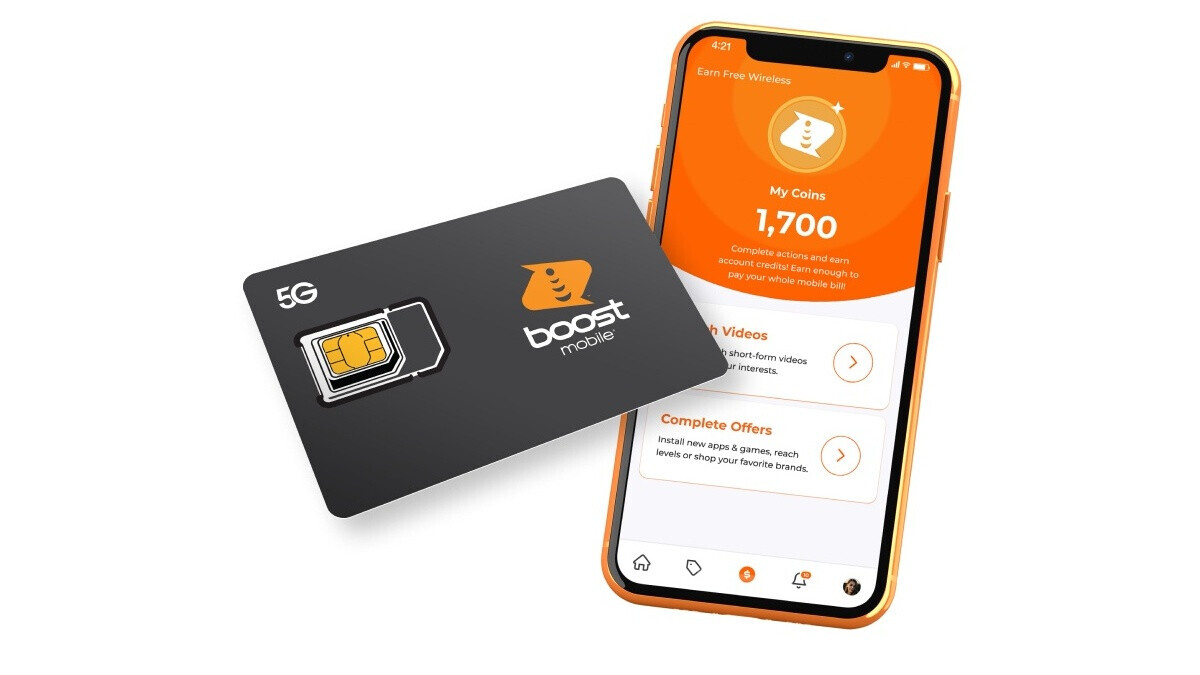
The documented place to add a line is the Boost Mobile account dashboard on the web or the Boost Mobile app. On the web, sign in to your Boost account and select Add A Line. In the Boost Mobile app, tap Add New Lines to My Account. Boost’s social support instructions also explain that in the app you can open the app, sign in, swipe left on the home screen until you see Add a Line, then tap it and choose Shop Plans, Bring Your Own Device, or Shop Phones, Tablets & Watches. After that, choose whether to keep your current number or get a new number, and complete payment if prompted. Visit the Boost Mobile website: Go to the official Boost Mobile website and navigate to the "Plans" or "Add-Ons" section. Here, you'll find a variety of add-on options to choose from. Choose the desired line add-on: Browse through the available line add-on options and select the one that best suits your needs. Boost Mobile offers different plans with varying amounts of talk time, text messages, and data, so make sure to consider your usage before making a decision. Add the line to your cart: Once you've chosen the line add-on, click the "Add to Cart" button to proceed to the checkout page. Review the details of your selected plan to ensure it matches your requirements. Complete the purchase: Enter your payment information and any necessary personal details to finalize the purchase. Boost Mobile accepts various payment methods, including credit cards and PayPal.
Check your phone's compatibility first
Before you add a line, check that your phone works on Boost Mobile. Boost Mobile operates on the Sprint network, so you need to make sure your device is compatible with Sprint's CDMA network. Boost Mobile only supports certain devices, so it's crucial to verify compatibility before proceeding with adding a new line to your account. Check the device compatibility tool: Visit the Boost Mobile website and use their device compatibility tool. Simply enter your phone's model number, and the tool will determine if your device is compatible with their network. Check the phone's specifications: Alternatively, you can check the specifications provided by the manufacturer. Look for CDMA compatibility or compatibility with Sprint's network. Boost Mobile says to check compatibility by entering the device’s IMEI on its website. On Android, the IMEI can be found by dialing *#06# or by going to Settings > About Phone > Status. Boost Mobile says most popular, unlocked phones can be activated on Boost Mobile. Most phones must be unlocked to activate.
Supported eSIM devices for a new line
Boost Mobile’s eSIM support includes all U.S. models iPhone 12 and newer. Supported Samsung devices include the Galaxy S25 family, Galaxy S23 family, Galaxy S22 5G family, Galaxy Z Flip7/Z Flip7 FE, Galaxy Z Fold7, Galaxy Z Flip4 5G, Galaxy Z Fold4 5G, Galaxy A54 5G, Galaxy A36 5G, Galaxy A35 5G, Galaxy A27 5G, Galaxy A17 5G, and Galaxy A16 5G. Motorola models include the razr 2026, razr 2025, moto g 2026, moto g 2025, moto g play 2026, moto g stylus 2025, and moto g stylus 5G 2024. Google models include the Pixel 10, Pixel 10 Pro, Pixel 10 Pro XL, Pixel 10 Pro Fold, Pixel 10a, and Pixel 9a. Boost Mobile also supports iPad 8th Generation and later, Apple Watch Series 6 and later (cellular models), Android tablets, and Samsung Galaxy Watch7 / Watch FE / Watch Ultra and later.
What to expect after you add a line
After you select Add A Line or Add New Lines to My Account, you will choose whether to keep your current number or get a new one. If prompted, complete payment to finish adding the line. Having multiple lines on one account makes it easier to manage and track your communication expenses, and you can take advantage of shared data plans and family-friendly options such as discounted rates for additional lines. Boost Mobile also says customers can contact Boost Customer Care if they need help with Boost Mobile services. When contacting customer support, it's important to provide them with accurate information about your existing account and the type of line you wish to add. Phone Call: You can directly dial the Boost Mobile helpline at 1-866-402-7366 and speak to a customer support representative. Live Chat: If you prefer an online conversation, you can visit the Boost Mobile website and initiate a live chat session with a customer support representative. Social Media: Boost Mobile also has a strong presence on social media platforms like Twitter and Facebook. You can send them a direct message or publicly reach out to them for support.
Frequently Asked Questions
Can I keep my existing phone number when adding a line?
Yes. During the process of adding the line, you will have the option to port in your current number. Simply provide the necessary information and follow the prompts to transfer your number to the new line.
Is there an additional cost for adding a line to my Boost Mobile account?
Yes, there may be an additional cost. The cost depends on the specific plan and options you choose for the additional line. Boost Mobile offers a range of plans and add-on features so you can customize your experience.
What are the benefits of adding a line to my Boost Mobile account?
Adding a line allows you to have multiple lines on a single account, making it easier to manage expenses.
How many lines can I add to my Boost Mobile account?
You can add multiple lines as needed, subject to plan availability.
What if my phone is not compatible with Boost Mobile?
If your phone is not compatible, you can shop for a new device through Boost Mobile’s website or app when adding a line. Boost Mobile offers a variety of phones, tablets, and watches that work on its network.