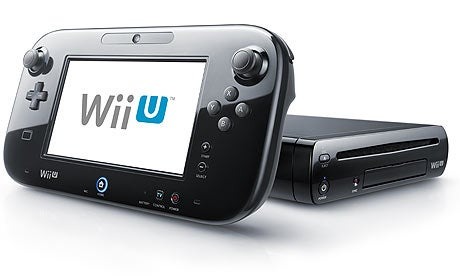
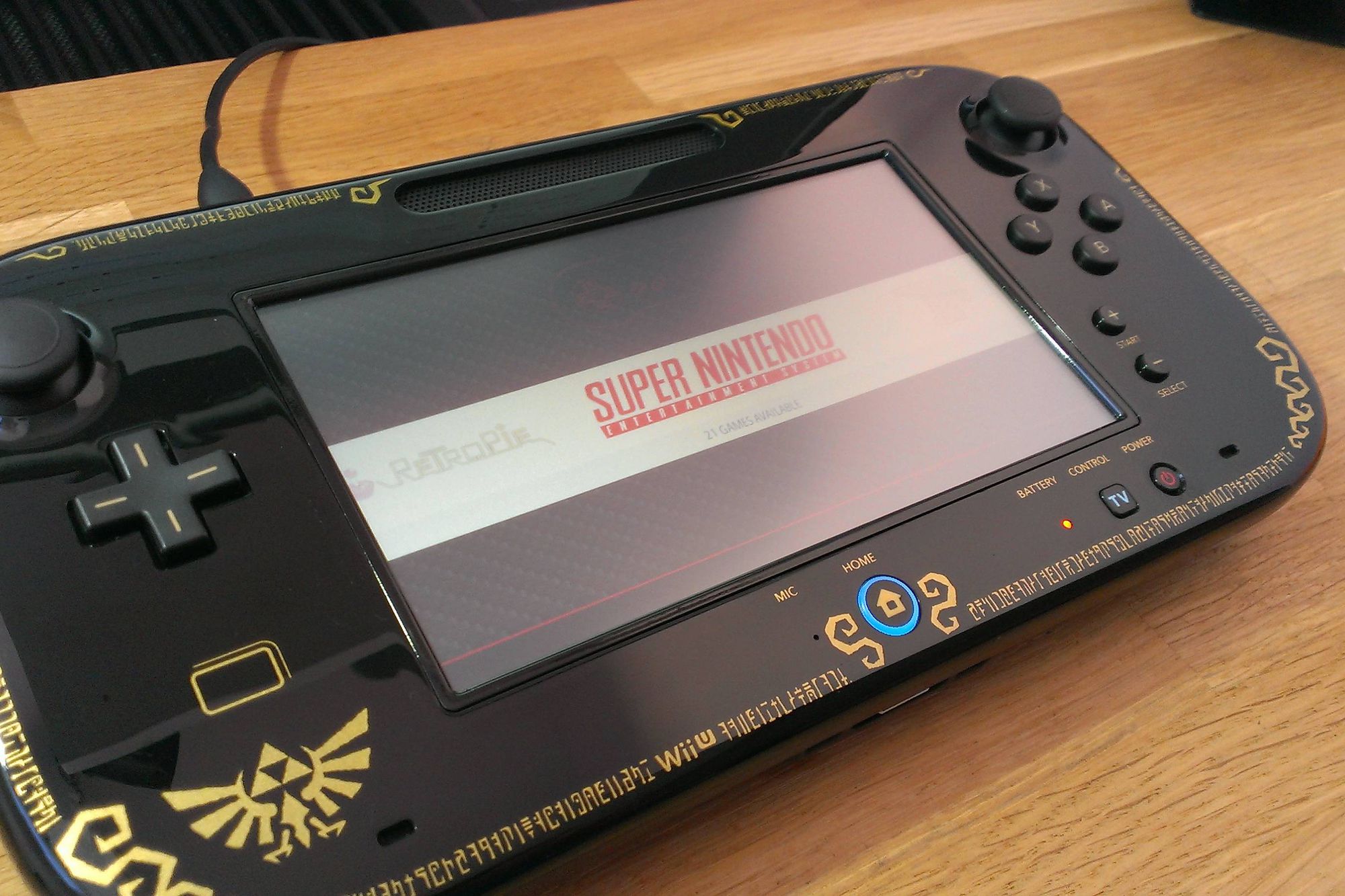
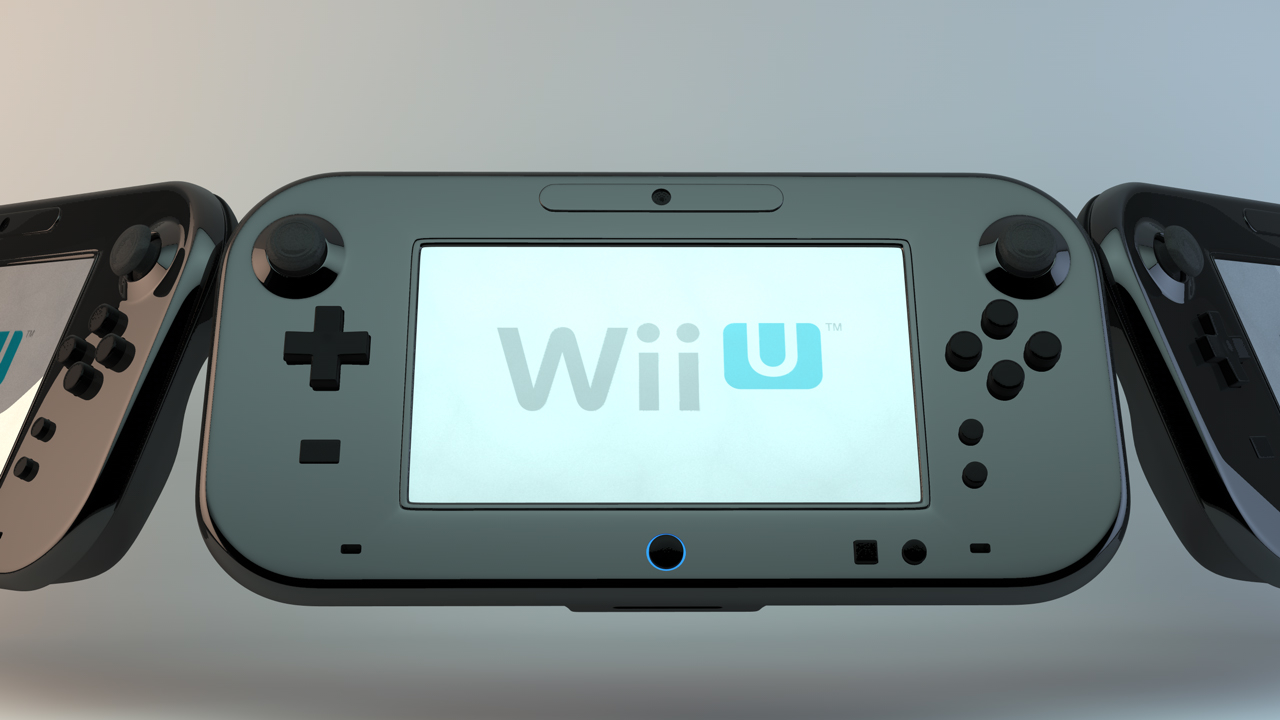
This tag collects articles specifically for Nintendo Wii U owners who are troubleshooting their Gamepad, particularly those who may be using it in conjunction with a phone or mobile device. The content is aimed at users looking for practical, step-by-step fixes for common hardware and connection problems, without any unnecessary technical jargon.
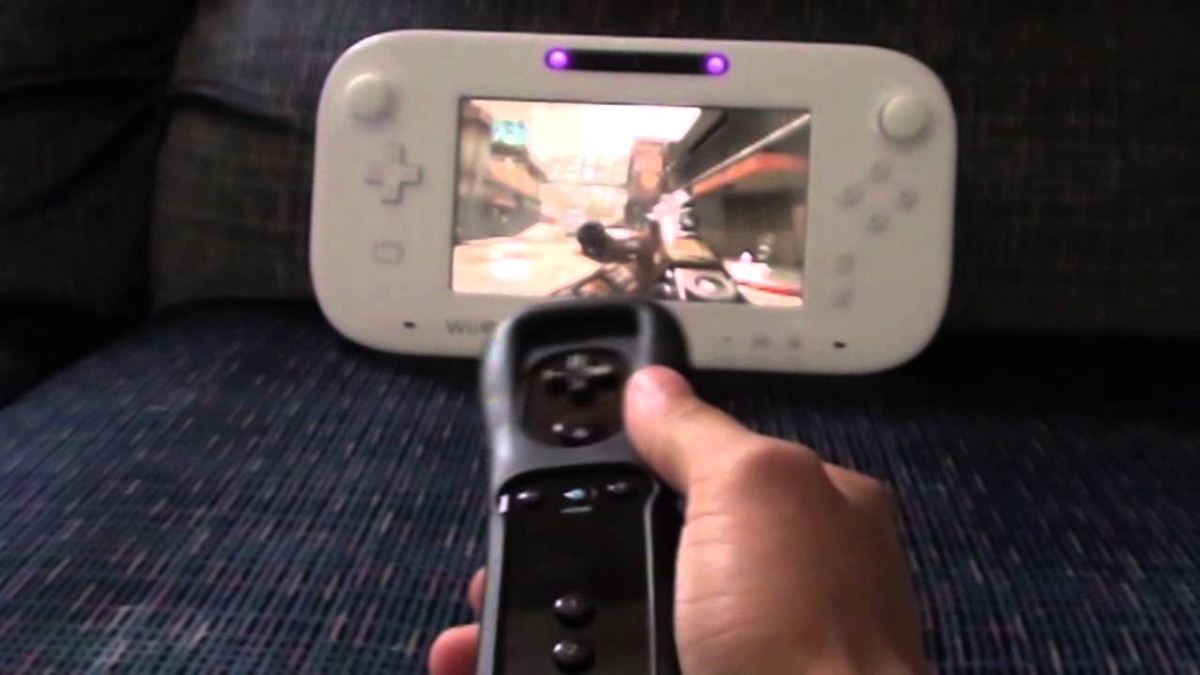
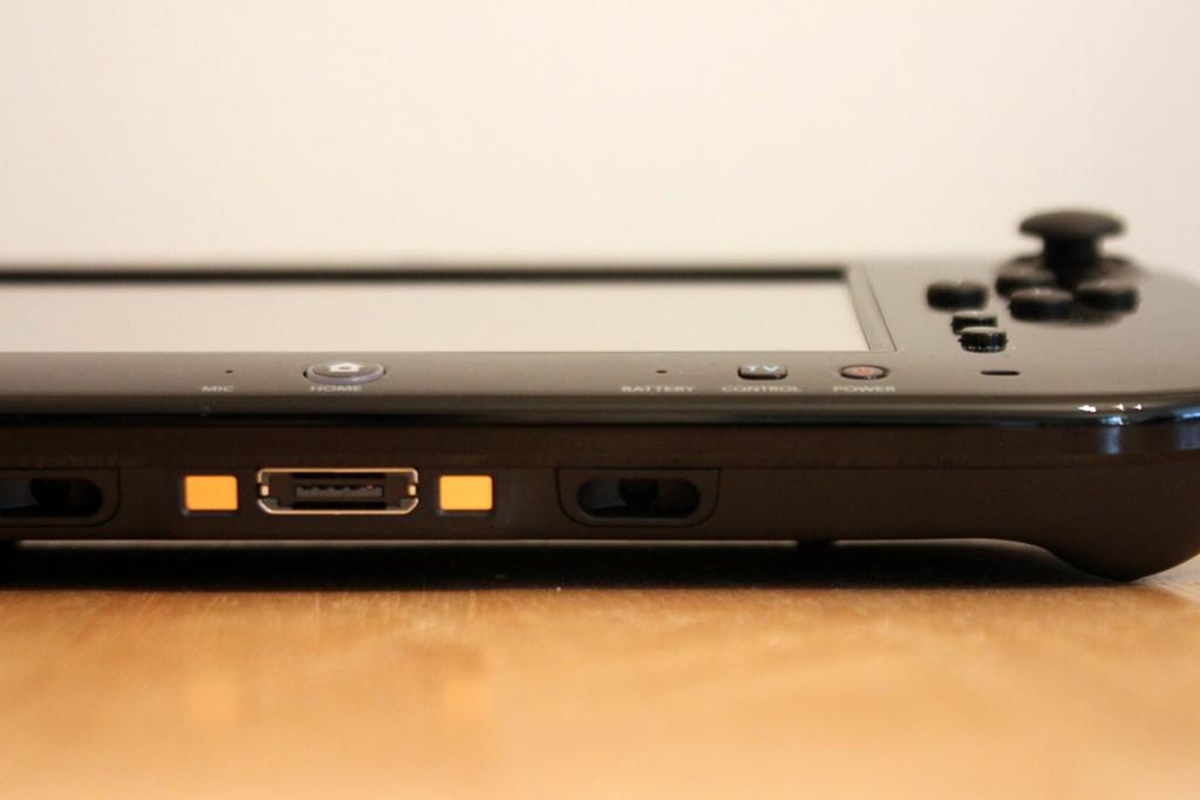
The articles here address two main themes. First, there are several guides focused on restoring and maintaining the connection between the Gamepad and the console, such as how to fix connection issues and how to properly unsync a Gamepad. Second, a group of articles tackles power and hardware quirks, including instructions on how to charge a Wii U Gamepad without a charger and how to reset the Gamepad itself. You will also find a guide explaining what the port on the bottom of the Gamepad is actually for, as well as steps to activate the sensor bar.
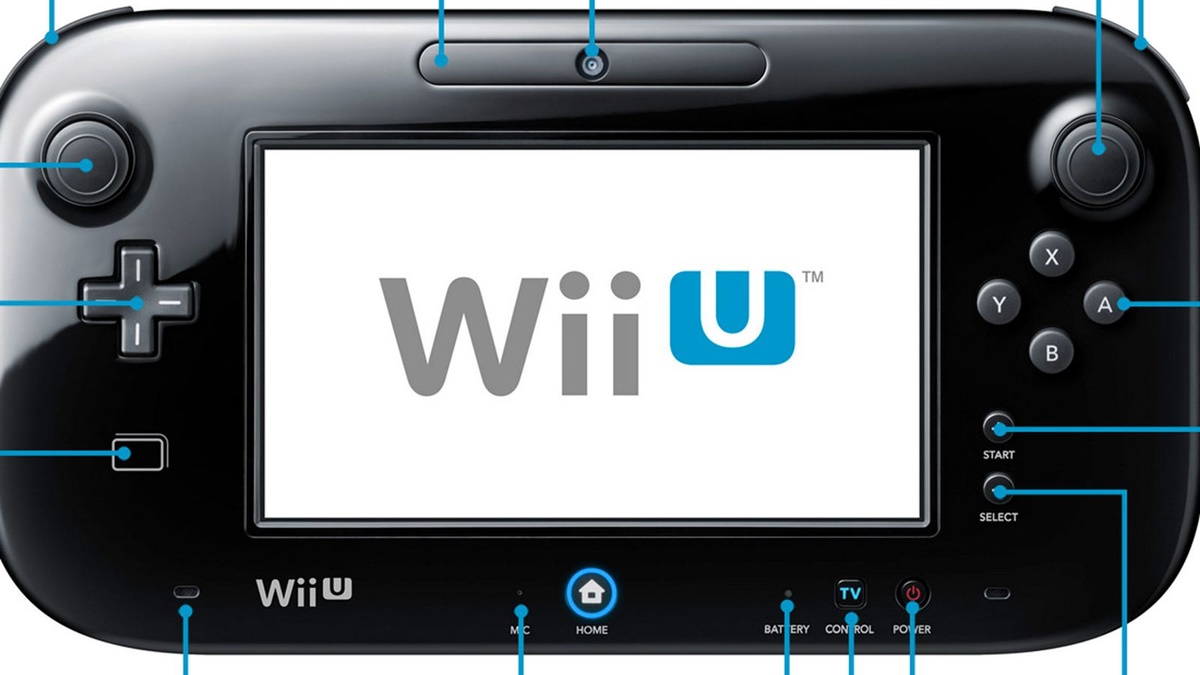
These articles help you perform specific actions: resetting a frozen Gamepad, finding alternative charging methods, re-establishing a lost wireless link, and understanding the physical ports and sensors on the device. Whether you are dealing with a controller that won’t sync or a battery that has died, these guides provide the direct steps to get your Gamepad working again.