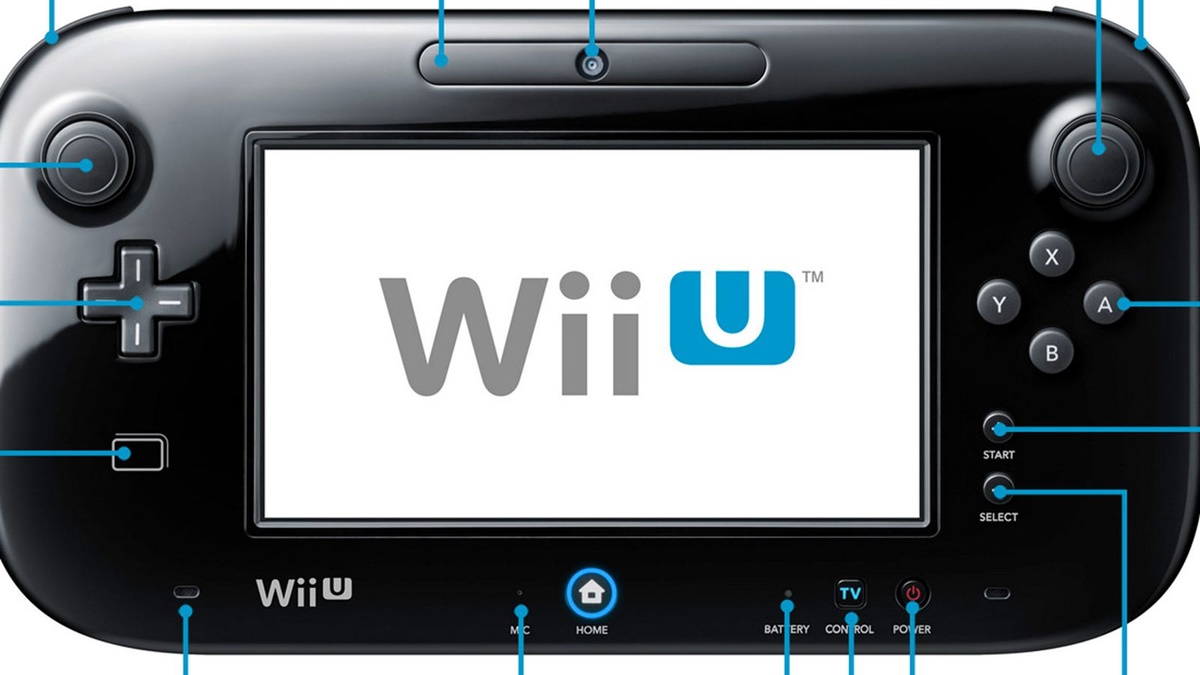
To unsync a Wii U GamePad, you need to perform a reset-and-resync process rather than using a dedicated “unsync” menu, because Nintendo never included a simple “remove from synced devices” option. The only documented way to disconnect the GamePad from one console so it can be paired with another is to overwrite the existing pairing by following the standard sync procedure.
What “unsync a Wii U gamepad” really means
Nintendo’s official support materials do not describe a menu option to “unsync” the GamePad. Instead, the documented method is a reset-and-resync process that overwrites the old pairing. When you resync the GamePad to a different console, the previous connection is automatically replaced. This approach is part of the standard gamepad setup and troubleshooting workflow, not a separate feature.
Before you start: clear interference and power-cycle
Before attempting to resync, prepare your environment to avoid common connection failures. Unplug the Wii U console power cord and leave it unplugged for at least 30 seconds. Make sure the console is placed out in the open and away from interference such as a TV, aquarium, metal objects, wires and cords, and other wireless devices. Turn off possible sources of interference, or move them three to four feet away from the Wii U console and GamePad. Also ensure no other Wii U console or Wii U GamePad is powered on in the household while troubleshooting. Nintendo documents that the Wii U console can work with up to six Wii Remotes and/or four Wii Pro Controllers, and separately notes the console will only allow four additional controllers to be synced outside of Super Smash Bros. After clearing the area, plug the console back in and turn it on.
How to unsync and resync the Wii U gamepad
Once your setup is clear, follow these steps exactly as Nintendo documents them:
- On the Wii U console, press the SYNC button on the front of the console twice, or until the GamePad sync symbols appear on the TV screen.
- On the Wii U GamePad, use the stylus to press the SYNC button on the back of the GamePad.
- If the GamePad was previously synced, you may see the message: “This Wii U GamePad has already been paired. Please wait …” If that happens, press and hold the GamePad POWER Button until it turns off, then press POWER once to turn it back on.
- After that, if you see “Could not connect to the Wii U console,” press the GamePad SYNC button on the back one more time.
- Enter the symbols shown on the TV screen in order from left to right on the GamePad.
This process replaces the old pairing with the new one, effectively unsyncing the GamePad from its previous console.
What to do if the gamepad still won’t connect
If the GamePad still will not connect after following the sync steps, try these documented fixes. First, reset the GamePad by pressing and holding its POWER Button until it turns off, waiting 15 seconds, then pressing POWER once to turn it back on. This is the official way to reset my Wii U gamepad when it is unresponsive. If a second Wii U GamePad also will not sync, Nintendo states there is an issue with the Wii U console itself, not the GamePad. Additionally, confirm that no other GamePads are powered on nearby, as active controllers can interfere with the pairing process. If you are still unable to connect, the console may require service.
Frequently Asked Questions
Will unsyncing the GamePad delete my saved data?
No. Unsyncing or resyncing the GamePad only changes the wireless pairing between the controller and the console. All saved data, game progress, and settings remain on the Wii U system memory.
How does the Wii U gamepad charge?
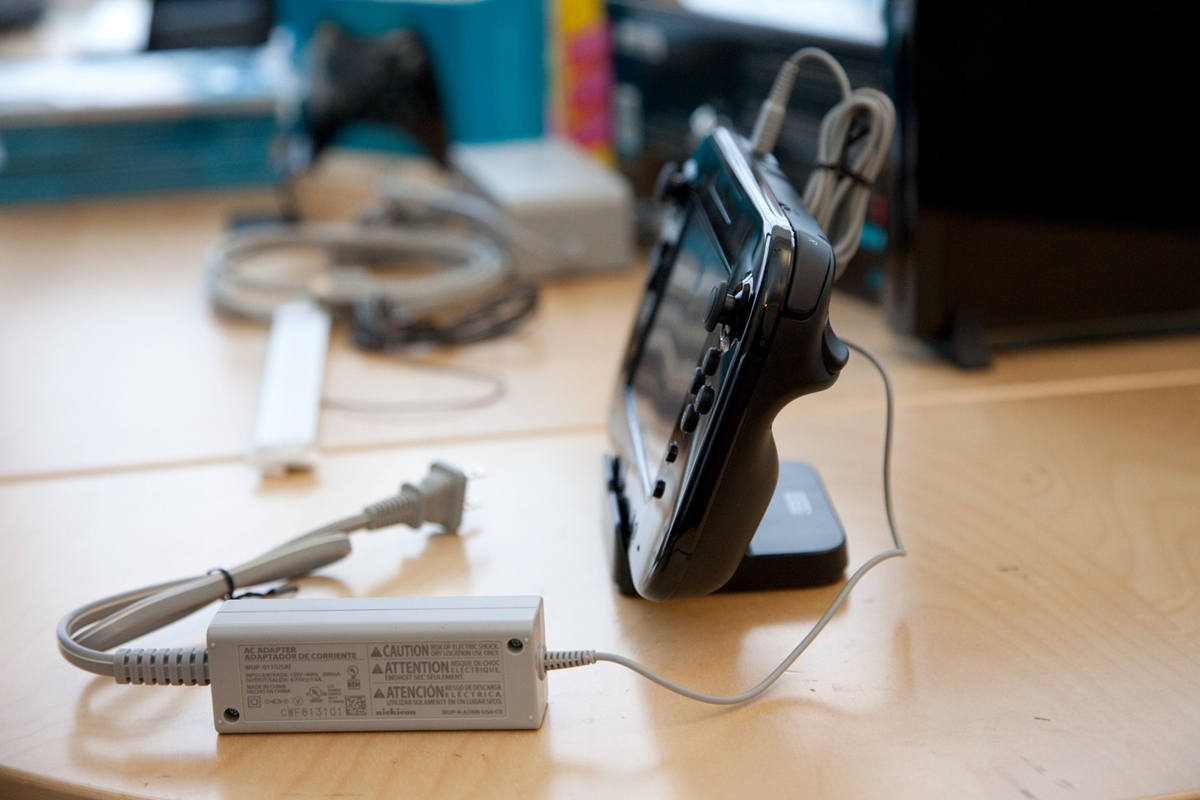
The Wii U GamePad charges by connecting the included AC adapter directly to the charging port on the top of the GamePad. It can also be placed on the official Wii U GamePad charging cradle, which connects to the same adapter.
Can I use the GamePad with a different Wii U after unsyncing it?
Yes. After you complete the resync process with a different Wii U console, the GamePad will be paired to that console. The previous connection is automatically overwritten.
How do I fix Wii U gamepad connection issues if the sync symbols never appear?
If the sync symbols do not appear on the TV after pressing the console’s SYNC button twice, repeat the preparation steps: unplug the console for 30 seconds, move it away from interference, and ensure no other wireless devices or Wii U systems are active nearby. Then try the sync process again.
What should I do if I see “Could not connect to the Wii U console” after entering the symbols?
Press the GamePad SYNC button on the back one more time with the stylus, then re-enter the symbols shown on the TV screen. If the error persists, reset the GamePad by holding POWER for 15 seconds, then try again.