Welcome to the Xbox Wireless tag on CellularNews. This collection is specifically for gamers and tech enthusiasts who need to pair a third-party wireless headset with their Xbox console. Whether you own an Xbox Series X or an Xbox One, the articles gathered here focus on one clear task: getting non-Microsoft headsets to work seamlessly with your system. If you have ever struggled with audio not connecting or a headset being unrecognized by the console, this is the right place to start.
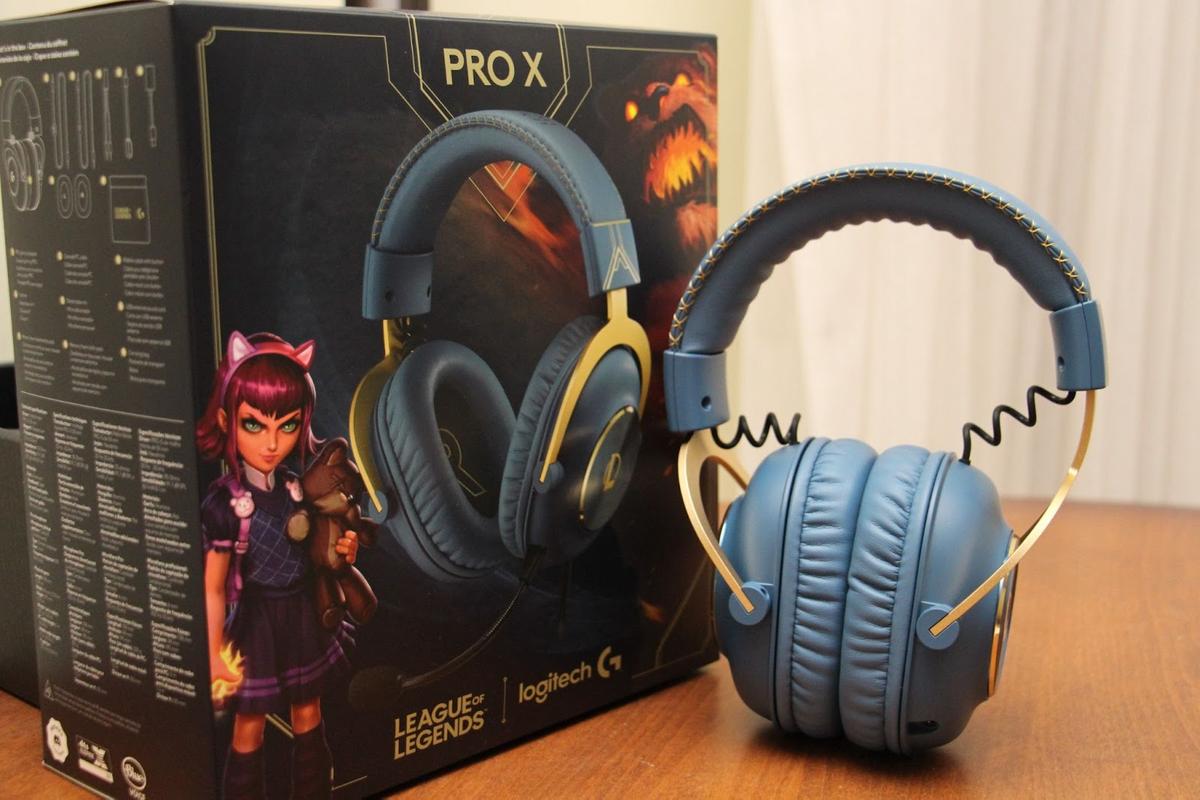
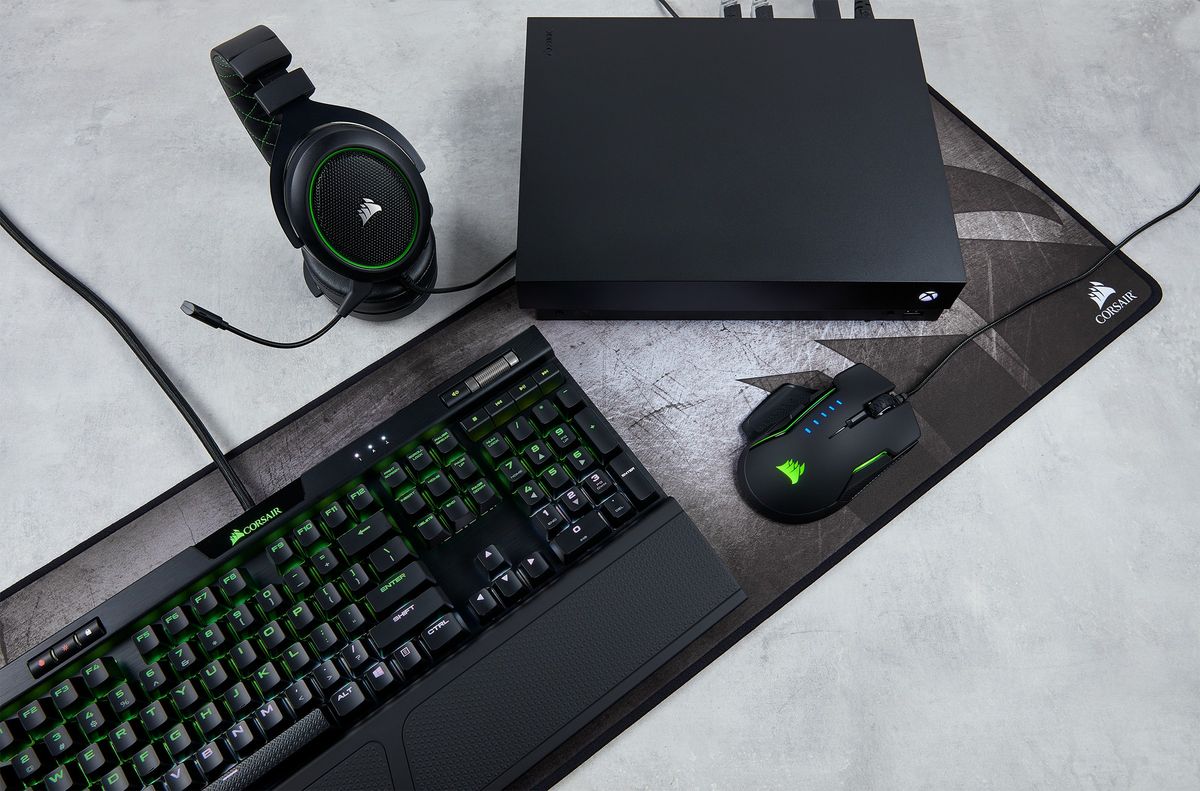
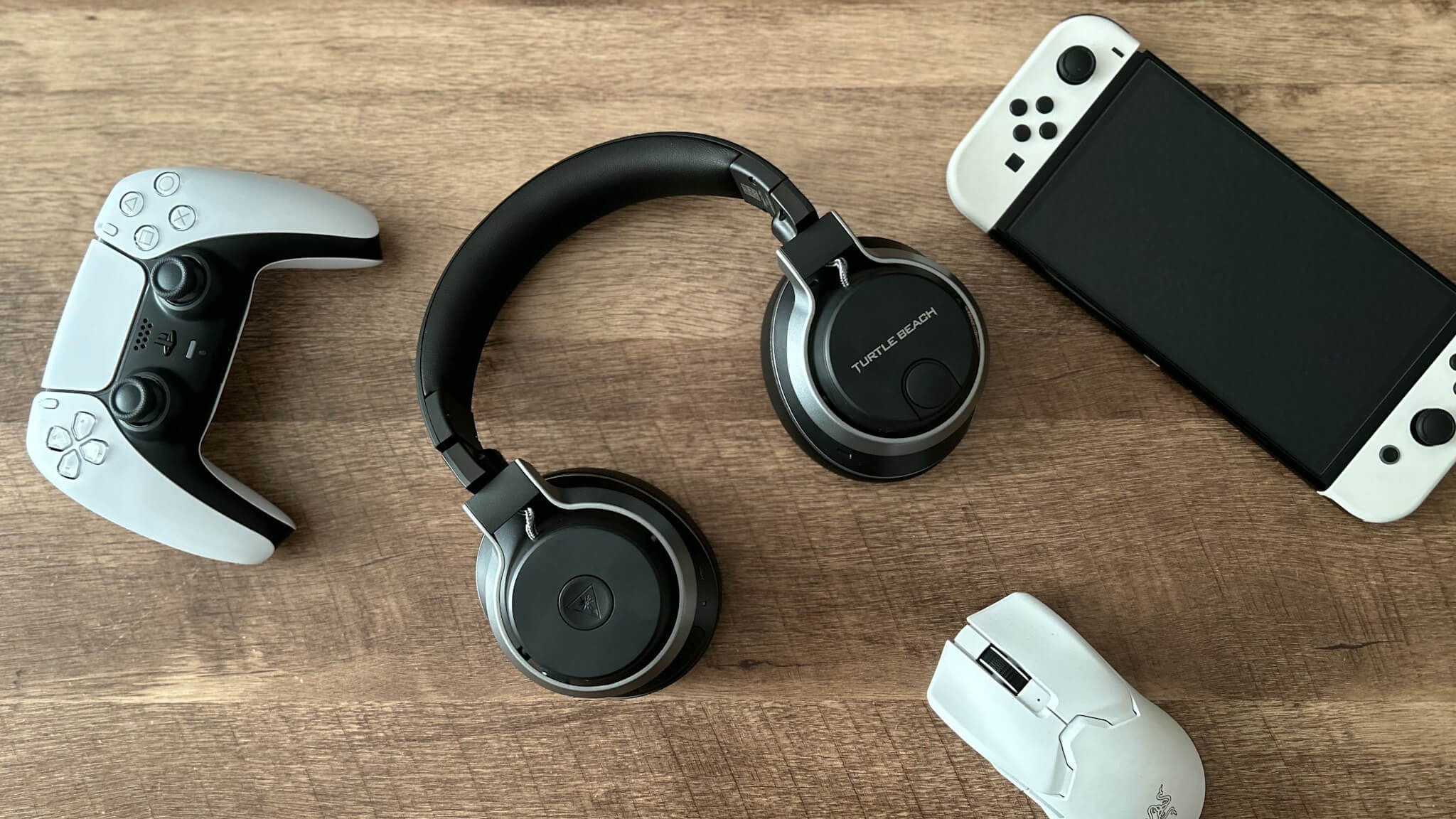
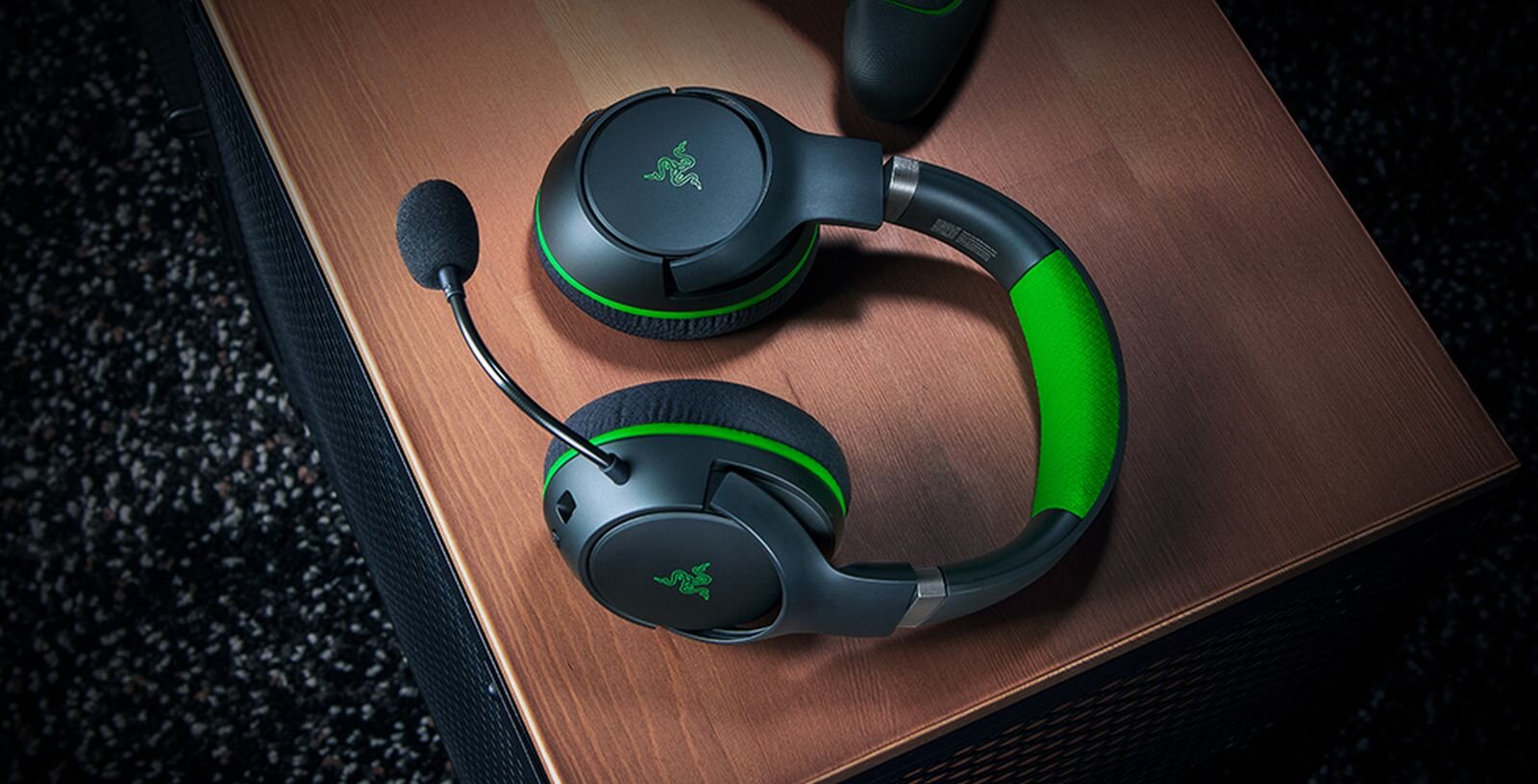
The problems these articles solve fall into two main themes. First, they address the challenge of connecting headsets from popular PC gaming brands, like Logitech and Corsair, to an Xbox One, where the setup process is often different from a computer. Second, they cover the specific steps for wireless headsets on the Xbox Series X, including how to connect a Razer headset or a generic wireless headset to the newer console. You will also find a dedicated guide for Turtle Beach headsets on the Xbox One, a brand that frequently requires a specific pairing sequence or firmware update to work properly.
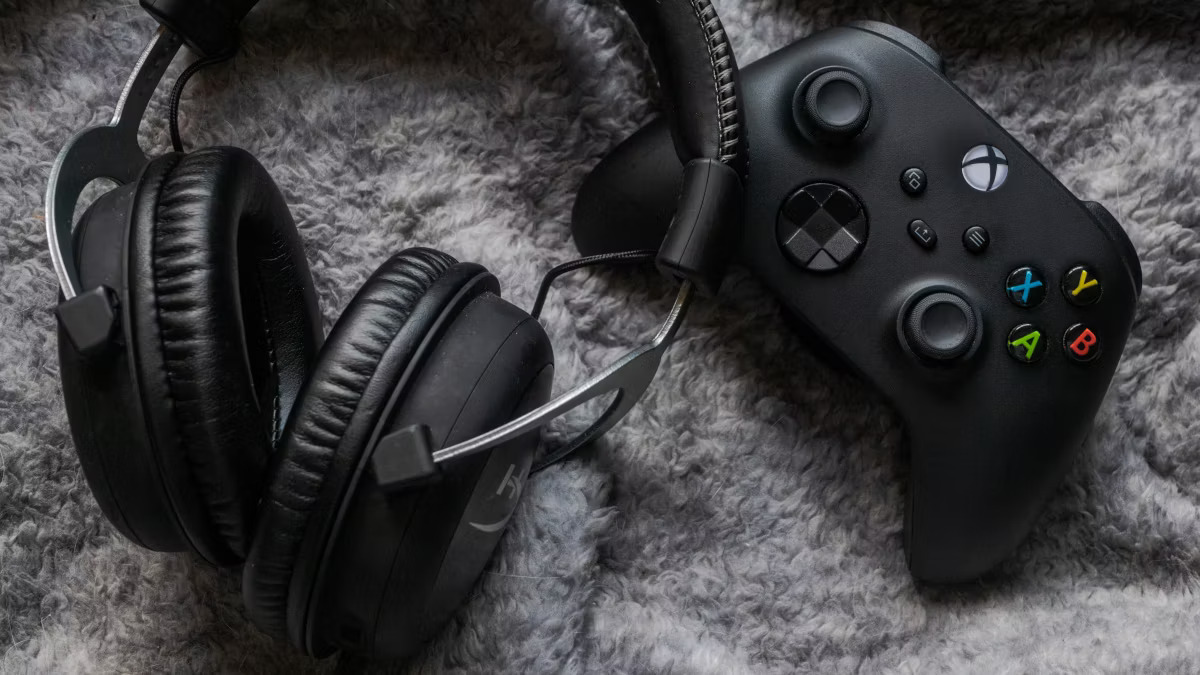
Each article helps you do one thing: establish a stable, working wireless audio connection between your headset and your Xbox. For example, the guide on connecting a Logitech wireless headset to the Xbox One walks you through the sync button process, while the article for the Razer headset on the Series X explains how to use the console’s pairing mode. By following these straightforward instructions, you can avoid common pitfalls like audio dropouts or headsets that refuse to pair, getting back to your game quickly.