This tag collects all of CellularNews’s articles about Xiaomi, Redmi, and the broader Xiaomi ecosystem, including phones, scooters, earbuds, and smart home devices like the Mi Band and air purifier. It is designed for anyone who owns or is considering a Xiaomi product, from first-time users trying to set up a device to experienced owners troubleshooting a specific problem or performing advanced modifications.

The articles here solve two main types of problems. The first group focuses on everyday setup, maintenance, and access: you can learn how to pair Redmi Earbuds, turn on a Xiaomi Mi Band, or access the SD card in a Redmi Note 9. The second group addresses recovery and repair, such as how to reset a Redmi Note 9, unlock a Redmi phone when you have forgotten the password, or turn off Safe Mode on a Redmi Note 8. A third theme covers compatibility and advanced tweaks, including why Xiaomi is not in the USA, which Xiaomi phones work on T-Mobile, and how to change the DNS on a Xiaomi Box or flash a Redmi Note 7 firmware via TWRP recovery.
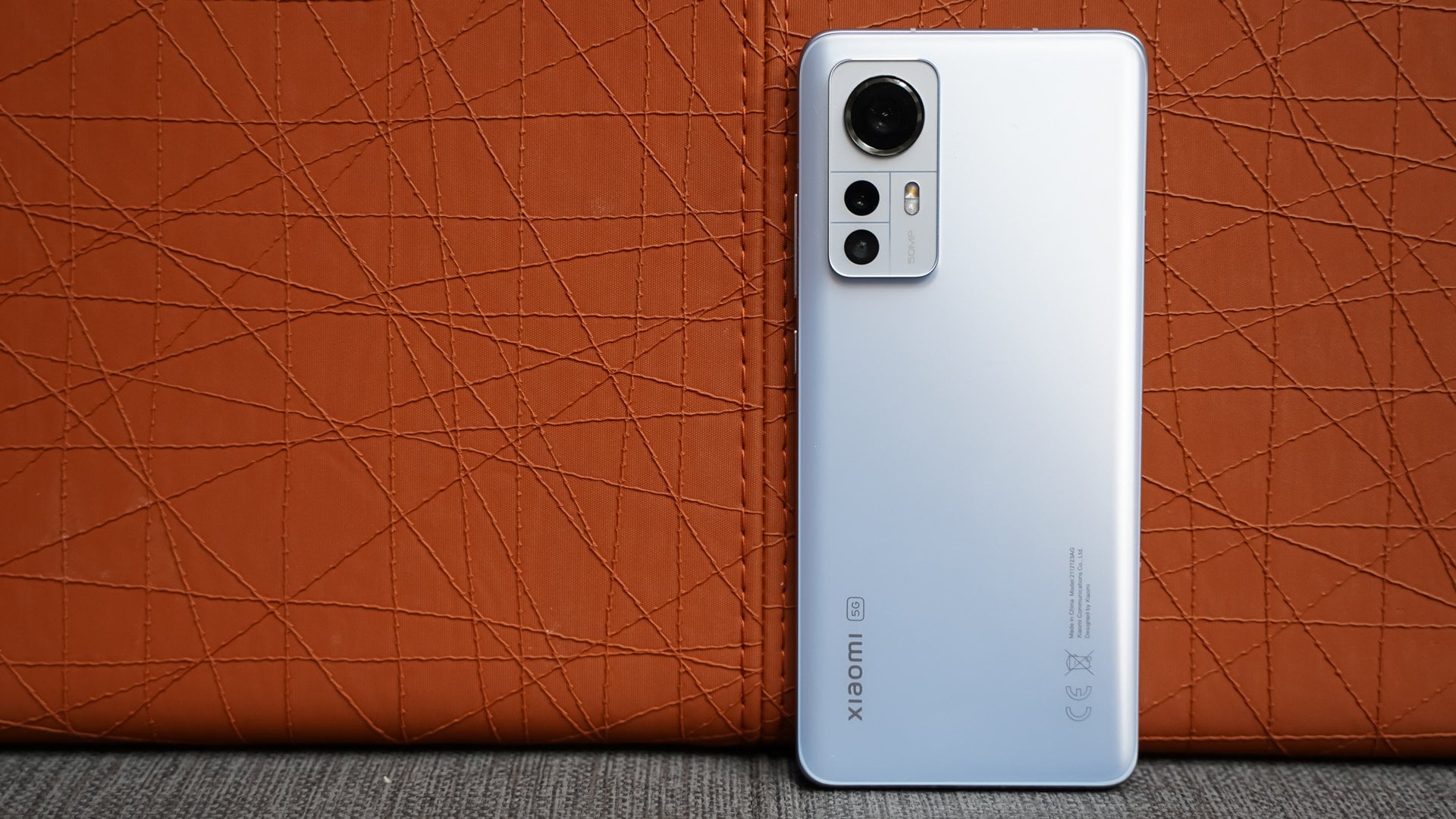
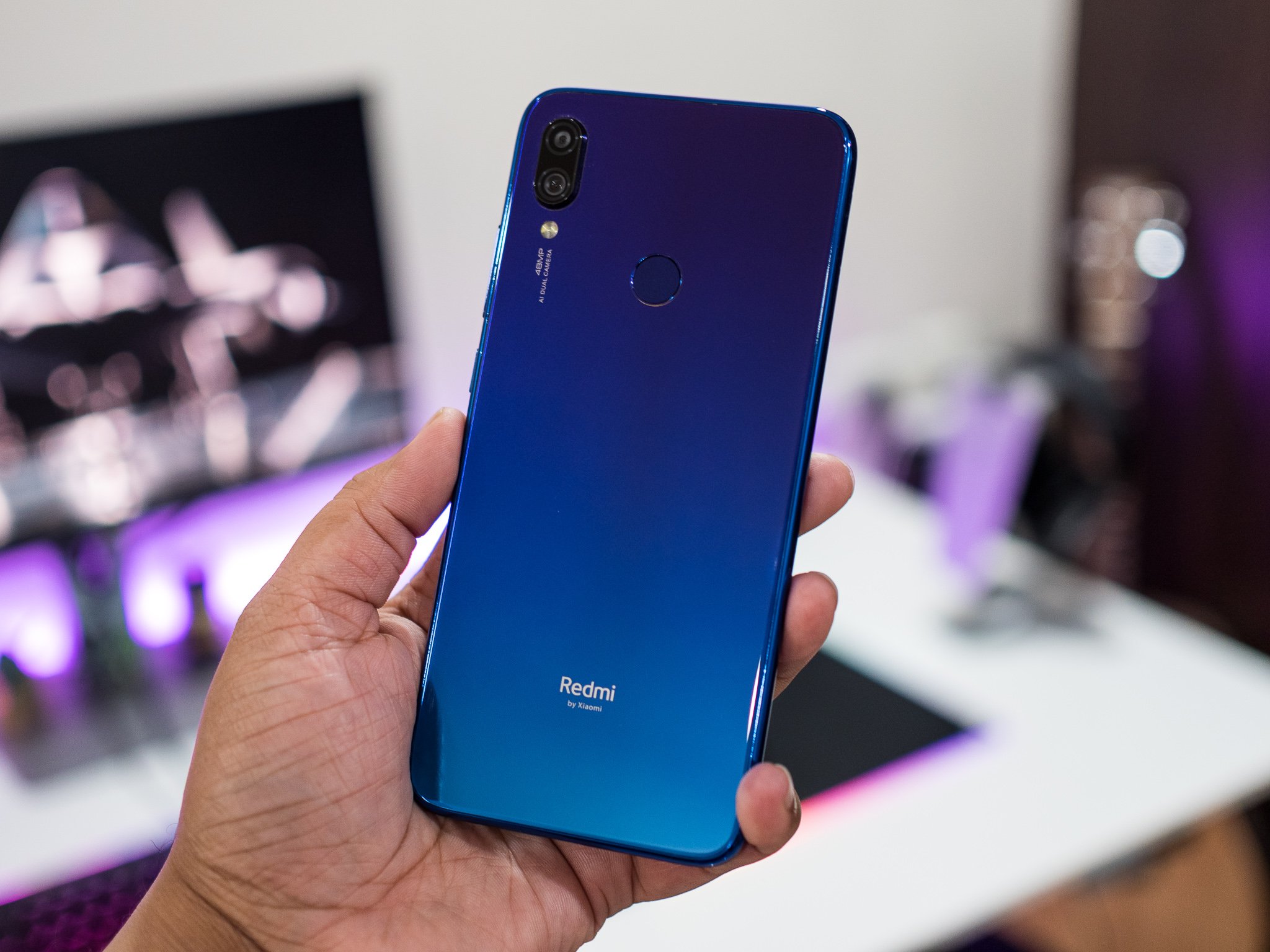
Which Xiaomi Phones Work In USA T-Mobile

If you're looking for xiaomi phones T-Mobile usa compatibility, the honest answer is that no official list exists from either company. Instead, the only working models are those confirmed by...

How To Update Redmi Note 4 To Android 10

You cannot update Redmi Note 4 to Android 10 through any official method. Xiaomi never released an Android 10 update for this model, and official support has ended for both...

How To Reset Redmi Note 9

You can reset Redmi Note 9 using one of two official Xiaomi methods: a factory reset from the Settings menu when the phone is accessible, or a hard reset using...

How To Pair Redmi Earbuds

To pair Redmi earbuds, start by charging the earbuds and their case, then put the earbuds into pairing mode and connect from your device's Bluetooth settings. This is the core...

How Much Is A Redmi Phone

How much is a Redmi phone? Redmi is Xiaomi's budget-to-midrange phone line, so there is no single fixed price; the cost depends entirely on the specific model and your region....

How To Root Redmi Note 3

To root Redmi Note 3, you must first unlock the bootloader through Xiaomi's official tool, then install a custom recovery like TWRP, and finally flash a root package such as...

How To See Hidden Apps In Redmi

To see hidden apps in Redmi, open the Security app, tap "Hidden apps" or "Hide apps" depending on your model, authenticate, and view the list. This is the official Xiaomi...