You can identify a telephone number using your smartphone's built-in caller ID features or a reverse lookup service.
How to identify a telephone number on iPhone
Your iPhone can identify incoming calls using information from Apple Business Connect, supported carriers, and supported call identification apps. To turn on these features, open the Settings app, tap Apps, then tap Phone. Tap Call Blocking & Identification and turn on Business Call Identification (caller information identified by Apple Business Connect or your carrier) and any Call Identification apps you have installed.
To screen or silence unknown numbers, go back to Settings > Apps > Phone. Under "Screen Unknown Callers," choose one of these options:
- Never: Calls from unsaved numbers ring like any other call.
- Ask Reason for Calling: (Available in iOS 26) Unknown callers are automatically answered by your iPhone, which asks for their name and reason. Their response appears as text on your screen, letting you accept, decline, or ask for more information.
- Silence: Calls from unsaved numbers are silenced, sent directly to voicemail, and appear in your Recents list.
To filter unknown callers, scroll down to Call Filtering and turn on Unknown Callers. Missed calls and voicemails from unknown numbers are moved to your Unknown Callers list. To view it, open the Phone app, tap the Filter button, then tap Unknown Callers. To silence spam callers, scroll to Call Filtering and turn on your spam filter. Calls identified by your carrier as potential spam or fraud are silenced, sent to voicemail, and moved to your Spam list. Tap the Filter button, then tap Spam to view it. If you call emergency services, call screening turns off for 24 hours.
How to identify a telephone number on Google Pixel
Google Pixel phones use Call Screen to help you find out who's calling and why before you pick up. To set up automatic call screening, open the Phone app, tap More (three vertical dots) > Settings > Spam and Call Screen or Call Screen. Tap Call Screen and choose a protection level:
- Maximum protection
- Medium protection
- Basic protection
For Pixel 6 and below, tap Unknown call settings to select which types of callers to screen. For Pixel 7 and above, under Protection level, turn Automatically screen calls on or off for Spam, Possibly faked numbers, and First-time callers. When a call is screened, you receive a silent "Screening unknown number" or "Screening suspicious call" notification. Your Call Assist answers the call and asks who's calling and why. If it determines the call is spam, your phone hangs up. If not, your phone rings and shows how the caller responded. Call Screen doesn't work with third-party call recording and screen recording apps.
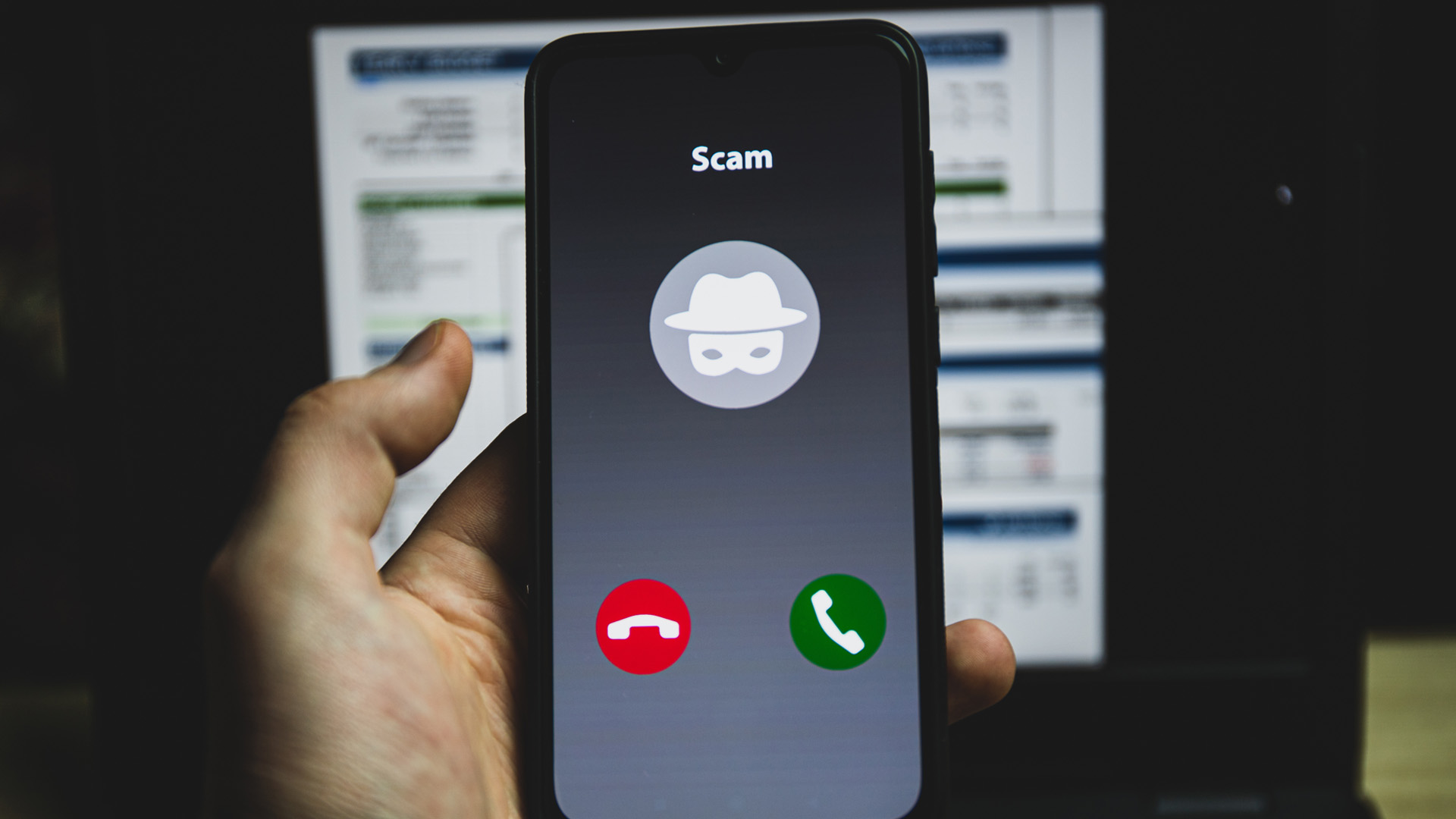
Scam Detection notifies you about potential scam calls as they happen. To enable it, tap More (three vertical dots) > Settings > Scam Detection, then turn on Scam Detection. The feature is off by default, and data processing is done on-device with no conversation audio or transcription stored or sent to Google servers. Scam Detection only works on Google Pixel devices. Scam Detection only works with a SIM card associated with and while the Pixel device is in specific countries (e.g., Pixel 6 and later in the US; Pixel 9 and later in Australia, Canada, France, Germany, India, Ireland, Italy, Japan, Mexico, Singapore, Spain, and the UK). Note that automatic screening is available in the US only, English only, and not all scam calls can be detected, and it is not 100% accurate.
How to identify a telephone number on Samsung Galaxy
Samsung Galaxy phones use Smart Call, powered by Hiya, to identify unknown businesses and protect against spam and fraud calls. To block calls from unknown numbers, open the Phone app, tap More options (three vertical dots), tap Settings, then tap Block numbers. Tap the switch next to Block calls from unknown numbers to turn it on.
AI Scam Detection is a built-in feature on Galaxy phones running Android 16 with One UI 8.5 or higher. It analyzes incoming calls in real-time to detect scam patterns and provides alerts. If you need to troubleshoot Smart Call, navigate to Settings, tap Apps, search for and select the Phone app, tap Storage, tap Clear data, then tap Delete to confirm.
How caller ID works
Caller Name (CNAM) is a related service that displays the name associated with the calling number, if available. When a call comes in, your service provider retrieves the name from separate databases called CNAM registries. This is why some calls show a name while others only show a number, the name must be registered in a CNAM registry for your provider to find it. Understanding this process is key to getting and understanding phone numbers, especially when a number appears unfamiliar. For example, the area code in a phone number tells you the geographic region where the number was originally assigned, but with mobile numbers and VoIP, the actual location of the caller may be different.
Frequently Asked Questions
Can I identify a telephone number if it's blocked or private?
Identifying the owner of a private or blocked number is more challenging because the caller intentionally hides their information. You may need assistance from legal authorities or specialized services in cases of harassment.
Are there free methods to identify a telephone number?
Yes, free methods include using search engines, social media platforms, and online directories. However, these may not always yield accurate or comprehensive results compared to paid reverse lookup services or carrier-provided caller ID.
What should I do if I receive harassing calls from an unidentified number?
Report the issue to your local law enforcement authorities and your phone service provider. They can assist in identifying the caller and taking appropriate action. You can also use the blocking features described above to silence these calls.
Why do some calls show a name while others only show a number?
Caller ID names come from CNAM registries, which are databases that link phone numbers to names. If the caller's number is not registered in a CNAM registry, or if your carrier cannot access that registry, only the number will appear.
Does Call Screen on Pixel work with any carrier?
Manual Call Screen is available in Australia, Canada, France, Germany, India, Ireland, Italy, Japan, Spain, the UK, and the US. Automatic screening is available in the US only, English only. Call Screen works on your device and doesn't use Wi-Fi or mobile data.
Related reading: How Can You Tell If A Phone Number Is From An App.