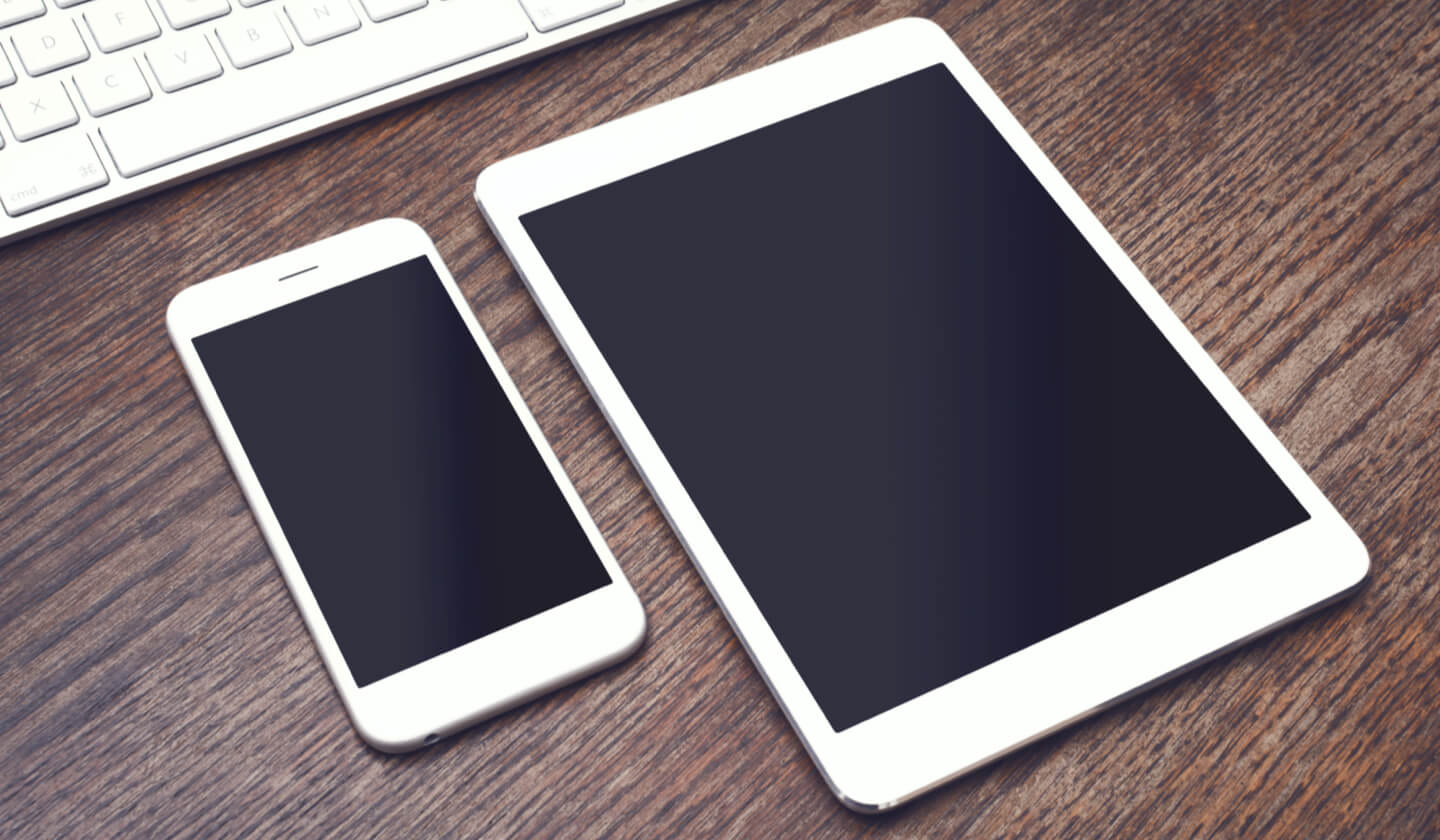
A tablet is a portable touchscreen computing device that bridges the gap between a smartphone and a laptop, offering a larger screen than a phone but without a physical keyboard. It relies entirely on a virtual keyboard and touch navigation, making it a distinct category of mobile device.
What is a tablet?
A tablet is a mobile computing device defined by its touchscreen form factor. It sits between a smartphone and a laptop in size and functionality, combining the portability of a phone with the screen real estate needed for web browsing, media consumption, and light productivity. Unlike a laptop, a tablet has no attached physical keyboard; instead, a virtual keyboard appears on the screen when needed. This minimalist design makes tablets lightweight and easy to carry, perfect for use on the go.
Key features that define a tablet
The essential traits of a tablet include a touchscreen interface for navigation, a virtual keyboard for text input, and a screen size that is larger than a typical smartphone but smaller than a laptop. These devices are designed for portability, allowing you to access information and complete tasks from anywhere, whether on a train, in a coffee shop, or at home.
How manufacturers categorize tablets
Major companies treat tablets as a distinct product category separate from phones and laptops. For example, Samsung’s support site has dedicated pages for “Tablet Support” and “Computing Tablets,” routing help specifically for tablet models. Similarly, Google’s help center states that Android help covers “how to use an Android phone, tablet, or watch.” For specific device issues, Google directs users to get help from the manufacturer, naming companies like Samsung, Huawei, LG, Lenovo, Motorola, Sony, and Xiaomi. This means that if you need support for your tablet, you typically go to the device maker’s tablet support page or use an app like Samsung Members on a mobile device.
Common uses for a tablet
Tablets excel at everyday tasks that benefit from a touchscreen and portability. Common uses include web browsing, watching videos and streaming media, playing games, reading e-books and digital magazines, and light productivity work such as checking email, taking notes, or editing documents. Their larger screen compared to a phone makes them ideal for content consumption, while their lightweight design allows you to use them while lounging, commuting, or working remotely. If you are just starting with mobile devices, understanding mobile phone basics and how they work will help you see how a tablet fits into your digital life as a larger, more versatile companion.
Tablets that break the mold
Not all tablets are general-purpose devices. Some are designed for specialized tasks. The ReMarkable tablet, for example, mimics the feel of paper for writing and drawing, offering a digital notebook experience rather than a full app ecosystem. This shows the diversity within the tablet category, where some devices prioritize a single function over the broad capabilities of a standard tablet.
Frequently Asked Questions
Can a tablet replace a laptop?
A tablet can replace a laptop for light tasks like browsing, email, and media consumption, but it typically cannot match a laptop’s performance for heavy multitasking, complex software, or extensive typing without an external keyboard.
Do all tablets have cellular connectivity?
No. Many tablets offer Wi-Fi-only models, while others include optional cellular connectivity for mobile data. Check the specifications of the specific model you are considering.
What operating systems do tablets use?
Common tablet operating systems include Android (used by Samsung, Lenovo, and others), iPadOS (used by Apple), and Windows (used by some productivity-focused tablets). Each offers a different app ecosystem and interface.
How do I get support for my tablet?
For most tablets, you should contact the device manufacturer directly. Samsung, for example, provides dedicated tablet support pages, while Google routes Android tablet help to the manufacturer or to general Android help resources.
Related reading: Is A Tablet A Mobile? and What Is Mobile Code?.