Dual band is a Wi‑Fi technology that lets a router or device operate on two separate frequency bands: 2.4 GHz and 5 GHz. This means your home network can offer both extended coverage and faster speeds, giving you a more reliable connection for everything from browsing to streaming.
What is dual band?
Dual‑band Wi‑Fi refers to a wireless router or client device that can transmit and receive data on both the 2.4 GHz and 5 GHz frequency bands. Most modern routers broadcast two separate networks, and compatible devices can connect to either band.
2.4 GHz vs 5 GHz: how the two bands differ
The 2.4 GHz band is the most widely used frequency band in wireless communication. It has a longer range and better penetration through walls and obstacles, making it ideal for covering large areas of a home. However, because it is widely used by microwaves, cordless phones, and baby monitors, it is more prone to interference and congestion. The 5 GHz band offers faster data transfer speeds and a more stable connection with less interference from other household devices. Its range is shorter, and it does not pass through solid objects as well as 2.4 GHz, but it is far less crowded, especially in urban areas and offices where many wireless networks and hotspots compete for airtime.
Why dual-band improves your network
Dual‑band technology lets you optimize your bandwidth by assigning different tasks to different bands. For example, you can use the 2.4 GHz band for everyday activities like web browsing and email, while reserving the 5 GHz band for high‑demand activities such as streaming HD video or online gaming. This separation reduces congestion on each band and improves overall network performance. When a dual‑band device detects the less‑congested 5 GHz band, it can switch to that frequency automatically, giving you faster and more reliable connections.
When to use each band
Use the 2.4 GHz band when you need maximum coverage and are performing basic tasks, checking email, browsing social media, or connecting smart home devices that don’t require high speed. Use the 5 GHz band for activities that demand speed and low latency, such as streaming 4K video, video conferencing, online gaming, or transferring large files. In a typical home, you might keep your phone or laptop on 5 GHz near the router and let older devices or those farther away connect to 2.4 GHz.
Dual-band and your phone
Most modern smartphones support dual‑band Wi‑Fi, meaning they can connect to either the 2.4 GHz or 5 GHz network broadcast by a dual‑band router. However, “dual band” is not a documented cellular setting or carrier feature in the official Apple and Android sources reviewed. The term does not appear as a menu path, device setting, or carrier option for cellular connectivity; it applies only to Wi‑Fi networking. If you see “dual band” mentioned in a phone’s specifications, it refers to the phone’s Wi‑Fi radio, not its cellular radio.
Frequently Asked Questions
Can I use both bands at the same time?
Yes. A dual‑band router broadcasts both bands simultaneously, and a dual‑band client device can connect to one band at a time. Some routers offer “band steering,” which automatically moves a device to the best band for its current activity.
Do all devices support 5 GHz?
No. Older smartphones, laptops, and many smart‑home devices (such as some IoT sensors and older Wi‑Fi cameras) support only 2.4 GHz. Check the device’s specifications to confirm 5 GHz compatibility.
Is dual band the same as “dual‑band Wi‑Fi hotspot”?
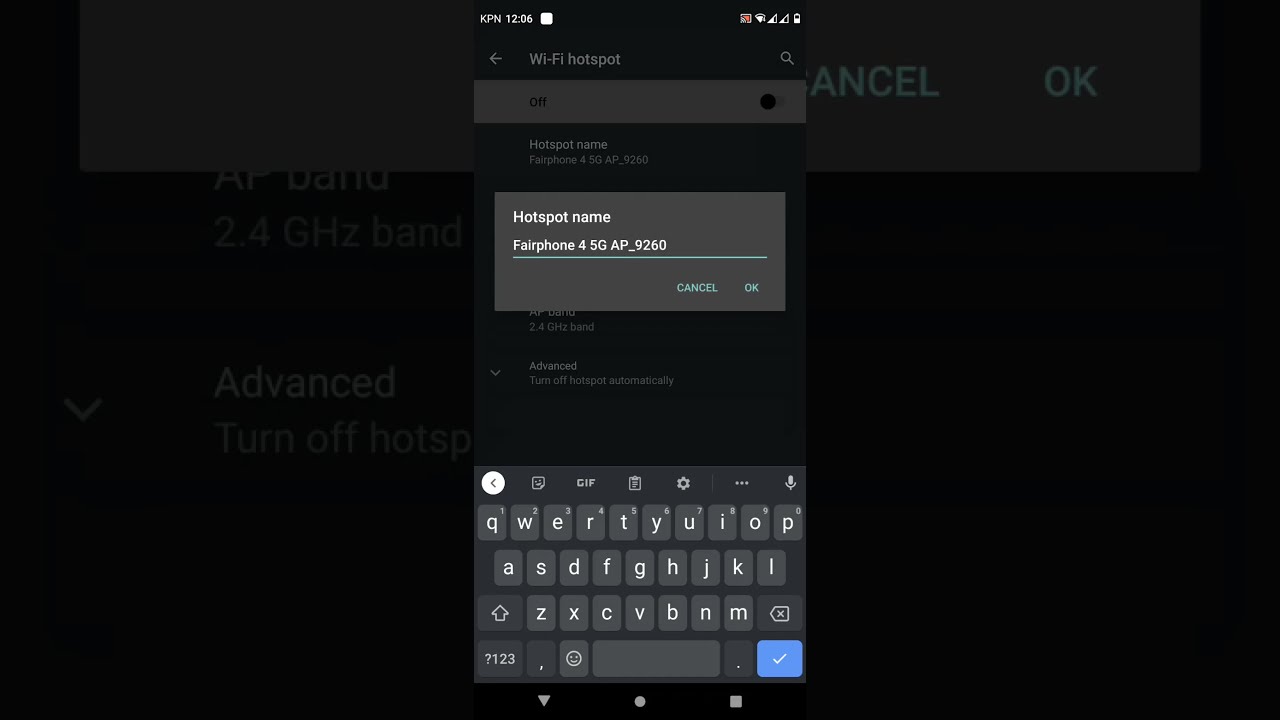
Not exactly. A dual‑band Wi‑Fi hotspot is a feature on some phones that lets the device broadcast its own Wi‑Fi network on both 2.4 GHz and 5 GHz.
Will a dual‑band router make my internet faster?
A dual‑band router can improve your local network speed and reduce interference, but your overall internet speed is still limited by your internet service plan. If your plan provides 100 Mbps, a dual‑band router won’t increase that number, but it can help you use that speed more consistently.
How do I know which band my phone is using?
On most phones, the Wi‑Fi settings screen shows the network name (SSID) and often indicates the band. Some phones display “2.4 GHz” or “5 GHz” next to the network, while others require a third‑party app to see the band information.
Related reading: 4G vs WiFi: Which Is Faster?, How To Switch To 2.4 Ghz Wi-Fi On Samsung Phone, and What Is AP Band In Hotspot.