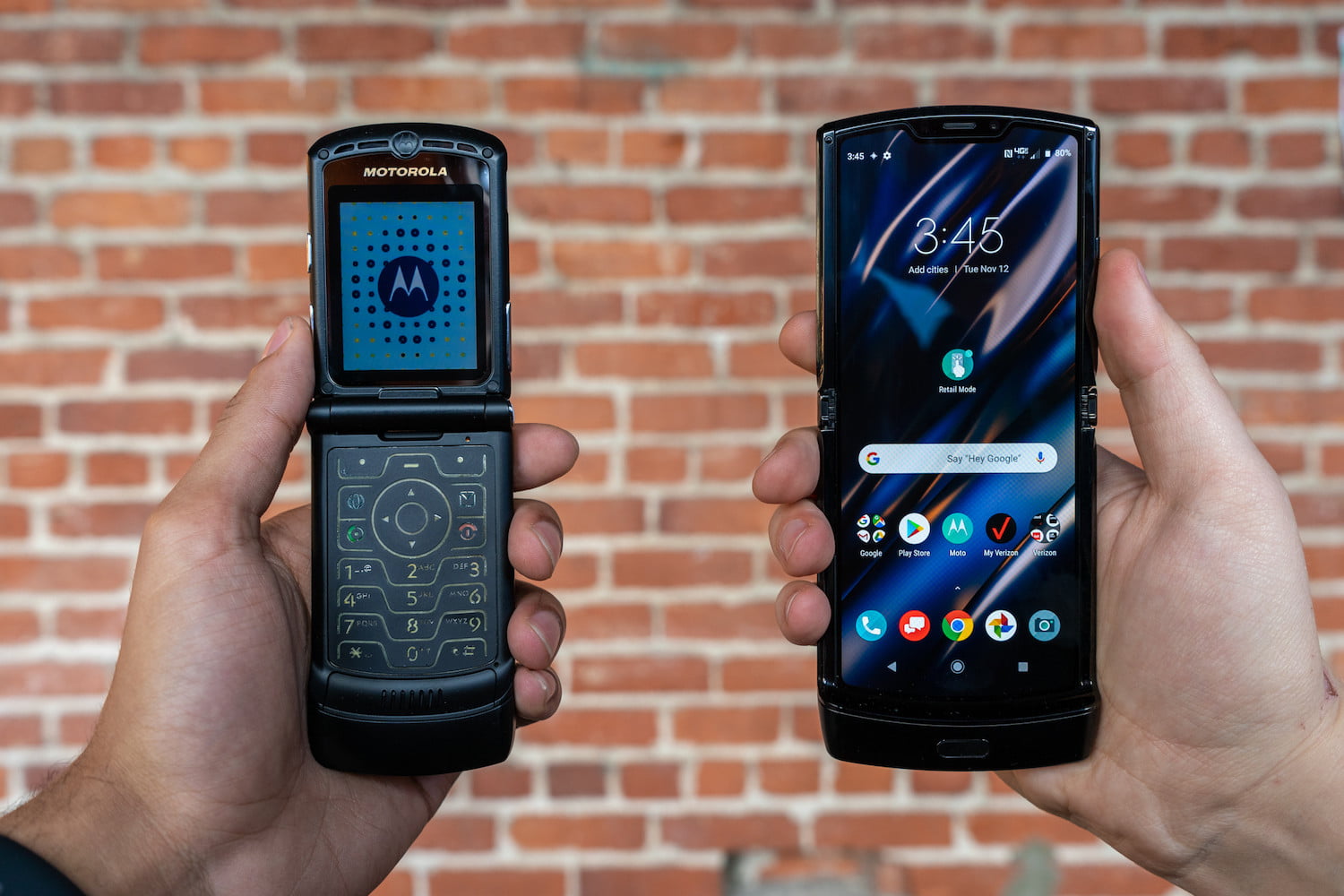
All current Motorola Razr foldable phones run the Android operating system. There is no separate "Razr OS", every model in the lineup uses the same Android platform developed by Google, which gives you access to the Google Play Store, regular updates, and a customizable interface.
How to check the Android version on your Motorola Razr
To find out exactly which Android version your Razr is running, follow this verified path in the Settings app. This works on every supported Motorola Razr model.
- Open Settings.
- Tap About phone.
- Tap Device details.
- Tap Android version.
This menu shows the current OS version number. Knowing your version helps you understand which features and security patches your device has, and it is the first step before you decide to turn on a Motorola Razr flip phone after an update or a restart.
Which Motorola Razr models run Android?
Motorola’s official support pages document the following current Razr family models, and all of them run Android:
- Motorola razr 2023
- Motorola razr 2024
- Motorola razr 2025
- Motorola razr 2026
- Motorola razr plus 2026
- Motorola razr fold 2026
- Motorola razr 70 plus
- Motorola razr 60
The original 2019 Razr shipped with Android 9.0 (Pie) out of the box. Whether you own a standard model or a “plus” variant, the operating system remains Android. Motorola does not run a separate OS on any of these devices, so the experience, including app compatibility and update procedures, is consistent across the entire Razr lineup.
Keeping your Motorola Razr's OS up to date
Android on your Motorola Razr receives regular updates through the Settings app. These updates deliver security patches and new features, keeping your phone reliable and protected. To check for an available update, go to Settings > System > System update and follow the on-screen instructions. Motorola’s support pages confirm that the software update path is handled entirely within the Settings app, with no carrier-specific steps or plan-based restrictions documented.
Frequently Asked Questions
Can I install iOS on a Motorola Razr?
No. All Razr phones run Android only.
Does the Motorola Razr support Google Play Store apps?
Yes. Because the Razr runs Android, it fully supports the Google Play Store, giving you access to millions of apps, games, and digital content.
How often does Motorola update the Razr's Android version?
Motorola provides regular security updates and major Android version upgrades for its Razr lineup, though the exact schedule varies by model and region. Checking the System update section in Settings will show you the latest available update for your device.
Will my Motorola Razr get the next Android version?
Eligibility for major Android upgrades depends on the model and its release year. Motorola typically supports its current Razr devices with at least two major OS updates. The best way to confirm is to check the official Motorola support page for your specific model.
Can the Motorola Razr run multiple apps simultaneously?
Yes, it supports multitasking.
For the wider topic, see turn on a Motorola Razr flip phone.