Fitbit calorie adjustment is the process by which your Fitbit device estimates your total daily calorie burn by combining your resting metabolic rate, tracked activity, and non-exercise movement, then uses that estimate to help you manage your weight. Understanding how this calculation works is the key to using your Fitbit features and metrics effectively for weight management, because it lets you see how your personal data and daily activity translate into the calorie numbers you see in the app.
How Fitbit calorie adjustment works: the core algorithm
Fitbit's "calorie adjustment" is not a single setting you toggle on or off. Instead, it is the ongoing process of estimating your total daily energy expenditure. The device continuously calculates this number by adding together your resting metabolic rate, the calories you burn during intentional exercise, and the calories you burn through all other daily movements. This total is then compared to your calorie intake goal, and the difference is what you see as your remaining or available calories for the day. The algorithm updates in real time as you move, so your calorie estimate becomes more accurate as the day goes on.
The building blocks of your calorie burn estimate
Fitbit builds its calorie estimate from three distinct components. Knowing what each one is helps you understand where the numbers come from and why they change.
Resting metabolic rate (RMR)
Your resting metabolic rate is the number of calories your body burns at rest to maintain basic functions like breathing, circulation, and cell repair. Fitbit calculates your RMR using the personal data you provide, age, gender, weight, and height. This baseline accounts for the largest portion of your total daily calorie burn, typically 60% to 75% of the total.
Activity calorie burn
This component covers the calories you burn during intentional exercise and structured physical activity. Fitbit tracks your steps, distance, floors climbed, and active minutes. The device uses its accelerometer and algorithms to judge the intensity of your movement, then estimates the calories burned based on that intensity combined with your personal data. Walking at a leisurely pace produces a lower estimate than running at a high intensity.
Non-exercise activity thermogenesis (NEAT)
NEAT refers to the calories burned through all the small movements you make throughout the day that are not formal exercise. This includes walking to the car, standing, fidgeting, typing, gardening, and household chores. Fitbit tracks these movements continuously, and because these small activities accumulate over hours, NEAT can significantly affect your total calorie burn estimate.
Key factors that influence your calorie data
Several variables make your Fitbit calorie estimate more personal than a generic calculation. The device adjusts its output based on the following inputs.
Personalized data
The age, gender, height, and weight you enter into your Fitbit profile directly affect your RMR calculation and the way the device estimates calorie burn during activity. Because metabolic rate changes with age and differs between genders, this personalization is essential for a relevant estimate. Your selected activity level, from sedentary to highly active, also helps the algorithm calibrate its expectations for your daily movement.
Intensity of activity
Fitbit does not treat all movement the same. The device uses heart rate monitoring to gauge how hard you are working. A higher heart rate during an activity signals greater intensity, which leads to a higher calorie burn estimate. The algorithm accounts for different intensities within the same activity type, so jogging at a moderate pace yields a different number than running at a faster speed.
Heart rate monitoring
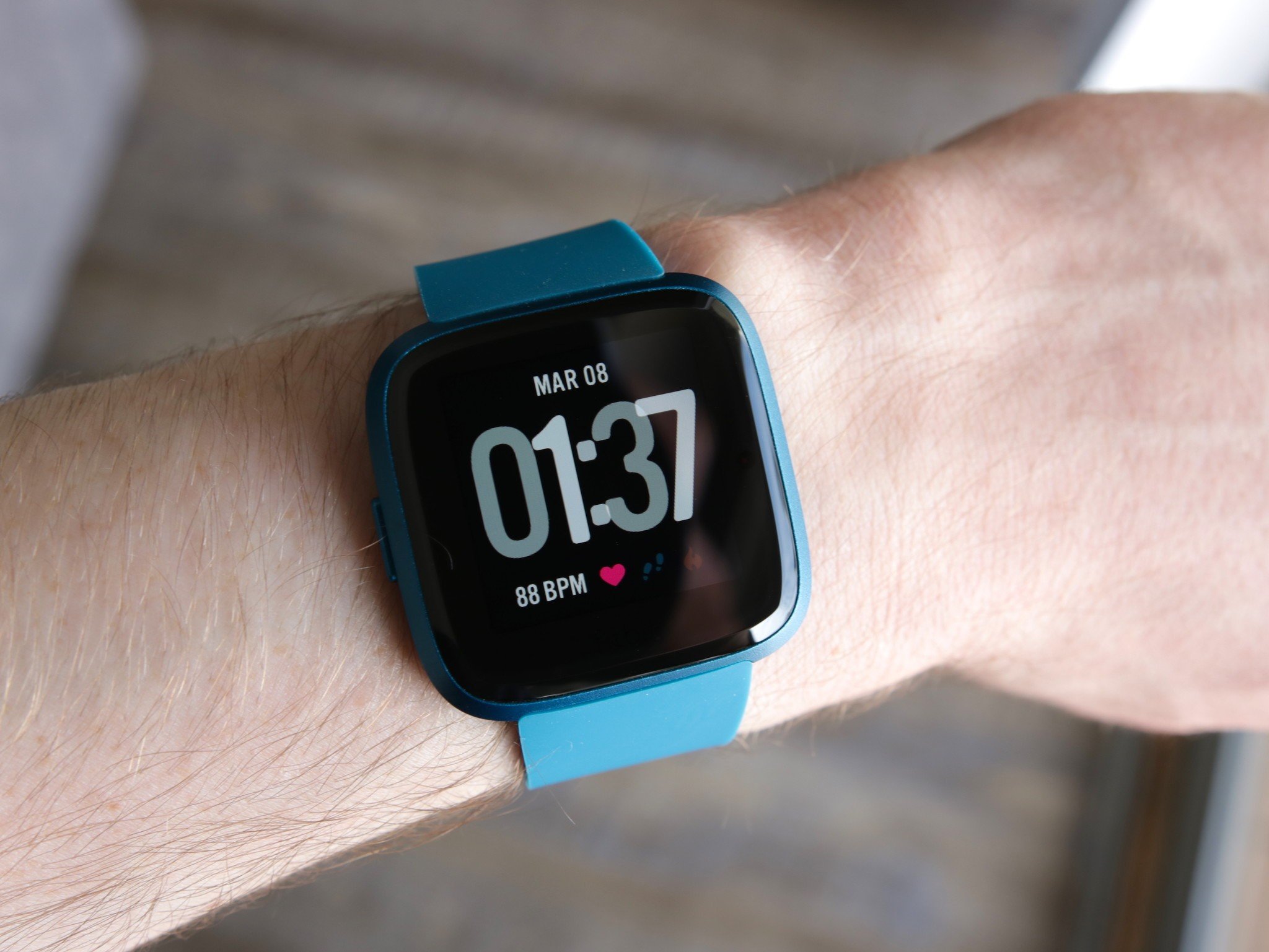
Fitbit devices with optical heart rate sensors continuously measure your pulse. This data allows the algorithm to refine its calorie estimate in real time, especially during exercise when heart rate rises and falls. The sensor uses light to detect blood flow in your wrist, and the device combines that reading with movement data to produce a more precise calorie burn number than motion alone could provide.
How to see your calorie information on Fitbit
You can view your calorie data directly in the Fitbit app. The exact steps depend on your device and app version, but the following methods are documented.
- Open the Fitbit app on your iPhone or iPad.
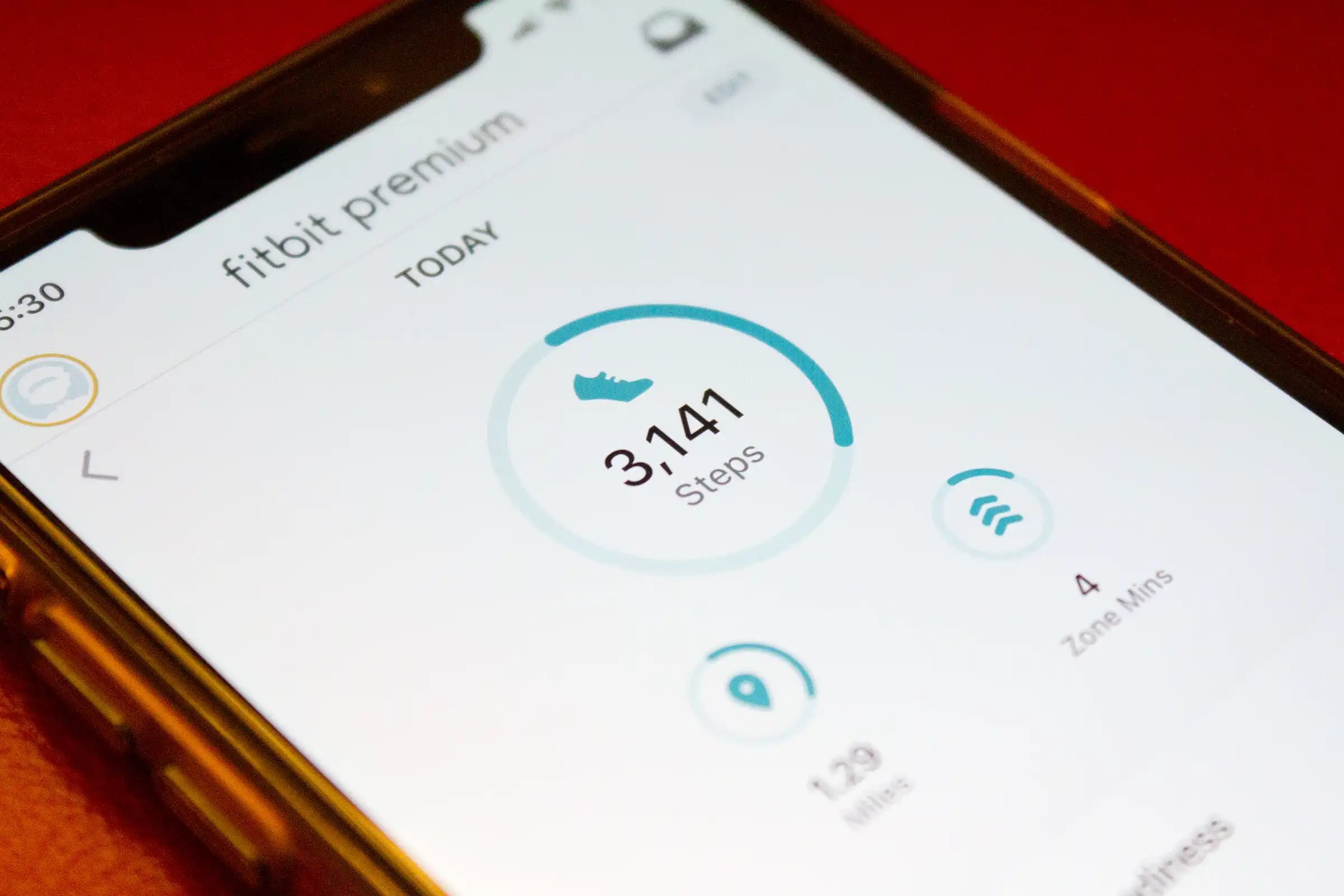
- Go to the Today tab at the bottom of the screen.
- Tap the Food tile to open your food tracking view.
- Follow the on-screen instructions to set up food tracking if you have not done so already. This allows you to set a daily calorie goal without creating a formal food plan. iPhone and iPad users can set a daily calorie goal without creating a food plan.
- On Versa, Versa Lite Edition, and Versa 2 devices, swipe left on the Food tile to see your calorie intake, remaining calories, and macro percentages.
The core information, your estimated burn, intake, and remaining calories, is available through the Food tile on the Today tab.
Accuracy and limitations you should know about
Fitbit's calorie estimates are useful tools, but they are not perfect measurements. Understanding the limitations helps you use the data wisely.
Heart rate monitor inaccuracies
Wrist-based optical heart rate sensors are less accurate than chest strap monitors. Factors such as a loose fit, movement artifacts, and skin tone can affect readings. During high-intensity exercise or activities with rapid heart rate changes, the sensor may miss beats or record a slightly different rate than your true pulse. Because the calorie algorithm depends partly on heart rate, these inaccuracies can carry over into the calorie estimate.
Human metabolic variability
Every person's metabolism is different. Fitbit uses general formulas and averages to estimate calorie burn, but your individual physiology, including muscle mass, body composition, genetics, and hormonal fluctuations, can cause your actual burn to differ from the device's estimate. Two people doing the same activity may burn calories at different rates, and Fitbit cannot account for every personal variation.
Inherent limitations of wrist-based activity tracking
Wrist-worn devices rely on motion sensors to detect activity. Activities that involve minimal arm movement, such as cycling or weightlifting, may not be captured accurately. The device may also misinterpret certain movements, such as mistaking walking upstairs for climbing or counting vigorous cleaning as a workout. These tracking gaps can lead to underestimation or overestimation of calorie burn for specific activities.
Using calorie data for weight management
Your Fitbit calorie data is most useful when you apply it to a weight management plan. The following practices help you turn the numbers into action.
Setting weight goals
Start by setting a realistic weight goal in the Fitbit app. Whether your aim is to lose, maintain, or gain weight, having a target allows the app to adjust your calorie recommendations accordingly. Break your main goal into smaller milestones, such as losing one to two pounds per week, to make progress manageable and sustainable.
Monitoring the relationship between calorie intake and estimated burn
Use the Fitbit app's food diary to log what you eat, then compare your intake to your estimated burn. This comparison shows whether you are in a calorie deficit, surplus, or maintenance range. The app displays this information in charts and graphs so you can see trends over days and weeks. Tracking both sides of the energy equation gives you a clearer picture of your habits than looking at either number alone.
Adjusting activity levels to create a deficit or maintain weight
If your goal is weight loss, you can increase your daily activity to create a larger calorie deficit. Focus on activities that raise your heart rate and sustain that elevation, such as running, cycling, or high-intensity interval training. For weight maintenance, adjust your activity level so that your estimated burn roughly matches your intake. Fitbit's real-time updates help you see the effect of each workout or active period on your total for the day.
Frequently Asked Questions
Does Fitbit automatically adjust my calorie goal when I lose weight?
Yes, if you update your weight in the Fitbit app, the device recalculates your resting metabolic rate and adjusts your calorie burn estimates accordingly. Keeping your profile current helps maintain accuracy as your body changes.
Why does my Fitbit show a different calorie adjustment than MyFitnessPal?
Fitbit and MyFitnessPal use different algorithms and data sources to estimate calorie burn. Fitbit calculates your total daily energy expenditure from its own sensors and formulas, while MyFitnessPal may apply its own adjustment when syncing data. Differences in how each platform handles resting metabolic rate, activity intensity, and NEAT can cause the numbers to diverge.
Can I use Fitbit calorie data to lose weight without tracking food?
You can, but it is less effective. Without logging your calorie intake, you have no way to compare your burn against what you eat. The calorie adjustment alone tells you only one side of the energy balance equation, making it harder to create a consistent deficit.
How often does Fitbit update my calorie burn estimate during the day?
Fitbit updates your calorie burn estimate continuously as it detects movement and changes in heart rate. The number you see in the app refreshes throughout the day, so your total becomes more complete as you add more activity.
Related reading: What Does The Fitbit Scale Do and What Does Fitbit Ace 3 Do.