How accurate is the Fitbit Charge 5? Official documentation does not provide accuracy percentages or clinical validation figures for the Charge 5's heart rate, sleep, or step tracking. The clearest documented facts are the device’s built-in tracking capabilities, where to view them, and the app or phone compatibility requirements.
Fitbit Charge 5 Overview
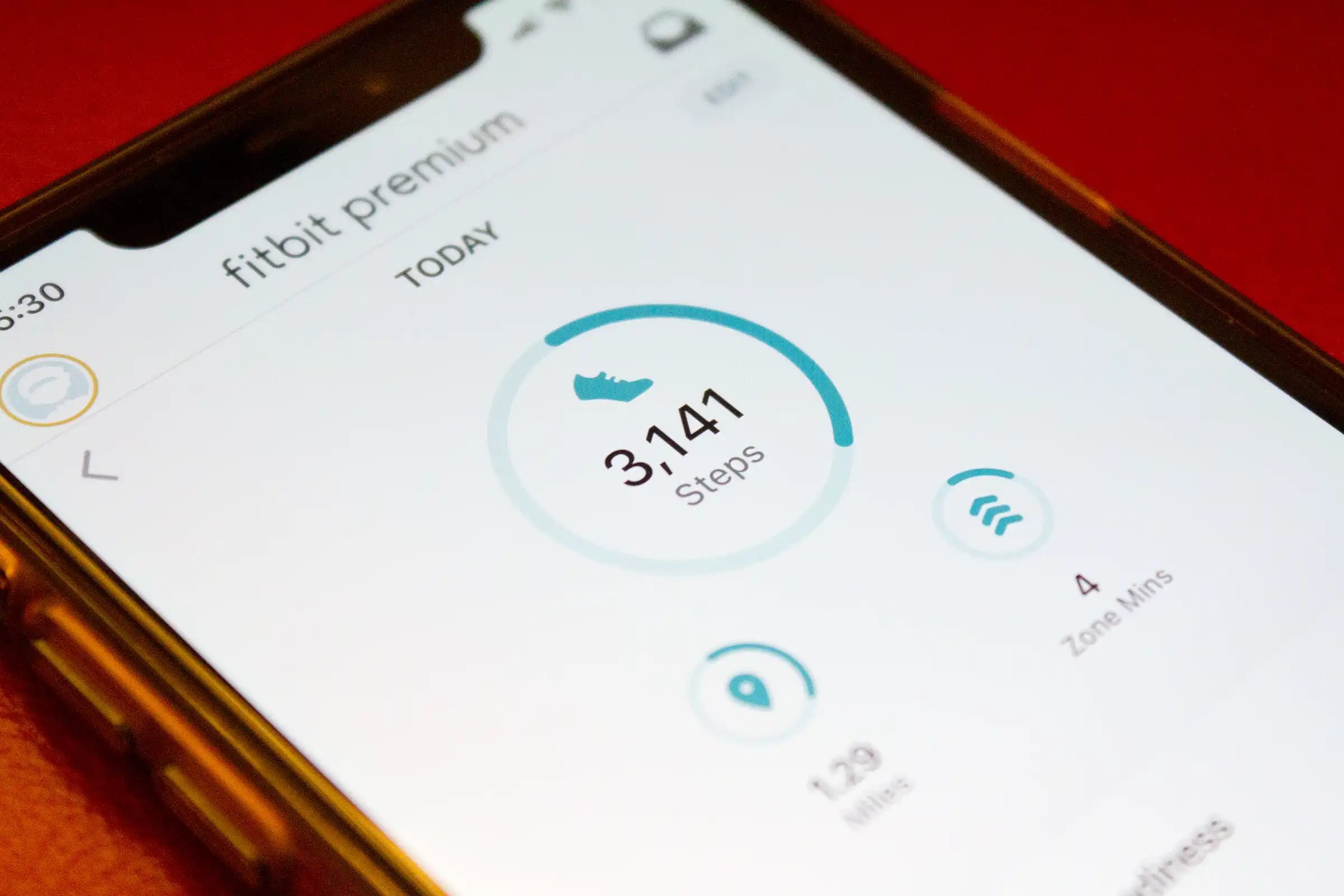
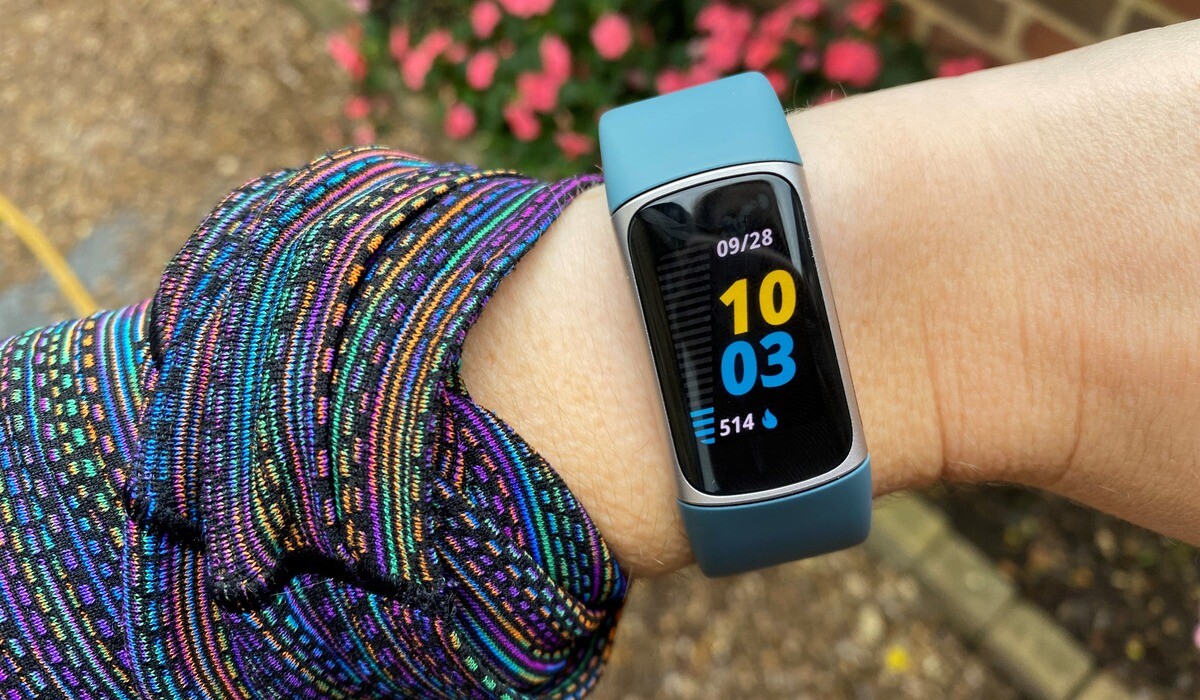
The Charge 5 manual says it shows daily stats by swiping up from the clock face, including steps taken today, distance covered, calories burned, Active Zone Minutes, current heart rate and heart-rate zone, resting heart rate, sleep duration, and hourly activity. For sleep, the manual says Charge 5 automatically tracks basic sleep stats when worn to bed, including time asleep, sleep stages, and sleep score, and it also tracks estimated oxygen variation and SpO2. Setup is documented with the Fitbit app for iPhone and iPad or Android phones, and the app is also described as compatible with Windows 10 devices in one user guide.
Accuracy of Heart Rate Tracking
The manual only documents what is tracked and where to view it: swipe up from the clock face for current heart rate, heart-rate zone, and resting heart rate, and in the Fitbit app tap the Heart-rate tile for detailed cardio fitness stats. If you want to understand the full suite of Fitbit features and metrics the device can record, the manual is the authoritative source, but it does not claim a specific accuracy level for heart rate tracking.
Accuracy of Sleep Tracking
No error margins or validation figures are provided for any of these sleep metrics.
Accuracy of Step Counting
The manual only states that the tracker shows “Steps taken today” in the daily stats view reached by swiping up from the clock face. There is no mention of stride-length calibration, arm-movement filtering, or any other step-counting algorithm detail in the official documentation.
How to View Your Stats and Set Up the Device
- To see daily stats on the tracker, swipe up from the clock face.
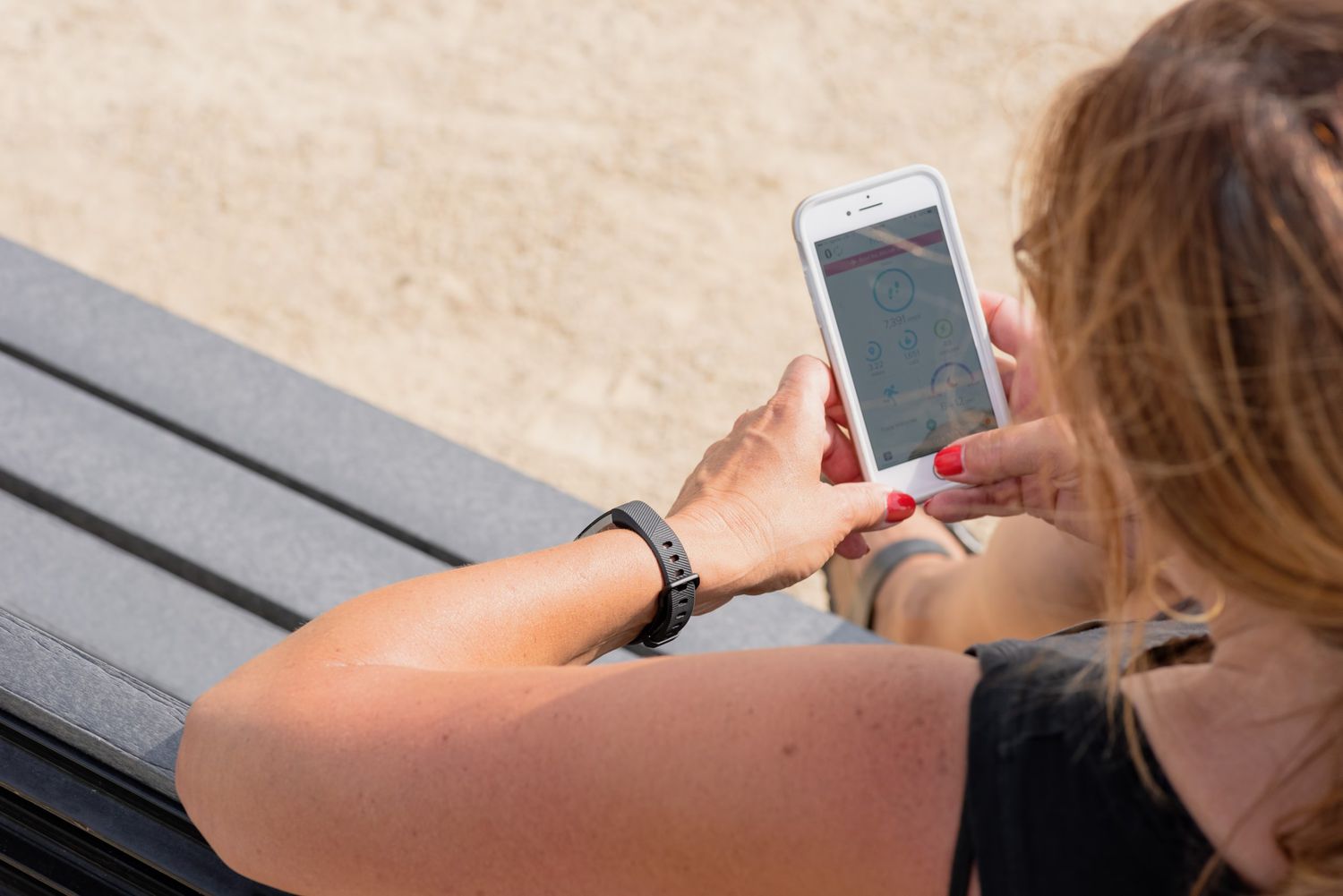
- To set up the device, use the Fitbit app on an iPhone, iPad, or Android phone. One user guide also says Windows 10 devices are supported.
- To check phone compatibility before setup, visit Fitbit.com/devices.
If you do not have a compatible phone or tablet, one guide says you can set up and sync Charge 5 with a Bluetooth-enabled Windows 10 PC and the Fitbit app.
Frequently Asked Questions
How do you see Charge 5 stats on the tracker?
Swipe up from the clock face to see daily stats including steps, heart rate, sleep duration, and more.
What sleep data does it record?
It records time asleep, sleep stages, sleep score, estimated oxygen variation, and SpO2 automatically when worn to bed.
What app is used to set it up?
The Fitbit app on iPhone, iPad, or Android phones; one guide also says Windows 10 devices are supported.
How can phone compatibility be checked?
Check compatibility at Fitbit.com/devices before purchasing or setting up the device.
Does the Charge 5 provide official accuracy figures for any metric?
No. The official documentation does not provide accuracy percentages, error margins, or clinical validation figures for heart rate, sleep, or step tracking on the Charge 5.
Related reading: How To Wear Your Fitbit and What Is The Stress Management Score On Fitbit.