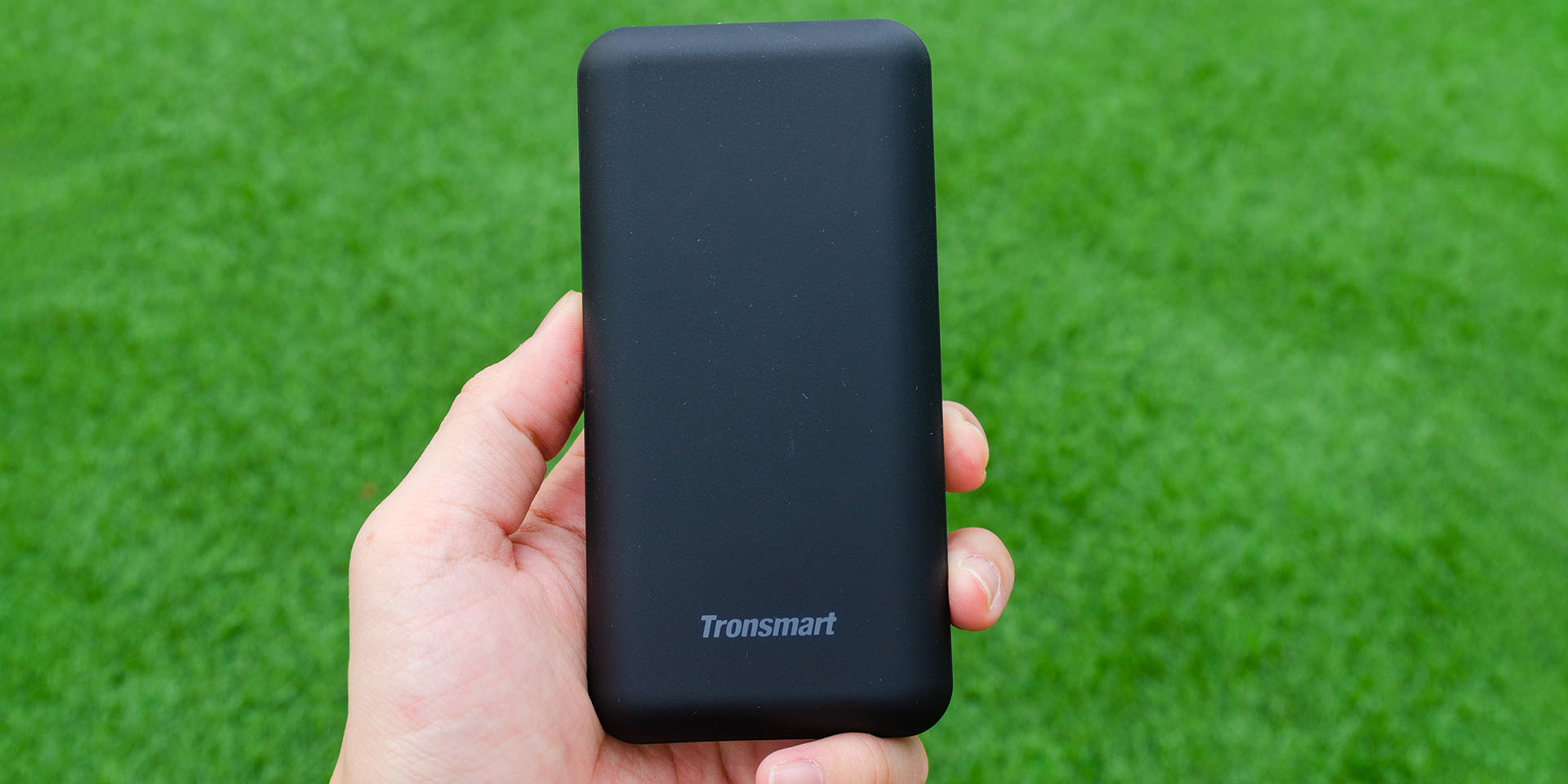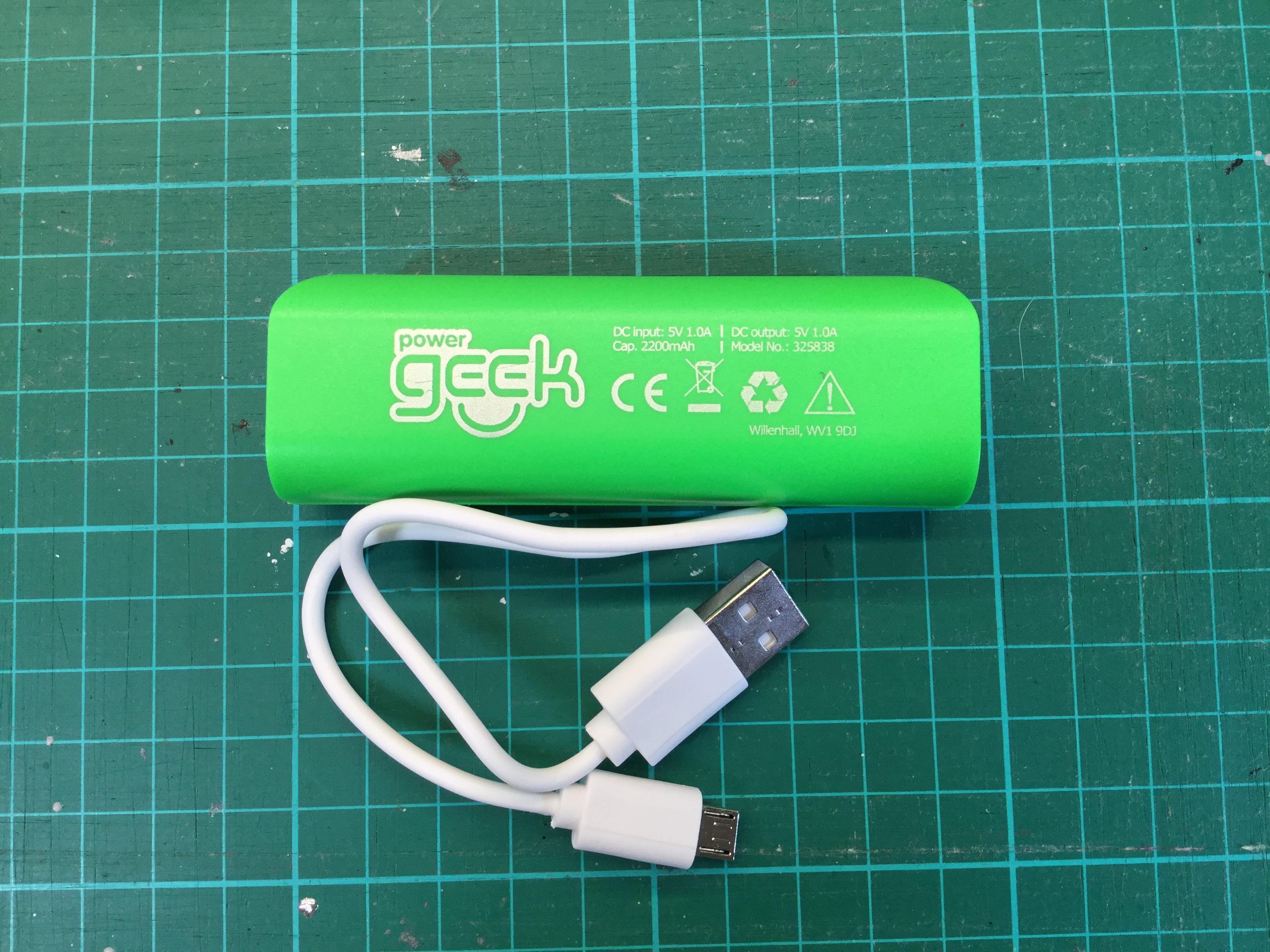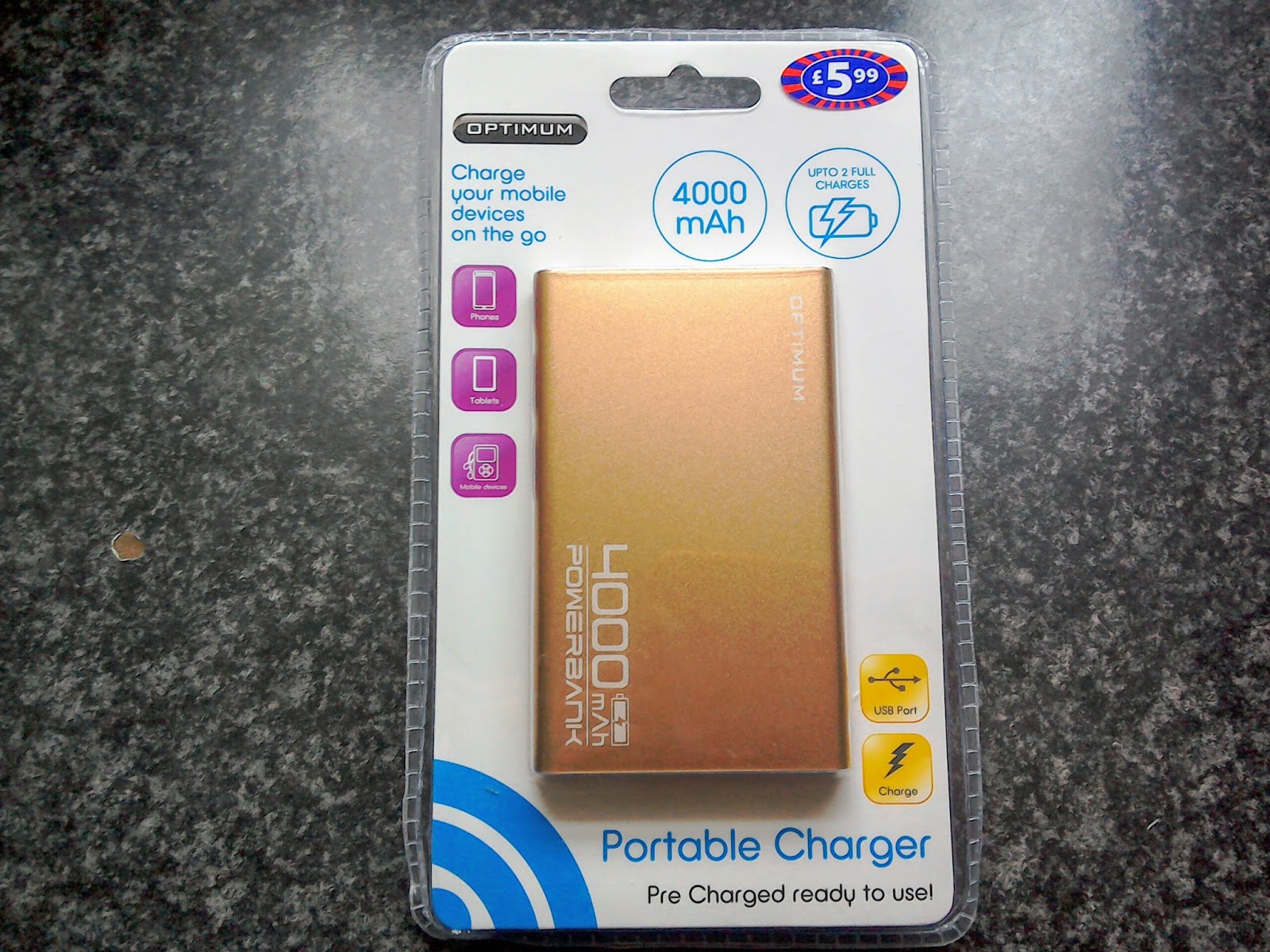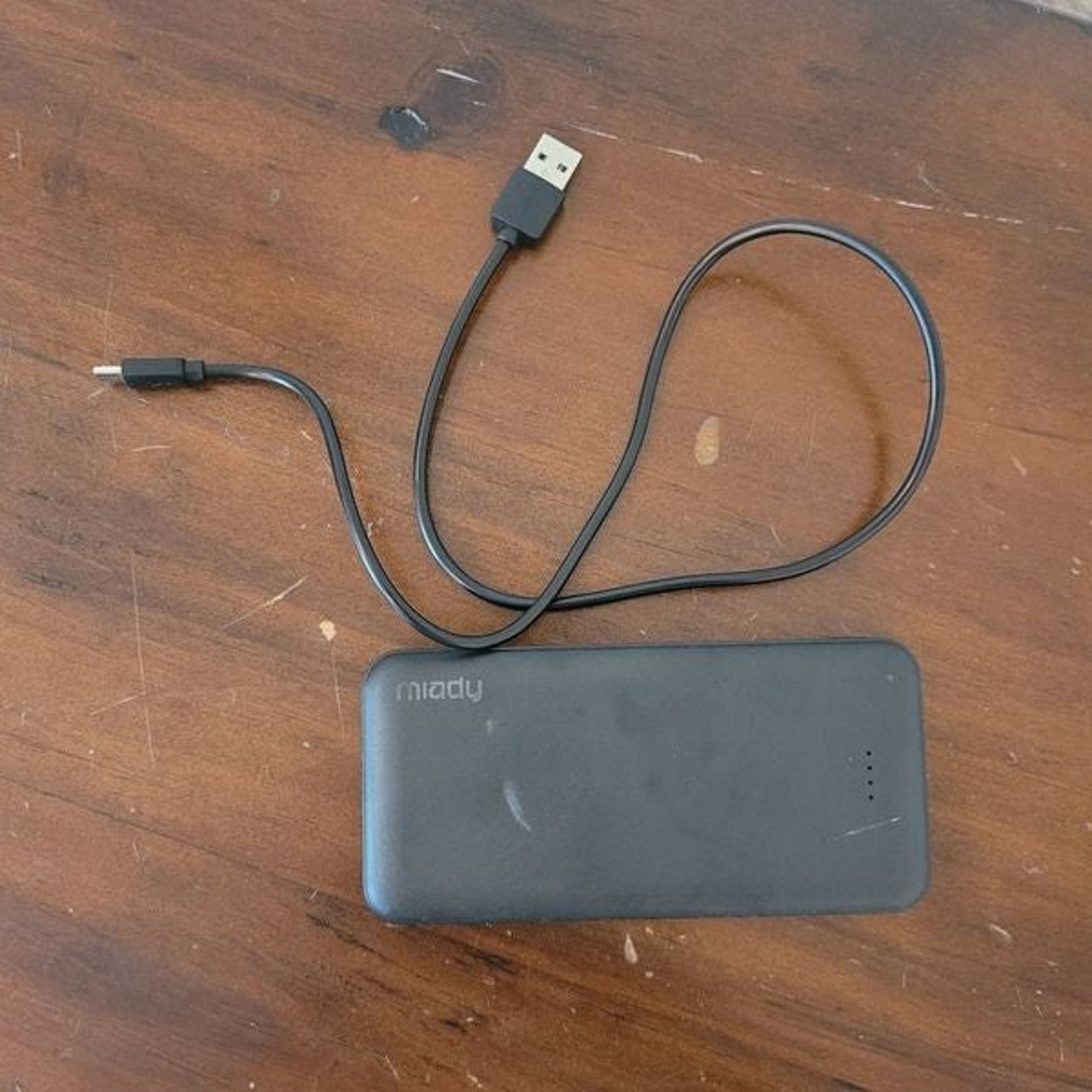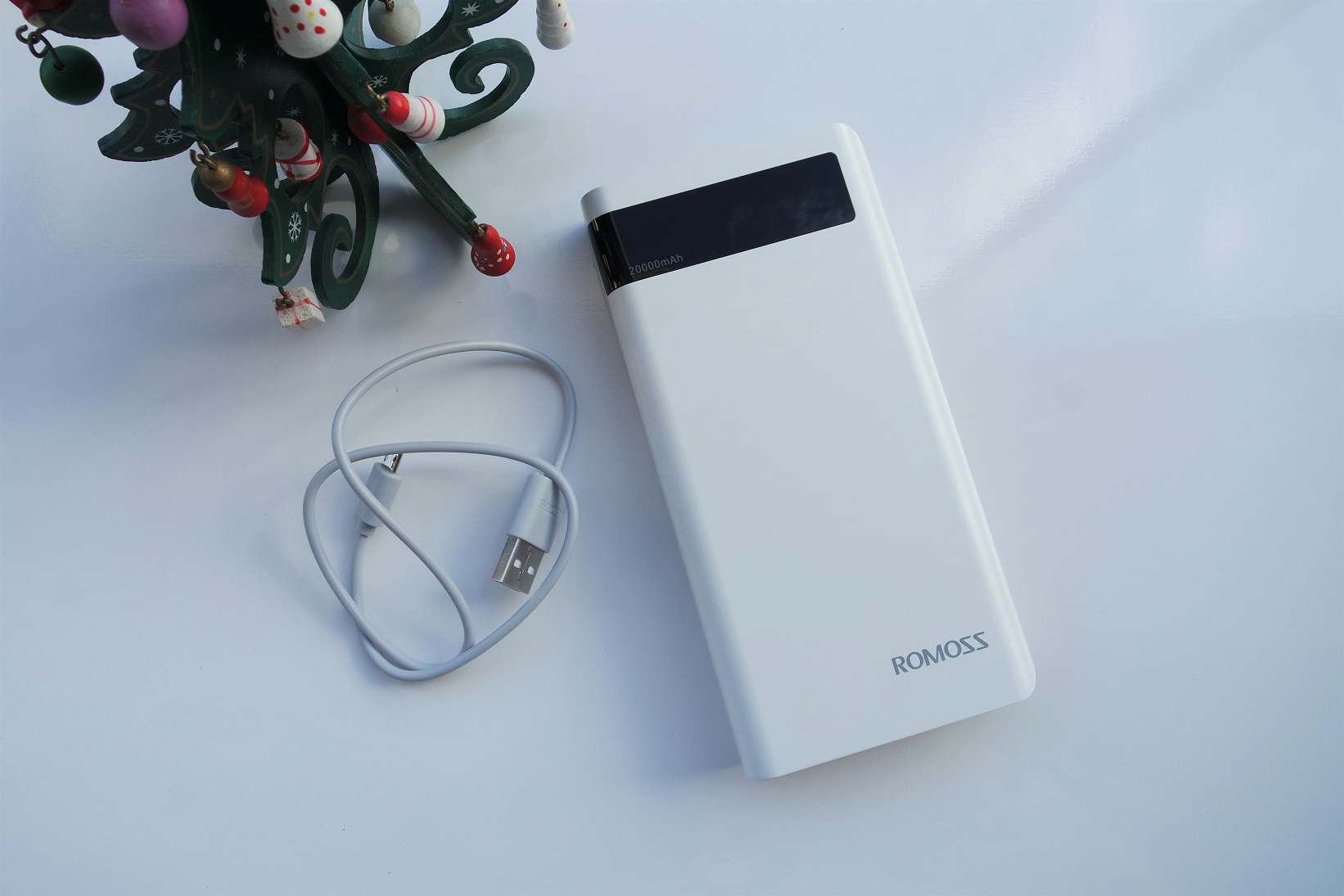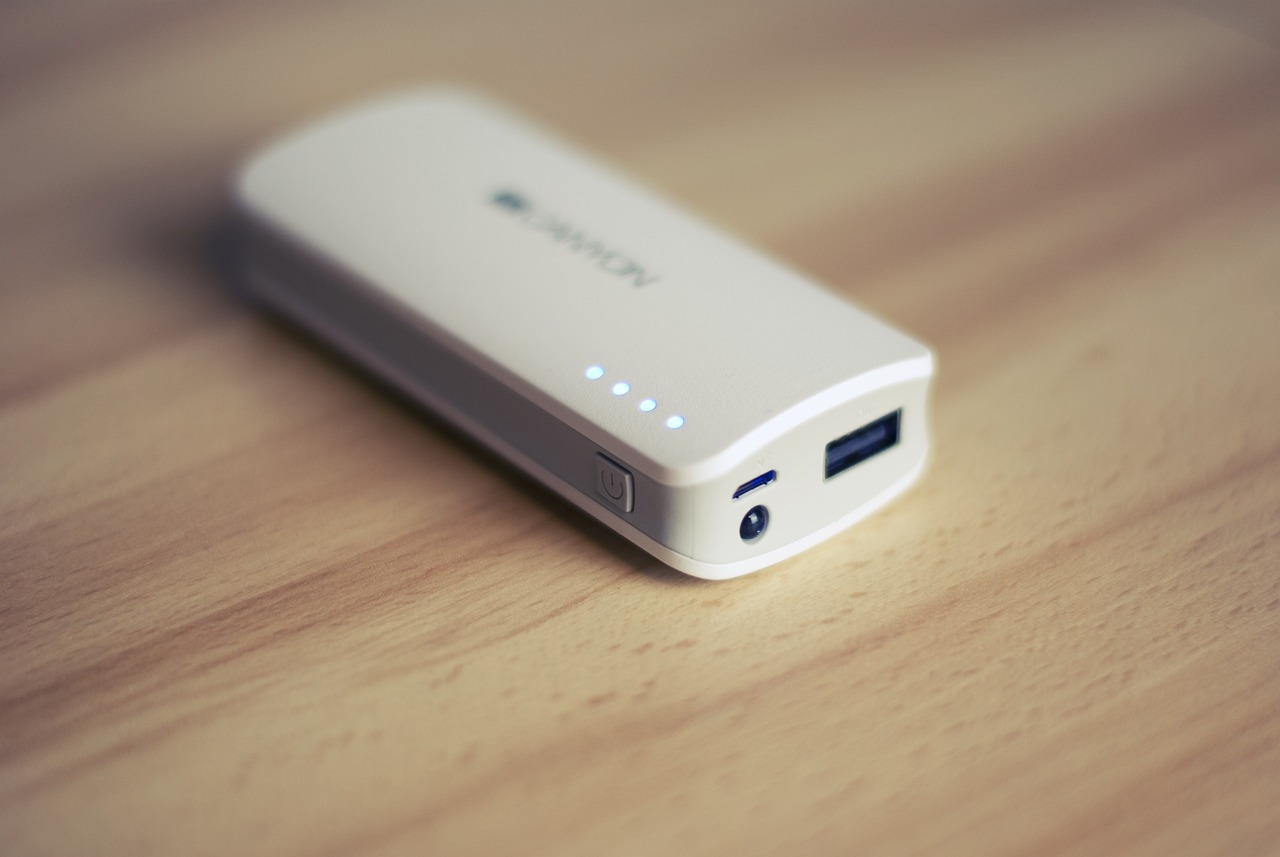
A power bank works by storing electrical energy in an internal battery and then delivering that energy to a connected device at the correct voltage and current. Understanding how does a power bank work helps you choose and use one with confidence, ensuring your devices stay powered wherever you go.
How does a power bank work: the simple explanation
A power bank stores energy from a wall outlet in its internal battery cells. When you connect a phone or other device, the power bank's circuit board safely transfers that stored energy at the correct voltage and current. This process lets you charge devices anywhere, without needing a wall socket.
The basic components inside your power bank
Every power bank contains several key parts that work together to store and deliver power.
Battery cells are the heart of the power bank. Most use lithium-ion (Li-ion) or lithium-polymer (Li-polymer) cells because they offer high energy density, are lightweight, and have a low self-discharge rate. These cells store the electrical energy until you need it.
The circuit board, also called the PCB or control board, manages everything. It regulates charging and discharging, prevents overcharging and overheating, and controls the power flow to connected devices. Without this board, the power bank would be unsafe and unreliable.
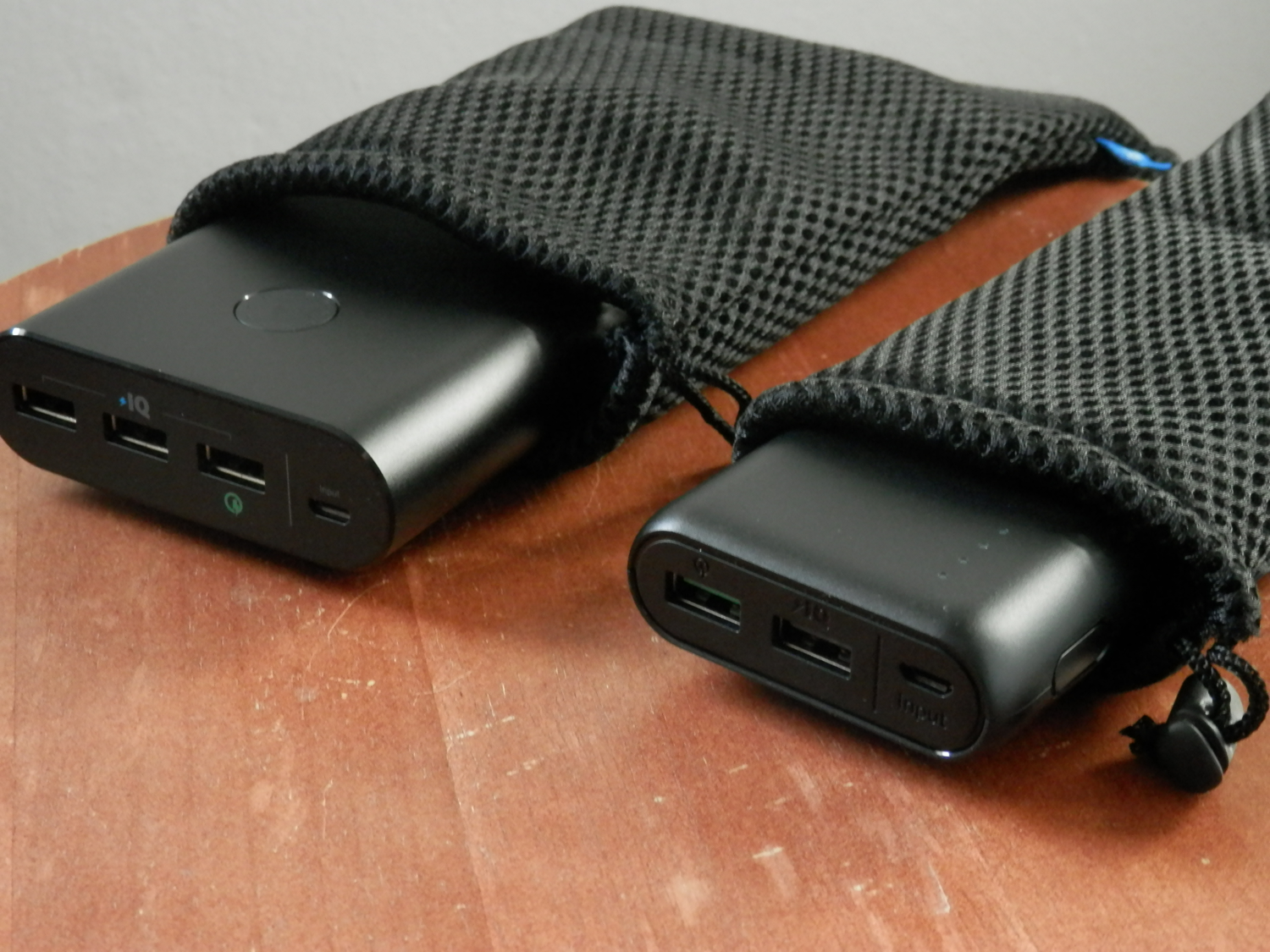
Input and output ports handle connections. The input port (often Micro USB, USB-C, or Lightning) is used to recharge the power bank itself. Output ports (usually one or more USB ports) let you connect your devices. Some advanced power banks include USB-C ports or wireless charging pads. Some power banks offer wireless charging capability, allowing you to place a compatible device on top of the power bank to charge without cables.
LED indicators show the remaining battery capacity and charging status. They may be a series of lights or a digital display that tells you how much power is left.
How a power bank charges itself
Recharging a power bank happens through two main methods. The most common is using a wall adapter: connect the power bank to the adapter with a compatible USB cable, then plug the adapter into a power outlet. Using the original or a certified adapter ensures safe and efficient charging.
The second method is charging through a USB port on a computer, laptop, or other USB-enabled device. This offers flexibility when a wall outlet is not available, though it may take longer because USB ports typically provide lower power output.
Inside the power bank, the input port directs electrical current to the battery cells. The internal circuitry manages safe recharging by monitoring voltage and current levels, preventing overcharging and protecting the cells.
How a power bank charges your phone
When you connect your phone to a power bank's output port, the circuit board detects the connected device. It then converts the stored energy from the battery cells and delivers it at the required voltage and current. The circuitry constantly monitors the power flow to ensure safe and efficient charging.
Many power banks support passthrough charging, which means you can charge your phone while the power bank itself is connected to a power source and recharging. This allows you to top up both devices simultaneously.
Leaving a phone connected to a quality power bank overnight is safe because smart circuitry prevents overcharging by automatically stopping power delivery once the device is full.
Understanding capacity, output, and charging speed
Power bank capacity is measured in milliampere-hours (mAh) or watt-hours (Wh). These ratings tell you how much energy the power bank can store. A higher mAh or Wh rating means more charges for your devices before the power bank itself needs recharging.
The actual usable capacity is lower than the advertised rating due to energy loss during charging and discharging. You can typically expect a power bank to deliver about 70-80% of its advertised capacity.
Output is measured in volts (V) and amperes (A), which determines how fast your devices charge. Most smartphones require a minimum of 1A output, while tablets and laptops may need 2A or more. Using a power bank with lower output than your device requires may result in slower charging or no charging at all. Using a power bank with an output lower than your device's requirements may result in the device not charging at all. A higher output than necessary will not damage your device but may drain the power bank faster.
Key safety features and certifications to look for
Quality power banks include several built-in protections. Overcharge protection stops charging once the battery is full. Short-circuit protection prevents damage if the output ports are shorted. Temperature protection shuts down the power bank if it gets too hot.
Power banks can generate heat during the charging process and should be used in a well-ventilated area, avoiding exposure to extreme temperatures.
Safety certifications such as UL, CE, and FCC indicate that a power bank has met relevant safety and testing standards. These certifications help you identify reliable products.
For high-wattage fast charging (60W and above), specific e-marked USB-C cables are required to prevent overheating or potential failure. Always use the correct cable for fast charging needs.
Pros and cons of using a power bank
Advantages: Power banks are portable and lightweight, making them easy to carry in a bag or pocket. They provide convenience when no power outlet is available, such as during travel or outdoor activities. Many models have multiple USB ports, allowing you to charge several devices at once. They are compatible with a wide range of devices including smartphones, tablets, smartwatches, and Bluetooth headphones.
Limitations: Power banks have a finite capacity, so they can only provide a limited number of charges before needing recharging themselves. They also experience self-discharge, losing some charge over time even when not in use. Recharging a power bank can take several hours, especially for high-capacity models. Larger capacity power banks are heavier and bulkier, which may affect portability.
How to choose the right power bank for you
Consider your capacity needs based on the devices you charge. A 10,000mAh power bank can charge a typical smartphone multiple times, while tablets and laptops may require higher capacity.
Check the number of output ports if you need to charge multiple devices simultaneously. Look at the output current to ensure fast charging for your devices. Also consider the input charging speed so your power bank recharges quickly between uses.
Portability matters if you carry the power bank daily. Choose a size and weight that fits your lifestyle. Finally, consider brand reputation and look for trusted brands with a track record of producing reliable power banks. Low-quality power banks are common in the market, making it crucial to choose a reputable brand for safety and reliability. Reading customer reviews and checking for safety certifications can help you make a confident choice in your power bank usage and selection.
Frequently Asked Questions
What is a power bank?
A power bank, also known as a portable charger, is a compact device that stores electrical energy and allows you to recharge smartphones, tablets, and other gadgets without needing a wall outlet.
How does a power bank work?
A power bank stores electrical energy in its built-in lithium-ion or lithium-polymer battery. When connected to a device, it transfers that stored energy through a USB cable, with the circuit board regulating voltage and current for safe charging.
How long to charge a power bank?
The time depends on the power bank's capacity and the power source used. Charging through a wall adapter is typically faster than through a USB port. Higher capacity power banks generally take longer to fully recharge.
How many charges will I get?
The number of charges depends on the power bank's capacity and your device's battery size. Divide the power bank's mAh rating by your device's battery capacity, keeping in mind that about 20-30% of energy is lost during transfer. For example, a 10,000mAh power bank can charge a 3,000mAh phone approximately 2-3 times.
Related reading: How To Use Power Bank Charger 2200mAh.