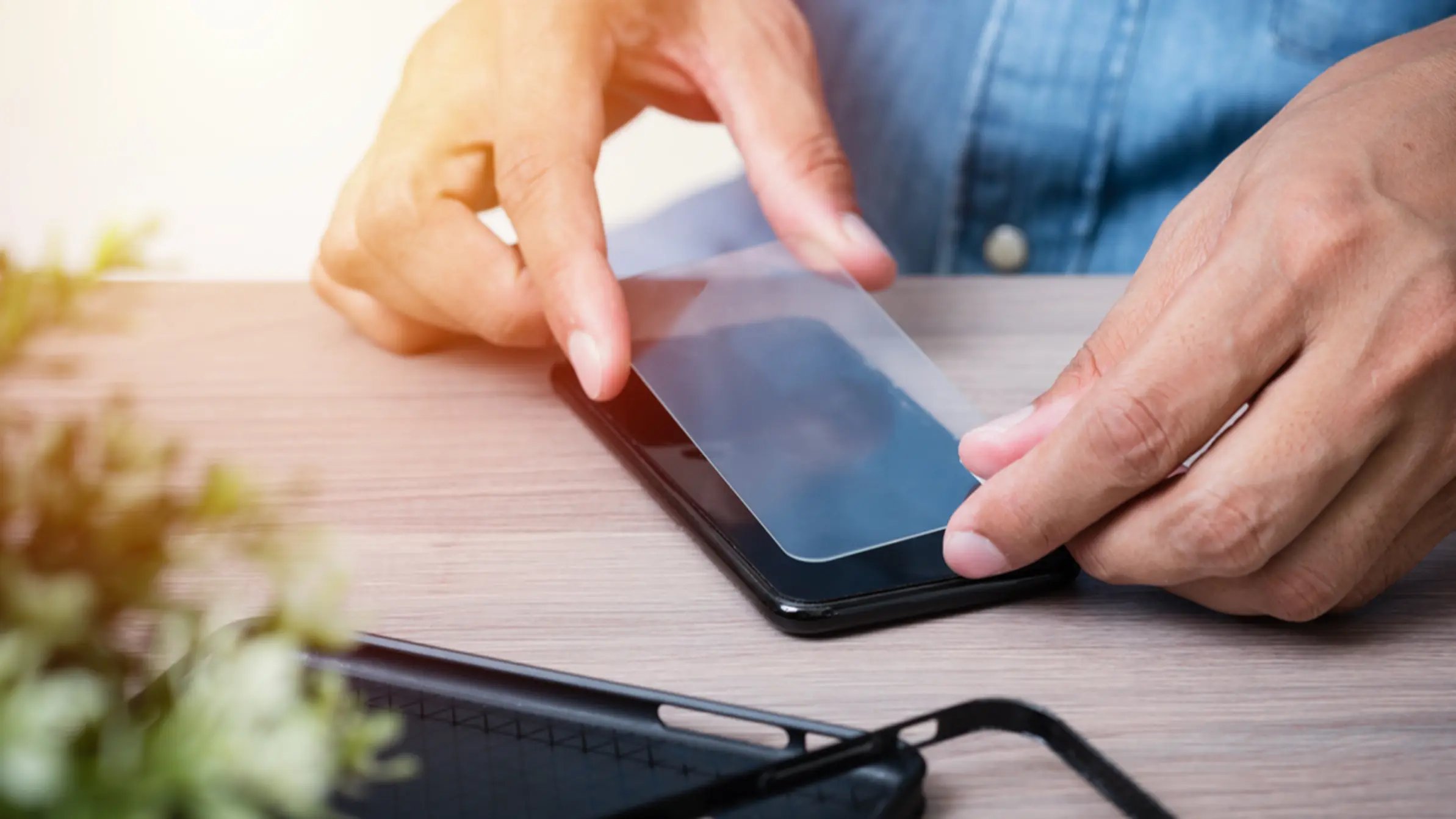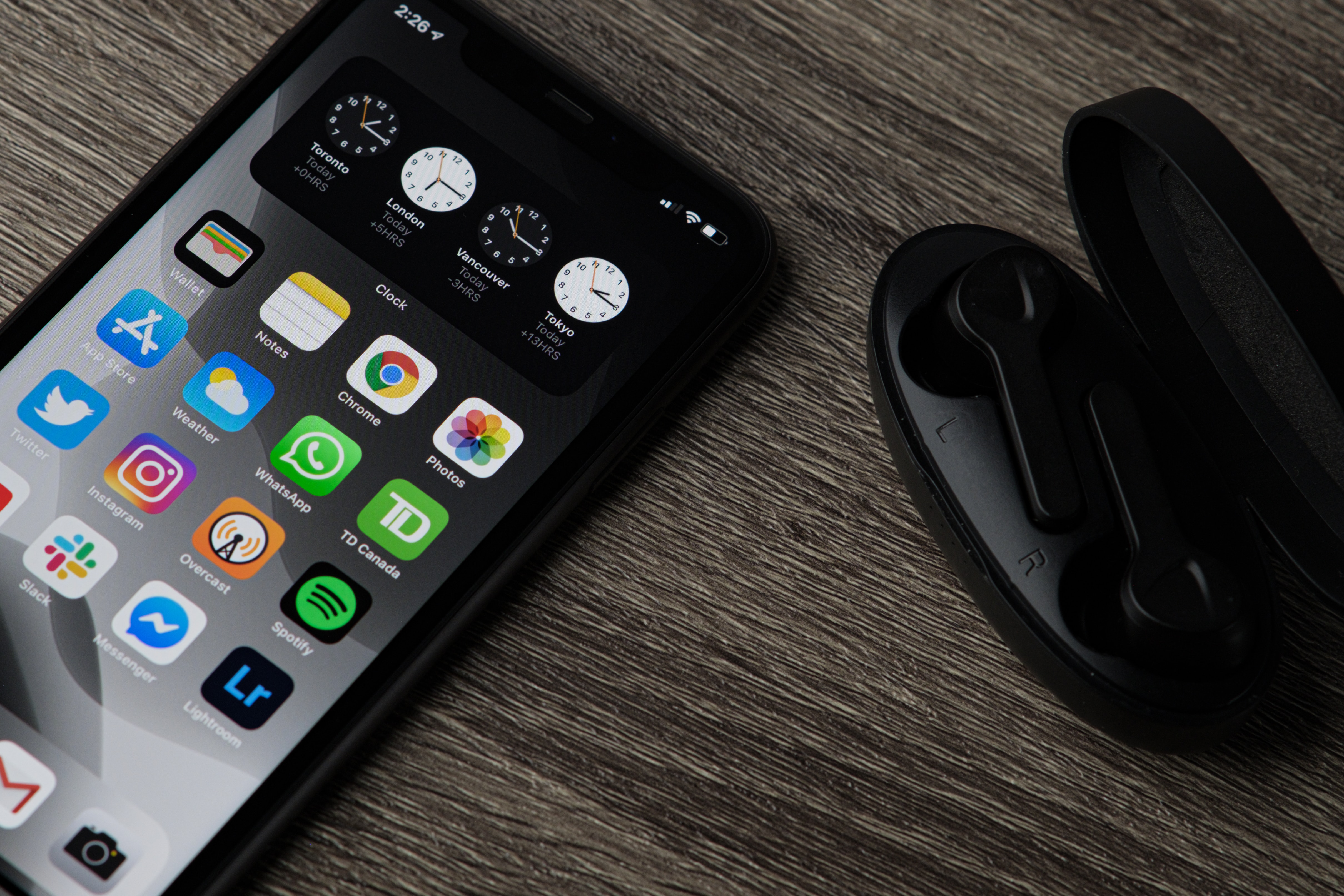
To put on a liquid glass screen protector, you must clean your screen, apply the solution, buff it dry, and let it cure. This step-by-step guide on how to put on liquid glass screen protector ensures an invisible, bubble-free finish that protects against scratches.
Before you start: what a liquid glass screen protector can and can't do
Liquid glass primarily enhances scratch resistance and offers little to no measurable impact protection against drops, meaning it does not make your screen shatter-proof. The "9H" hardness rating often cited for liquid glass refers to pencil hardness, not the Mohs mineral scale, and does not guarantee protection against harder materials like sand (which is 7H on the Mohs scale). Liquid glass cannot fill or repair existing scratches, chips, or cracks; it should only be applied to an intact, undamaged glass surface. Do not apply to an already damaged device. This product should NOT be used to repair broken screens and does not fix existing scratches or damages.
How to put on a liquid glass screen protector
Once you understand what liquid glass can and cannot do, the application process is straightforward. The following steps will walk you through cleaning, applying, buffing, and curing the coating to achieve the best possible protection for your device's glass.
-
Step 1: Clean your screen thoroughly
Before application, turn off your device, remove any existing screen protector and case, and thoroughly clean the screen with an alcohol wipe and microfiber cloth to remove all dust, smudges, and debris. Ensure the screen is free of dust, smudges, and debris. Use a microfiber cloth to thoroughly dry and polish the device.
-
Step 2: Apply the liquid glass solution
Open the liquid glass applicator (vial or saturated wipe) carefully and apply the solution by placing drops in the center or using the wipe directly, then spread it evenly across the entire glass surface, including curved edges, using gentle, consistent pressure. Ensure full coverage. Red Zombie recommends applying 1/2 of the vial contents for a watch, applying the entire contents of the vial for a smartphone front or back, and applying 2 vials for an iPad or tablet. Avoid applying liquid glass inside exposed ports or buttons, and do not coat foldable inner displays or remove factory-fitted films unless explicitly permitted by the device manufacturer. It is safe for all buttons and ports, but it is recommended not to pour it inside any exposed ports or buttons, as it is best suited for glass areas.
-
Step 3: Let it set and then buff the screen
Allow the coating to settle for the manufacturer's recommended initial setting time, typically a few minutes, without touching the screen or attempting to speed up drying. Luvvitt states to wait 60 seconds, then polish dry again, and not to use the device for 1 hour after application. Use a clean, dry microfiber cloth to gently buff the screen in circular motions until it appears clear, smooth, and free of streaks. Buff the glass surface dry.
-
Step 4: Allow the coating to fully cure
The coating continues to harden over several hours, with full curing typically taking 24-48 hours; during this period, avoid heavy usage, moisture, excessive heat, and pressure on the device. ProofTech states to allow the glass surface to cure for at least 10 minutes, and for best results, allow it to dry overnight (6-8 hours) before heavy use. Red Zombie states to wait 5-10 minutes, recommends waiting 15-30 minutes before using your device. Quikcell states to let your liquid glass dry for at least 10 minutes, then use the dry wipe to remove any remaining residue, and then you're ready to go.
What to expect after application
Once properly applied and buffed, liquid glass is invisible to the naked eye, does not create glare, and eliminates the risk of bubbles or misalignment common with film or tempered glass protectors. Liquid glass is generally non-removable; unlike traditional screen protectors, it bonds with the device's glass and wears away over time rather than being peeled off. To remove the protector, start by using a clean cloth to apply heat to the edges of the protector. Gently lift the edge using a fingernail or a plastic card, and slowly peel off the protector from the screen. Once applied, liquid glass is embedded in your device's glass and cannot be removed. For continued optimal protection, it is recommended to reapply liquid glass annually or every 6-12 months. This makes it a long-term solution for your screen protector application and repair needs, though it is not a repair product itself.
Frequently Asked Questions
Can I apply liquid glass to the back of my phone?
Yes, ultra liquid glass can be applied to any glass surface on your device, including the back. It is universally compatible with all mobile devices, phones, tablets, smartwatches, and cameras.
What happens if I get liquid glass in my phone's speaker or charging port?
While the solution is safe for all buttons and ports, you should avoid pouring it inside any exposed ports or buttons. If a small amount gets in, it is unlikely to cause damage, but it is best to keep the application focused on the glass areas.
How do I know when the liquid glass has worn off?
Since the coating is invisible, you will not see it flaking or peeling. You may notice that your screen becomes more susceptible to scratches or that the oleophobic (smudge-resistant) properties diminish. This is a sign that it is time to reapply.
Can I use a tempered glass protector over liquid glass?
It is generally not recommended. Liquid glass bonds directly to your device's glass, and applying a tempered glass protector on top may interfere with the bonding process or cause adhesion issues. Choose one type of protection for your device.
Is liquid glass safe for foldable phone screens?
No, you should avoid coating foldable inner displays unless explicitly permitted by the device manufacturer. The flexible nature of these screens may not be compatible with the hardened coating.