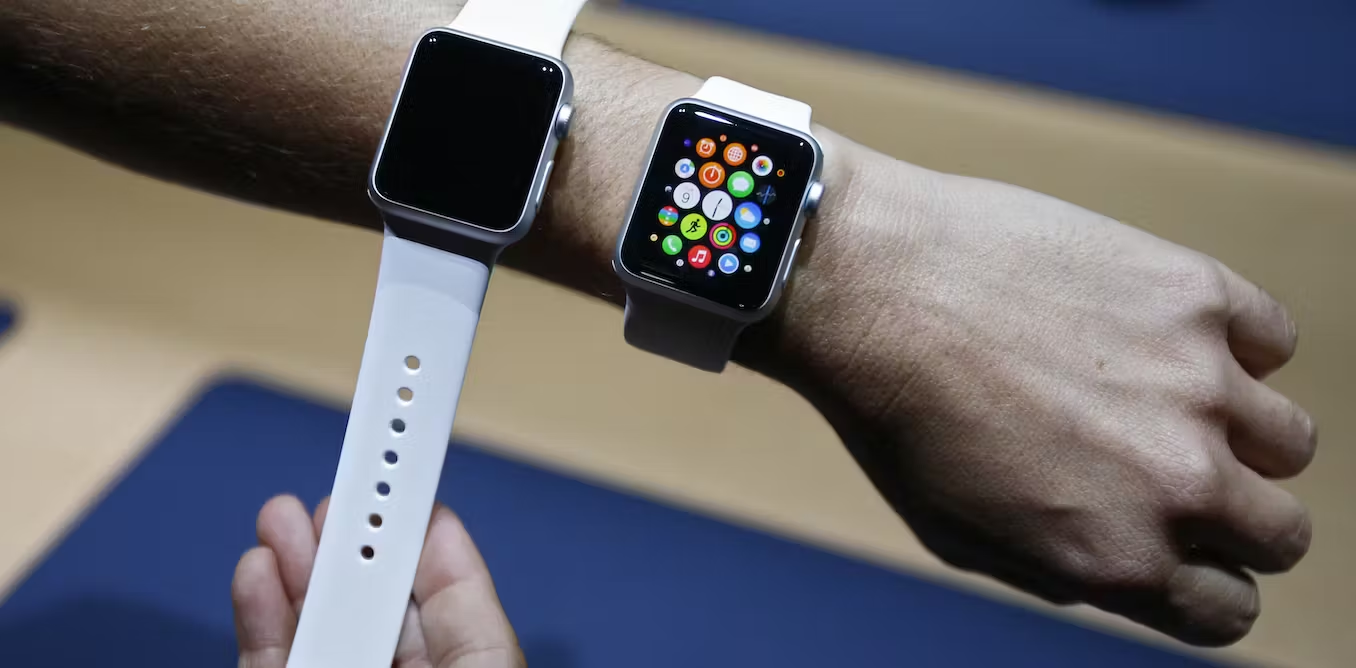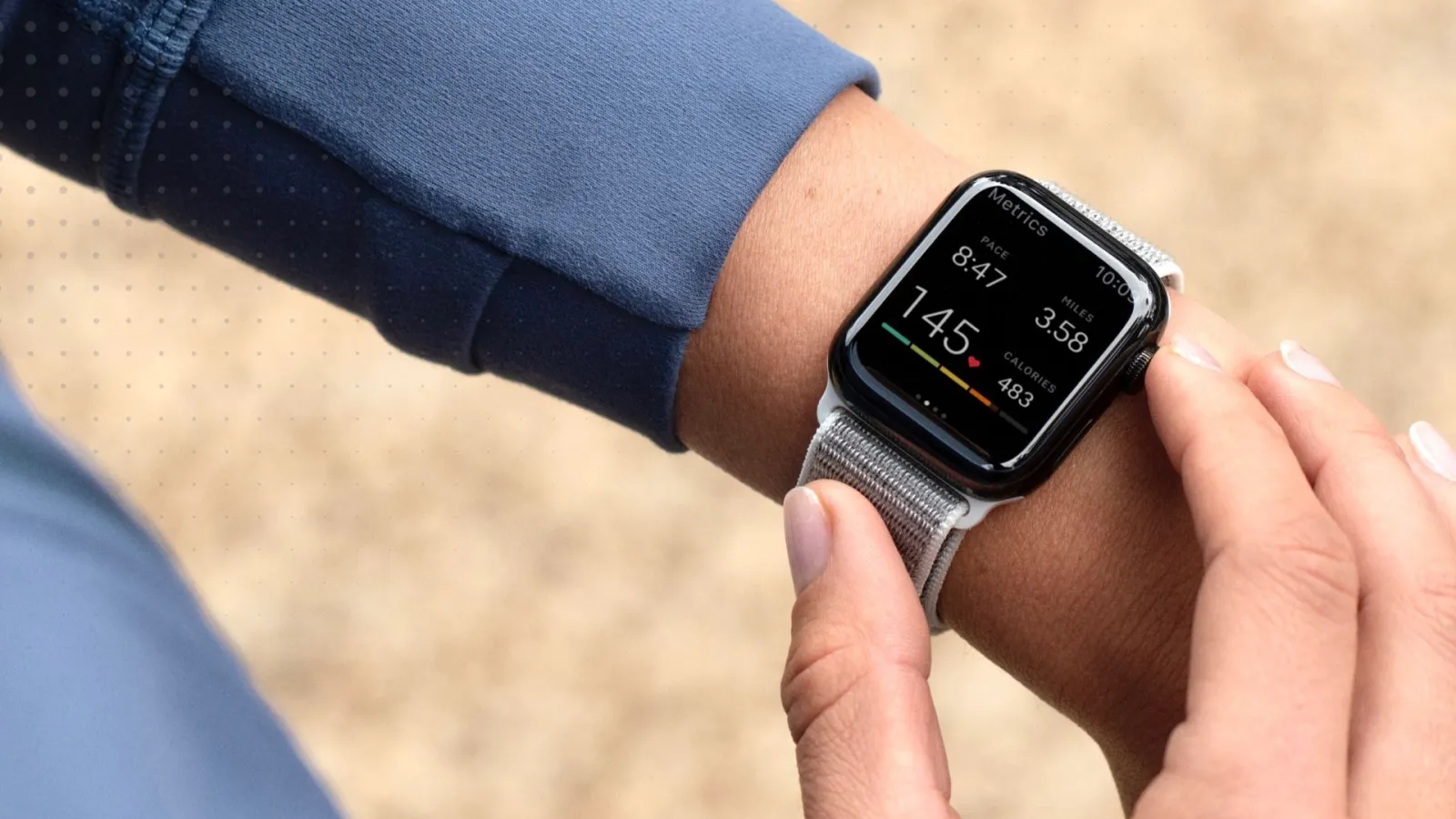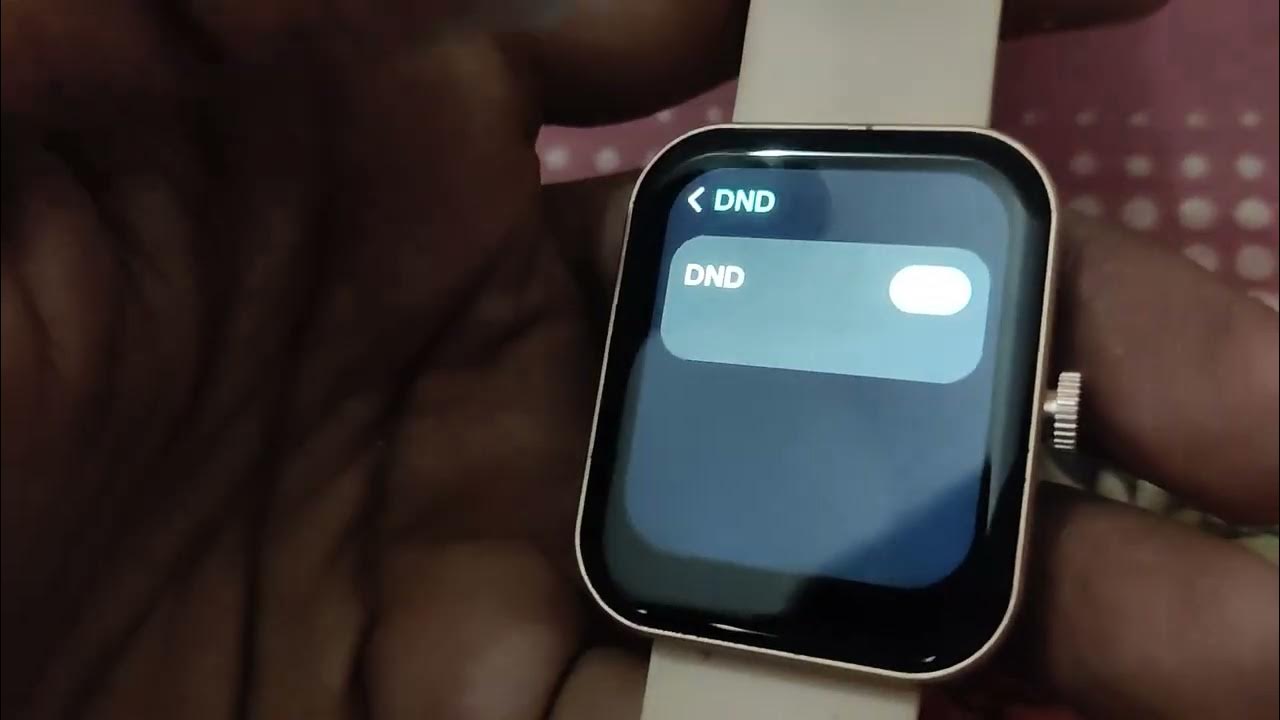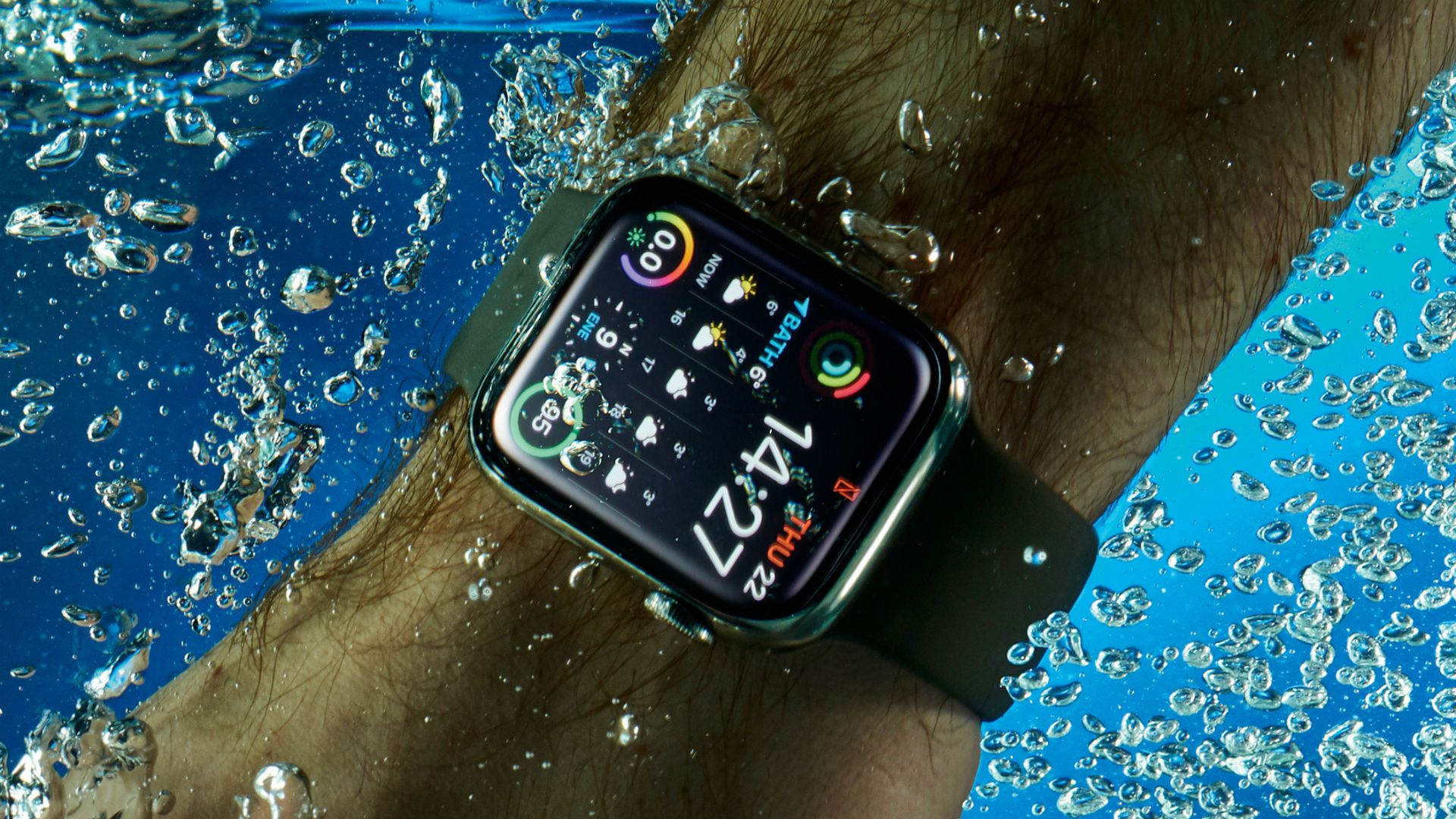
To remove water from a smartwatch, use its built-in Water Lock feature, which plays tones and vibrations to expel water from the speaker.
Methods for removing water from a smartwatch
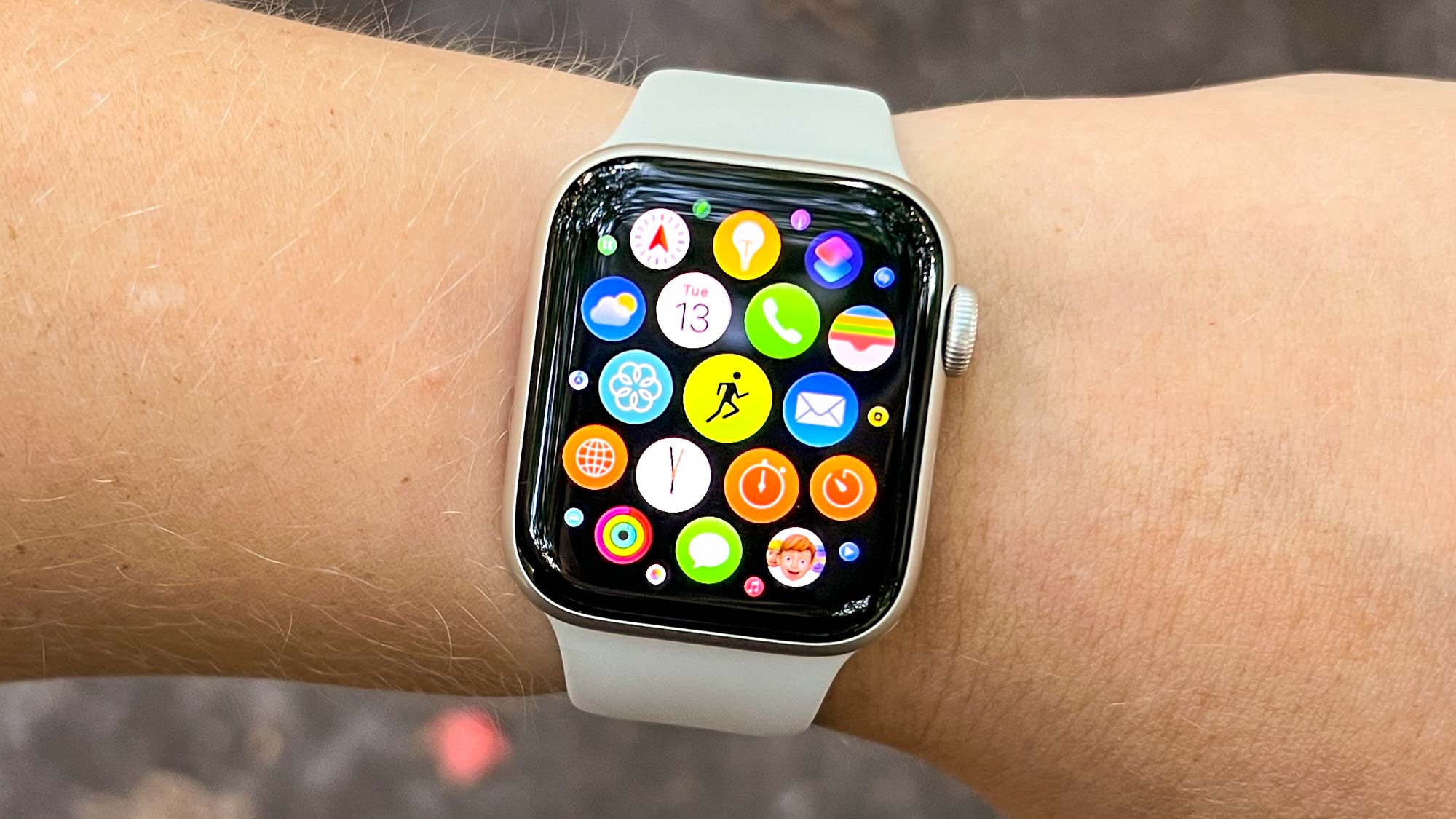
Apple Watch
- Press the Side button to open Control Center, then tap Water Lock.
- When finished, press and hold the Digital Crown until the display says Unlocked.
- A series of tones plays to clear water from the speaker.
If the watch is running watchOS 8 or earlier, rotate the Digital Crown instead of pressing and holding it. On Apple Watch Ultra or later, Water Lock can turn on automatically when submerged to a depth of 10 cm or lower.
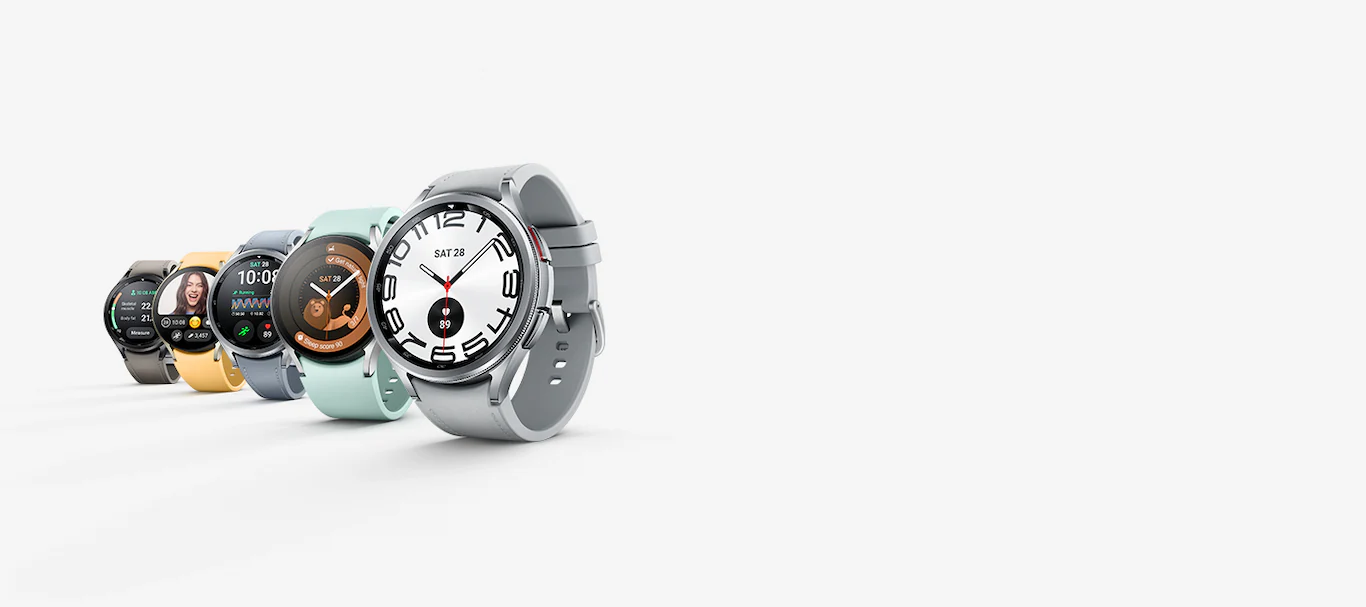
Samsung Galaxy Watch
- Open Settings > Advanced > Water lock mode, then turn it on. Alternatively, swipe down the Quick settings panel and tap the Water lock icon.
- To turn Water lock off, press and hold the Home key.
- When Water lock turns off, the watch automatically starts the Eject water function, which uses vibrations and sound waves to remove water from the speaker.
Samsung also documents a Play sound action in some regions to start flushing internal water. Samsung also advises shaking the watch lightly after it gets wet to remove water from the pressure sensor before use.
Supported devices and versions
Apple
Apple's water-eject instructions apply to Apple Watch generally. The unlock method differs by version: watchOS 8 or earlier uses Crown rotation; later versions use press-and-hold.
Samsung
Samsung lists Water lock support for different models by region. Supported devices include Galaxy Fit, Galaxy Fit2, Galaxy Fit3, Galaxy Watch, Galaxy Watch4, Galaxy Watch4 Classic, Galaxy Watch Active series, Gear Fit2 Pro, and Gear Sport. Samsung UK specifically documents Galaxy Watch4 with Settings > Advanced features > Water lock. Because Samsung's lists vary by region and page, support should be treated as model- and region-specific.
Tips to prevent water damage on smartwatches
- Use Water Lock before swimming or when the watch may be submerged. For Apple Watch, Water Lock also prevents accidental taps while in water.
- For Samsung Galaxy Watch, shake the watch lightly after it gets wet to remove water before use.
- Samsung UK says to shake the watch to remove any water from the pressure sensor after turning Water lock off.
Using Water Lock correctly helps prevent water damage and liquid removal issues before they start. If you need to get water out of charger port Android, use the same Water Lock feature if your device supports it, or consult the manufacturer's support page for specific instructions.
Frequently Asked Questions
Does Water Lock make the watch waterproof?
No. Water lock is a mode for swimming and water removal, not a feature that increases water resistance.
How do I know the speaker is clear?
Apple says tones play while water is being ejected; Samsung says the watch uses sound waves or a flushing sound to remove water from the speaker.
What if my model is not listed?
If the model is not listed on the manufacturer's support page for your region, check the official support site for your specific device and region.
Related reading: How To Download Apps For Smartwatch.