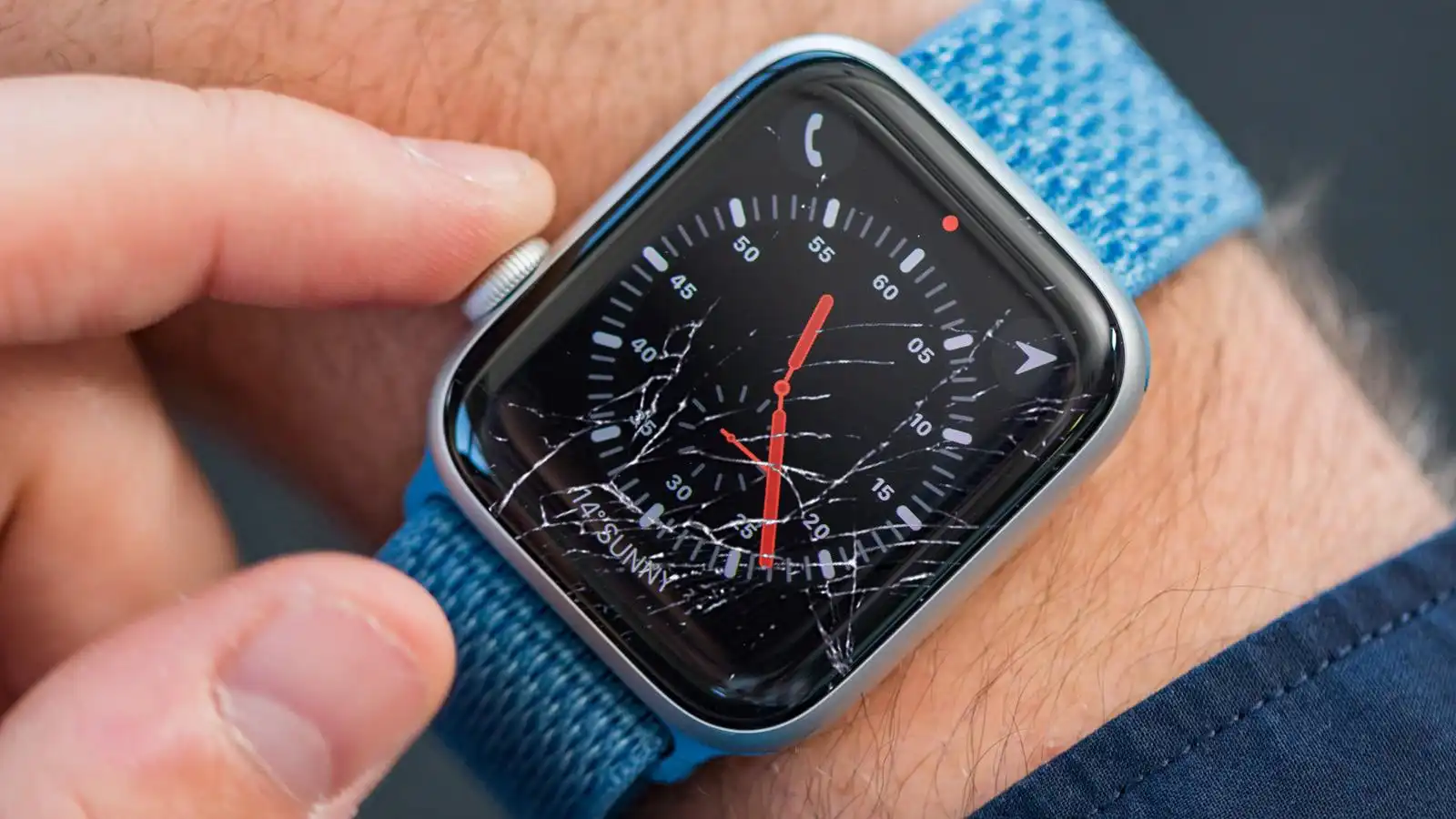
You cannot reliably get scratches out of a smartwatch at home, and most DIY methods risk permanent damage. Apple explicitly warns against using toothpaste, baking soda, or any abrasive or polishing compound on an Apple Watch, as these can strip protective coatings and introduce new scratches.
Can you get scratches out of a smartwatch?
The short answer is no for a practical, safe DIY fix. Apple documents that scratches are cosmetic damage, not a covered repair category, unless the issue is due to a manufacturing defect. Apple also says Apple Watch is not user-serviceable and recommends against polishing or buffing with abrasives because they can remove the coating and further scratch the display. Most home remedies found online, toothpaste, baking soda paste, or polishing compounds, are either ineffective on modern smartwatch glass or destructive to oleophobic coatings and the display itself.
Why toothpaste and DIY methods make scratches worse
Apple specifically advises against using toothpaste, cleaning products, polishing, buffing, or other abrasives on the watch. These abrasives are harder than the glass or coating on your smartwatch and will wear away the protective layer, making the surface more vulnerable to future scratches and sometimes creating a cloudy, uneven appearance. The only cleaning method Apple documents is a soft cloth.
What Apple says about smartwatch scratch repair
Apple’s policy is clear: cosmetic damage, including scratches, is not covered under its Limited Warranty or AppleCare+, and Apple does not offer a screen repair or screen replacement service for Apple Watch. The watch may instead be eligible for chargeable out-of-warranty service or whole-unit replacement after inspection. If the damage is beyond cosmetic, Apple advises not to continue using the watch. Scratches near sensors may affect touch sensitivity or interfere with heart rate monitoring.
Ion-X Glass vs. sapphire crystal: does your screen material matter?
Apple notes that Apple Watch Series 2 models use sapphire crystal, which is more scratch resistant than Ion-X Glass, but no Apple Watch model is scratch proof. Sapphire crystal resists scratches better than Ion-X Glass, but it is more brittle and can shatter on impact. Ion-X Glass is more flexible and less likely to crack, but it scratches more easily. Neither material can be repaired at home, and both are subject to the same service options from Apple.
How to get your scratched smartwatch serviced
The documented option for a scratched Apple Watch is service evaluation through Apple Support, a Genius Bar appointment, an Apple Authorized Service Provider, or mail-in service where available. The correct steps are:
- Contact Apple Support to describe the damage and arrange service.
- Book a Genius Bar appointment at an Apple Store or visit an Apple Authorized Service Provider.
- If mail-in service is available in your region, follow the provided shipping instructions.
- Allow the technician to inspect the watch and determine service options, timelines, and cost.
Damaged Apple Watch should be inspected to determine service options, timelines, and cost, and may be eligible for whole-unit replacement under out-of-warranty service.
How to prevent smartwatch scratches in the future
Since no smartwatch screen is scratch proof, prevention is the only reliable strategy. Use a screen protector designed for your model and a protective case for the body. Remove the watch during activities that expose it to abrasive surfaces, like weightlifting, gardening, or working with tools. Regular cleaning with a soft cloth keeps debris from grinding into the surface. Scratches can significantly reduce the device's resale value. For professional assistance with protecting your device, consider a service that offers screen protector application and repair to ensure proper fit and bubble-free installation.
Frequently Asked Questions
Can scratches be repaired at home?
No manufacturer-approved DIY scratch-removal procedure exists for Apple Watch.
Does AppleCare+ cover scratches?
No. Cosmetic damage, including scratches, is not covered unless there is a manufacturing defect. AppleCare+ covers accidental damage like cracked screens, but not scratches that do not affect functionality.
Can Apple replace only the glass?
The retrieved Apple support material says Apple does not offer screen repair or screen replacement service for Apple Watch. The only service path is whole-unit replacement after inspection.
What should I do instead of trying DIY methods?
Contact Apple Support, schedule a Genius Bar visit, or use an Apple Authorized Service Provider for inspection and service options. The technician will tell you if the watch is eligible for chargeable out-of-warranty replacement.
Related reading: How To Fix Ink On Phone Screen and What Is "DND" On A Smartwatch?.