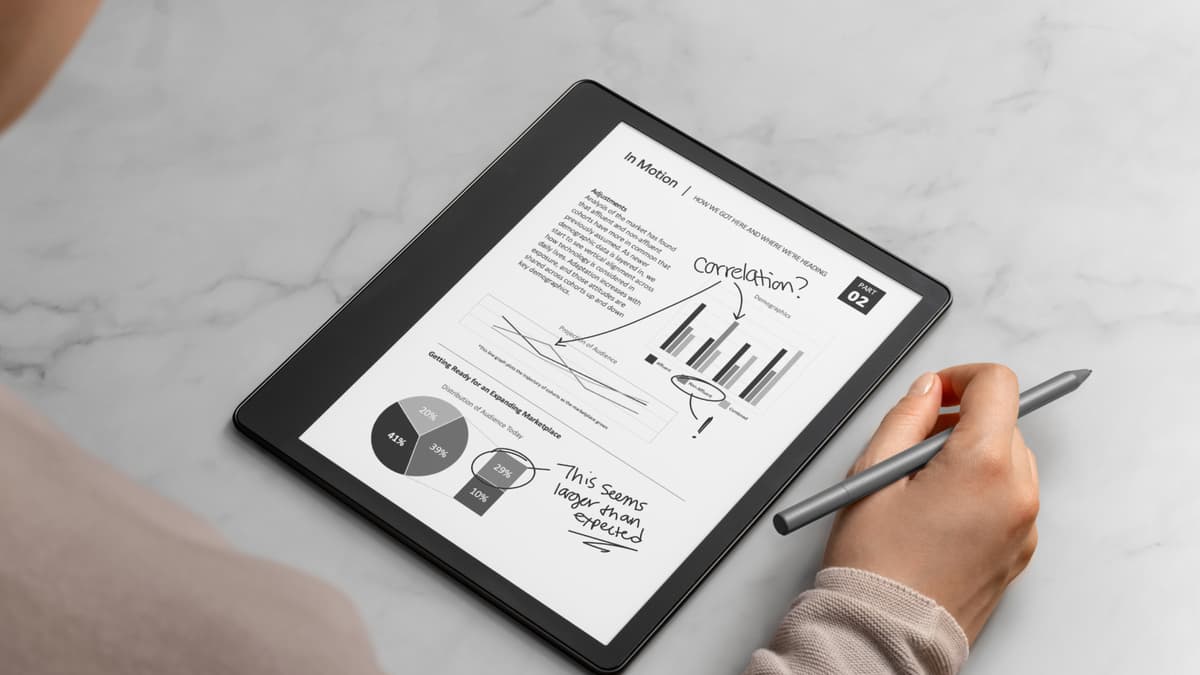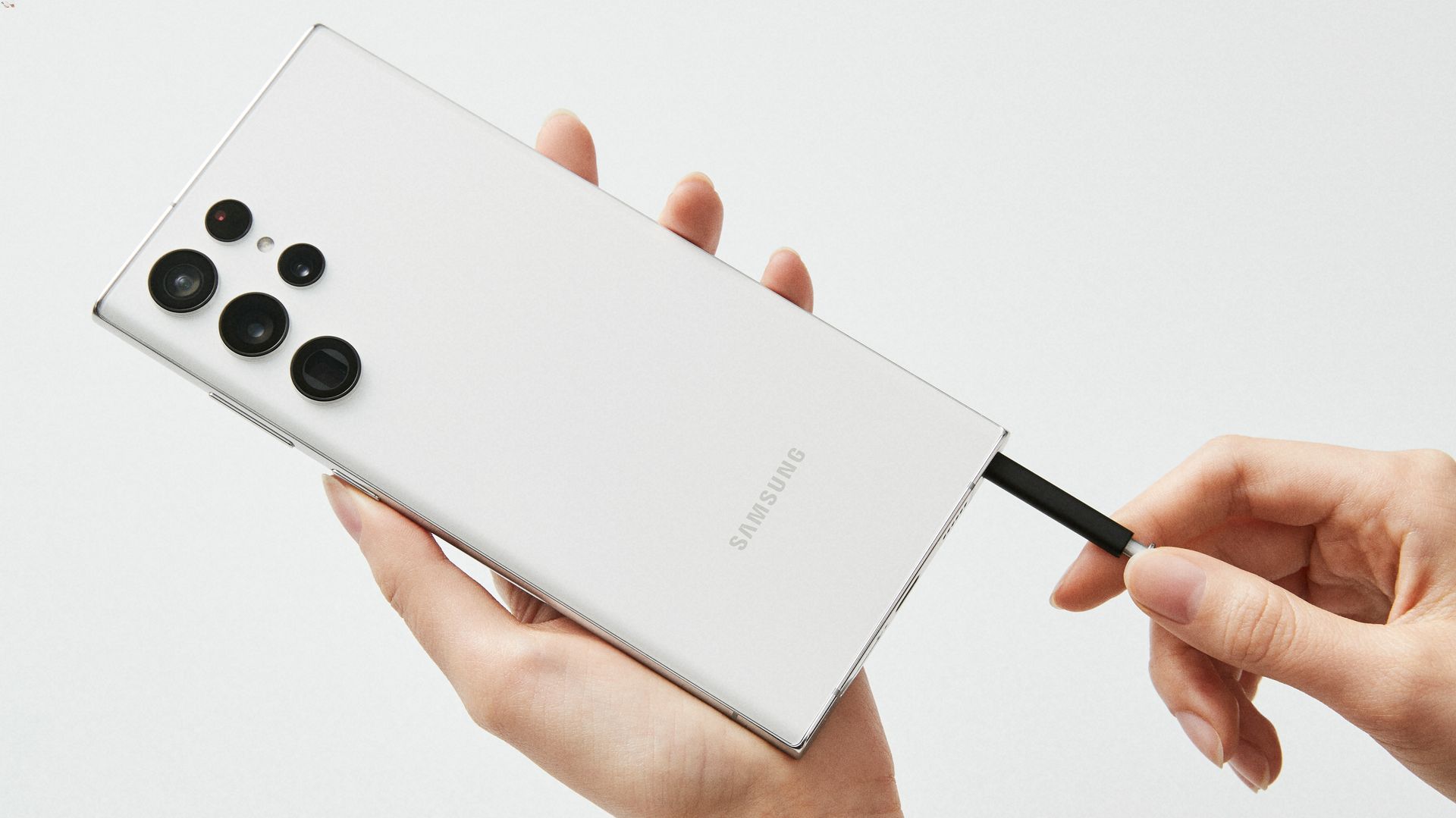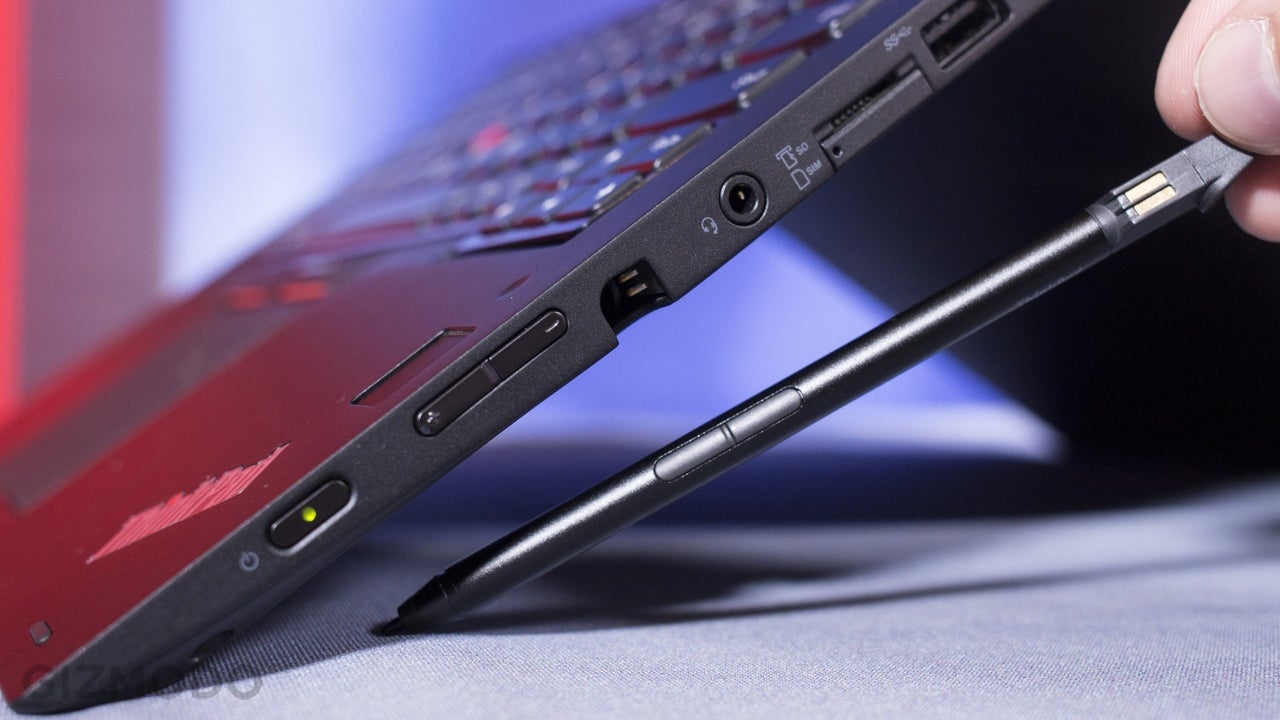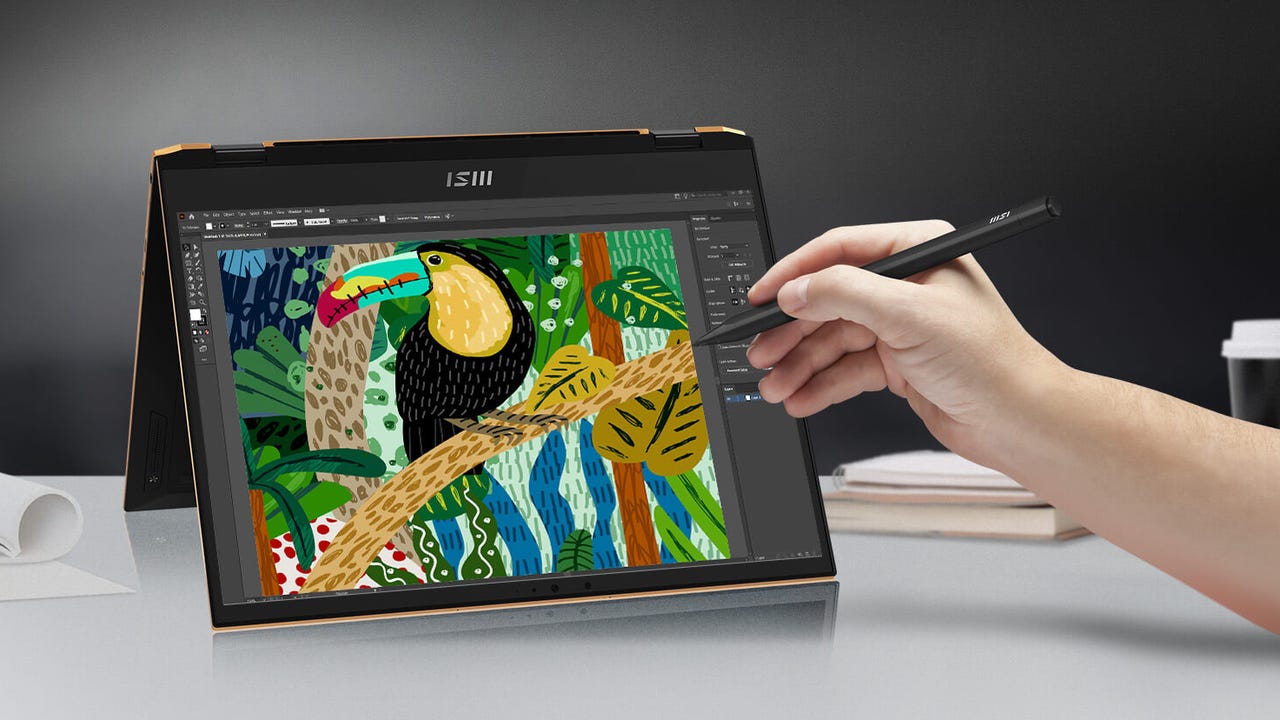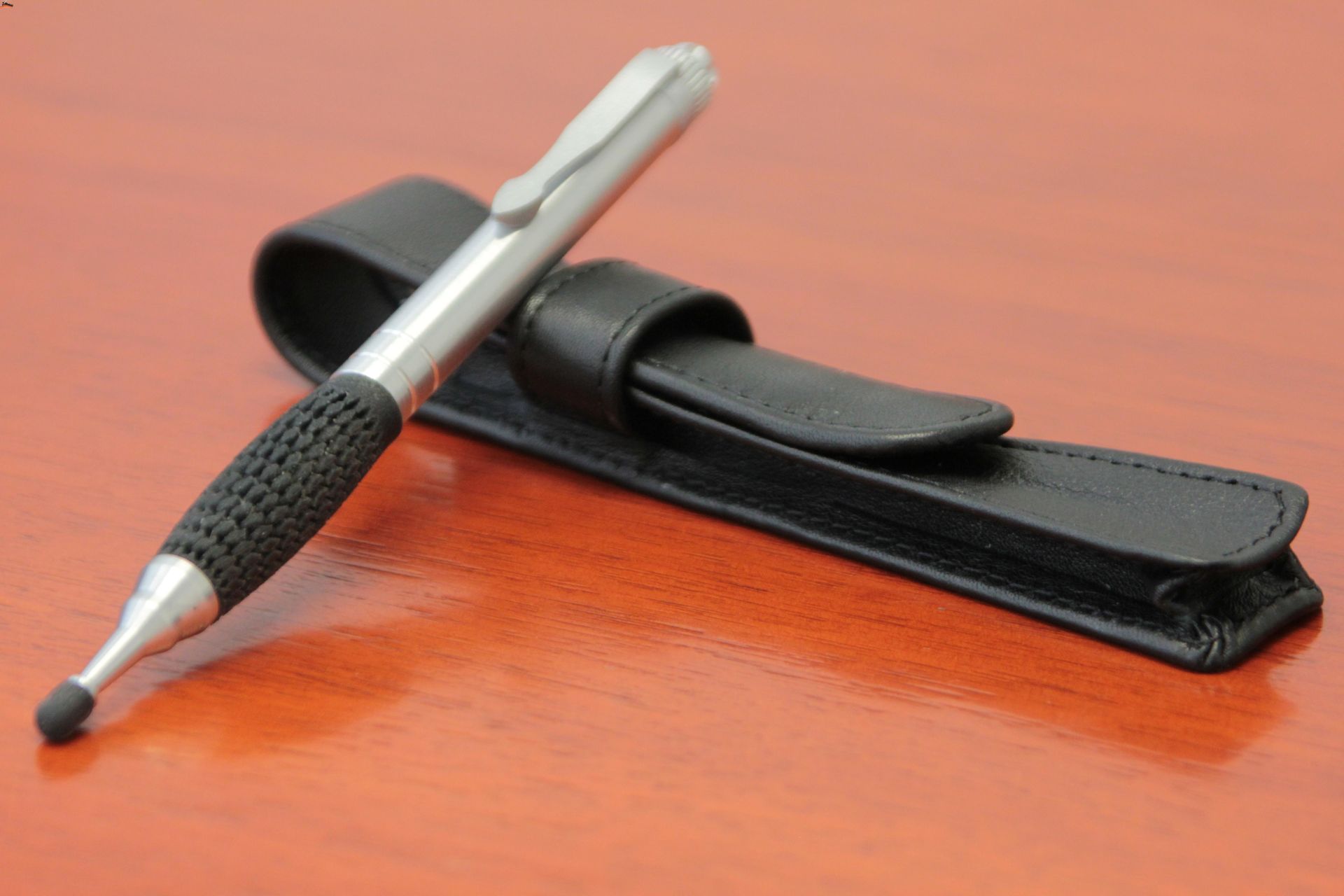
What a stylus is made of depends entirely on the type of stylus you are using. There is no universal material list because a simple capacitive stylus (a conductive shaft with a rubber or fabric tip) is built very differently from an advanced active stylus, which contains a circuit board, battery, and sensors inside its body. Understanding this fundamental difference is the first step in answering the question of what a stylus is made of.
What a stylus is made of in the two main types
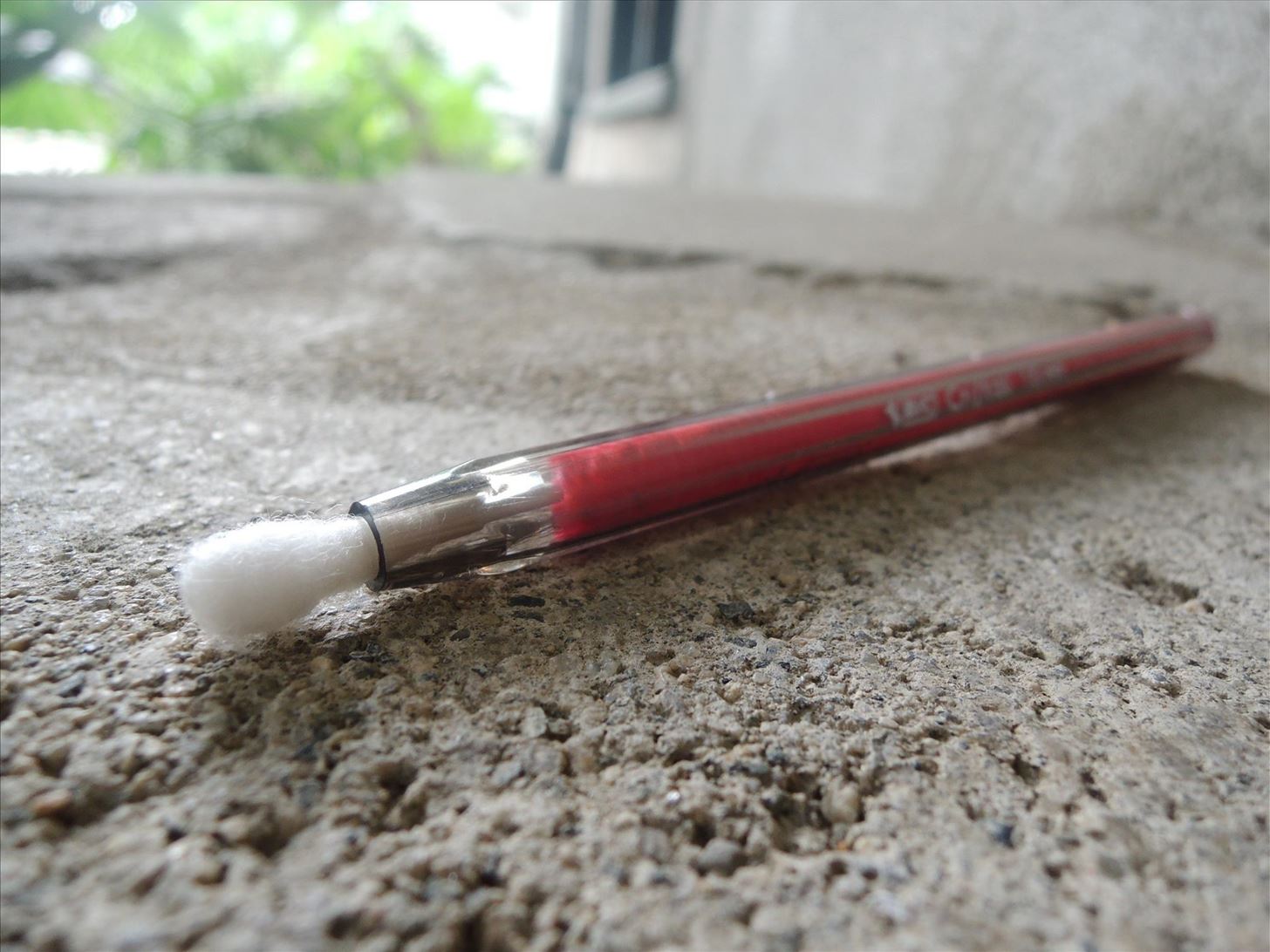
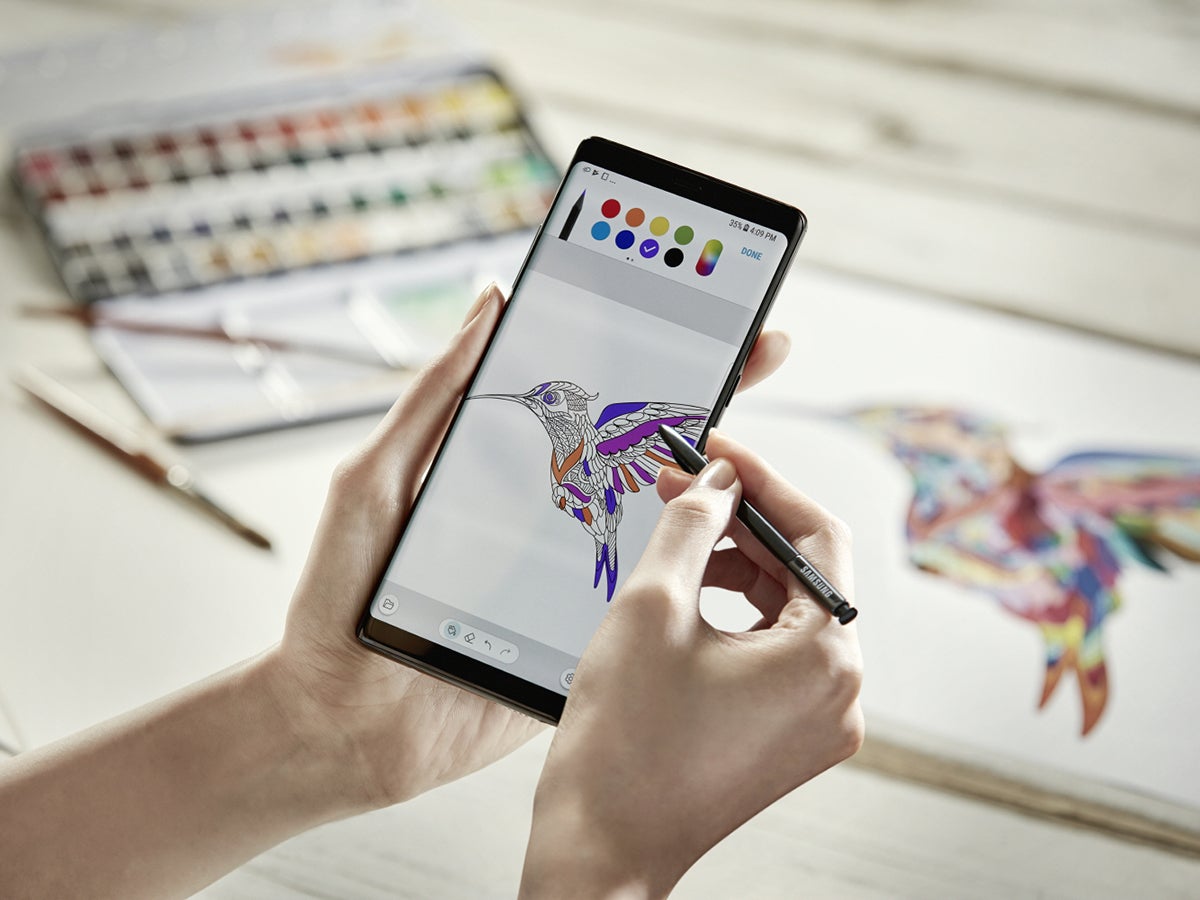
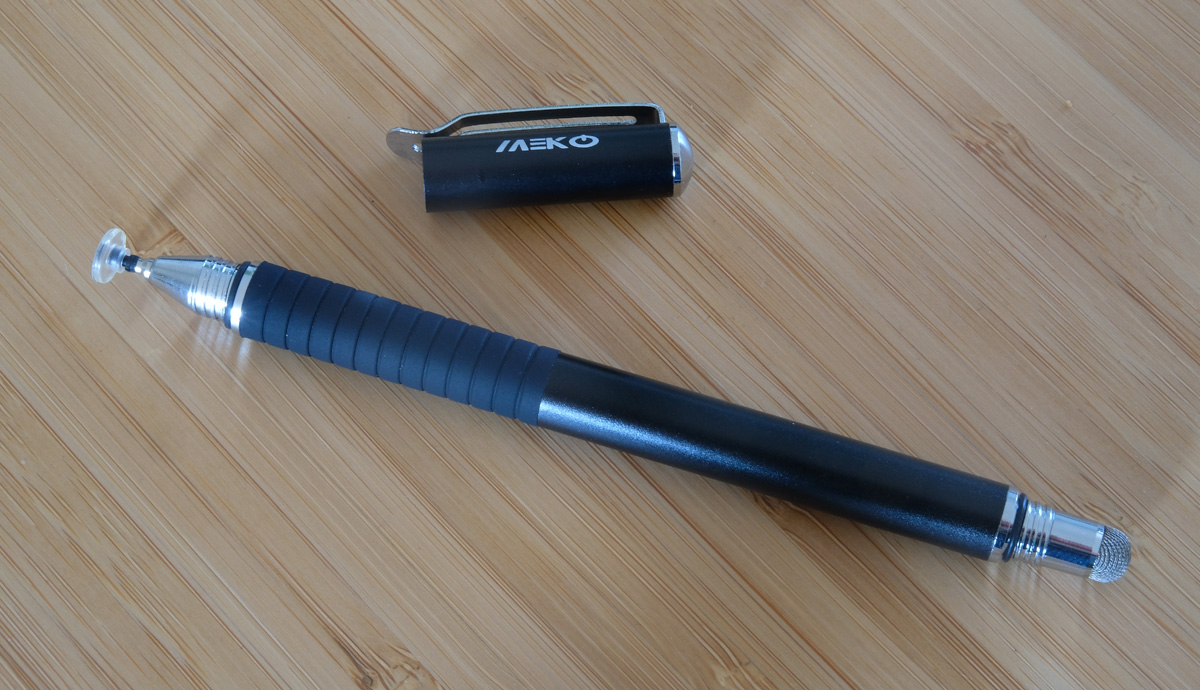
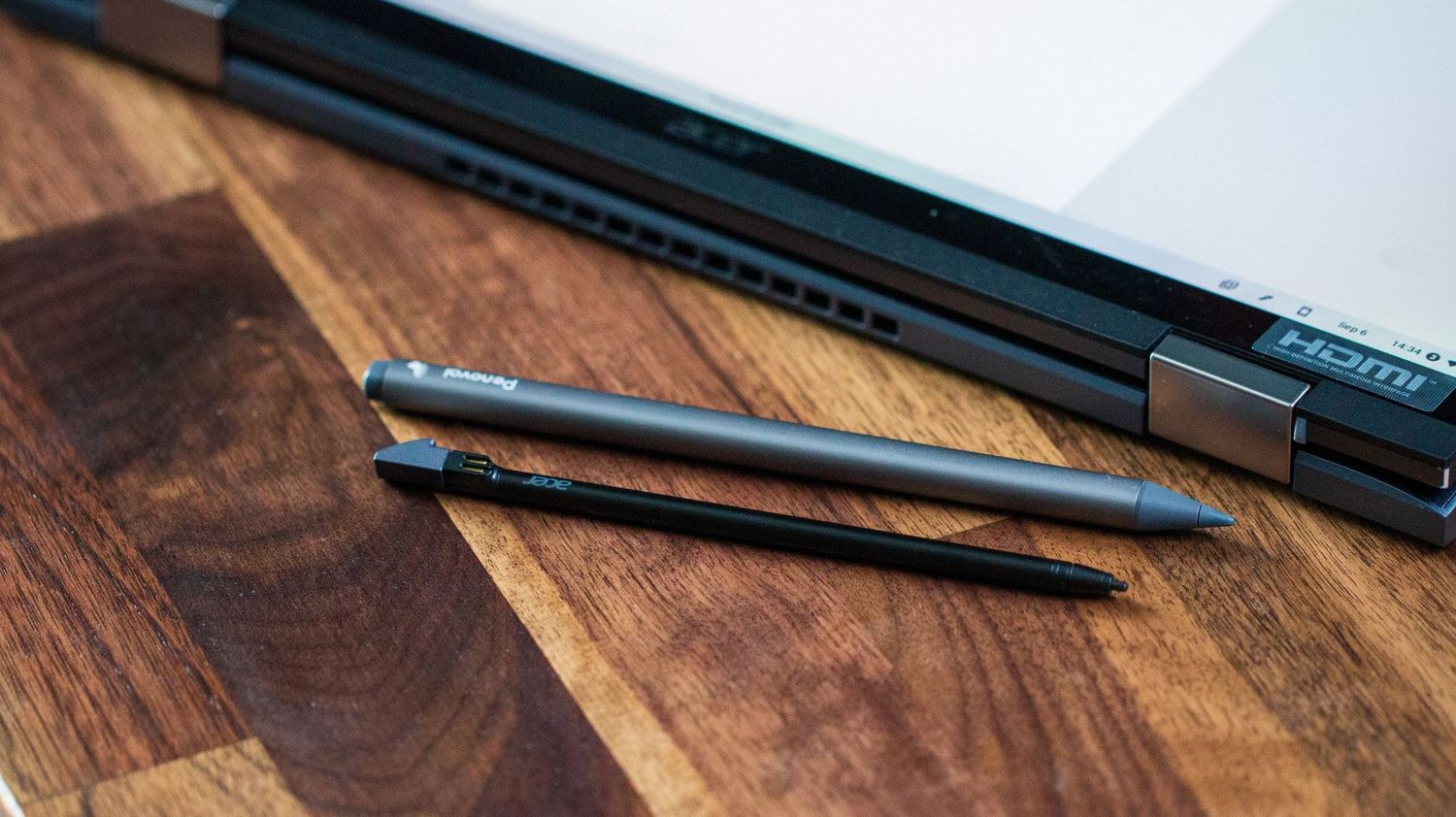
Styluses fall into two broad categories: passive (capacitive) and active. A passive stylus is essentially a conductive rod, often a plastic or metal barrel, with a tip made of soft, conductive rubber or woven fabric. It contains no electronics; it simply mimics the electrical properties of your finger. An active stylus, by contrast, is a miniature electronic device. Its body houses a printed circuit board, a battery (rechargeable or replaceable), pressure sensors, tilt sensors, a Bluetooth transmitter, and sometimes additional buttons. Its tip is typically a hard, replaceable plastic or composite material designed to work with a digitizer layer in the screen.
What we know from how a stylus works
Because Android documents specific stylus features at the platform level, we can infer the internal components of active styluses even when exact materials are not disclosed. Android’s stylus APIs expose pressure, orientation, tilt, hover, palm detection, eraser, buttons, device ID, battery level, and charging status. For a stylus to report pressure and tilt, it must contain a pressure-sensitive tip and an orientation sensor. For it to transmit battery level and button presses wirelessly, it must contain a Bluetooth or Bluetooth Low Energy transmitter. These verified capabilities prove that an active stylus is not a simple tube of metal and rubber, it is a complex device with multiple electronic subassemblies.
Why stylus materials are not publicly documented
Manufacturers like Apple and Samsung treat the exact composition of stylus tips, bodies, and grips as proprietary information. There is no universal specification sheet that lists “the material of a stylus” because each model uses different alloys, polymers, and coatings. For example, Apple’s current Apple Pencil compatibility page lists supported iPad models but does not disclose whether the tip is made of a specific silicone blend or a particular plastic. This means any claim about a universal stylus material is not supported by the available documentation.
How to choose a stylus based on your needs
Your choice depends entirely on what you need the stylus to do. If you only need basic navigation, scrolling, tapping, and simple gestures, a basic capacitive stylus with a rubber or fabric tip will work on any touchscreen. If you need pressure sensitivity, tilt, palm rejection, or handwriting in text fields, you must choose an active stylus that is compatible with your device’s platform support. For Android, Bluetooth stylus connections work on Android 6.0 and higher, and stylus handwriting in text fields (including EditText and WebView) is enabled by default on Android 14 and higher. Android supports stylus connections over USB in addition to Bluetooth and Bluetooth Low Energy. Android handwriting can be disabled with setAutoHandwritingEnabled(false) for EditText fields. Android handwriting bounds can be adjusted with setHandwritingBoundsOffsets(). For iPad, Apple Pencil compatibility is determined by the specific iPad model, not by a universal material. If you are just starting out with a stylus, understanding the difference between passive and active styluses is the core of stylus pen usage and basics.
Frequently Asked Questions
Can I use any stylus with any device?
No. A basic capacitive stylus will work on nearly any touchscreen, but an active stylus requires specific hardware support. For example, an Apple Pencil only works with certain iPad models, and an active stylus for Android must be compatible with the device’s digitizer and Bluetooth stack.
Do I need a special screen protector for a stylus?
Not necessarily. Most modern screen protectors are compatible with both capacitive and active styluses. However, some matte or paper-like protectors can wear down soft rubber tips faster, so you may need to replace the tip more often.
How long does a stylus tip last?
Tip longevity varies by material and usage. Soft rubber tips on capacitive styluses can wear down after months of heavy use, while hard plastic or composite tips on active styluses typically last much longer. Many active styluses have replaceable tips.
Why does my active stylus need a battery?
Active styluses require power to run the internal electronics that enable pressure sensitivity, tilt detection, Bluetooth communication, and palm rejection. Without a battery, the stylus cannot transmit these signals to the device.
Can I use a stylus for handwriting in all apps?
On Android 14 and higher, stylus handwriting is enabled by default in text fields like EditText and WebView, but only if you have a compatible stylus and an IME (keyboard app) that supports the handwriting APIs. It is not supported in password fields. Stylus handwriting is not supported for TextField fields when the input method is KeyboardType.Password in Jetpack Compose.
Related reading: What Can Work As A Stylus?.