






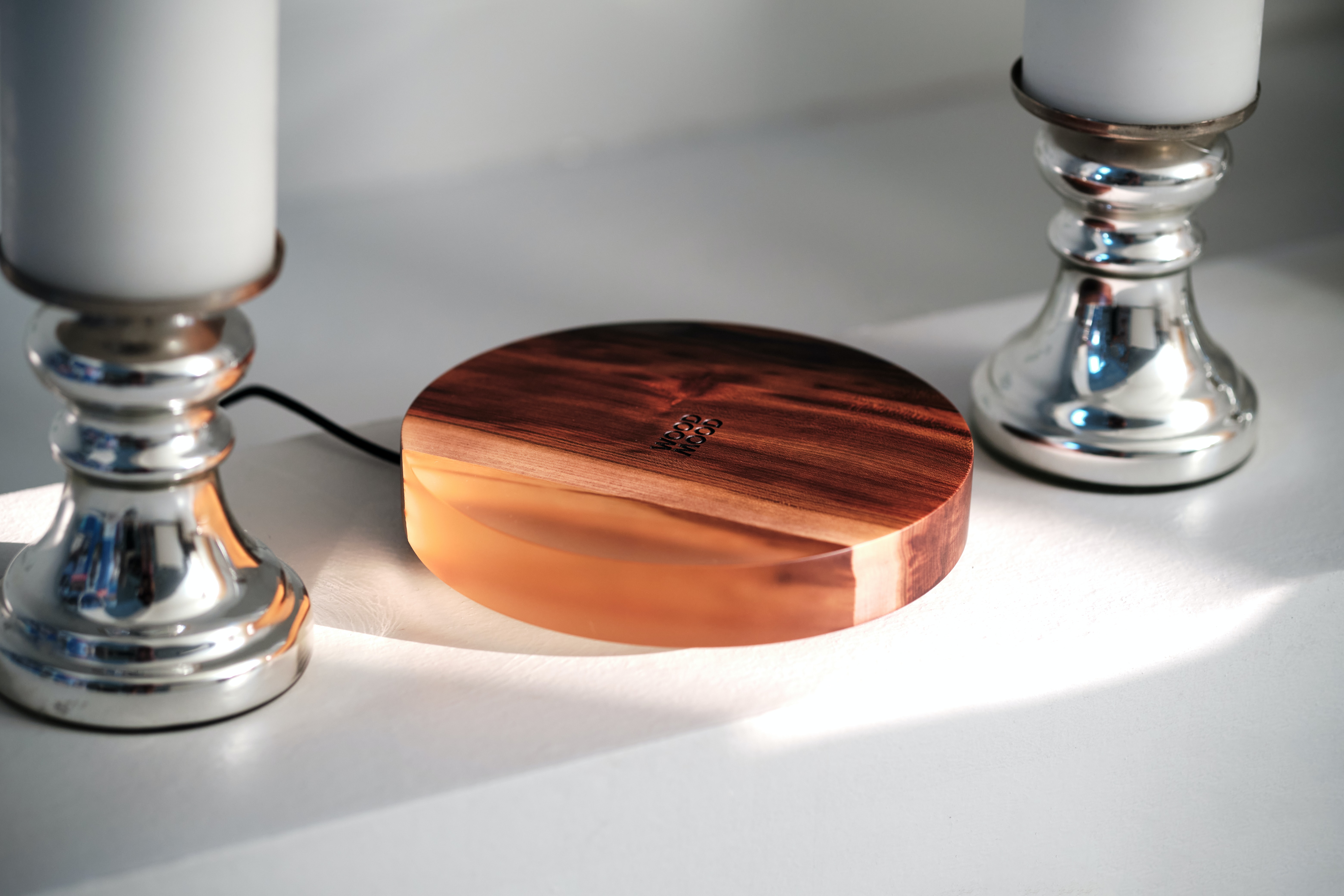
Wireless charging vs wired speed: wired charging is faster for the vast majority of phones, including the latest iPhones. For example, Apple documents that the iPhone 18 Pro and iPhone 18 Pro Max reach 50% in around 30 minutes wirelessly with a MagSafe Charger and a 35W or higher adapter, while Belkin’s data shows the iPhone 17 Pro can reach 50% in just 20 minutes over a wired USB-C connection.
Wireless charging vs wired speed: which is faster?
Wired charging delivers a direct, higher-power electrical connection that avoids the energy losses inherent in wireless induction, making it the faster option for reaching a given charge level. On the iPhone, the fastest documented wireless result, 50% in around 30 minutes on the iPhone 18 Pro and iPhone 18 Pro Max with a MagSafe Charger and a 35W or higher adapter, is still slower than the 20 minutes needed for the same target on the iPhone 17 Pro over a wired USB-C to USB-C connection. For the iPhone 15 and earlier, MagSafe wireless charging tops out at 15W, while a wired USB-C Power Delivery connection on the iPhone 15 Pro reaches 50% in 30 minutes.
How fast is wireless charging on iPhone?
Apple’s documented wireless charging speeds depend on the iPhone model and the charger used. The iPhone 18 Pro and iPhone 18 Pro Max can wirelessly charge up to 50% in around 30 minutes with a MagSafe Charger and a 35W or higher adapter. For the iPhone 16, iPhone 17, and iPhone Air, Apple recommends a MagSafe Charger with a 30W or greater USB-C Power Adapter or a comparable third-party USB-C power adapter that supports USB Power Delivery. For iPhone 15 and earlier, Apple says MagSafe wireless charging tops out at 15W.
To wirelessly charge an iPhone:
- Connect the wireless charger to power.
- Place the charger on a level surface.
- Place the iPhone on the charger with the display facing up.
- The phone should start charging a few seconds later.
Apple states that MagSafe provides optimal magnetic alignment for faster, more efficient wireless charging. For faster wireless charging, Apple recommends a MagSafe Charger or a Qi2-certified wireless charger. Apple says to disconnect wired accessories from the iPhone for faster wireless charging.
When setting up your phone, the right phone wireless charging setup includes a compatible MagSafe or Qi2 charger and a sufficiently powerful adapter; Apple’s own documentation confirms that using a 35W or higher adapter is required for the best wireless speeds on the iPhone 18 Pro models.
How fast is wired charging on iPhone?
Apple’s wired fast charging runs through USB-C on iPhone 15 and later, using a USB-C cable and a power adapter that supports USB Power Delivery. Belkin's USB Power Delivery page says USB PD is the fast-charging standard used by modern iPhone, iPad, Galaxy, and Pixel devices. According to Belkin’s table, the iPhone 17 and iPhone 17 Pro can reach 50% in 20 minutes over a USB-C to USB-C connection. Belkin's table says iPhone 16 / 16 Pro and iPhone 15 / 15 Pro can reach 50% in 30 minutes over USB-C to USB-C.
Wired charging achieves these faster speeds because it delivers power directly through a physical cable, avoiding the induction losses that slow wireless charging. The USB-C Power Delivery standard allows for higher wattage transfer than current wireless standards support, enabling the phone to accept more power in less time.
Why wired charging is faster than wireless
The fundamental speed difference comes from energy efficiency. Wired charging uses a direct electrical connection, transferring nearly all the power from the adapter to the phone with minimal loss. Wireless charging relies on electromagnetic induction, which inherently loses energy as heat and electromagnetic radiation. These losses mean that even with the same power adapter, a wireless charger delivers less usable power to the battery than a wired cable. Additionally, USB-C Power Delivery supports higher wattages than today’s wireless charging standards, allowing wired connections to supply more power to the phone’s battery management system.
When to choose wireless charging anyway
Although wired charging is faster, wireless charging offers clear advantages in convenience. It eliminates cable wear and tear on the phone’s charging port, reduces the need to plug and unplug repeatedly, and allows for easy drop-and-go placement on a desk, nightstand, or car mount. If you charge overnight, during a long work session, or in a car where you aren’t actively using the phone, the speed gap becomes less important. In these scenarios, the ease of placing the phone on a pad without fumbling for a cable often outweighs the extra minutes needed to reach a full charge.
Frequently Asked Questions
Are wireless chargers compatible across all phone brands?
Most modern smartphones that support wireless charging use the Qi standard, which is universal across brands like Apple, Samsung, Google, and others. However, proprietary fast wireless standards like Apple’s MagSafe provide higher speeds only with compatible devices.
Is wireless charging safe for my phone’s battery?
Yes, wireless charging is safe for your phone’s battery. Both wired and wireless charging use the phone’s internal battery management system to control charging rates and prevent overheating. The small amount of extra heat from wireless induction is within safe operating limits.
Do wireless chargers include the necessary cables and adapters?
Many wireless chargers are sold without a power adapter, requiring you to supply your own USB-C cable and wall adapter. Apple’s MagSafe Charger, for example, is sold as a puck without an adapter, and the fastest wireless speeds require a 30W or higher adapter.
Do all smartphones support wireless charging?
Not all smartphones support wireless charging. Most high-end Android phones and all recent iPhone models include wireless charging, but many budget and mid-range phones do not. Check your device’s specifications or manufacturer’s site to confirm.
For the wider topic, see phone wireless charging setup.















