Do mobile apps need internet? The answer is conditional: it depends entirely on the app's design. Some apps, like Apple News for subscribers who download content, work fully offline, while others, such as live-streaming or real-time navigation apps, require a connection to function at all.
When mobile apps need an internet connection
Apple says an Internet connection is required only for parts of an app that depend on an Internet-based service, and whether an app works offline depends on its design. Common functions that demand connectivity include:
- Real-time data, such as live news feeds, weather updates, or stock prices.
- Cloud synchronization, which keeps data consistent across devices.
- Location-based services that rely on live maps or traffic data.
- Online transactions, including in-app purchases and payments.
- Sign-in and authentication processes that verify credentials against a server.
How offline mobile apps work
Offline mobile apps function by storing data locally on the device. They cache content, save user input, and perform core tasks using the device's own processing power rather than a remote server. This approach, which Google calls an "offline-first" design, allows an app to perform all or a critical subset of its core functionality without internet access. When the device reconnects, the app syncs any changes back to the cloud.
How to use Apple News offline on iPhone
Apple News supports offline reading for News+ subscribers who have downloaded content. To enable automatic downloads:
- Open Settings on your iPhone.
- Tap Apps, then tap News.
- Tap Background App Refresh.
- Under Automatic Downloads, tap Allow Automatic Downloads.
Once content is downloaded, you can read it with no Wi‑Fi or cellular connection. When offline, a "No Internet Connection" banner appears at the top of the app. To see only the stories you have saved for offline use, tap "Show Stories Downloaded for Offline Mode" to switch views. Content that has not been downloaded appears dimmed and cannot be accessed offline. Downloaded content is refreshed automatically when the device reconnects to the internet. On iPad, downloads occur when there is sufficient storage space and the device is connected to Wi‑Fi and power.
How to find offline settings on Android
Offline behavior on Android is app-specific. There is no universal system setting that controls offline mode for all apps. To determine whether a particular app works offline, open the app's own settings menu and look for options such as "Offline mode," "Download content," or "Save for later." Google's offline-first guidance does not give a universal device list, version list, or app-by-app limits, because offline behavior is app-specific. For exact steps, check the app's help page or support documentation.
The bottom line
Mobile apps may need internet for sign-in, sync, live data, cloud features, or server-dependent functions, but offline use is possible when the app is built for it. Whether you are managing cellular data settings and fixing issues or planning to use an app in a low-connectivity area, the exact steps, supported models, versions, and limits must be checked in each app's own help page or the device maker's support page. For Apple News, the documented offline steps and behavior are in Apple's support guide.
Frequently Asked Questions
Can I use Google Maps offline?
Yes, Google Maps allows you to download specific areas for offline navigation. You must download the map region while connected to the internet, then use turn-by-turn directions and search for places within that area without a connection.
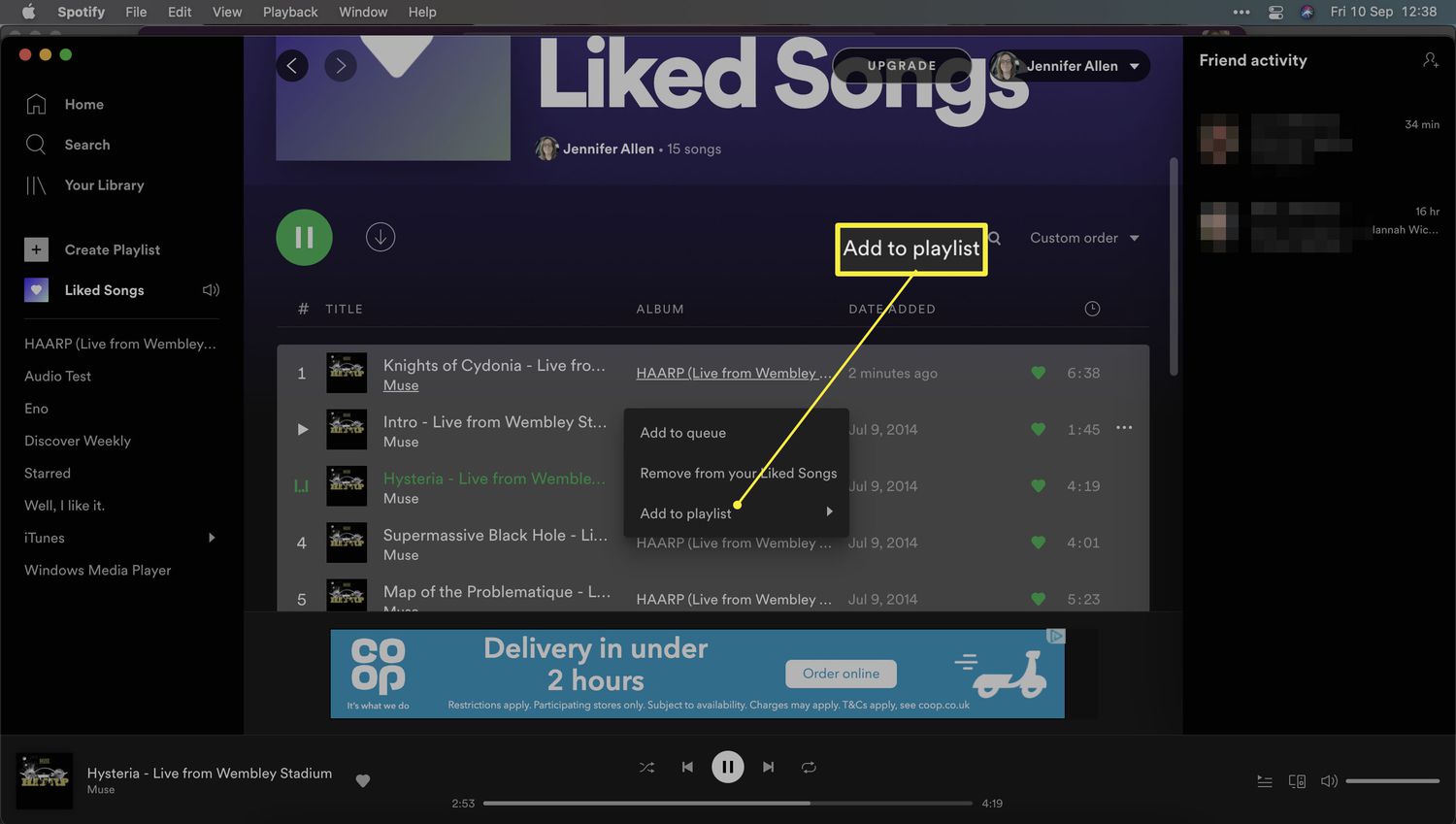
Do streaming apps like Netflix or Spotify work offline?
Yes, both Netflix and Spotify let you download movies, shows, or playlists for offline playback. Downloaded content is stored on your device and can be accessed without an internet connection until it expires or is deleted.
Will offline apps still use my cellular data?
No, offline apps do not use cellular data while you are using the downloaded content. However, downloading the content in the first place requires an internet connection, and the app may use data when it syncs or refreshes content after reconnecting.
How do I know if an app works offline before installing it?
Check the app's description in the App Store or Google Play Store. You can also read the app's support page or user reviews for confirmation.
Why do some apps stop working when I lose connection?
Apps that rely on real-time server data, such as live chat, online banking, or multiplayer games, cannot function without a connection because their core features depend on constant communication with a remote server. Offline functionality is only possible when the app is designed to store and process data locally.