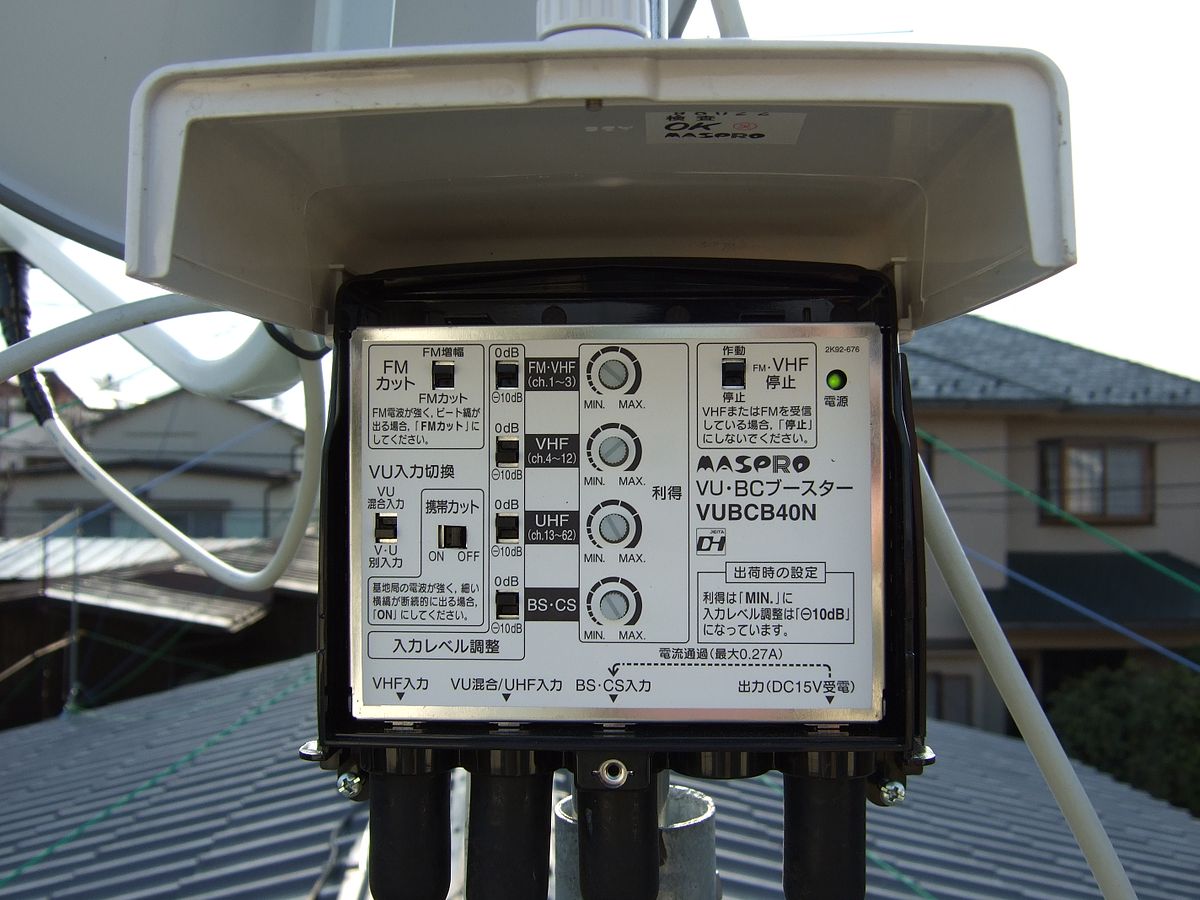
To use a TV signal booster, you must first understand that it only amplifies an existing weak over-the-air signal; it does not create a signal where none exists. A TV signal booster is an amplifier used with TV antenna reception to improve weak signal quality, but it cannot fix problems with cable or satellite service.
How to use a TV signal booster: what it can and can't do
A TV signal booster helps only when there is already a weak but usable over-the-air TV signal. Official guidance says to use a booster only if you are on the edge of coverage and getting a weak signal. It is not the same thing as equipment for cable or satellite TV; if you already have cable or satellite, a TV antenna booster is generally not the right fix for reception problems. If reception is poor at the service entry point for cable, the provider should check it; indoor boosters are for distribution losses inside the home, not weak incoming service.
Check your signal before you buy
Before purchasing a booster, diagnose whether the problem affects one TV or all TVs. If only one station is failing, check whether that station has maintenance or an outage. If the signal is weak only after splitters, wall jacks, or long cable runs, a booster may help. Test the signal at the main entry point; if it is already weak there, contact the cable company rather than adding a booster. Use a signal strength meter to gauge the signal quality before investing in a booster. Check the specifications of your antenna to see if it is compatible with a booster; some antennas already have built-in amplification. Familiarize yourself with local regulations regarding signal amplification before installing a booster.
Where to install a TV signal booster
Place the booster between the antenna and the TV signal path. For a mast-mounted preamp, install it close to the antenna. For an indoor distribution amplifier, install it before the splitter so it boosts the whole run. Position matters because the booster must amplify the signal before losses from long cable runs or splitters degrade it further.
How to install a TV signal booster step by step
- Disconnect the antenna from your television or receiver.
- Connect one end of a coaxial cable to the antenna and the other end to the input port on the TV signal booster.
- Connect a second coaxial cable from the output port on the booster to the input port on your television or receiver.
- Power up the signal booster by plugging in the provided power supply into a nearby electrical outlet.
- Perform a channel scan on your television to detect and save available channels.
- Test the reception to verify the improved signal quality.
Troubleshooting common TV signal booster problems
No improvement
Ensure the booster is properly connected to both the television and the antenna, and that it is powered on. Tighten coax connections at the wall jack, splitter, TV, and set-top box. Remove unnecessary splitters because each splitter reduces signal strength.
Over-amplification distortion
If picture quality deteriorates or becomes pixelated after installation, the booster may be amplifying the signal too much. If the incoming signal is already strong enough, the booster can make things worse. Adjust gain or sensitivity settings if available, or consider whether a booster is actually needed.
Interference
If the incoming signal is strong but the picture is still bad, the issue may be interference or tuner overload, not lack of amplification. Move the antenna and booster away from other electronic devices, or use higher-quality cables with better shielding.
Power issues
Check that the power adapter is connected correctly and that the outlet is providing power. Try a different power outlet or replace the power adapter if the booster does not receive power. If the booster still does not receive power, try using a different power outlet or replacing the power adapter.
Weather-related loss
Adverse weather conditions such as heavy rain or strong winds can cause temporary signal loss regardless of whether you have a signal booster installed. Wait for the weather to improve for the signal to return to normal.
Frequently Asked Questions
What is a TV signal booster?
It is an amplifier for over-the-air TV antenna signals that strengthens an existing weak signal before it reaches the TV.
How does it work?
It amplifies the TV signal after the antenna receives it, helping overcome losses from long cable runs or splitters.
Where should I install one?
Between the antenna and the TV path, ideally close to the antenna for a preamp or before the splitter for a distribution amp.
Do I need one if I have cable or satellite?
No official source recommends a TV antenna booster for cable or satellite reception problems; provider support should handle service-entry issues.
Can it improve rural reception?
Yes, but only where there is already a weak reception signal on the edge of coverage.
Can a TV signal booster help when casting your phone to a TV?
No, a TV signal booster only amplifies over-the-air antenna signals and does not affect streaming or casting your phone to a TV, which uses your home network instead.
Related reading: How Does A Wi-Fi Signal Booster Work?, How To Obtain A T-Mobile Signal Booster, and What Is A Cell Phone Signal Booster And How Does It Work?.