






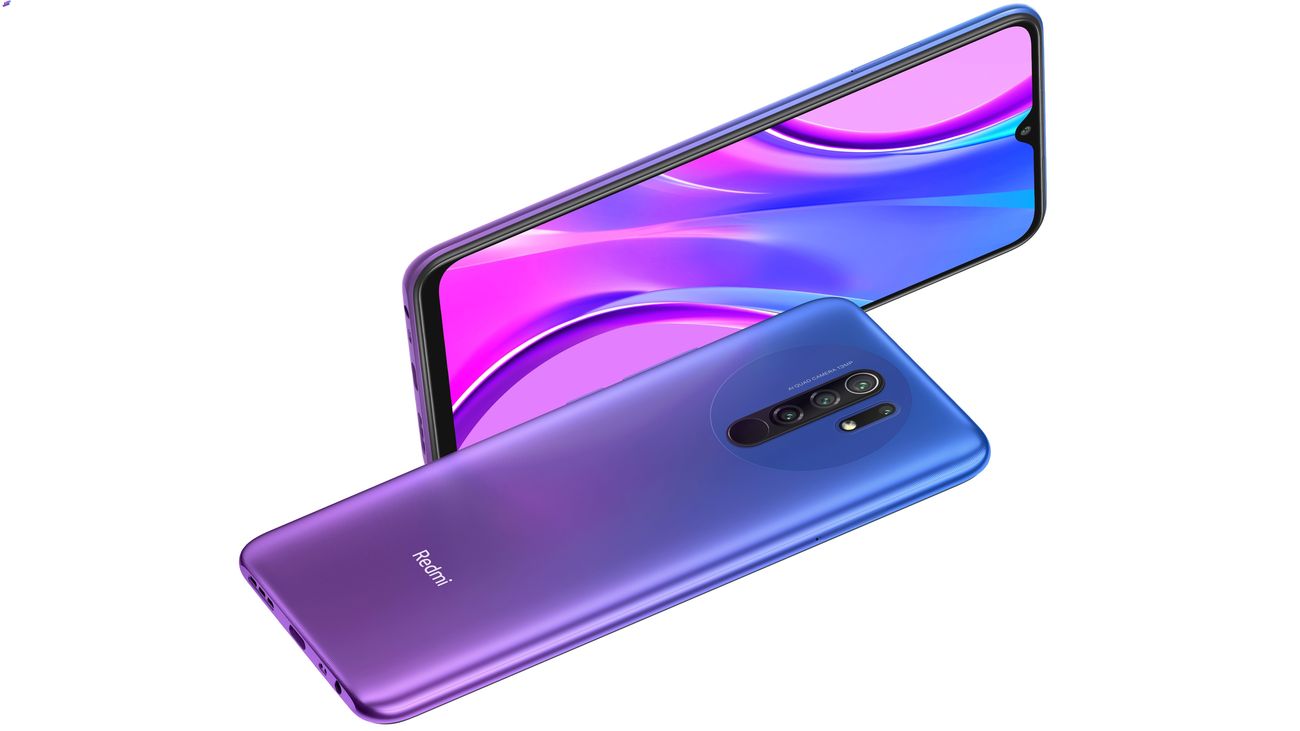
To turn off MIUI optimization on your Redmi 9, open Settings and tap About phone or About phone/tablet, then tap Detailed info and specs. Tap OS/MIUI version repeatedly until you see a message confirming Developer options are enabled, then go back to Settings > Additional settings > Developer options, find Turn on MIUI optimization or MIUI Optimization, toggle it off, confirm with Accept if prompted, and restart your device.
Turn off MIUI optimization on your Redmi 9
- Go to 'Settings' on your Redmi 9. You can find the 'Settings' app on your home screen or in the app drawer.
- Tap About phone or About phone/tablet.
- Tap Detailed info and specs.
- Look for the 'MIUI version' or 'MIUI version number' and tap on it several times until you see a prompt that says 'You are now a developer.'
- After tapping on the MIUI version, you will see a pop-up notification that says 'You are now a developer!' This confirms that you have successfully enabled the Developer Options.
- Go back to Settings > Additional settings > Developer options.
- Within the Developer Options menu, you may need to scroll down to find the 'MIUI optimization' option. It may also be labeled as 'MIUI optimization level' or 'Optimize MIUI performance'.
- By default, the 'MIUI Optimization' option is turned on. To disable it, simply click on the switch next to the option. Once you do so, the switch should move to the off position, indicating that MIUI Optimization has been disabled.
- After disabling MIUI Optimization, a warning message may appear on your screen. It will inform you about the potential impact of turning off this feature. Please read the message carefully and make sure you understand the consequences before proceeding.
- Once you have read and understood the warning message, click on the 'OK' button to confirm your decision and disable MIUI Optimization on your Redmi 9.
- To restart your Redmi 9, simply press and hold the power button until the power menu appears on the screen. From the power menu, tap on the 'Restart' option.
- During the restart, your Redmi 9 will go through a series of internal processes to power down and then power back up. This allows the device to flush out any temporary files, clear caches, and load the updated settings, including the disabling of MIUI optimization.
- Do not interrupt the restart by forcefully powering off your device before it completes the restart procedure.
What to do if the MIUI Optimization toggle is missing
If the MIUI Optimization toggle does not appear in Developer options, try tapping Reset to default values in the Developer options menu. This may cause Turn on MIUI optimization to appear.
What happens when you disable MIUI Optimization
Disabling MIUI Optimization can fix app compatibility issues and give you more direct control over your phone settings and controls. However, doing so comes with documented risks: you may experience system instability, and Xiaomi does not provide official support for devices with this setting turned off. Weigh these potential benefits against the risks before making a change.
Frequently Asked Questions
What is MIUI Optimization?
MIUI Optimization is a system-level feature in Xiaomi’s MIUI interface that manages background processes, resource allocation, and app behavior to improve overall performance and battery life.
Why would I want to disable MIUI Optimization?
Some users disable it to resolve app compatibility issues, especially with apps that behave differently under Xiaomi’s optimizations, or to gain more granular control over system settings. Some users might find that certain apps or features do not work properly with Miui Optimization enabled. Disabling it can help resolve compatibility issues.
Will turning off MIUI Optimization harm my Redmi 9?
It should not physically harm your device, but it may cause system instability or reduced battery life. If problems occur, you can re-enable the setting at any time.
How do I re-enable MIUI Optimization after turning it off?
If you ever want to re-enable MIUI Optimization, simply follow the same steps outlined above and turn the 'MIUI Optimization' switch back on.















