Chinese phones are not inherently unsafe, and the real safety issues are the same documented ones for all smartphones: app sources, updates, and built-in security features. The question of whether Chinese phones are safe comes down to the same security practices that apply to any Android or iPhone device.
Real safety concerns aren't about where phones are made
Documented risks like malware and privacy issues stem from allowing apps from unknown sources or not having security protections enabled, not from where a phone is made. The main documented risk is not a phone's country of origin by itself, but whether the device allows apps from untrusted sources and whether security protections are enabled. This applies equally to phones manufactured in China and those made elsewhere.
Check your phone's app source controls
Android's default security posture is that apps are not permitted to install from unknown sources. Google says apps from unknown sources may be higher risk and can be blocked by Advanced Protection. On Samsung Galaxy devices, Auto Blocker prevents installation from outside the Galaxy Store or Google Play Store unless Auto Blocker is turned off. For fully managed devices or work profile devices, administrators can set DISALLOW_INSTALL_UNKNOWN_SOURCES to block user control of unknown sources. Google also documents ENSURE_VERIFY_APPS and the managed Play configuration key verify_apps:device_wide_unknown_source_block to restrict installs to Google Play. On older Android, the install-unknown-apps control is under Apps & notifications > Special App Access. iPhone does not provide an Android-style 'unknown sources' install setting; the documented control is keeping iOS current through Software Update.
Keep your software and security updates current
On iPhone, check for updates by going to Settings > General > Software Update. On Samsung Galaxy, go to Settings > Security and privacy > Updates > Security update. In that Updates screen, users can check for software updates, view update history, enable Smart updates, use the Software Upgrade Assistant, or tap Google Play system update > Download & install. Samsung says official updates come through device settings or Smart Switch. Official updates installed through device settings or Smart Switch are safe and not affected by security blockers. Apple's security content pages show iOS security fixes are published in specific iOS releases, so staying on current iOS versions matters.
Use your phone's built-in security features
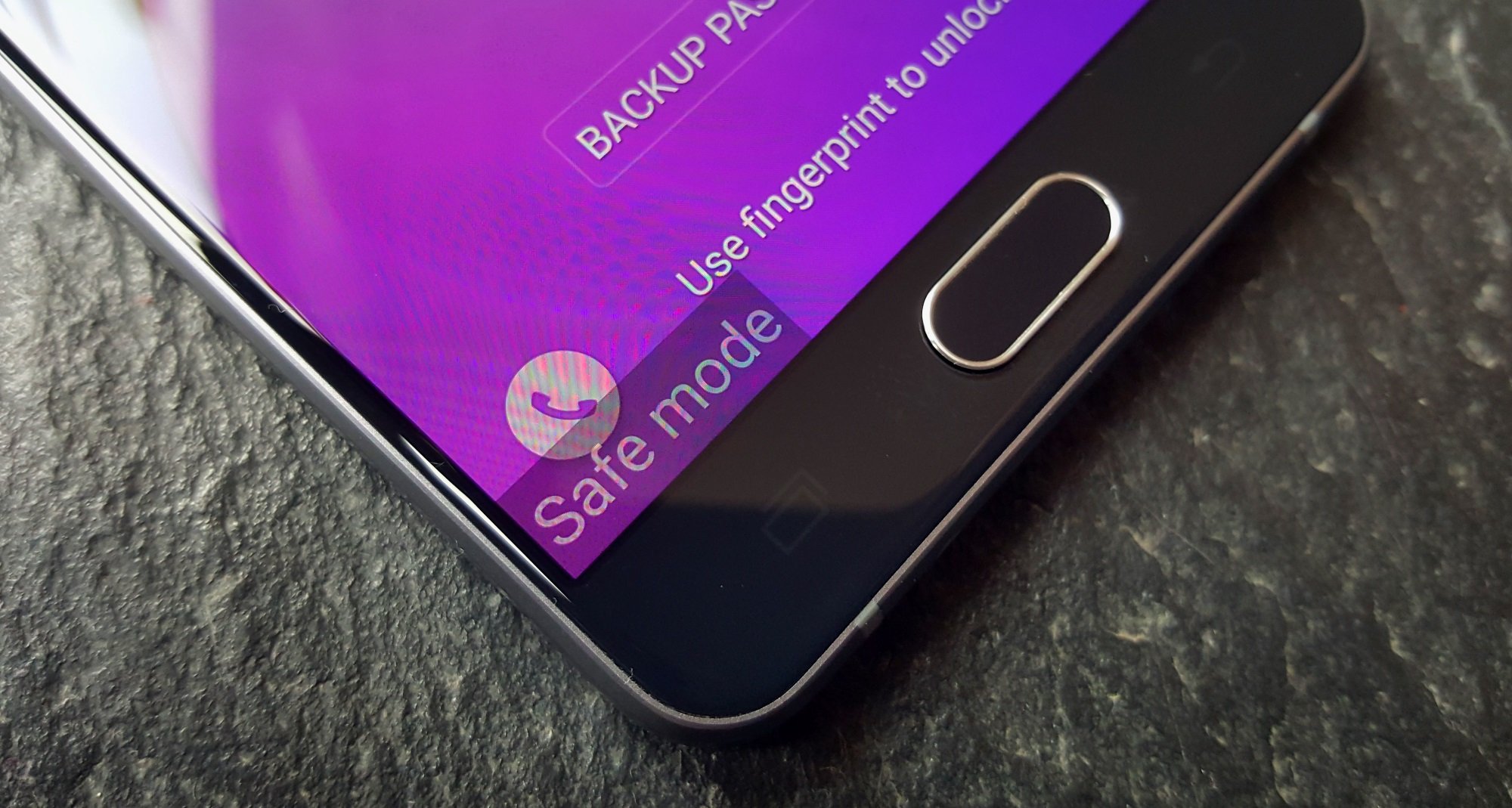
On Samsung Galaxy devices, turn on Auto Blocker by going to Settings > Security and privacy > Auto Blocker. Samsung's Auto Blocker blocks unofficial software updates specifically. For Android devices generally, Google's Advanced Protection blocks installation of apps from unknown sources and blocks updates for apps originally installed from unknown sources. These features address the core safety concerns without requiring technical expertise.
What a safe phone setup looks like
- Buy from a reputable brand and a trusted seller.
- Keep iPhone or Android software updated through the official update path.
- Leave unknown-source installs blocked.
- On Galaxy phones, turn on Auto Blocker.
- On Android enterprise or managed phones, use Google's unknown-source and verify-app controls.
This setup addresses the documented risks of malware, privacy issues, and unreliable updates that apply to any smartphone, regardless of where it was made. For reliable cell phone facts and usage tips, understanding what the 3 types of phones are helps consumers make informed choices about their device security.
Frequently Asked Questions
Are Chinese phones more likely to have spyware pre-installed?
Pre-installed spyware is not exclusive to Chinese phones and has been documented on devices from various countries. The risk is highest with unbranded or off-brand devices purchased from untrusted sellers, regardless of origin.
Do Chinese phone manufacturers share data with their government?
Chinese phone manufacturers are subject to Chinese data protection laws, just as companies in other countries are subject to their local regulations. Reputable brands like those selling globally typically publish privacy policies detailing their data practices.
Can I use a Chinese phone for work or business?
Many organizations allow Chinese phones from reputable brands, provided the device meets the company's security requirements such as receiving regular updates and supporting managed-device controls. Check with your IT department for specific policies.
How do I know if my Chinese phone has proper certification?
Look for certification marks from recognized testing bodies such as CE, FCC, or UKCA on the device or packaging. Reputable brands typically display these certifications, while unbranded devices often lack them.
Should I avoid Chinese phones entirely for security reasons?
No. Chinese phones from major brands like Samsung, Xiaomi, Oppo, and OnePlus are not inherently less safe than phones from other countries. The deciding factors are the brand's update track record, the user's security practices, and whether the device was purchased from a trusted seller.
Related reading: Restarting and Rebooting Phones.