The cost to fix an Android phone screen depends on the device model, screen technology, damage severity, and where you get it repaired, with no single universal price. Because the android phone screen repair cost varies so widely, your first step should always be to check your manufacturer's official repair portal for an exact quote based on your specific device and region.
What determines your Android phone screen repair cost
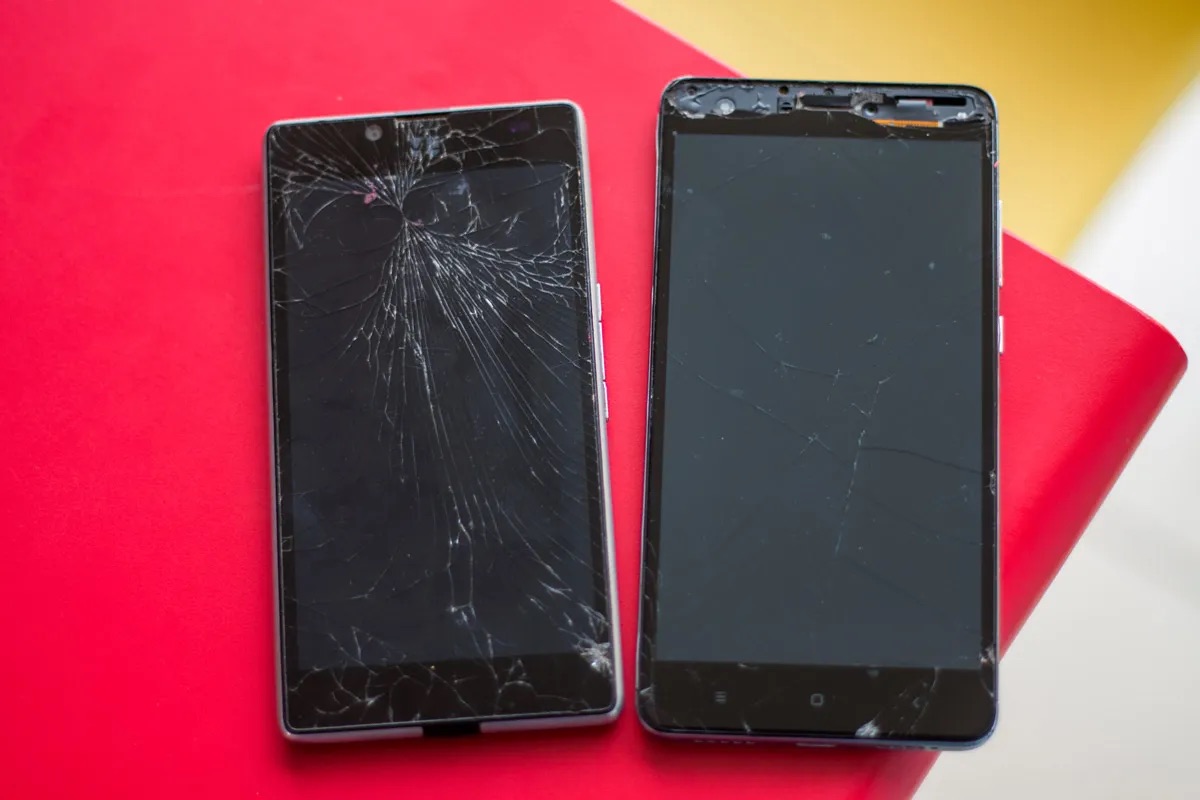
Several key factors make every Android screen repair quote different. The device model is the most significant, flagship phones with OLED or AMOLED screens typically cost more to repair than budget models with LCD displays. Your warranty status matters: if your phone is still under the manufacturer's warranty or you have a protection plan, the repair may be free or discounted. The severity of damage also plays a role; a small crack might only need a glass replacement, while a shattered display with touch issues requires a full screen module swap. Finally, the repair channel you choose, manufacturer service, authorized partner, or third-party shop, will affect the final price.
How to get an exact repair price from your manufacturer
For Google Pixel phones, the documented process to get a repair price starts in the Google Store Repair services portal. You sign in to your Google Account, then select your device or enter its IMEI or serial number. After that, you select the issue categories and add details about the problem, with an optional description. Finally, you choose between walk-in or mail-in repair if that option is available in your country or region. For walk-in repairs, you enter your postal code to find a nearby repair location. This same general flow, enter device details, select the issue, and choose a service method, applies to most Android manufacturers' repair portals. For iPhone, Apple documents repair through Apple, Apple Authorized Service Provider, or ship to Apple Repair Center; display-history path is Settings → General → About → Parts and Service History. Apple says to start by telling it what is happening with the iPhone screen, and it will show solutions or help arrange a repair or replacement.
Google Pixel extended repair programs for screen defects
If you own a Pixel 8 or Pixel 9 Pro/9 Pro XL and are experiencing specific screen defects, you may qualify for a free display replacement. The Pixel 8 extended repair program covers affected devices for 3 years after the original retail purchase and provides one free display replacement for eligible devices with a vertical line or display flicker. The Pixel 9 Pro and Pixel 9 Pro XL extended repair program similarly covers qualifying vertical-line or display-flicker issues for 3 years after purchase. Note that these programs are issue-specific and do not apply to every screen problem, and the repair facility inspects the phone first to verify eligibility.
Authorized repair partners and walk-in options
For out-of-warranty Pixel repairs, Google documents an authorized repair-partner path in the United States through Asurion or uBreakiFix. These partners offer both mail-in and walk-in options for all Pixel phones. However, walk-in or mail-in availability varies by supported country or region, so you should check Google's support pages for your specific location. Google also notes that for Preferred Care, walk-in repair is only available for Pixel phone cracked screens, and inner-screen damage on foldable devices is not covered by that repair path. Apple says you can get personal support at a Genius Bar or Apple Authorized Service Provider.
DIY replacement vs professional repair: what to weigh
Choosing between DIY and professional repair involves several trade-offs. DIY kits are cheaper upfront, but they carry the risk of voiding your warranty, damaging other components, or using a lower-quality third-party screen instead of an OEM part. Professional repair costs more but typically includes a warranty on the work and uses genuine or high-quality replacement parts. Before paying for a hardware repair, also consider whether a software fix might solve the problem. For Pixel screen-appearance issues, Google's troubleshooting steps are: go to Settings → System → System update and install any updates; if needed, hold Volume up and Power together for at least 20 seconds while the phone is plugged in. This can resolve some display glitches without any cost.
When repair costs more than replacement
Deciding whether to repair or replace your Android phone depends on the phone's age, the repair quote, and the price of an Android phone. If the repair cost approaches or exceeds the value of a new comparable device, replacement is usually the better option. For older phones with lower resale value, a high repair quote often makes more sense to put toward a new phone. Conversely, if your phone is relatively new and the repair is covered under warranty or an extended program, fixing it is clearly the right choice. Always get a firm quote from the manufacturer or an authorized partner before making the decision.
Frequently Asked Questions
Can I get my Android screen repaired if I don't have a warranty?
Yes, you can still get the screen repaired out of warranty through manufacturer services, authorized partners like Asurion or uBreakiFix, or independent repair shops. The cost will be higher than an in-warranty repair, and you will pay the full price for parts and labor.
How long does a professional Android screen repair usually take?
Walk-in repairs at an authorized partner can often be completed within a few hours if the replacement part is in stock. Mail-in repairs typically take several days because of shipping and processing time. The exact duration depends on the repair center's workload and part availability.
Does repairing my Android screen void the manufacturer's warranty?
If you use an unauthorized third-party repair service or attempt a DIY repair, you may void the remaining manufacturer's warranty. Repairs done by the manufacturer or an authorized partner generally preserve the warranty, but the specific terms depend on your device's warranty policy.
What should I do if my screen flickers but isn't cracked?
First, try the software troubleshooting steps: install any system updates and force a restart by holding Volume up and Power for 20 seconds. If the flicker persists and your phone is a Pixel 8 or Pixel 9 Pro/9 Pro XL, check if it qualifies for the extended repair program for display flicker issues.
Is it cheaper to replace just the glass on my Android screen?
Some repair shops offer glass-only replacement for minor cracks, which is cheaper than replacing the entire screen assembly. However, this process is more complex and carries a higher risk of damaging the underlying display, so not all shops offer it. For most repairs, replacing the full screen module is the standard and safer option.