Vapor cooling in a smartphone is a passive heat-spreading system that helps prevent overheating during heavy use, but it does not make a phone immune to getting warm.
Why your vapor cooling smartphone still gets warm
Smartphones overheat because heat builds up faster than the device can shed it, and no cooling system can completely eliminate that buildup during extreme load. Apple says iPhone and iPad devices have built-in protections, and Google says Pixel phones can automatically limit functions when they get too warm, but these protections activate only after the heat has already risen.
Why smartphones overheat in the first place
The main reason is simple: powerful processors and intensive activities generate heat faster than a compact device can release it. Apple lists specific conditions and activities that raise device temperature, including leaving the phone in a hot car, direct sunlight for long periods, GPS navigation in a car, graphics-intensive games, and extended camera use. Charging and some software activity can also add heat, and Google says a Pixel can show a “Phone is very warm” state in Battery diagnostics. A degraded or faulty battery can generate more heat during charging or discharging, potentially leading to overheating. Poorly optimized software and background processes can consume excessive system resources, resulting in increased heat production.
Ambient temperature plays a major role as well. If you are using GPS in a car on a sunny day or gaming in a warm room, the phone is working harder to cool itself while also absorbing outside heat. The slim design of modern smartphones leaves little room for airflow, so heat has fewer escape routes. Physical obstructions like a case or placing the device on a surface that restricts airflow can lead to heat buildup. When all these factors combine, even a well-cooled phone can reach a temperature that triggers built-in protections.
How a vapor chamber cools your phone
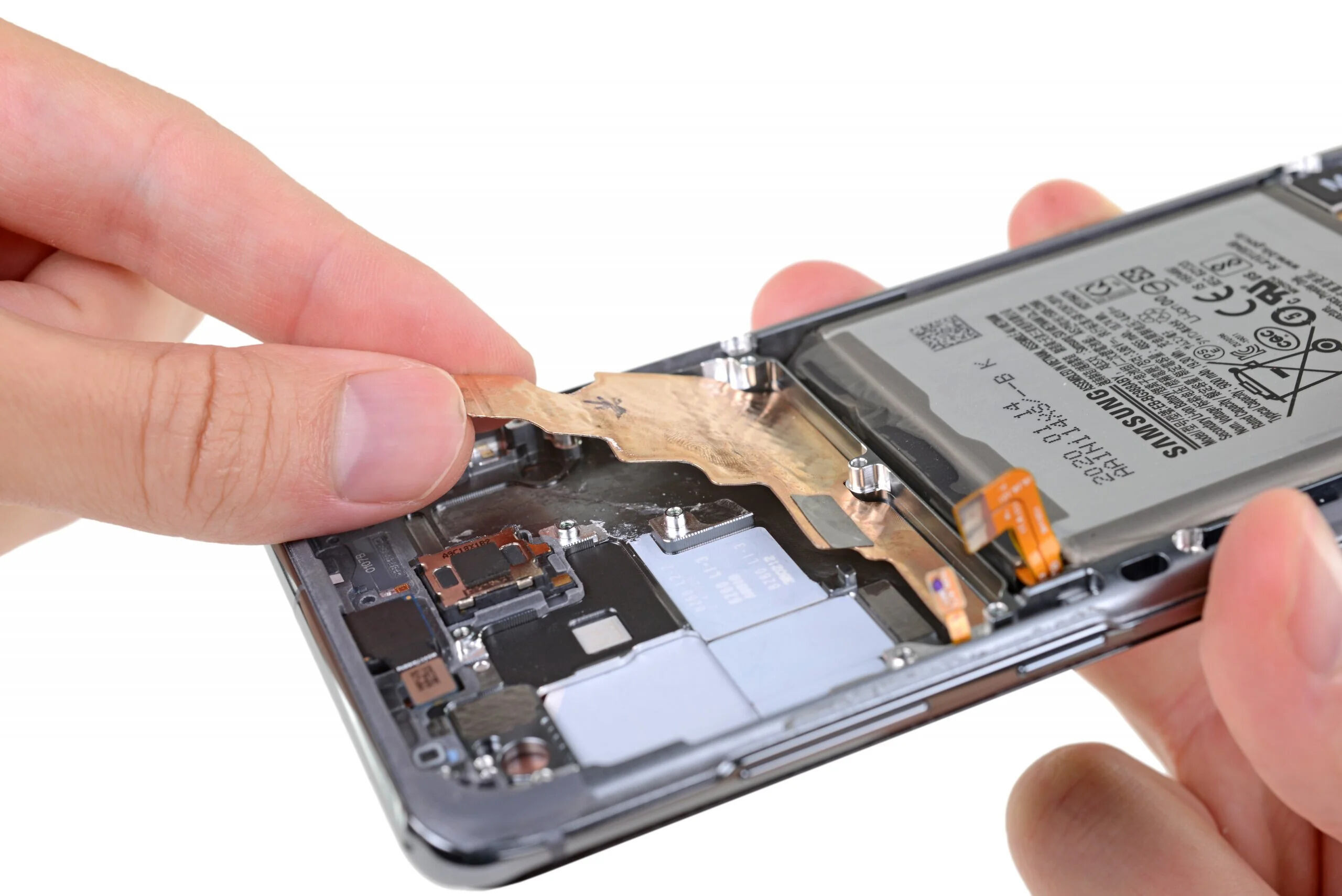
Vapor cooling works by spreading heat away from hot components across a larger internal surface, which makes dissipation more efficient. Vapor cooling utilizes a phase change cooling system: liquid evaporates, and the vapor condenses back to liquid. The heat pipe is made of copper and contains a small amount of liquid, typically water or a specialized coolant. The liquid flows back to the hot end through capillary action or gravity.
The basic principle is that heat from the processor and other components is absorbed and distributed over a wider area inside the phone, so no single spot becomes dangerously hot. This passive design requires no user action and no power to operate. It simply gives the phone a better chance to manage its own temperature during heavy use. Vapor cooling systems may also incorporate graphite or copper plates to further enhance heat dissipation.
The real-world benefit: sustained performance
The documented benefit of vapor cooling is better heat dissipation, which helps reduce performance drops when the phone is under load. Google says a hot phone may slow performance, and Apple says iPhone will protect internal components by regulating temperature when the interior exceeds the normal operating range. These protections are automatic, meaning the phone will reduce performance or limit functions to cool down before damage occurs.
What this means in practice is that a vapor cooling smartphone can maintain its speed longer during a gaming session or a long GPS drive than a phone without such cooling. You may still notice slowdowns eventually, but vapor cooling delays the point at which the phone has to sacrifice performance for safety.
What to do when your phone gets too hot
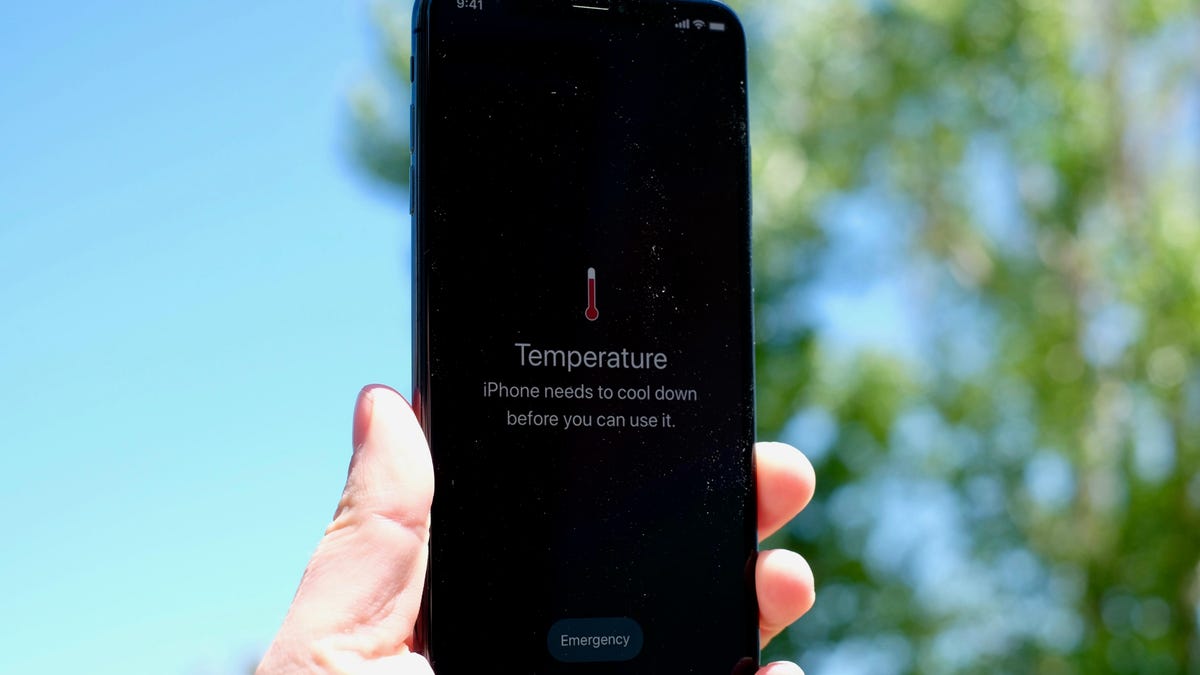
When your phone becomes too warm, the first step is to stop whatever is causing the heat. Apple’s cooling guidance is to turn off your device, move it to a cooler environment away from direct sunlight, and allow it to cool down. Google’s guidance for Pixel phones is to disconnect the phone from power if it is plugged in, move it to a cooler place, and not use it until it has cooled down.
Apple also mentions turning off Settings > General > Background App Refresh or Settings > Privacy > Location Services if apps are using a lot of power, though this is general troubleshooting rather than a thermal control setting.
For Android and Pixel users, Google’s documented path is Settings > Battery > Battery diagnostics > Phone is very warm. This screen shows the device’s heat status and confirms whether the phone is in a warm state.
If your phone is hot, do not rely on any app or hidden menu to fix it. The practical steps are to stop charging or intensive use, move the phone to a cooler place, and wait for it to cool down. If the phone is extremely hot, turning it off speeds up the process because it stops generating new heat while the existing heat dissipates.
Frequently Asked Questions
Is vapor cooling the same as a heat pipe?
Vapor cooling and heat pipes both use phase change to move heat, but the verified facts here only document Samsung’s vapor chamber on the Galaxy S23 series.
Can I turn vapor cooling on or off on my phone?
No. No official iPhone or Pixel page documents a menu path for turning vapor cooling on or off. It is a passive design feature that operates automatically whenever the phone is running.
Why does my phone get hot even with vapor cooling?
Vapor cooling spreads heat across a larger surface, but it cannot eliminate heat entirely. Conditions like direct sunlight, GPS navigation, graphics-intensive games, and extended camera use can still cause heat to build faster than the phone can shed it.
Does a hot phone damage the battery?
Heat can strain the battery, which is why Apple and Google both document automatic protections that limit functions when the device gets too warm. The best way to protect the battery is to stop using the phone and move it to a cooler place when it becomes hot.
What should I do if my phone shows a temperature warning?
For Pixel, disconnect it from power if plugged in, move it to a cooler place, and do not use it until it has cooled down. You can check the Pixel’s heat status at Settings > Battery > Battery diagnostics > Phone is very warm.
Why does my smartphone heat up?
General causes include CPU and GPU load from intensive tasks, battery strain during charging or discharging, and prolonged activities like gaming or streaming.
Are all smartphones equipped with vapor cooling technology?
No, vapor cooling is typically found in high-end or flagship smartphones and is not widely available in mid-range or budget devices.
For the wider topic, see display and home screen settings.
Related reading: How To Tell If Phone Is Charging, How To Erase Motorola Phone, and How To Connect Vtech Phone To Base.