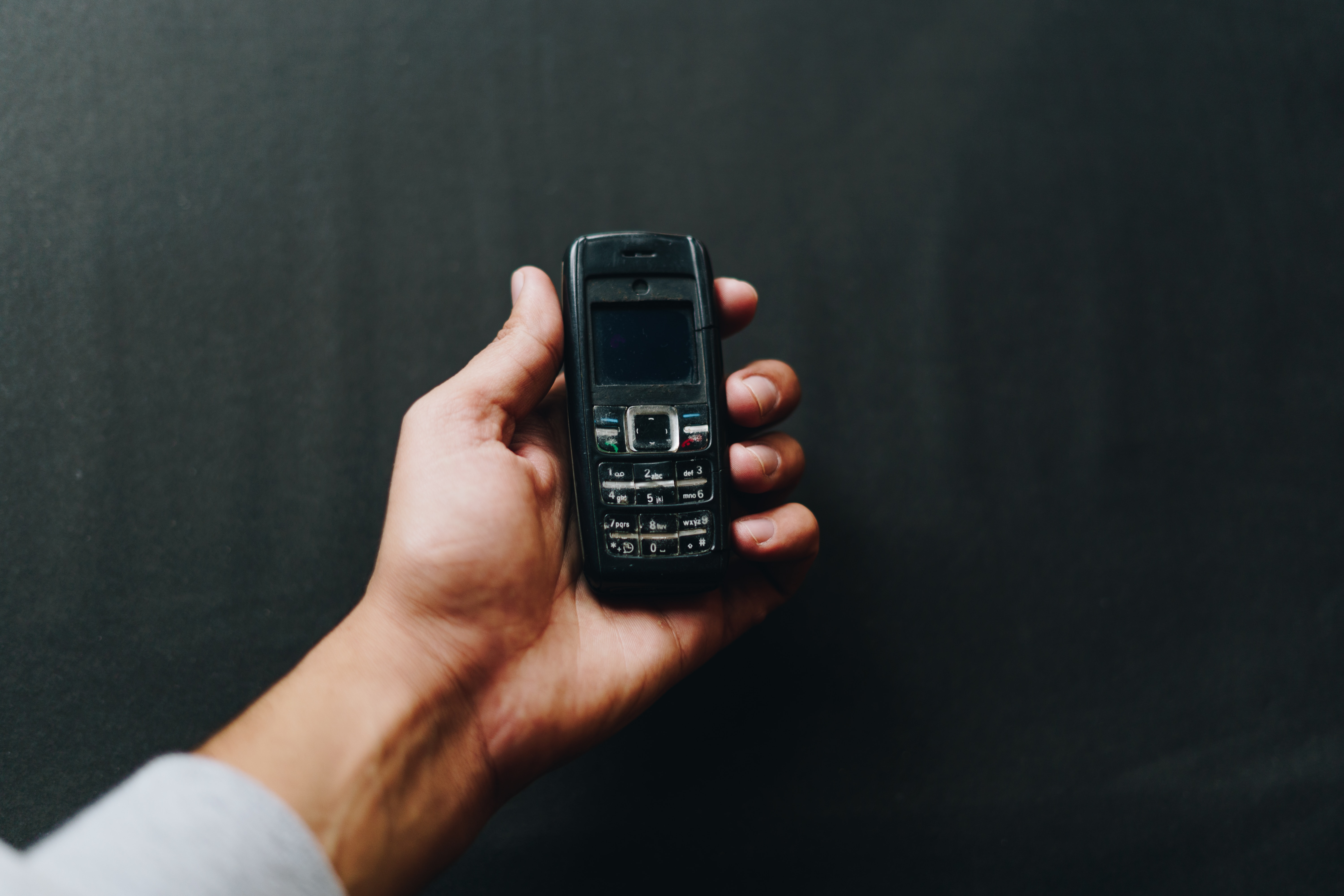
A cell phone, also called a mobile phone, is a wireless communication device that lets you place and receive calls, manage contacts, block or screen calls, and adjust calling-related settings through the device’s Phone app and system settings. Understanding what is a cell phone and its uses today means recognizing it as a tool that has evolved from a simple telephone into a device for managing your calls, contacts, and digital life.
What is a cell phone and its uses today?
A modern cell phone is a mobile telephone that connects to a cellular network to let you make and receive calls wirelessly. Its core uses remain centered on communication: you can dial a number, answer an incoming call, store and organize contacts, send text messages, and control how your phone handles unknown or unwanted callers. While today’s phones also offer internet access, navigation, and photography, the fundamental purpose is still managing voice calls and messages through the Phone app and system settings on iPhone or Android phones.
Core calling functions of a cell phone
The primary uses of a cell phone are making and receiving calls, managing your contacts, and sending text messages. These functions establish the device as a communication tool first. On an iPhone, you make and receive calls in the Phone app by going to Calls or Recents, then tapping the options button to choose actions. You can store contacts directly in the Phone app and use them to dial or message quickly. Text messaging (SMS and MMS) is built into the Phone app or a separate Messages app, allowing you to send short written communications. These basics remain the device’s essential purpose, even as phones gain more advanced capabilities. Set a default calling app: Settings > Apps > Phone > Default Calling App.
How to manage caller ID and block contacts on iPhone
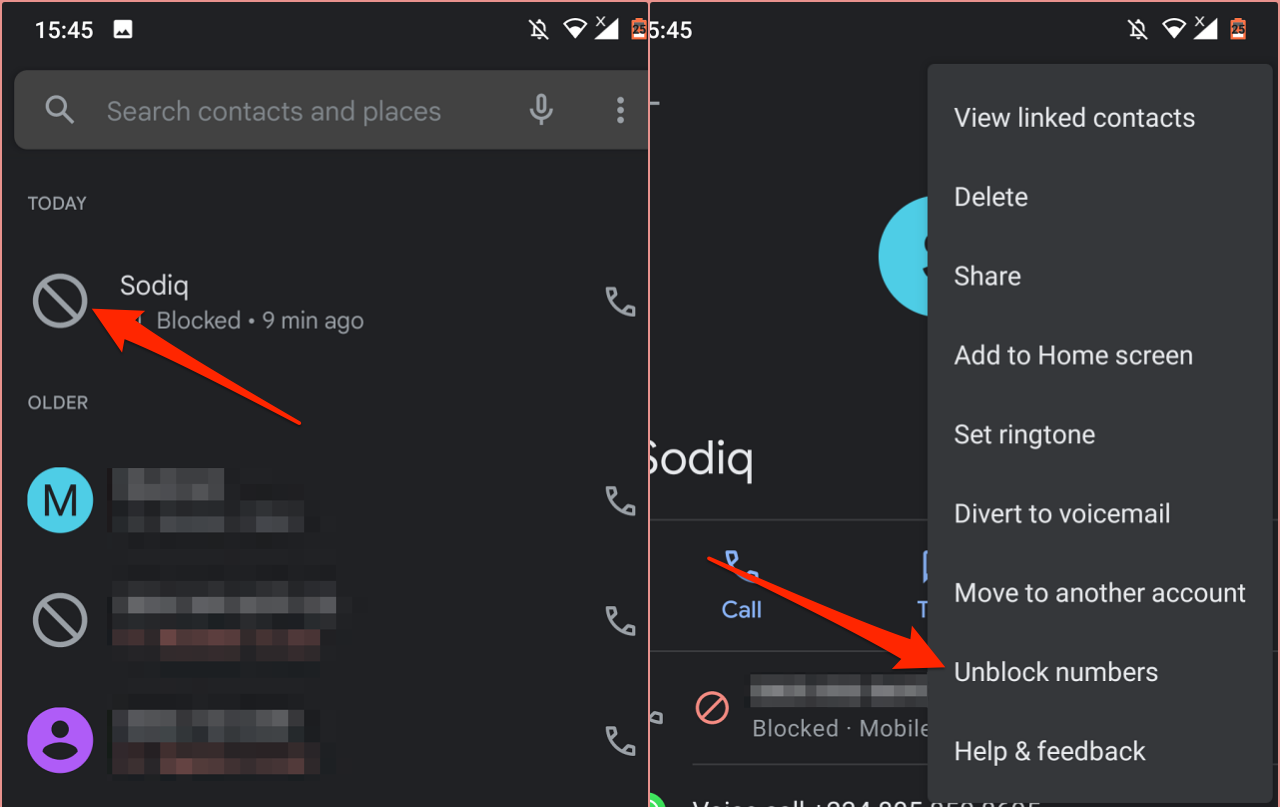
You can control whether your phone number appears when you call someone. To show or hide your caller ID on iPhone, go to Settings > Apps > Phone > Show My Caller ID, then turn the toggle off to hide your number. Turn on Dial Assist: Settings > Apps > Phone > Dial Assist. To block a contact, open the Phone app, tap Contacts, choose the contact you want to block, scroll down, and tap Block Contact. Blocked contacts cannot call or message you. You can also manage blocked contacts by going to Settings > Apps > Phone > Blocked Contacts, where you can edit the list or unblock someone.
How to screen and filter unknown calls on iPhone
iPhone provides built-in tools to screen and filter calls from people not in your contacts. To turn on call screening, go to Settings > Apps > Phone > Call Screening. You can choose from three options: Never (no screening), Ask Reason for Calling (the caller must state their purpose before the call rings through), or Silence (unknown callers are sent to voicemail without ringing). For additional filtering, go to Settings > Apps > Phone and toggle on Unknown Callers (which silences calls from unknown numbers and sends them to voicemail) and Spam (which filters suspected spam calls). iPhone can also identify incoming calls using Apple Business Connect, supported carriers, and call identification apps you install. You manage these under Settings > Apps > Phone > Call Blocking & Identification, where you can edit which apps are allowed to provide caller ID information.
Managing calls on Android and Google Pixel phones
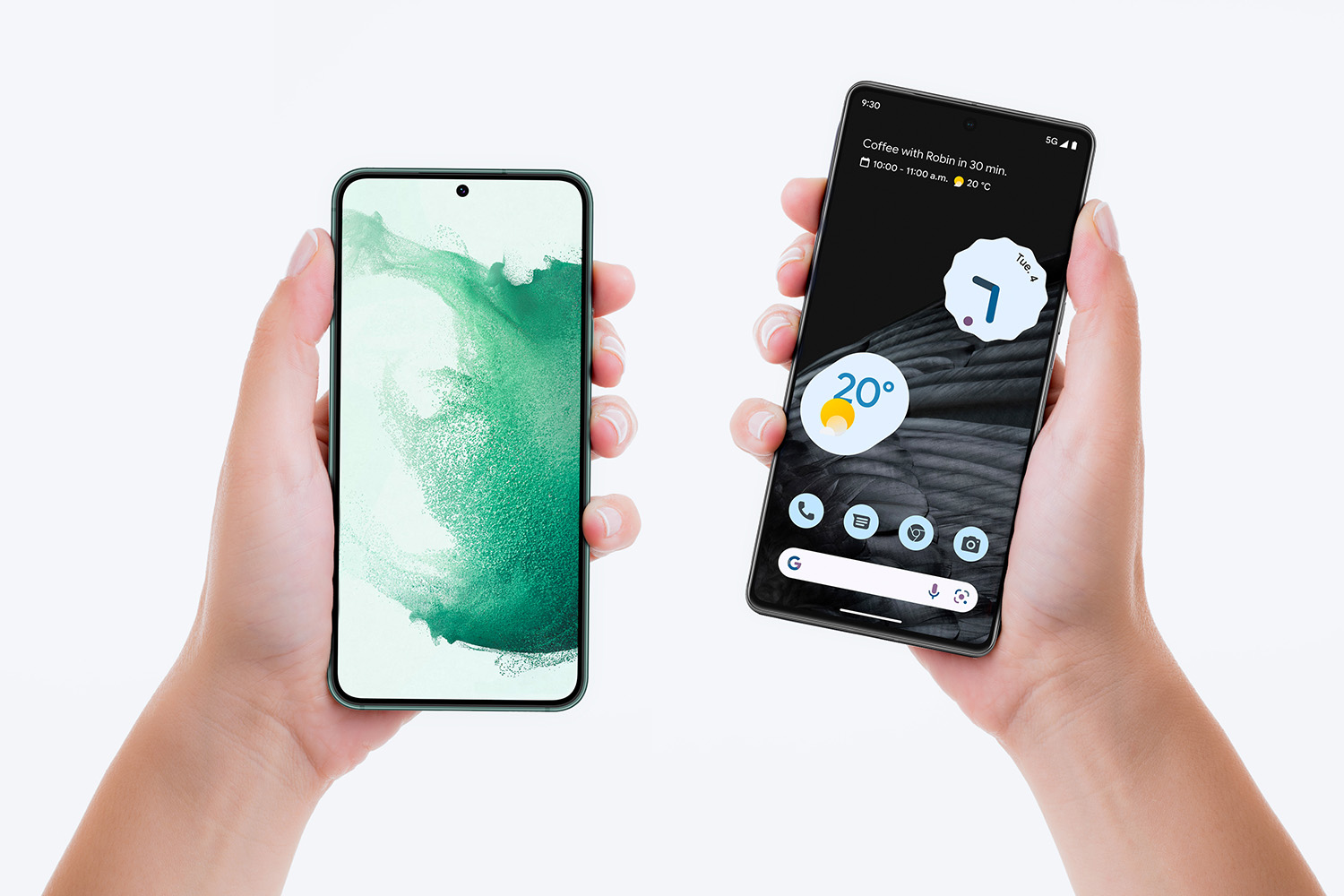
On Android phones, call management features vary by manufacturer and software version. Google’s Pixel phones offer call screening through the Phone app, which can automatically screen unknown callers and ask them to identify themselves. Samsung Super Clear Call supported on Galaxy S26 Series, S25 Series, Z Fold8 Ultra, Fold8, Flip8, Fold7, Flip7, Fold6, Flip6, A56, Tab S11 Series, and Tab S10 Series with One UI 6.1.1 or above. Samsung Super Wideband is available regardless of the Call App, but it may not be supported on all carriers or in all regions. For specific settings and troubleshooting on Pixel devices, Google directs users to Pixel Phone Help and the My Pixel app, which provides support, diagnostics, troubleshooting, warranty management, and device details. The Pixel phone simulator is also available to help with app settings, call screening, hiding sensitive apps, and using the Recorder feature.
Beyond calls: the cell phone as a multi-purpose tool
While calling and messaging remain the core functions, a modern cell phone also serves as a portable computer for internet access, GPS navigation, photography, and entertainment. You can browse the web, check email, use social media, take photos and videos, stream music and movies, and run thousands of apps. For a broader overview of how these features work and how the device operates, you can explore mobile phone basics, including the origin of cell phones, in the article Mobile Phone Basics and How They Work, and learn about who created cell phones in the article Who Created Cell Phones?.
Frequently Asked Questions
Can I use my cell phone to make calls without a cellular signal?
No, standard voice calls require a cellular network signal. However, many smartphones support Wi-Fi Calling, which lets you make and receive calls over a Wi-Fi connection when cellular service is weak or unavailable. You must enable this feature in your phone’s settings and have it supported by your carrier.
What is the difference between blocking a contact and silencing unknown callers?
Blocking a contact prevents that specific person from calling, messaging, or contacting you entirely, their calls go straight to voicemail or are rejected. Silencing unknown callers sends all calls from numbers not in your contacts to voicemail without ringing your phone, but those callers can still leave a message.
How do I save a new contact on my cell phone?
On iPhone, open the Phone app, tap Contacts, then tap the plus (+) icon to add a new contact. Enter the name, phone number, and any other details, then tap Done. On Android, open the Phone app, tap the Contacts tab, then tap the plus (+) icon or Add Contact to fill in the information and save.
Can I use my cell phone to call emergency services even without a SIM card?
Why does my caller ID show “Unknown” or “Blocked” when I call someone?
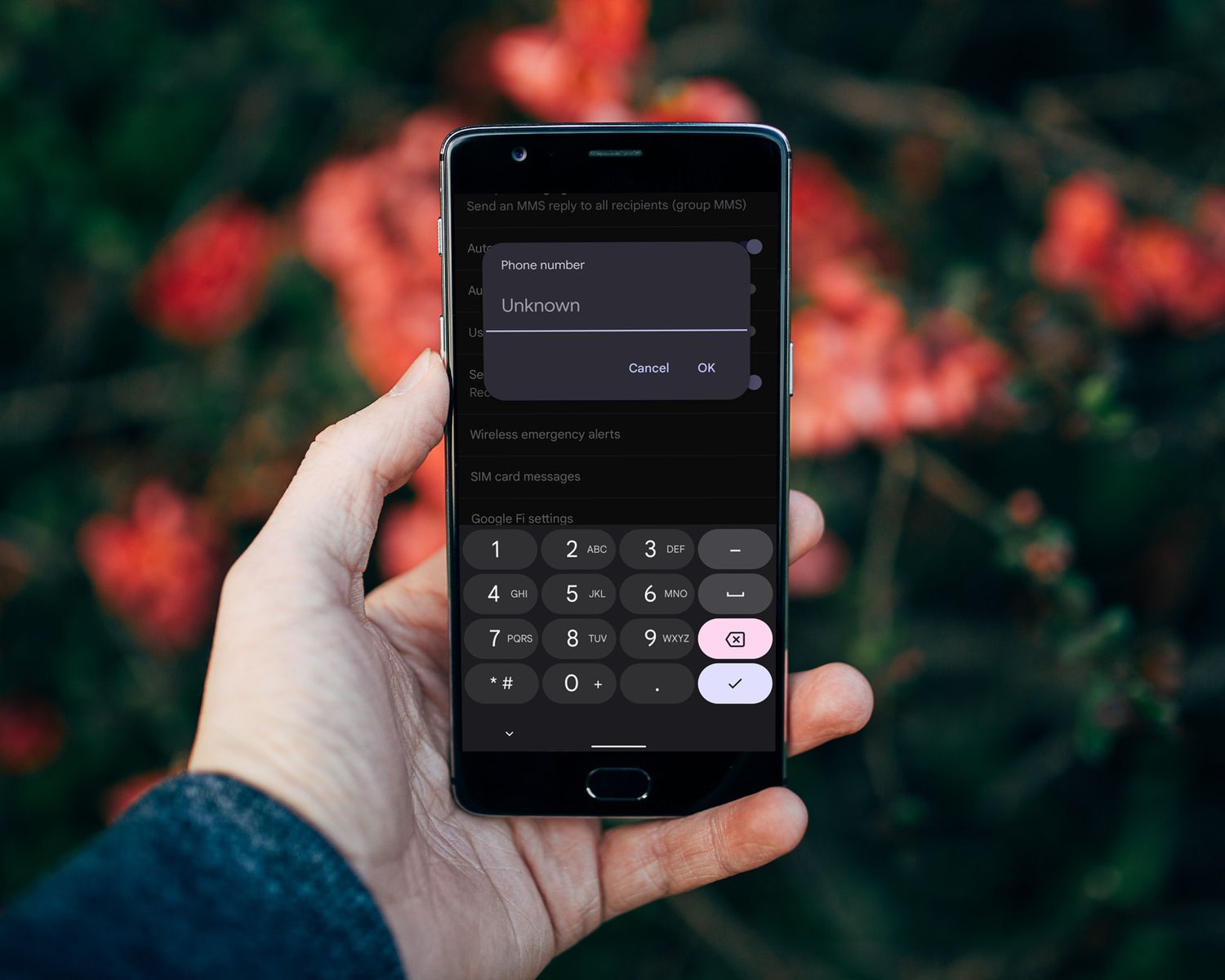
This usually means your caller ID is set to hidden. On iPhone, check Settings > Apps > Phone > Show My Caller ID and ensure the toggle is on. On Android, look in the Phone app’s settings for an option like “Show caller ID” or “Additional settings” and make sure it is not set to hide your number.