Welcome to the Accessibility Settings tag on CellularNews. This page collects straightforward guides for anyone who wants to adjust their phone’s hardware and software to better suit their needs. Whether you are looking to improve how you interact with your device, compensate for a physical limitation, or simply prefer a more customized experience, these articles are designed to help you make practical changes to your phone’s core functions.
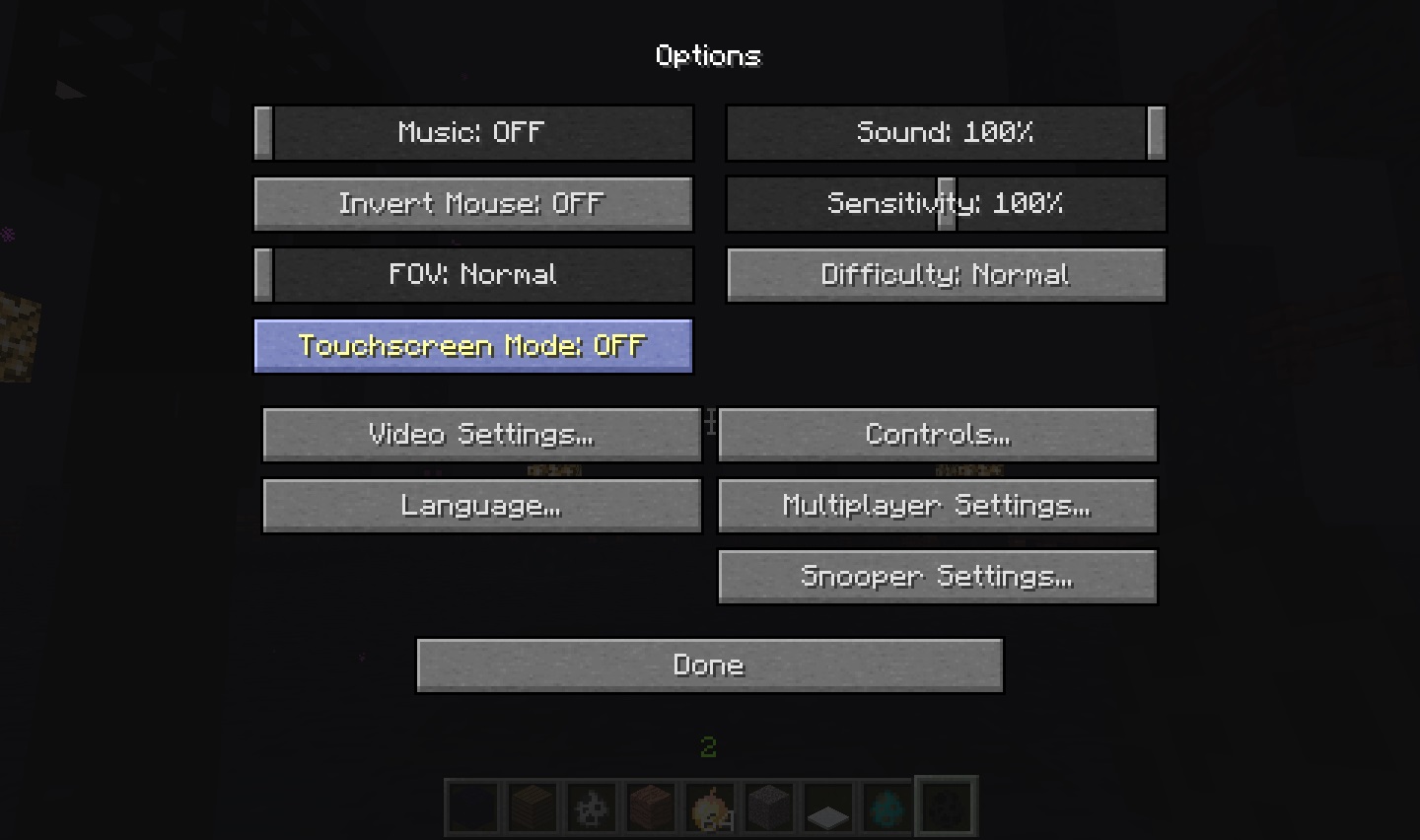
The articles here address three common areas of phone use. First, you’ll find solutions for improving how you hear and interact with audio, such as learning how to make the volume louder on an Android device and how to change headset sensitivity for clearer sound. Second, several guides focus on refining touch and screen behavior, including how to use Minecraft touchscreen mode for better control in games. Finally, the tag covers adjustments to basic call and notification features, with articles that explain how to turn off the flash when your phone rings and how to answer an Android phone more reliably.
Each guide is a focused, step-by-step walkthrough. They help you directly modify settings on your phone to solve a specific problem, like stopping a distracting light, boosting quiet audio, or making a game more responsive. You are not reading about theory; you are learning exactly which menu to open and which toggle to flip to get the result you want.