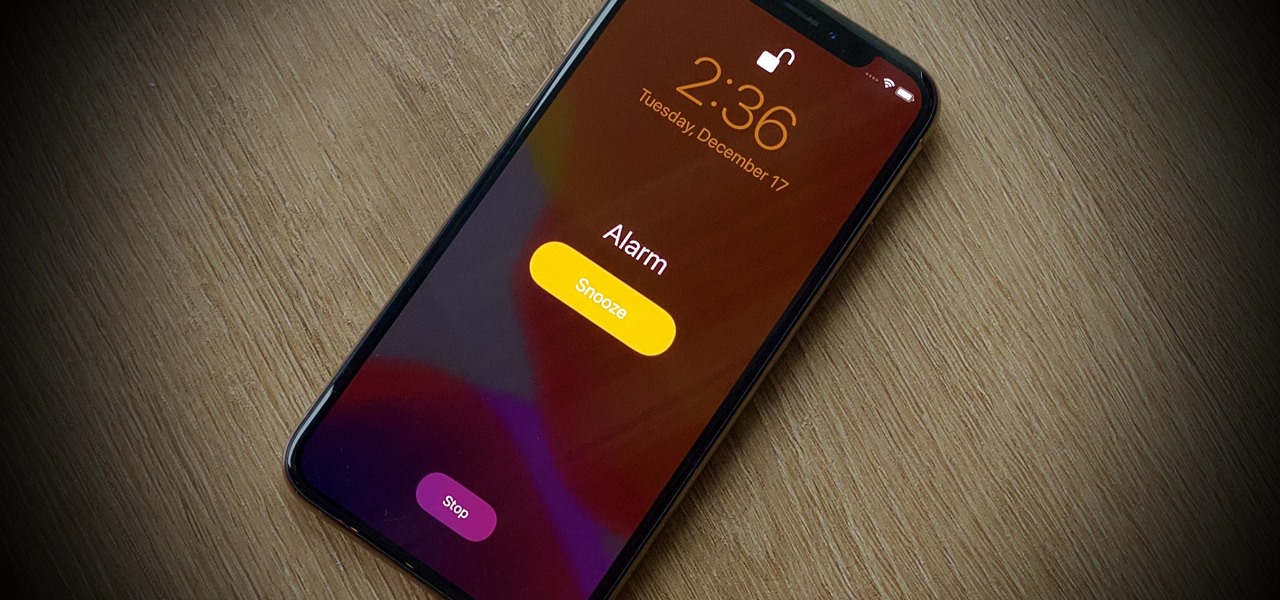
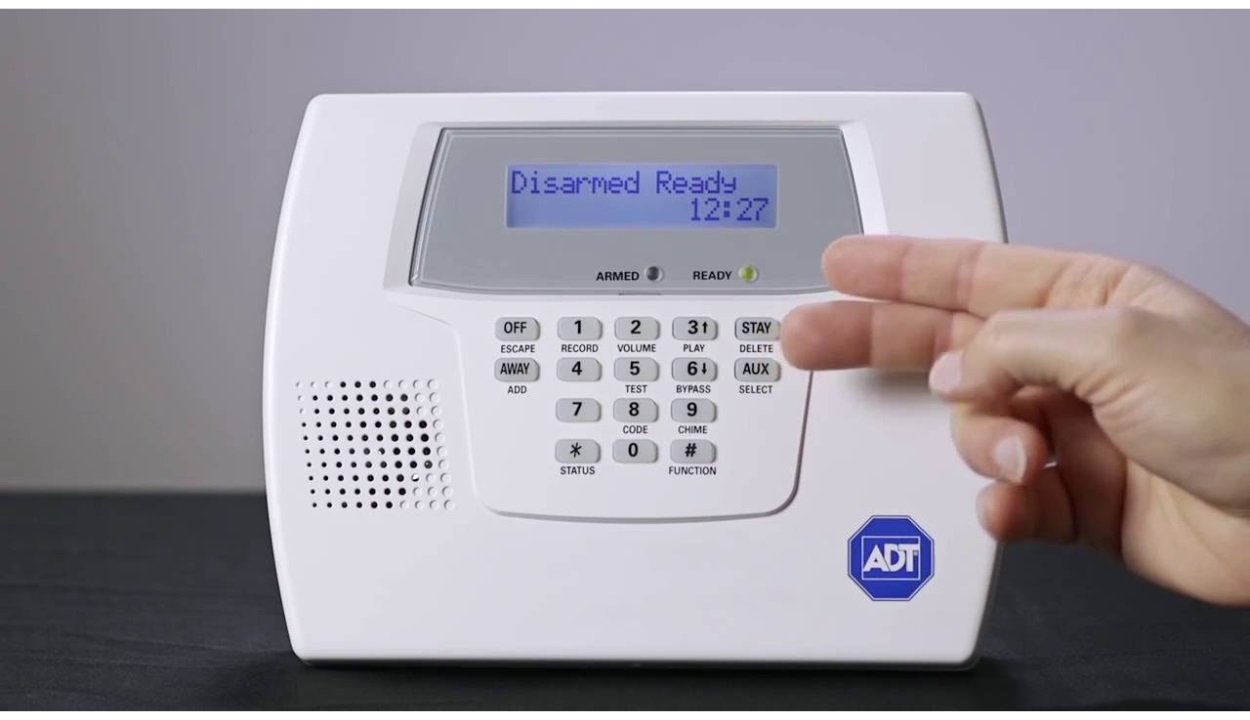
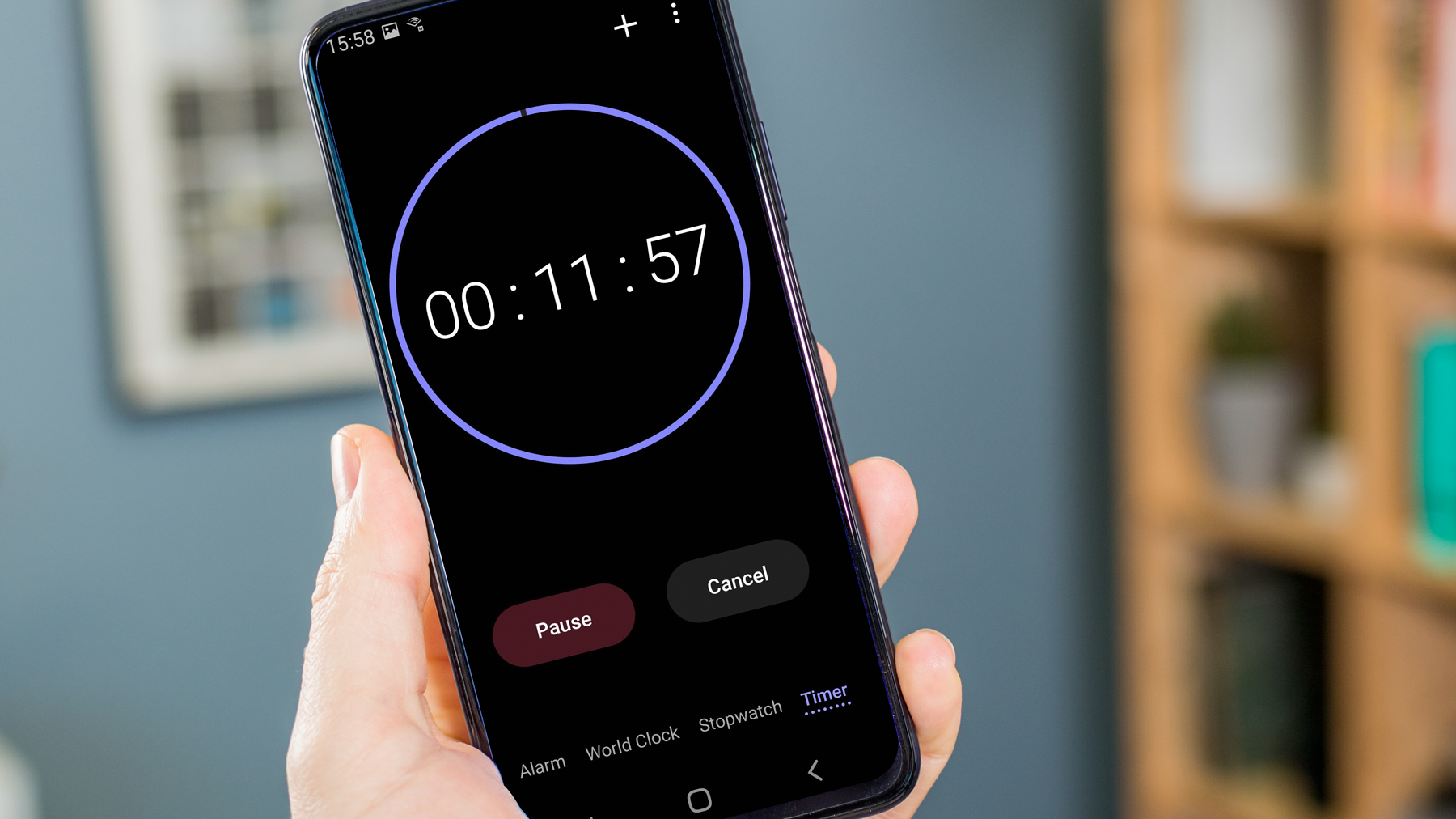
This tag collects articles about alarms on a wide range of devices, from smartphones to smart home systems and fitness trackers. It is written for anyone who needs practical help setting, managing, or troubleshooting an alarm, whether you are using an Android phone, an iPhone, a Fitbit, or a security system like ADT.
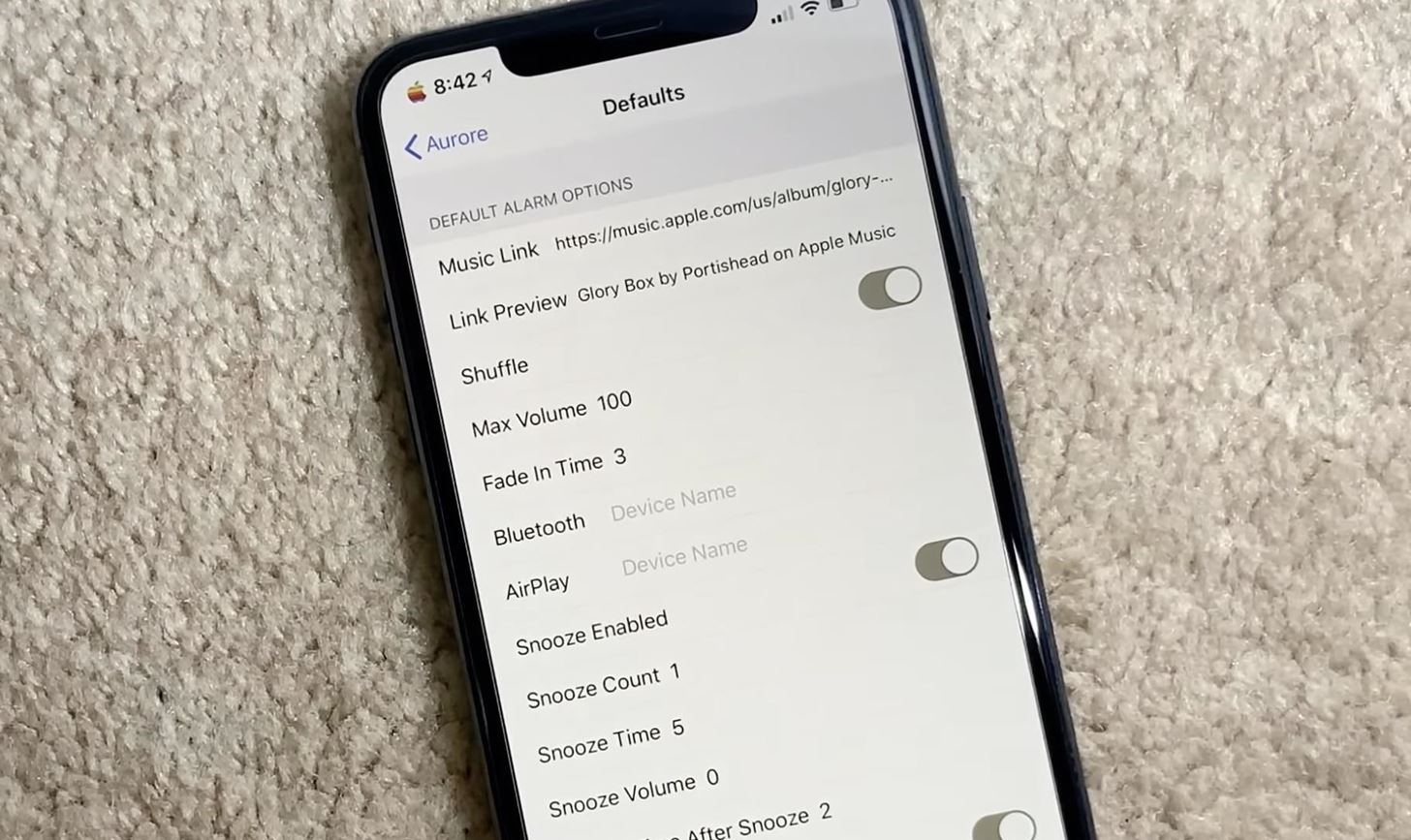
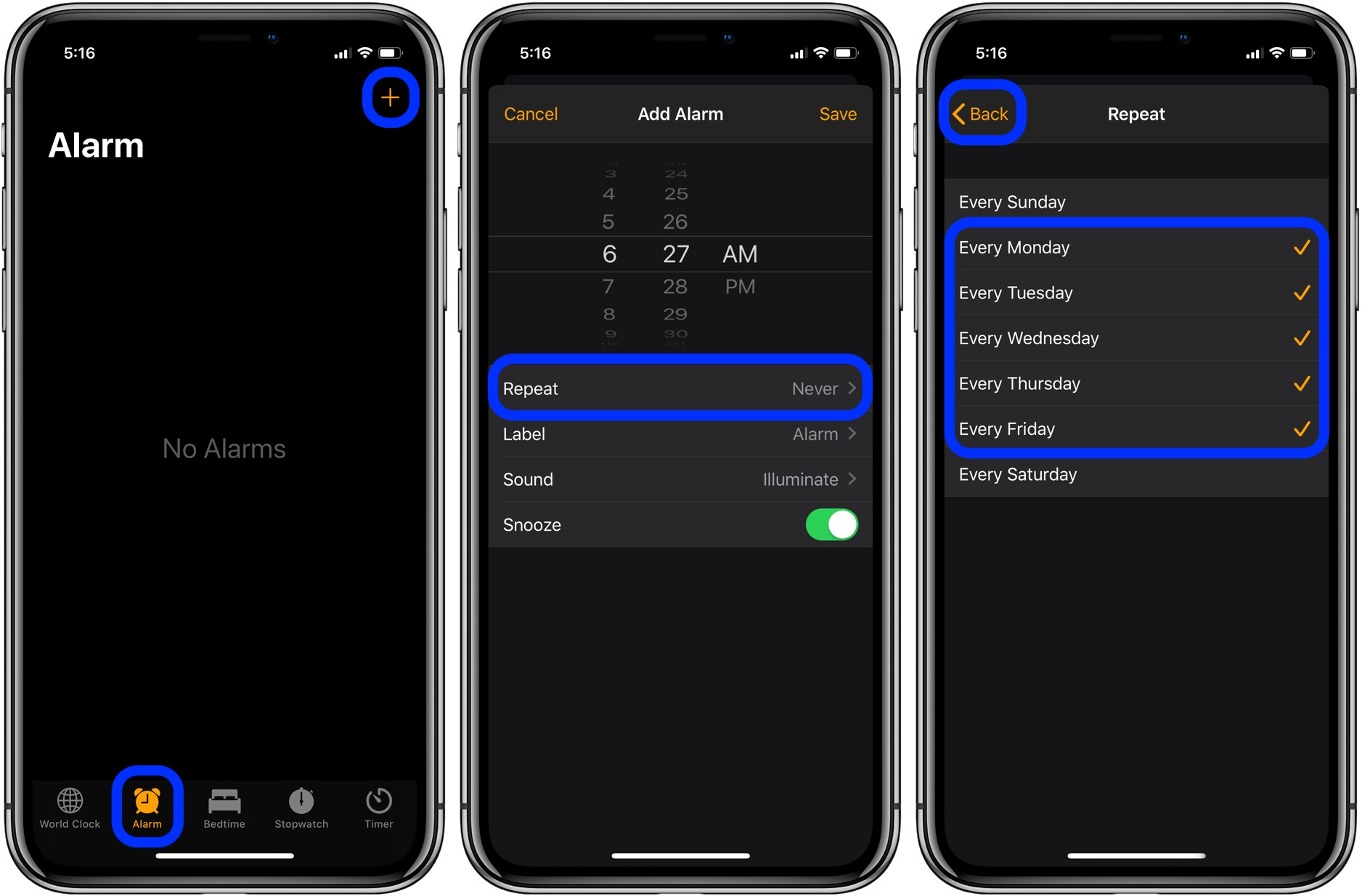
The articles here solve two main kinds of problems. First, they cover the basics of setting and confirming alarms on specific devices, such as how to set an alarm on an iPhone 11 or an Android phone. Second, they address common frustrations and unexpected behaviors, like why a phone rings even when it is on silent, or how to stop an ADT alarm from beeping due to a low battery. You will also find guidance on how to tell if an alarm is set on an iPhone 13 and how to change the snooze time on an iPhone 11.
These articles help you take direct action: set a new alarm, silence an unwanted beep, adjust your snooze settings, or diagnose why your phone is ringing despite silent mode. Each piece focuses on a clear, specific task so you can quickly get your alarms working the way you want.