The nuts and bolts of mobile network connectivity and device setup. This section is built for anyone who needs to get a device online, troubleshoot a carrier’s signal, or understand the underlying network infrastructure their phone relies on. Whether you are configuring a new dongle, setting up a GPS tracker with a SIM card, or simply trying to figure out why your service has dropped, these guides are written to help you take direct action.
The articles here solve two main kinds of problems. First, they tackle the configuration of hardware and network settings. You can learn how to connect a dongle for internet access, how to use a GPS tracker with a SIM card, and get a straightforward guide to what APN is and the best ways to change APN settings effectively. Second, they address carrier-specific service and performance issues. If you have been wondering why T-Mobile service has been bad, or what network Tello Mobile uses, the articles provide the background and steps you need. You will also find practical advice on how to update towers on T-Mobile to improve your connection.
To update T-Mobile carrier settings and improve your cell signal or data connection, the action happens on your phone, not on a physical tower. You cannot update a T-Mobile cell...
Tello Mobile runs on the T-Mobile network and coverage, which means your service quality and compatibility depend on T-Mobile’s infrastructure. Tello’s help center directly answers “what network does Tello Mobile...
If you're wondering why has T-Mobile service been bad, the most common and quickest fixes are in your own device settings. Start by checking your APN configuration on Android or...
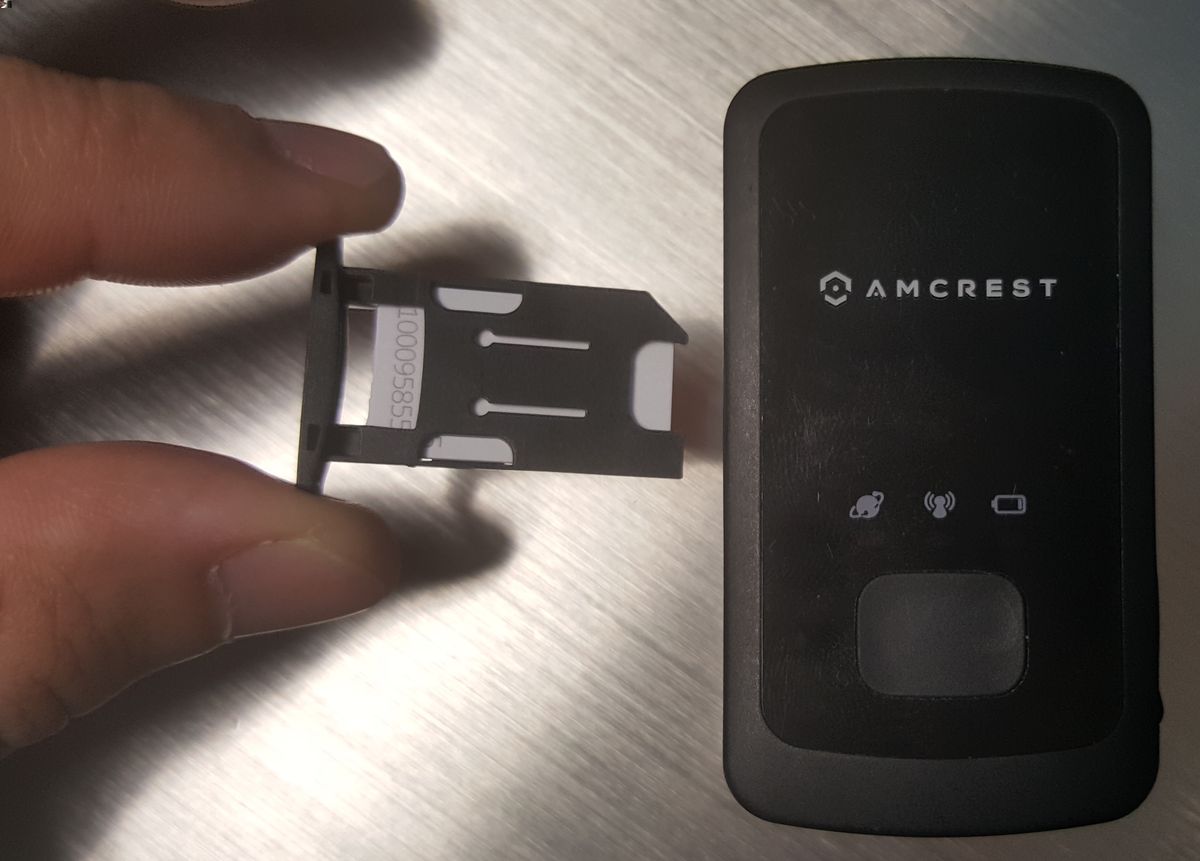
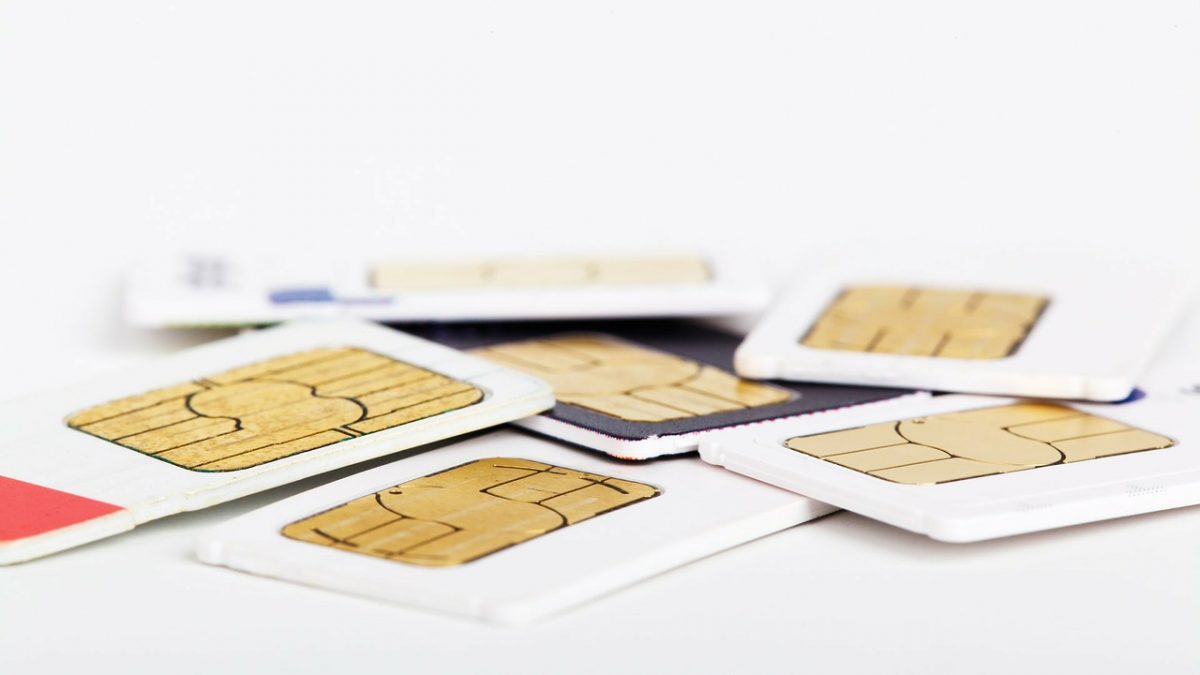
To use a GPS tracker with a SIM card, you need to insert an active SIM, send the correct APN configuration commands by SMS, and verify the tracker reports its...
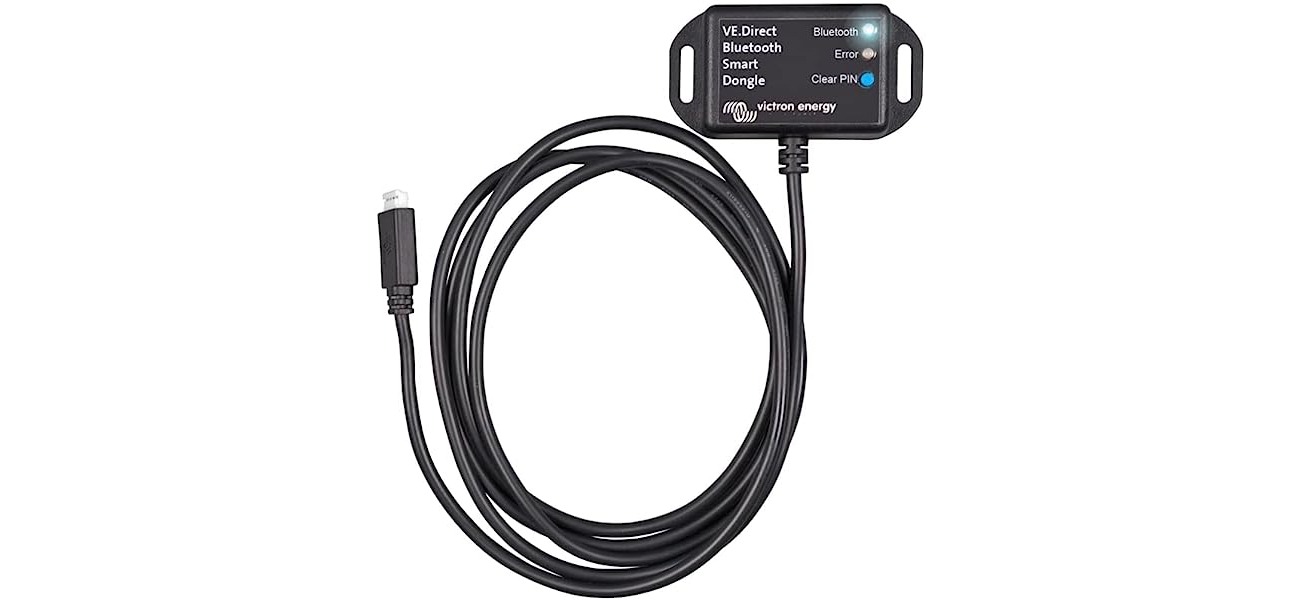
To connect a cellular or mobile broadband dongle to your laptop or desktop computer, plug it directly into an available USB port. After inserting the dongle, your computer will either...
To change APN settings, you need to edit the Access Point Name (APN) profile your phone uses to connect to your carrier's mobile data and MMS network. This is necessary...