Welcome to the App Troubleshooting tag on CellularNews. This page is a dedicated resource for anyone who relies on mobile apps and needs quick, practical solutions when they stop working. Whether you are a casual gamer, a fitness tracker, or simply use your phone for streaming and communication, these articles are designed to help you diagnose and resolve common app failures.
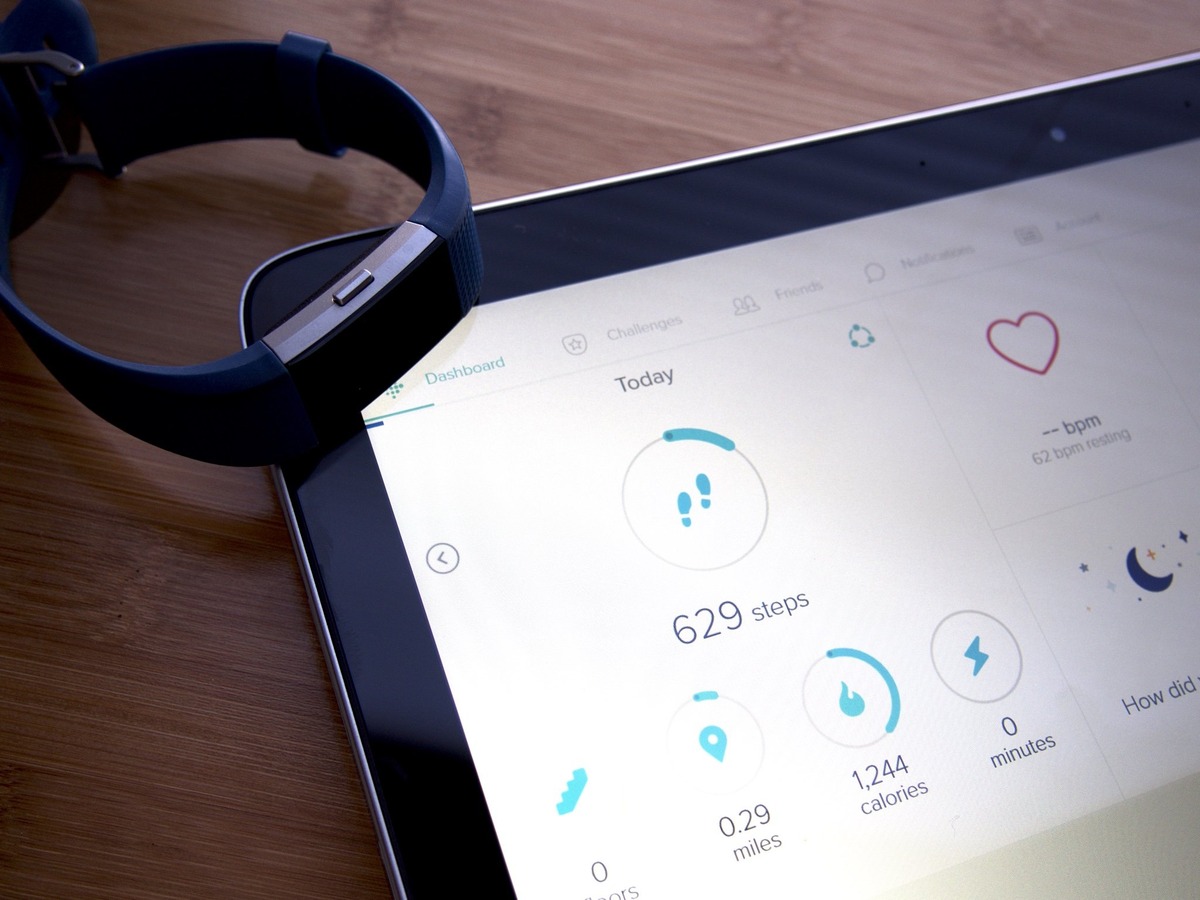
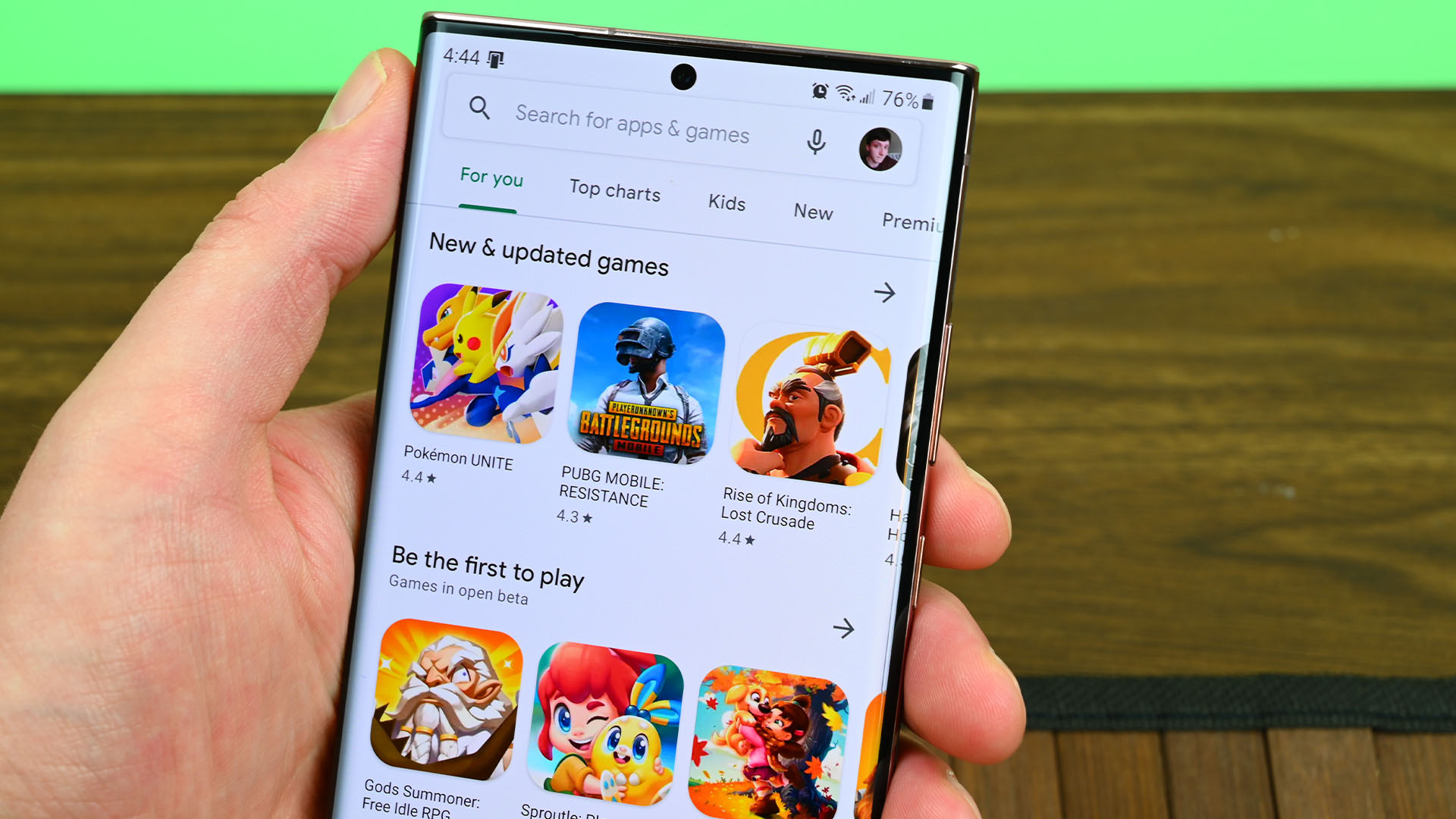
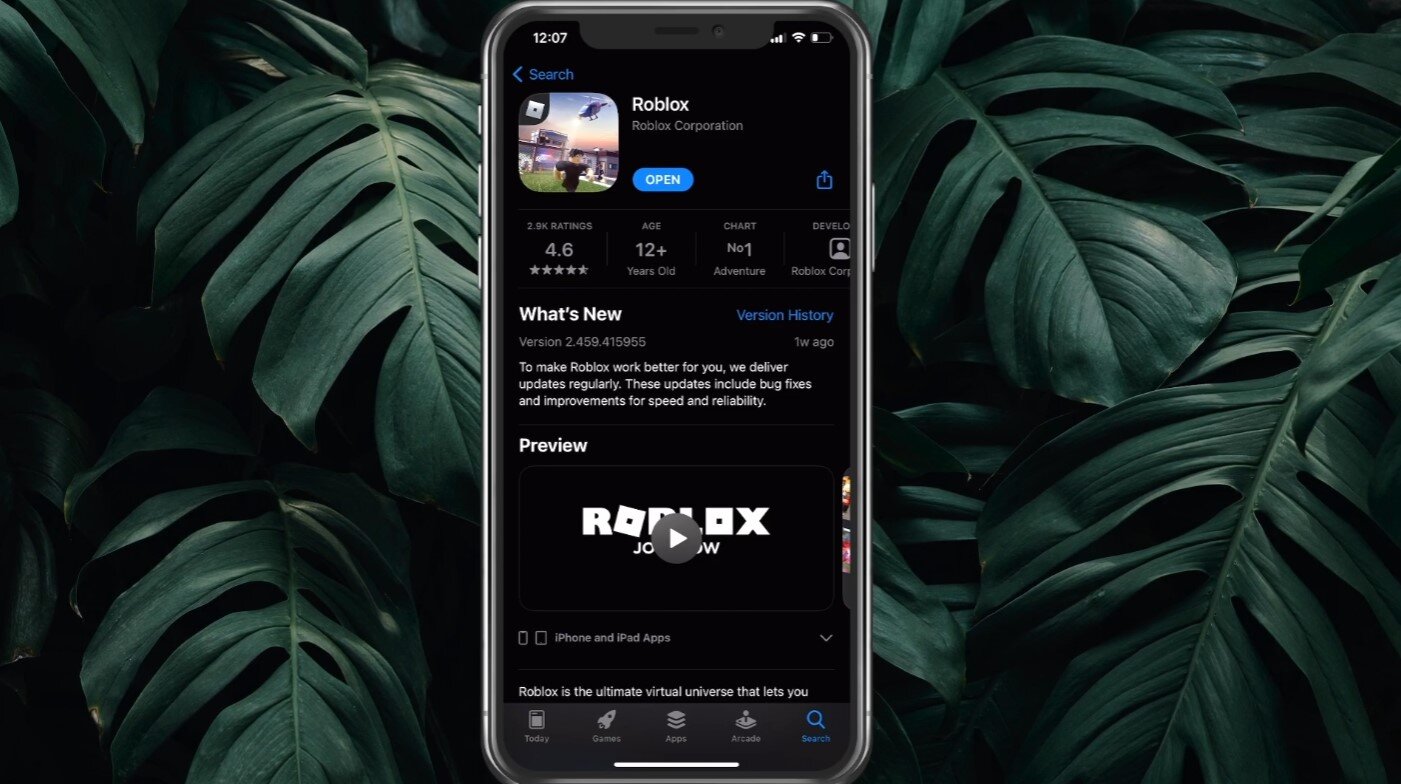
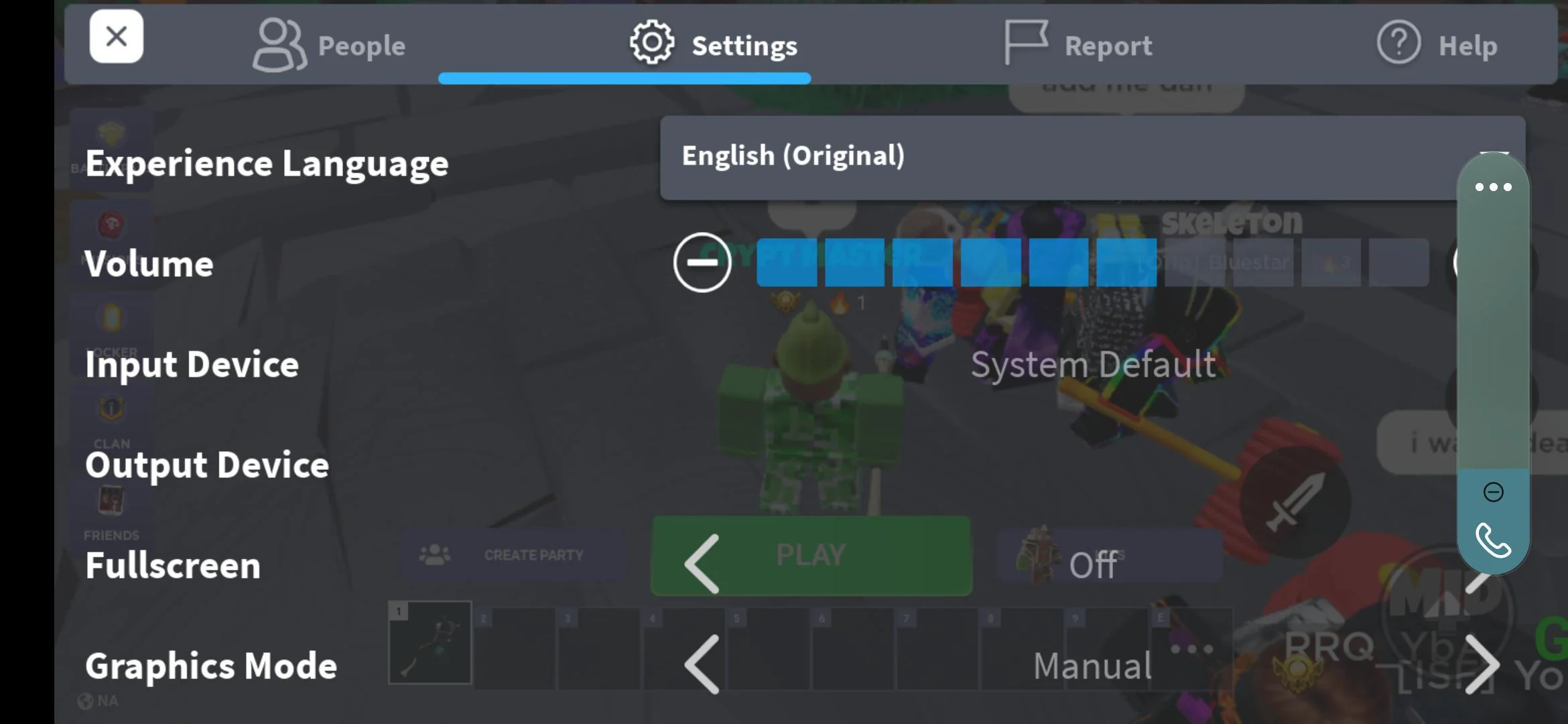
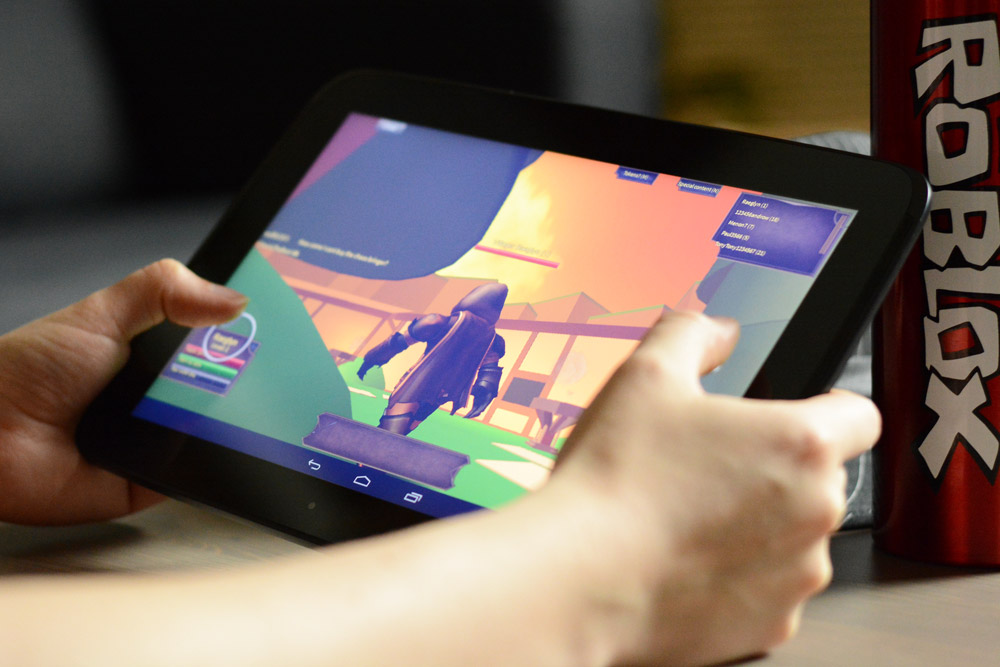
The problems covered here fall into two main categories: media playback and gaming issues, and app management and recovery. For the former, you will find guides that tackle frustrating scenarios like videos failing to load or play, such as the article on fixing YouTube videos. Similarly, several posts address problems with Roblox, including why it might not open, how to restore sound on the mobile version, and the specific steps to restart the app. For the latter category, the tag helps you handle apps that have disappeared or become unresponsive. You can learn how to get the Play Store back on your phone after it goes missing, and how to force quit the Fitbit app when it freezes.
Ultimately, these articles help you take direct action. They walk you through clearing caches, restarting devices, adjusting permissions, and performing force stops. The goal is to get your apps running smoothly again without needing advanced technical knowledge, focusing on the exact steps required to solve each specific problem.