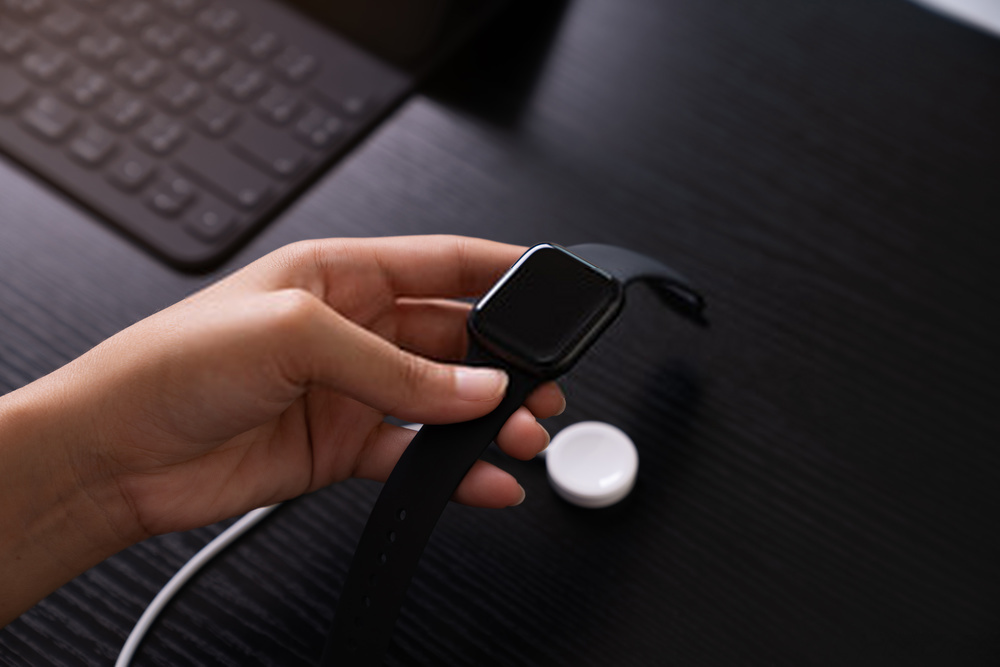
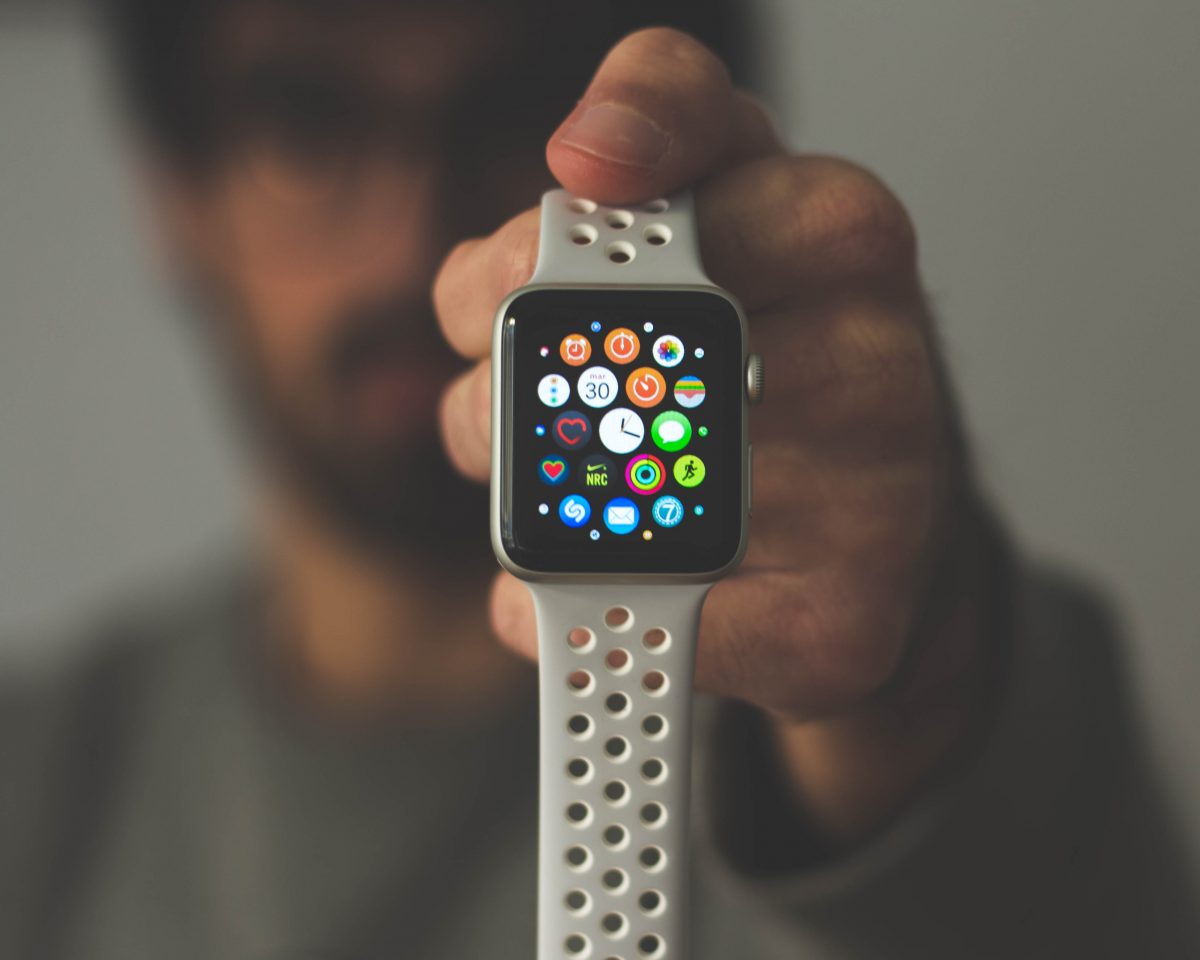
Practical guides and troubleshooting advice for anyone who owns or is thinking about buying an Apple smartwatch. Whether you are a new user trying to set up your device or a long-time owner dealing with a glitch, these articles are written to help you solve real, everyday problems without jargon or fluff.
The articles fall into two main themes: fixing common software annoyances and handling basic maintenance tasks. For software issues, you can learn how to fix a zoomed-in screen, turn off the Magnifier, free up storage space, or disconnect your watch from an old phone. For hardware and daily use, the guides cover changing your watch band, replacing a battery, removing water from the watch, and even getting scratches out of the case. A few articles also help you choose the right smartwatch by comparing costs, identifying which models track blood pressure or have fall detection, and explaining what cellular plans cost at carriers like Verizon, AT&T, and T-Mobile.
Specific topics you will find include how to ping your phone from your watch, how to delete photos directly on the Apple Watch, and how to change your watch wallpaper in three simple steps. There are also straightforward answers to questions like “What is DND on a smartwatch?” and “How should I wear a smartwatch?”. Each article is meant to help you do one thing: get your watch working the way you want, without unnecessary steps or sales pitches.