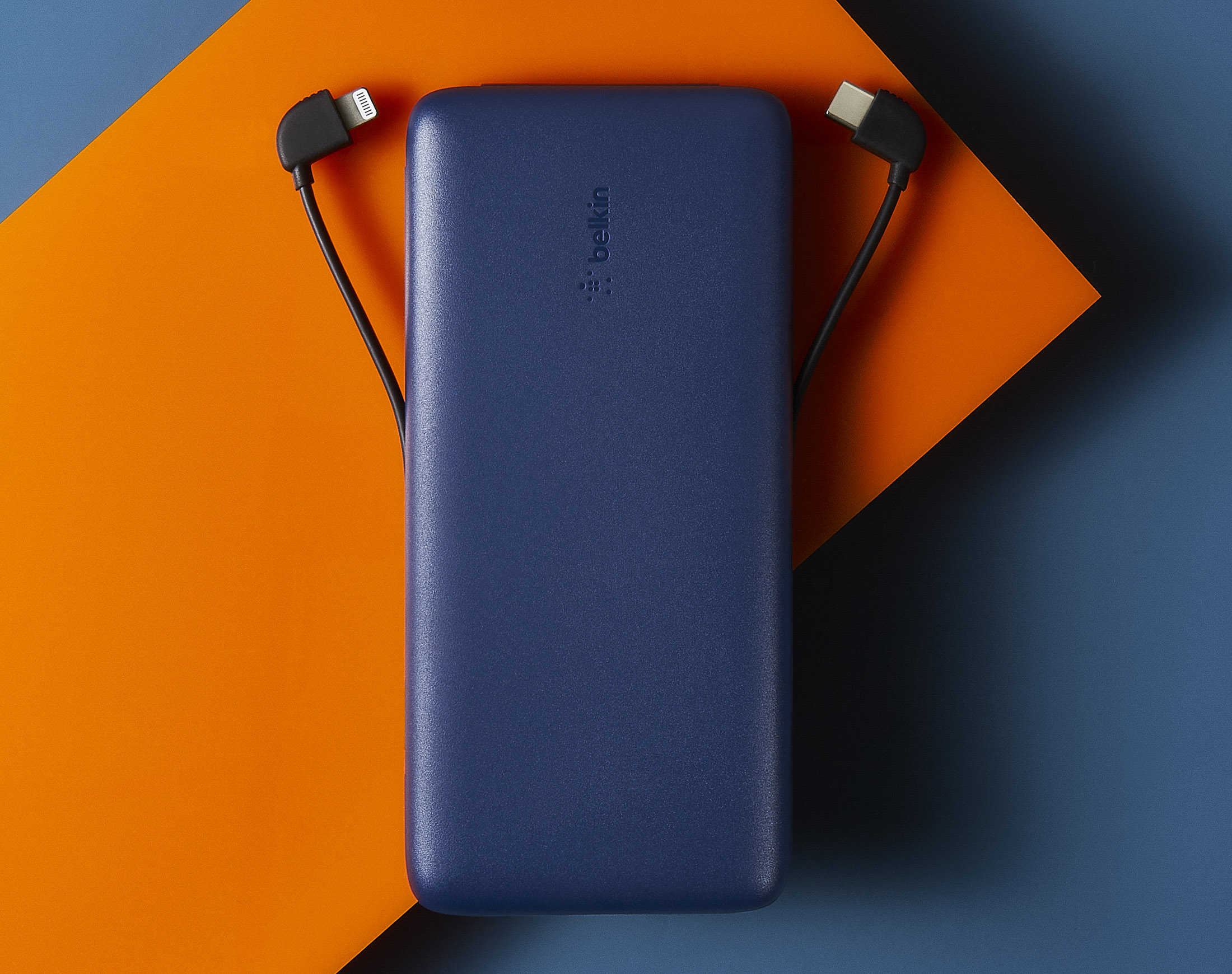
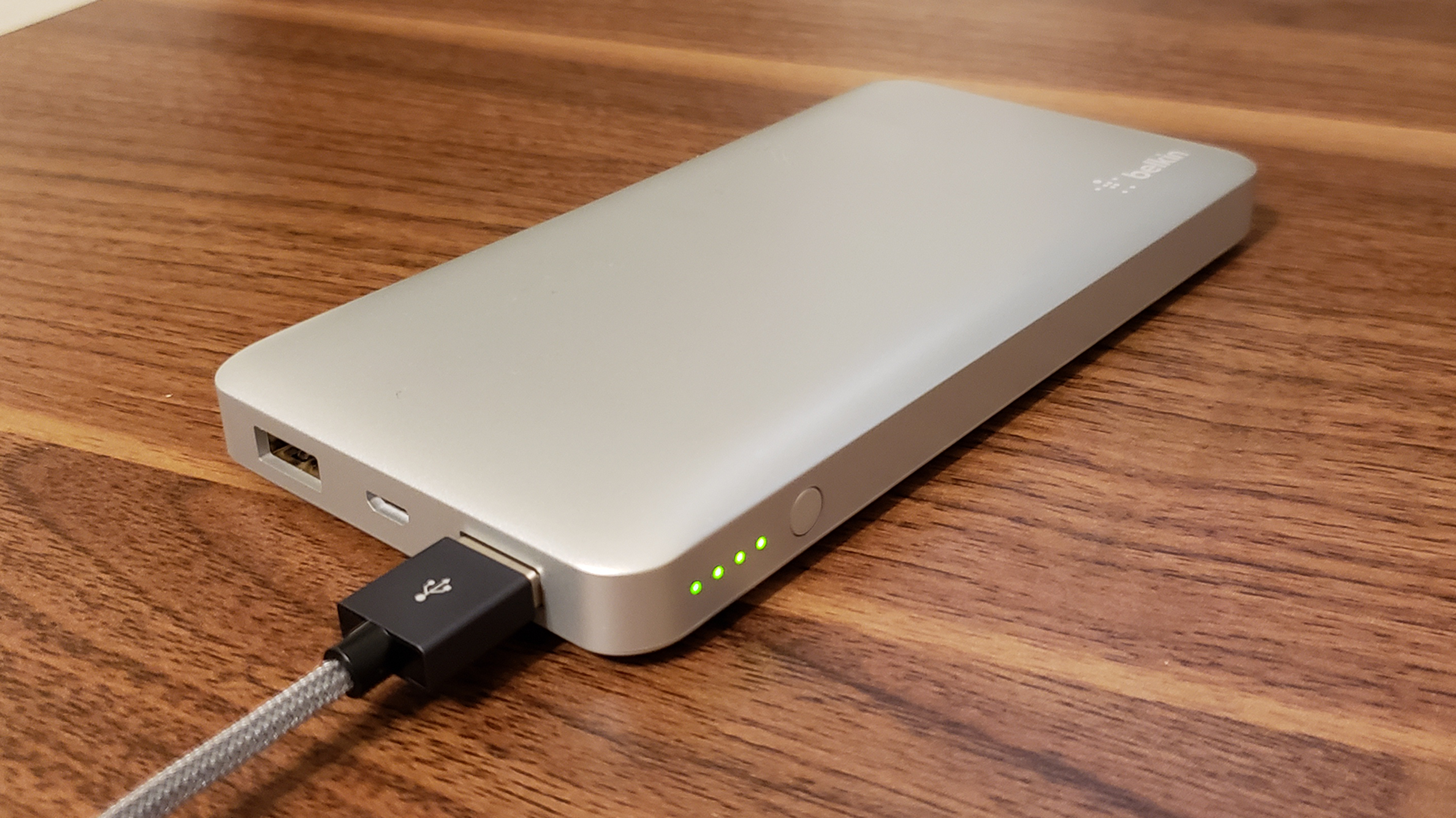
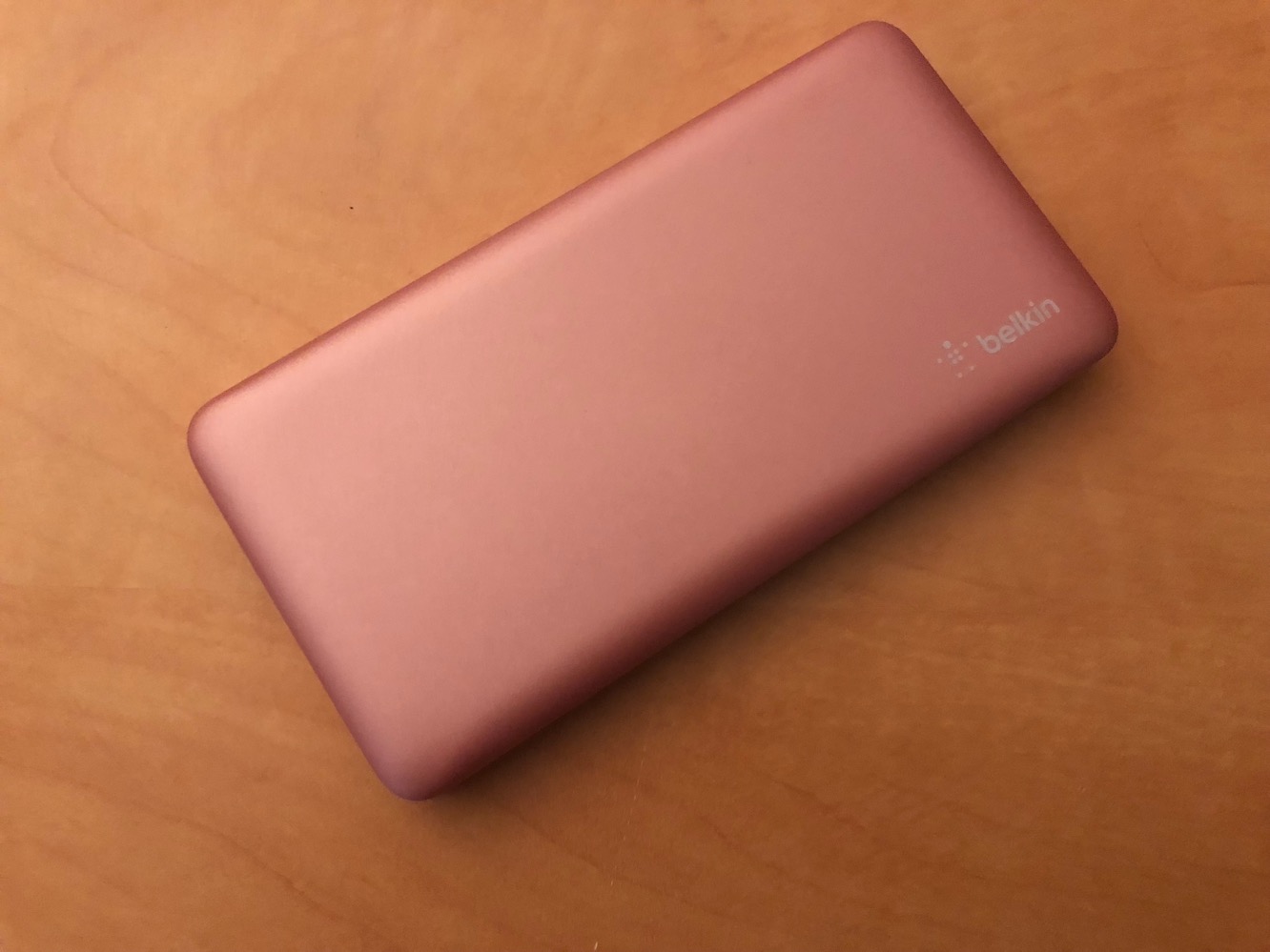
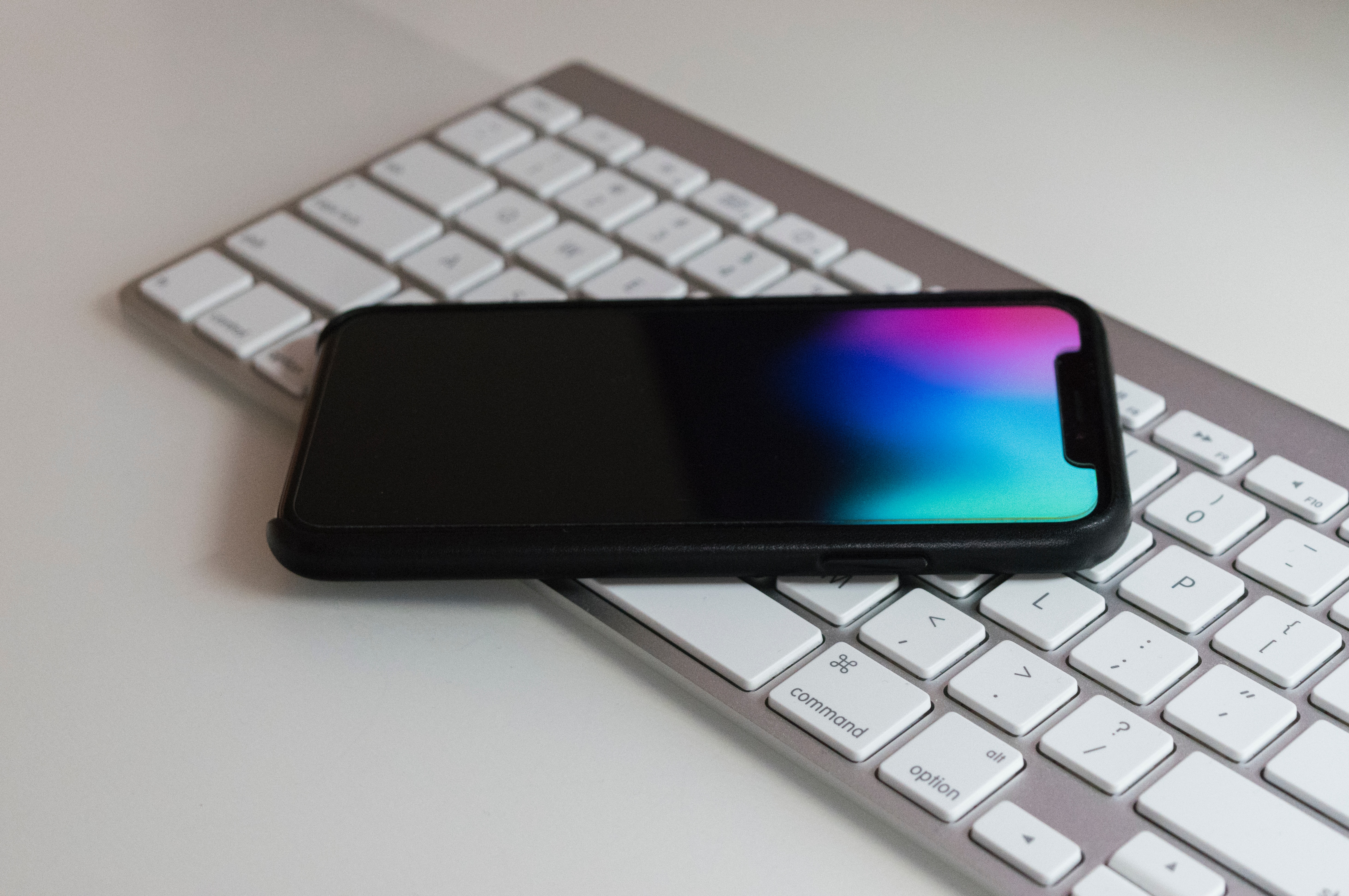
All of our guides and troubleshooting articles specifically for people who own Belkin accessories. This page is for anyone trying to get the most out of their Belkin power bank or screen protector, whether you just unboxed a new device or are dealing with a warranty issue. The articles here are built around two main themes: keeping your power bank running and installing or protecting your screen.
For power bank owners, the articles solve practical problems like confirming the device is actually charging and learning the correct way to charge the battery pack itself. You can find specific help on topics such as how to know if your Belkin power bank is charging, how to charge the Belkin Power Bank 10K, and general steps for how to charge a Belkin power bank. These guides help you verify the charging status and avoid common mistakes with your portable power source.
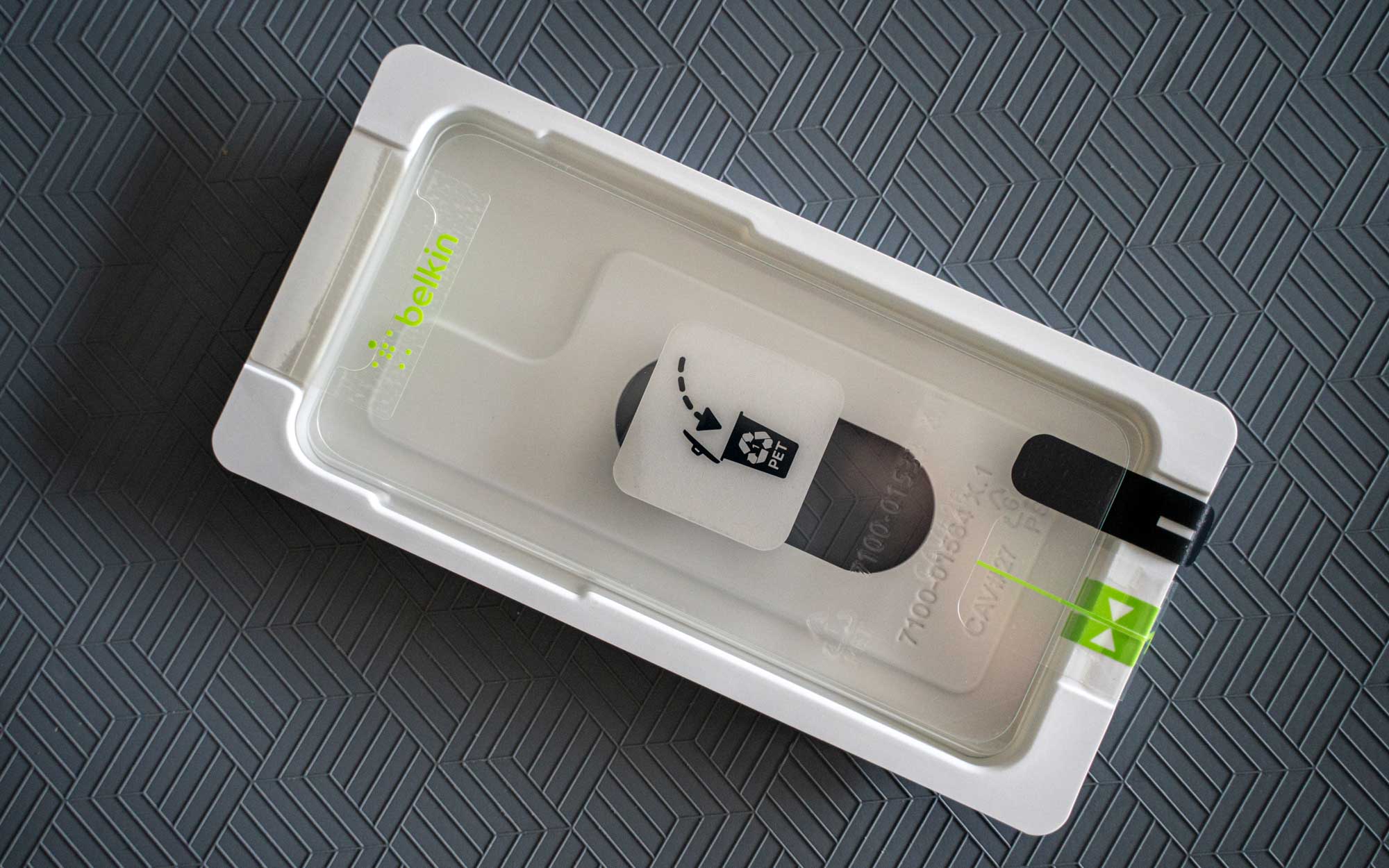
For screen protector users, the focus is on proper application and after-sales support. The articles help you figure out how to put on a Belkin screen protector without bubbles or misalignment, and they walk you through the process to register your screen protector and how to claim the Belkin screen protector warranty if something goes wrong. These pieces give you clear, actionable steps to protect your phone’s display and secure the coverage you paid for.