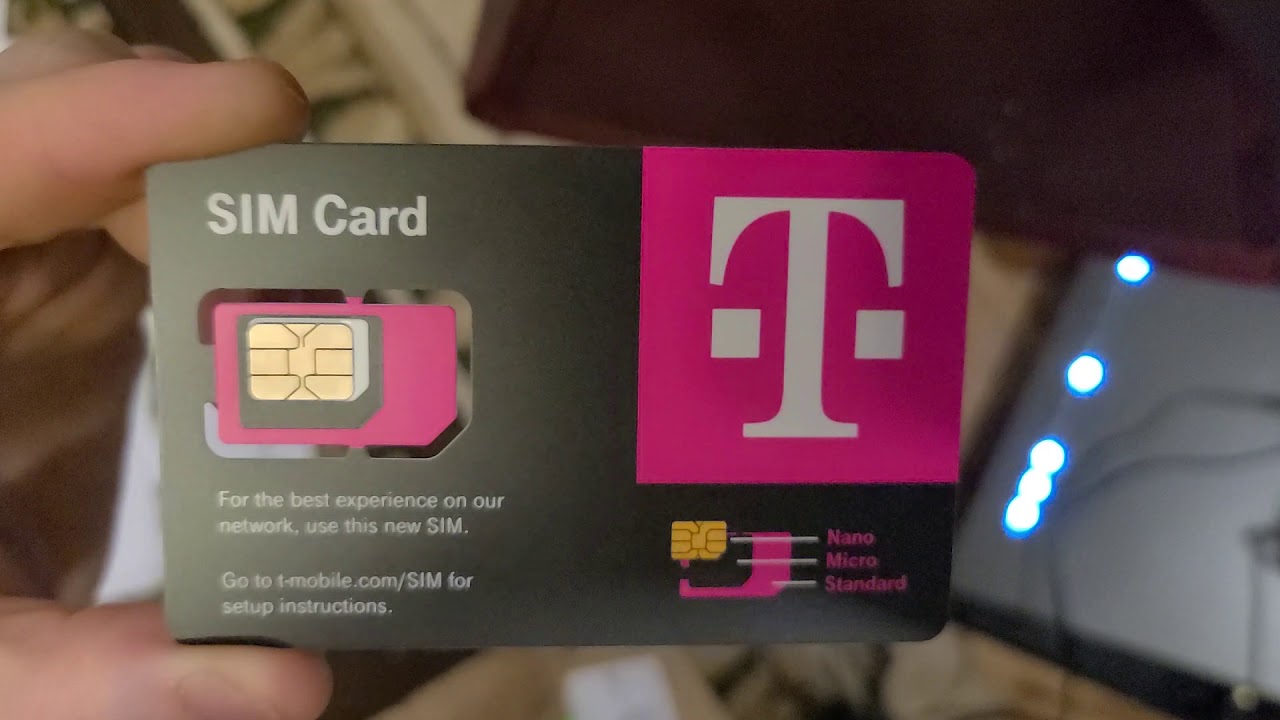
Making a phone you already own work with a different carrier. This collection is for anyone who has a locked or carrier-specific device and wants to use it on a new network, whether that means switching to a prepaid plan like Straight Talk or Tracfone, or figuring out compatibility between brands like T-Mobile and Walmart phones. The guides here are practical, aimed at solving real-world activation and service problems.
The articles tackle two main themes. First, they address unlocking and moving phones between carriers, such as explaining how to unlock a Safelink phone or how to use a US Cellular phone on Straight Talk. Second, they focus on getting the phone’s core features to work after the switch, like getting data to function properly on Straight Talk. Several articles also help you identify which unlocked phones work with Tracfone and which T-Mobile models are compatible with Walmart phones, so you can avoid buying a device that won’t connect.
Each piece helps the reader perform a specific task: unlock a device, confirm compatibility, or fix a data or service issue after switching carriers. There are no general overviews here, just step-by-step answers for getting a BYOP phone fully operational on a new network.