This page collects all of CellularNews’s articles tagged with “CarPlay,” designed for anyone who uses Apple’s in-car system and wants to get the most out of it. Whether you drive a brand-new model or an older vehicle, these guides are written for the everyday phone owner who needs practical, step-by-step help with connecting, using, or troubleshooting CarPlay.
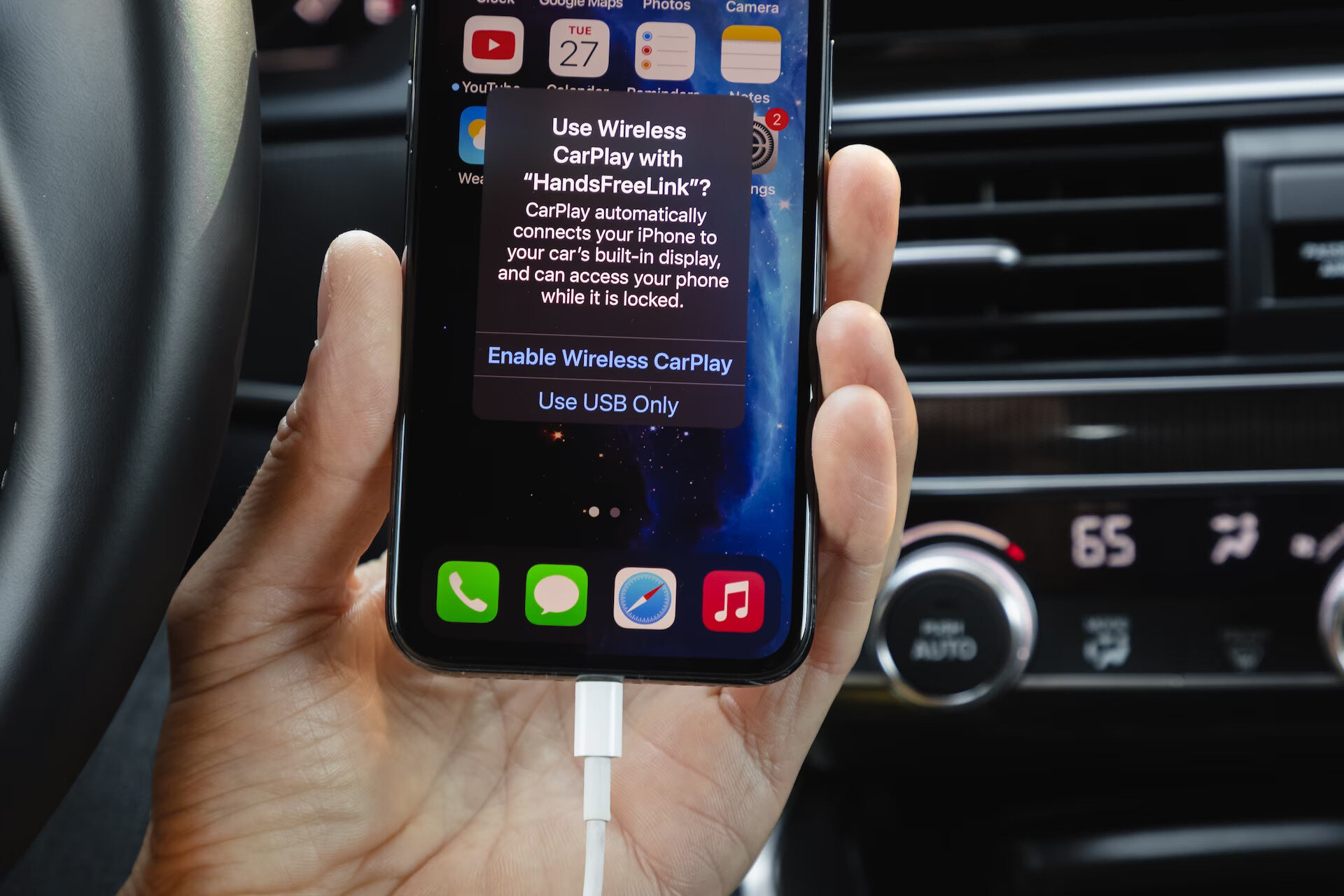
The articles here solve two main kinds of problems. First, there are connectivity and setup issues: you’ll find clear fixes for when Apple CarPlay is not working, plus instructions on how to make CarPlay wireless if your car supports it. For drivers with older cars, we also cover how to connect your phone to a car radio without Bluetooth or Aux, and how to cast your phone screen to your car’s display. Second, there are usage and disconnection guides, such as how to use wireless CarPlay day-to-day and how to disconnect your phone from CarPlay when you’re done driving.
Specific topics you’ll see include troubleshooting a 2018 Subaru Outback Touring that won’t recognize an iPhone 10 for CarPlay, and detailed walkthroughs for making your CarPlay setup wireless. These articles help you actually fix a broken connection, switch from a wired to a wireless setup, or simply end a CarPlay session cleanly, no guesswork required.