The real-world challenges of staying connected, whether you are at home, on the road, or relying on a GPS tracker. This page is for anyone who has ever stared at a weak signal bar, wondered why their mobile hotspot won’t work, or needed to improve their phone’s reception with external hardware. It addresses the practical side of connectivity, from carrier issues to accessory solutions.
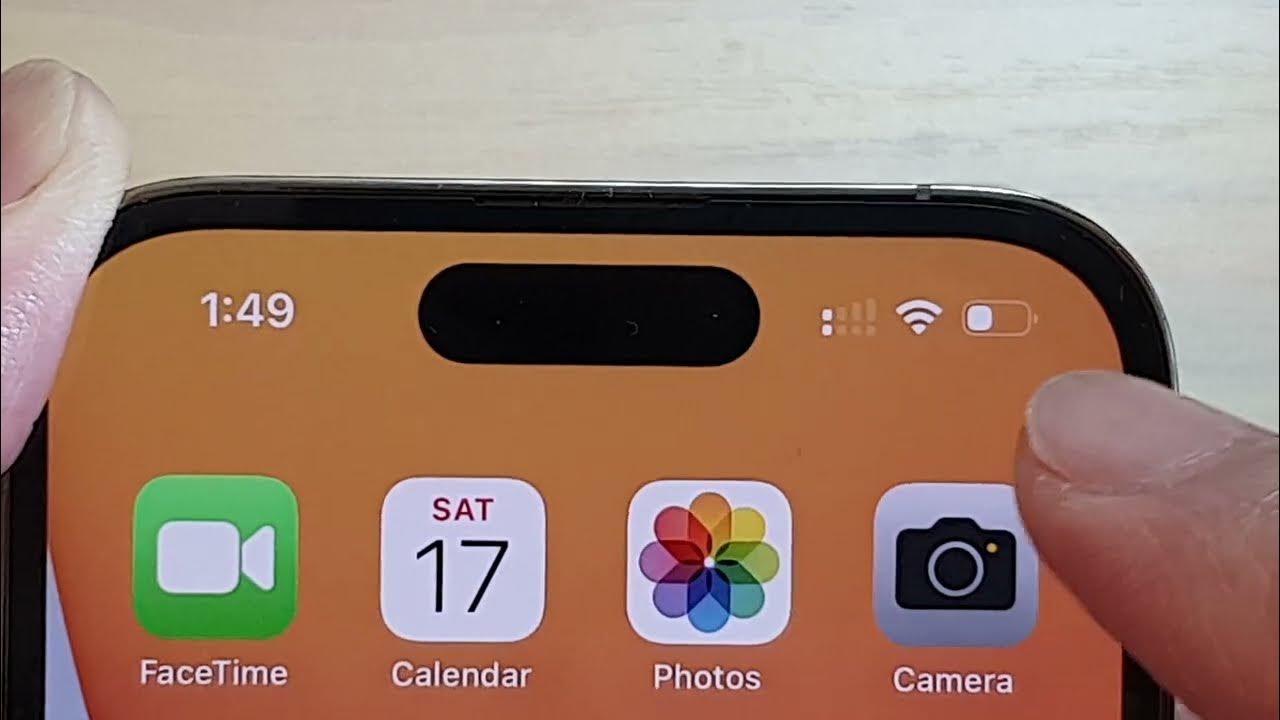
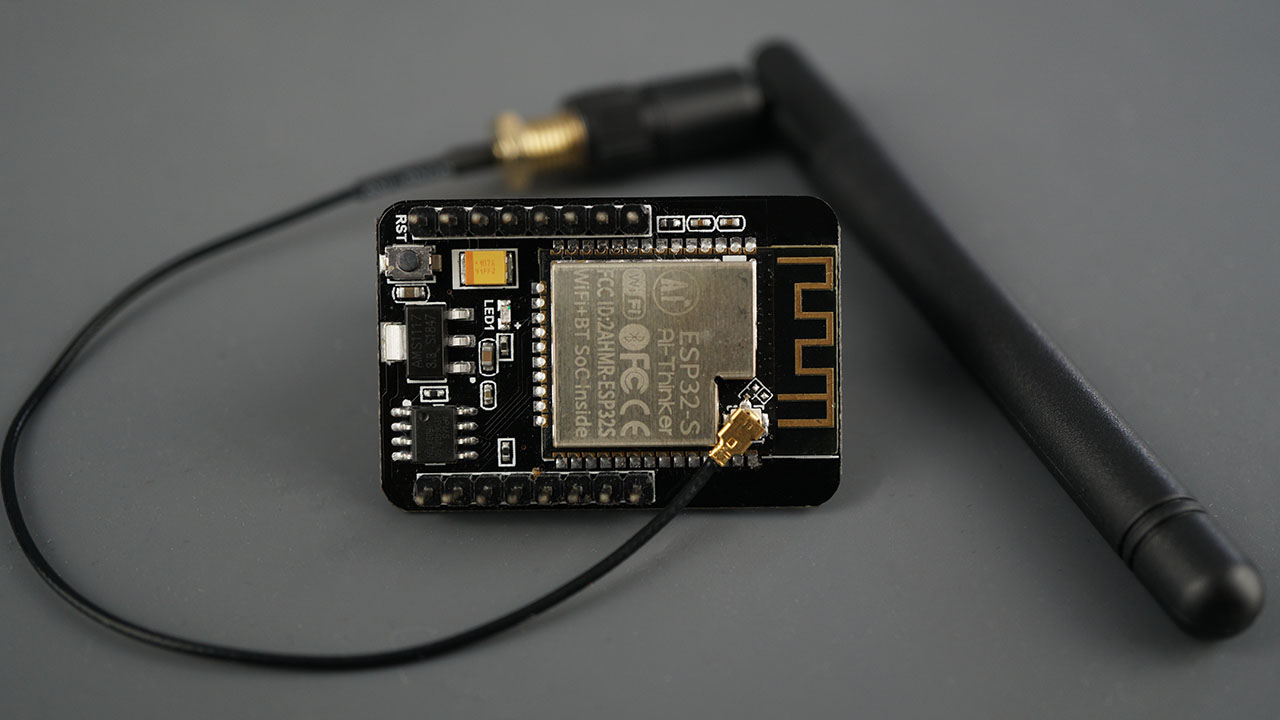
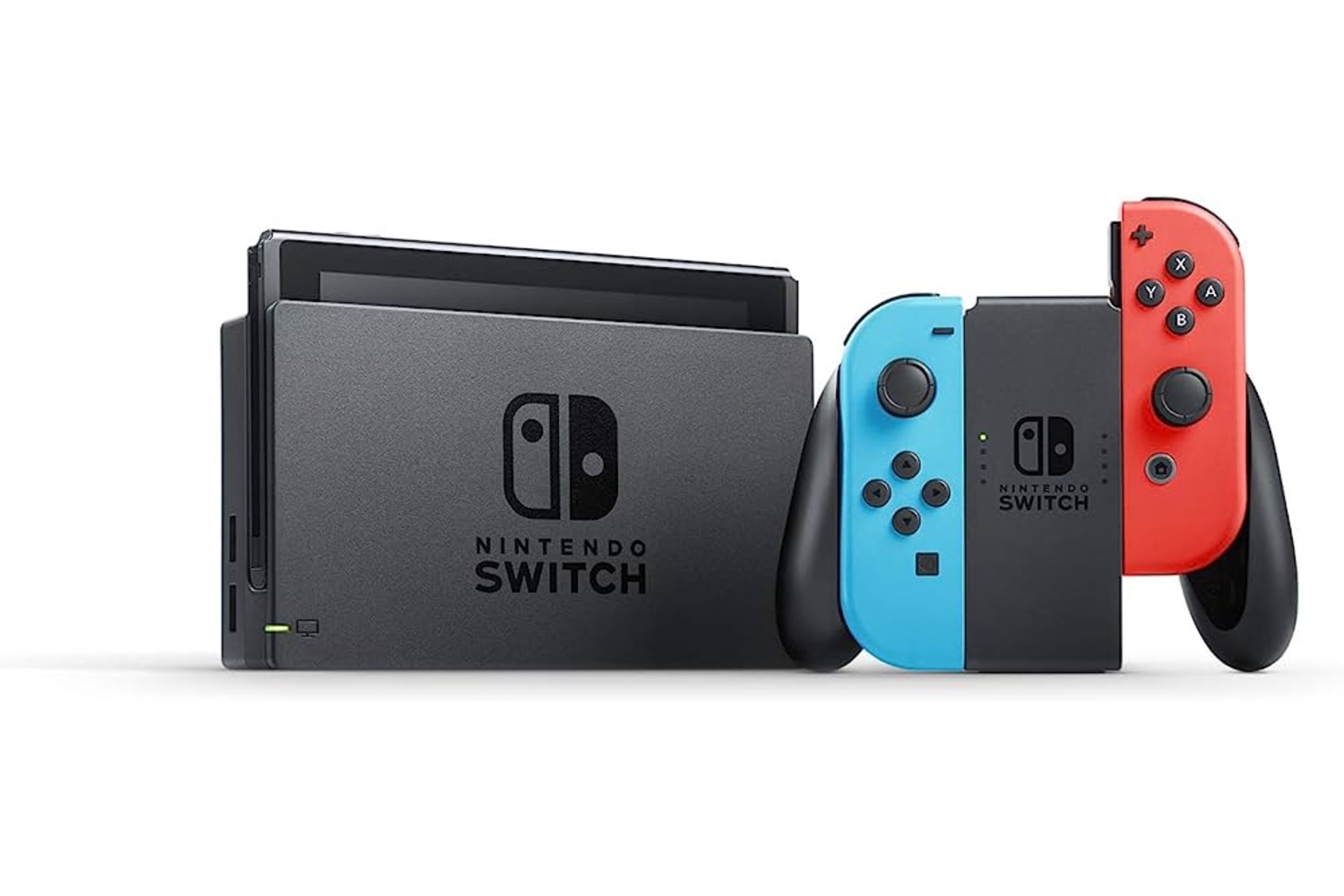
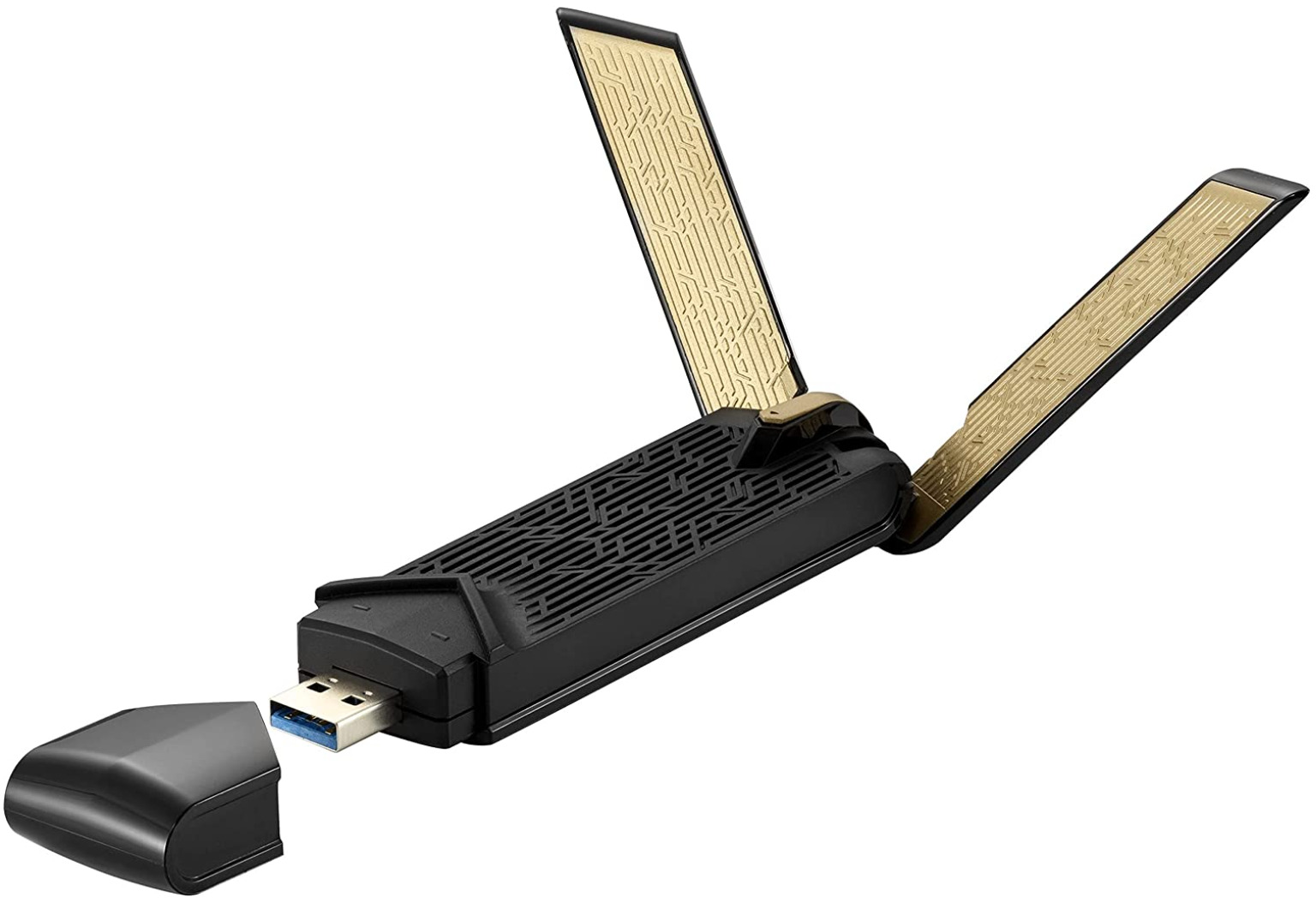
The articles here solve two main kinds of problems. First, they tackle weak or missing signal issues, like why your T-Mobile service is bad, why your iPhone 13 only shows one bar, or why a GPS tracker reports as offline. Second, they cover connection methods and hardware, explaining how to connect a Switch to a hotspot, what a WiFi connector actually does, and how to attach an external antenna to your phone for better reach.
Specific topics include diagnosing a single bar on an iPhone 13, fixing a T-Mobile signal drop, and setting up a mobile hotspot for a gaming console. Each article helps you do something concrete: troubleshoot a carrier problem, add a physical antenna, or get a device online when the usual wireless path fails.